
The Perfect Desktop - Ubuntu 7.04 Feisty Fawn - Page 2
This tutorial exists for these OS versions
- Ubuntu 14.10 (Utopic Unicorn)
- Ubuntu 13.10 (Saucy Salamander)
- Ubuntu 14.04 LTS (Trusty Tahr)
- Ubuntu 13.04 (Raring Ringtail)
- Ubuntu 12.10 (Quantal Quetzal)
- Ubuntu 12.04 LTS (Precise Pangolin)
On this page
3 Update The System
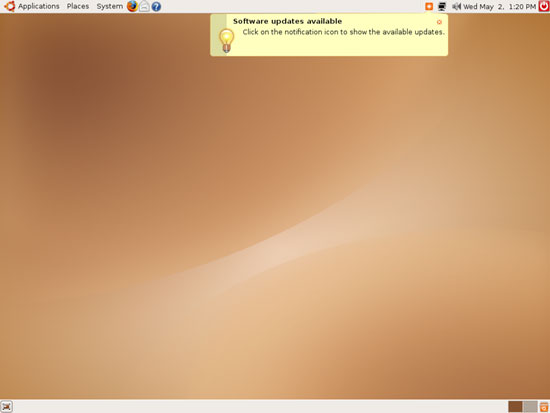
When you log in for the first time, you will most likely see an orange software update icon in the taskbar (in the upper right corner) which means that updates for the installed software are available. To install the updates, click on that orange icon:
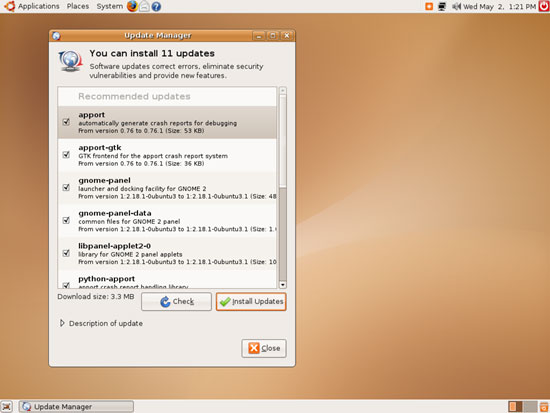
The Update Manager tells you which updates are available. Click on Install Updates to install them:
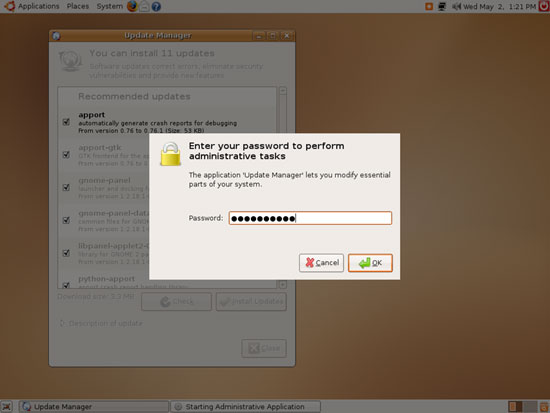
Specify your password:
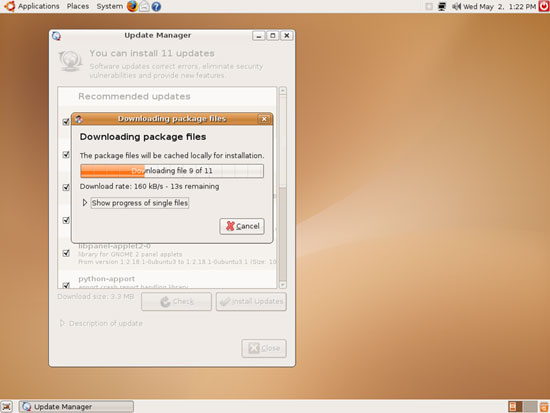
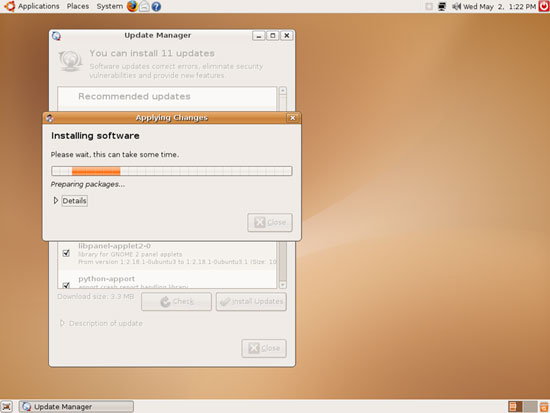
The updates are being downloaded and installed (this can take a few minutes):
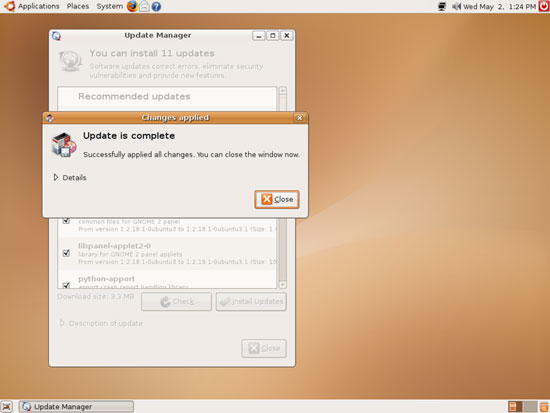
When the update is complete, click on Close:
Then close the Update Manager:
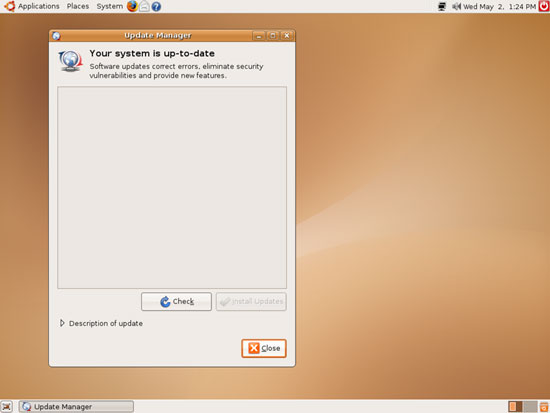
The orange software update icon is now gone. The system is up-to-date.





