Installation Guide: Fedora 8 Desktop (a.k.a. The Perfect Desktop) - Page 6
This tutorial exists for these OS versions
On this page
9 Firewall
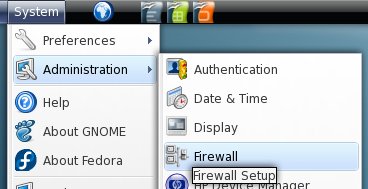
The firewall is available in the gnome system menu.
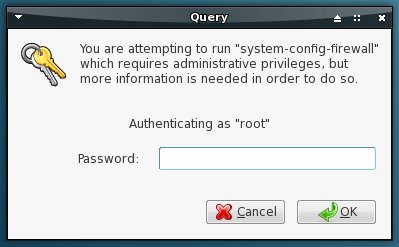
Enter the root-password.
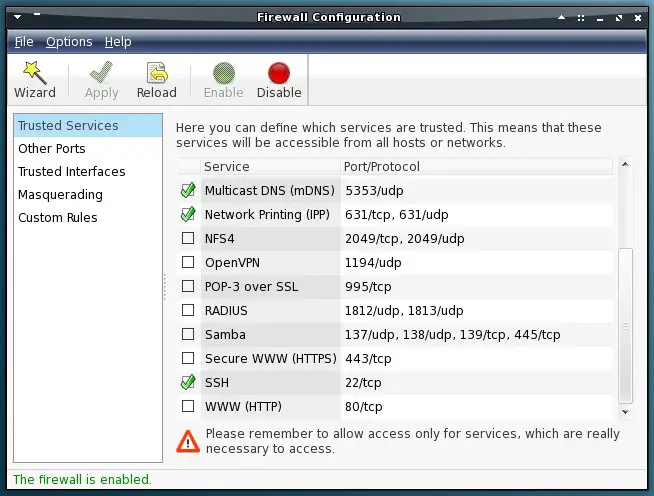
Some well known services are listed on the first tab. Change the checkbox to open or close the port(s) for a service.
On the second tab you can open/close single ports.
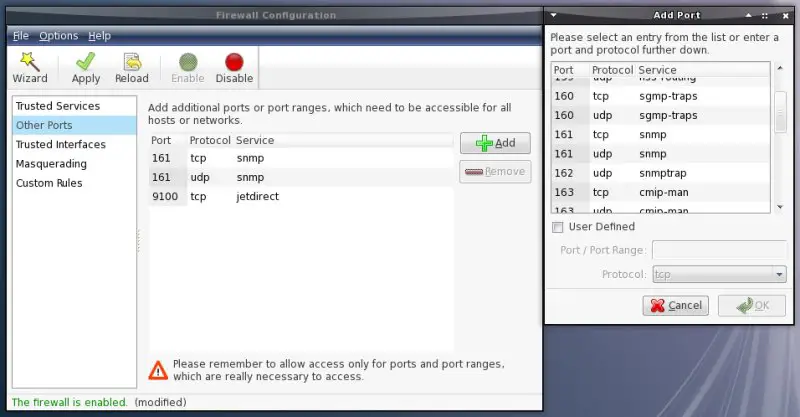
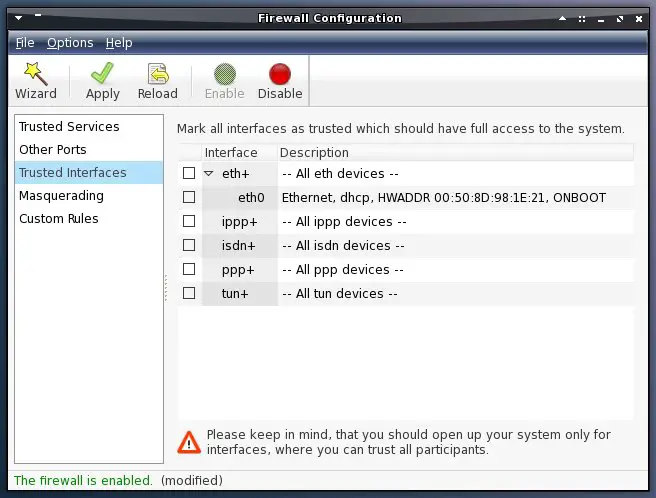
The third tab contains the settings for trusted devices.
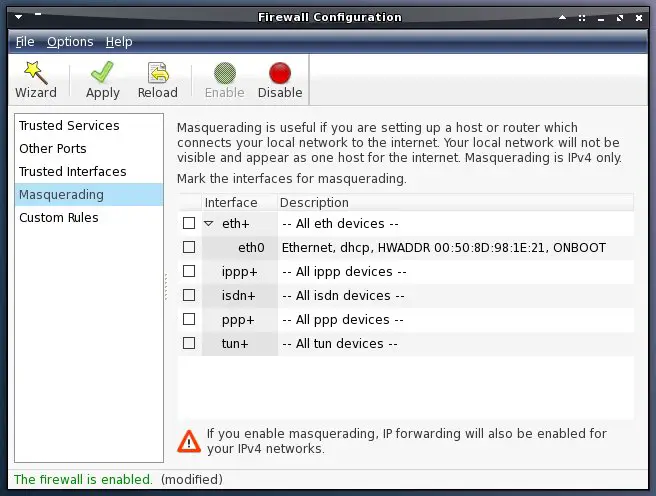
Masquerading is available on the fourth tab.
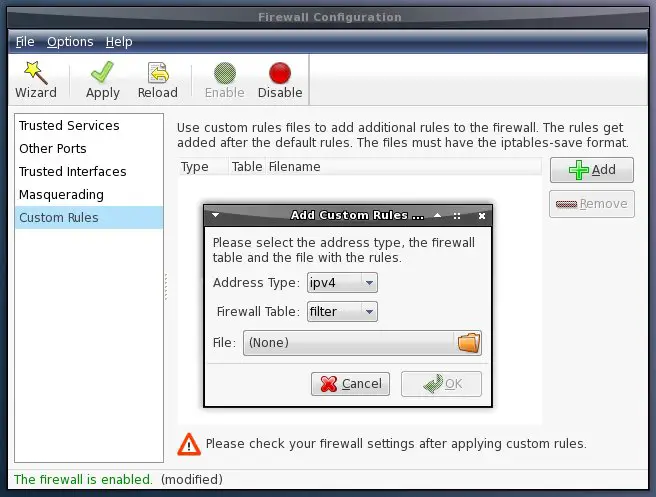
On the last tab you can import you own rules (iptables-save format).
10 Laptop Users
The following packages and kernel modules can enable (depending on your model) special functions/devices ( like hotkeys etc) on your laptop. You'll need root-privileges to add kernel modules to the rc.local - to take the changes effect you have to reboot your system or load the kernel module by hand. To load a kernel-module manually, open a terminal, become root and enter (replace %kernel_module% with the module that you want to load):
modprobe %kernel_module%
10.1 ASUS
Enable the asus kernel module:
gedit /etc/rc.local
Add the following line:
/sbin/modprobe asus-laptop
10.2 IBM/Lenovo
The following packages are available:
- tpb (bind a program to the ThinkPad, Mail, Home and Search buttons)
- thinkfinger (driver for the UPEK/SGS Thomson Microelectronics fingerprint reader (USB ID 0483:2016))
Enable the IBM kernel module:
gedit /etc/rc.local
Add the following line:
/sbin/modprobe thinkpad-acpi
10.3 Acer
Install the following package:
- kmod-acer_acpi (have a look at http://code.google.com/p/aceracpi/wiki/SupportedHardware)
10.4 Dell
Install the following package:
- i8kutils (support for inspiron 8000 and others)
10.5 MSI
Enable the MSI kernel module:
gedit /etc/rc.local
Add the following line:
/sbin/modprobe msi-laptop
10.6 Toshiba
Enable the Toshiba kernel module:
gedit /etc/rc.local
Add the following line:
/sbin/modprobe toshiba-acpi
10.7 Sony
Enable the Sony kernel module:
gedit /etc/rc.local
Add the following line:
/sbin/modprobe sony-laptop
11 WLAN
Many wlan-cards are supported by default in Fedora 8 - if your's isn't working out of the box have a look at the repositorys - maybe your device is supported by the madwifi package. If your device is working you can easy connect to an wireless-access-point.
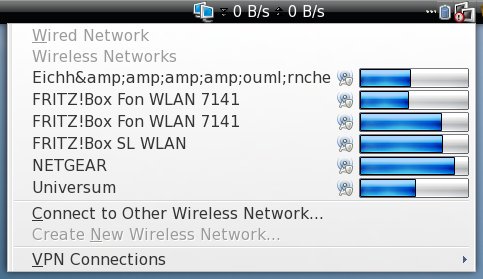
If you click on the network manager a list of available wireless networks appears. Click on the network that you want to connect.
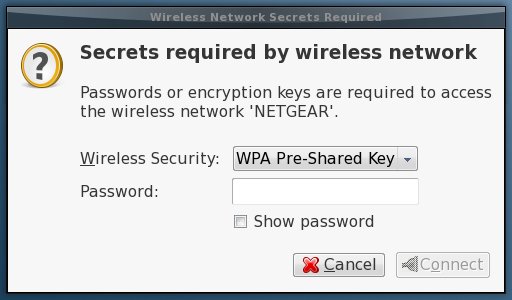
Select the wireless security (if there are various at choice) and enter the password for this wireless network.
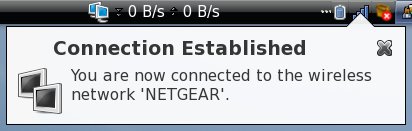
Afterwards you are connected to the wireless network.
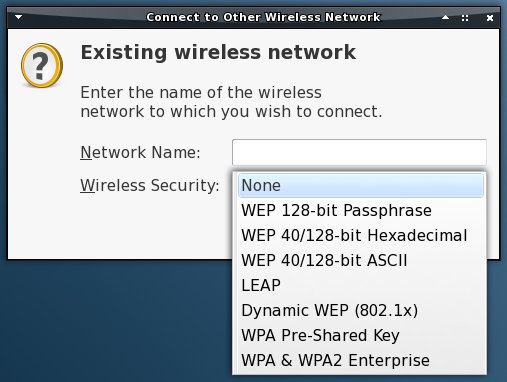
If you have problems to connect to a wireless network or if you can't see it (SSID off) you can make a manual connection. Select "Connect to Other Wireless Network" and enter the needed information.