Installation Guide: Fedora 8 Desktop (a.k.a. The Perfect Desktop) - Page 8
This tutorial exists for these OS versions
On this page
- 14 Additional Software
- 14.1 Recommended
- 14.1.1 Adobe Flash Player
- 14.1.2 Adobe Acrobat Reader
- 14.1.3 Microsoft's True Type Core Fonts
- 14.1.4 W32codecs & Others
- 14.1.5 NTFS Configuration Tool
- 14.1.6 Spamassassin
- 14.2 Replacements
- 14.2.1 Digikam (possible replacement for f-spot)
- 14.2.2 MPlayer (possible replacement for totem)
- 14.2.3 Audacious (possible replacement for rhythmbox)
- 14.2.4 Azureus (possible replacement for transmission)
- 14.3 Optional
- 14.3.1 Unrar
- 14.3.2 Network Traffic Applet
14 Additional Software
14.1 Recommended
14.1.1 Adobe Flash Player
Homepage: http://www.adobe.com/products/flashplayer/
Adobe provides an own repository - install the repository-package (root privileges needed):
rpm -ivh http://linuxdownload.adobe.com/adobe-release/adobe-release-i386-1.0-1.noarch.rpm
Afterwards install the following package.
- flash-plugin
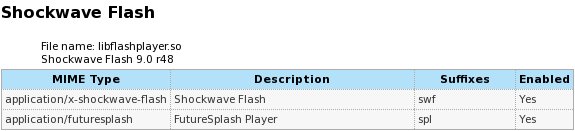
The plugin for firefox will be installed automatically. If you want to check it, open firefox and enter about:plugins into the url-field. Afterwards you should see this:
14.1.2 Adobe Acrobat Reader
Homepage: http://www.adobe.com/products/reader/
With the Adobe Reader you can open PDF-documents.
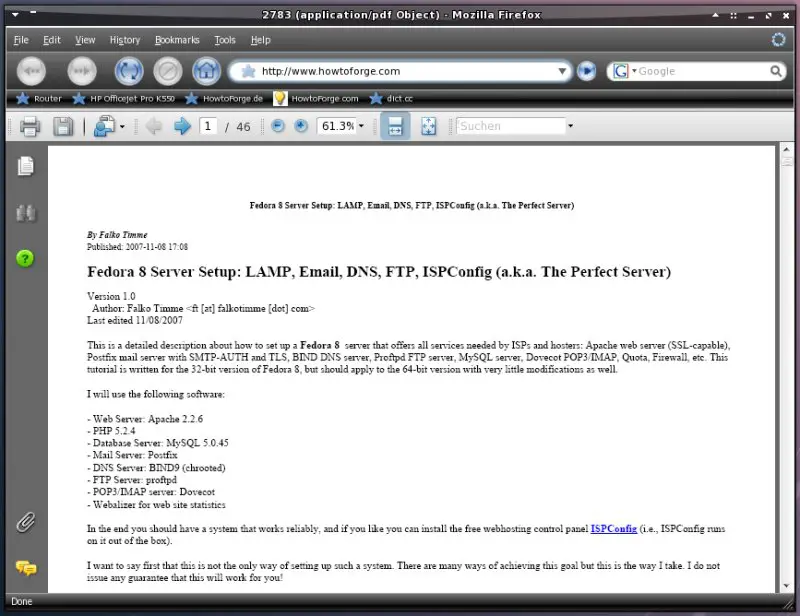
If you want to use the acrobat reader, open http://www.adobe.com/products/acrobat/readstep2_allversions.htm within firefox and choose your language.
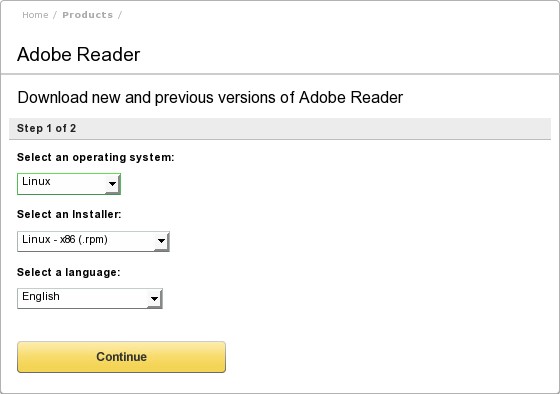
Click on "Download Adobe Reader"...
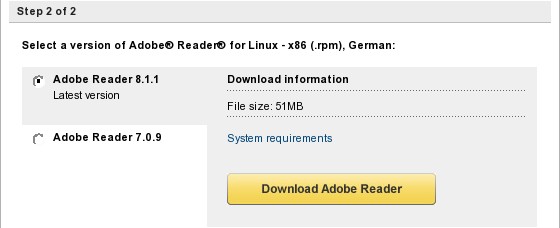
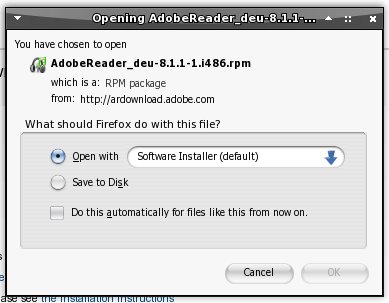
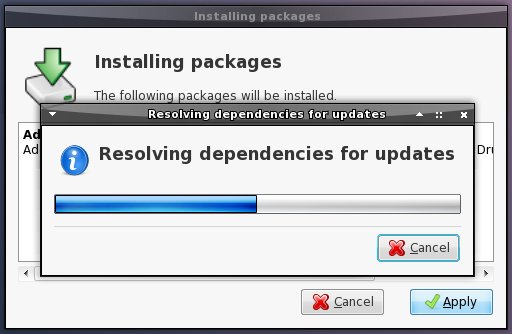
...and install the package with the software installer.
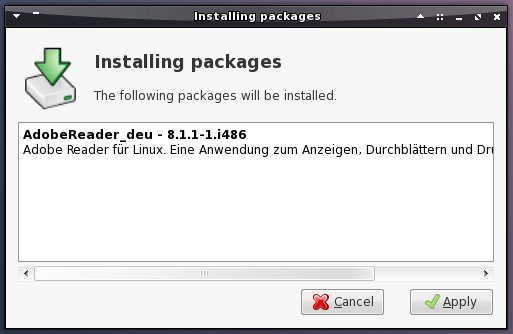
Click on "Apply".
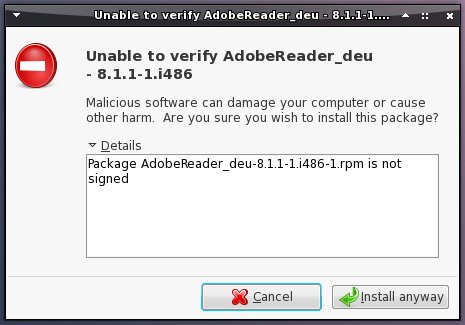
Next click on "Install anyway" (the package is not signed).
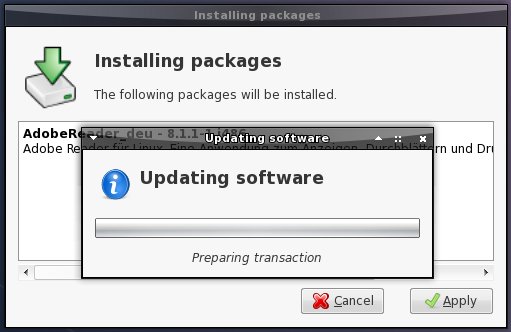
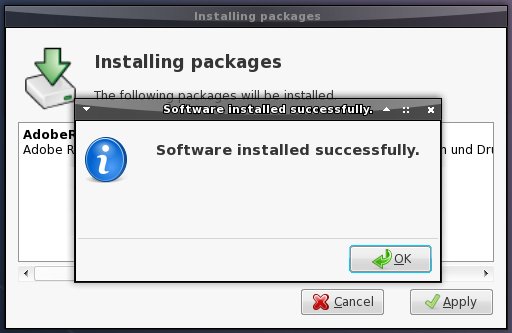
The software is beeing installed.
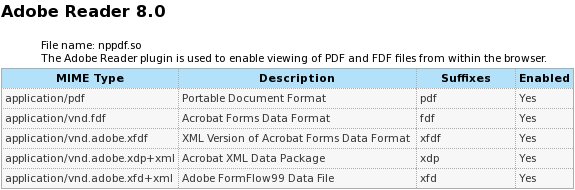
The plugin for firefox will be installed automatically. If you want to check it, restart firefox and enter about:plugins into the url-field. Afterwards you should see this:
14.1.3 Microsoft's True Type Core Fonts
Some fonts, including Arial, Times New Roman and Verdana for example.
If you want to use these fonts, open http://www.mjmwired.net/resources/mjm-fedora-fc6.html#ttf within your browser and install the package with the software installer (simply click on it).
14.1.4 W32codecs & Others
Codecs needed to play MS and some other video formats.
If you want to use these codecs open a terminal and enter (root privileges needed):
cd /tmp/
wget http://www.mplayerhq.hu/MPlayer/releases/codecs/all-20071007.tar.bz2
tar xfvj all-20071007.tar.bz2
mkdir /usr/lib/codecs/
cp all-20071007/* /usr/lib/codecs/
ln -s /usr/lib/codecs/ /usr/lib/win32
14.1.5 NTFS Configuration Tool
Homepage: http://flomertens.free.fr/ntfs-config/
With nfts-config you can enable or disable write capability for all your internal and/or external NTFS devices.
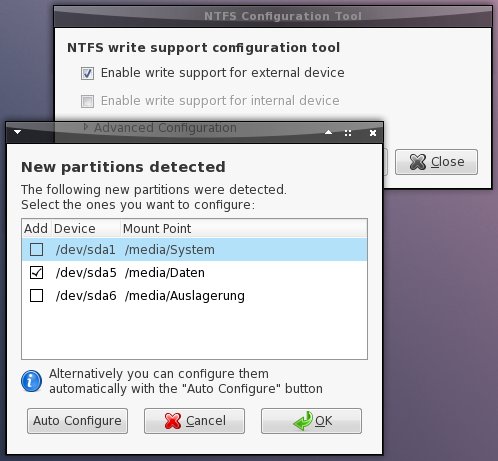
If you want to use the NTFS configuration tool, install the following package:
- ntfs-config
14.1.6 Spamassassin
Homepage: http://spamassassin.apache.org/
Spamassassin is needed to use the spamassassin-plugin within evolution.

If you want to use this plugin, install the following package.
- spamassassin
14.2 Replacements
14.2.1 Digikam (possible replacement for f-spot)
Homepage: http://www.digikam.org/
Digikam is a photo management software.
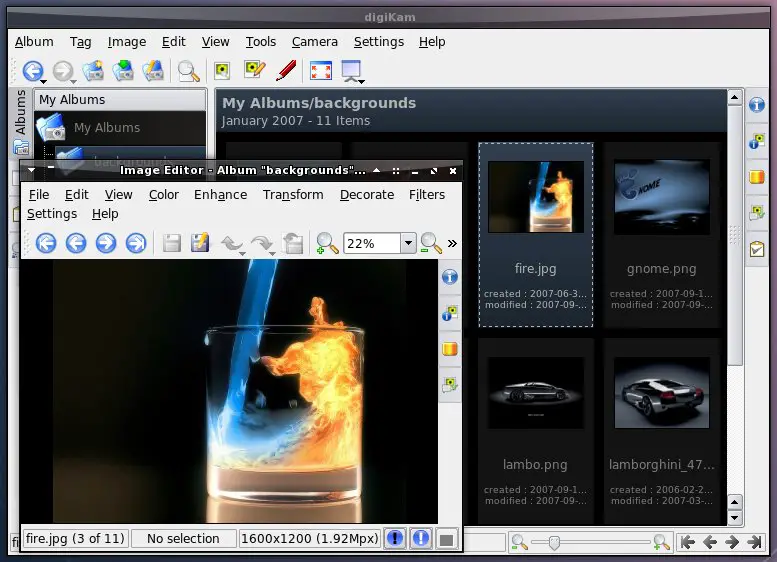
If you want to use digikam, deinstall the following package...
- f-spot
...and install these packages:
- digikam
- kipi-plugins
14.2.2 MPlayer (possible replacement for totem)
Homepage: http://www.mplayerhq.hu
MPlayer is a video player with many features - supporting nearly every known video format, e.g. MPEG/VOB, AVI, Ogg/OGM, VIVO, ASF/WMA/WMV, QT/MOV/MP4, RealMedia, Matroska, NUT, NuppelVideo, FLI, YUV4MPEG, FILM, RoQ and PVA (the codecs from step 14.1.4 are needed to support some of the listed formats).
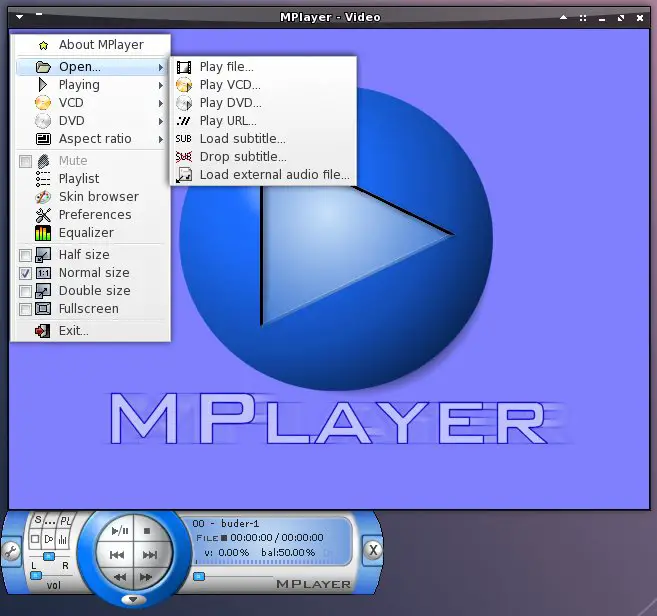
If you want to use the mplayer, deinstall the following packages...
- totem
- totem-mozplugin
...and install these packages:
- mplayer
- mplayer-fonts
- mplayer-gui
- mplayerplug-in
14.2.3 Audacious (possible replacement for rhythmbox)
Homepage: http://audacious-media-player.org/
Audacious is a lean audio-player.
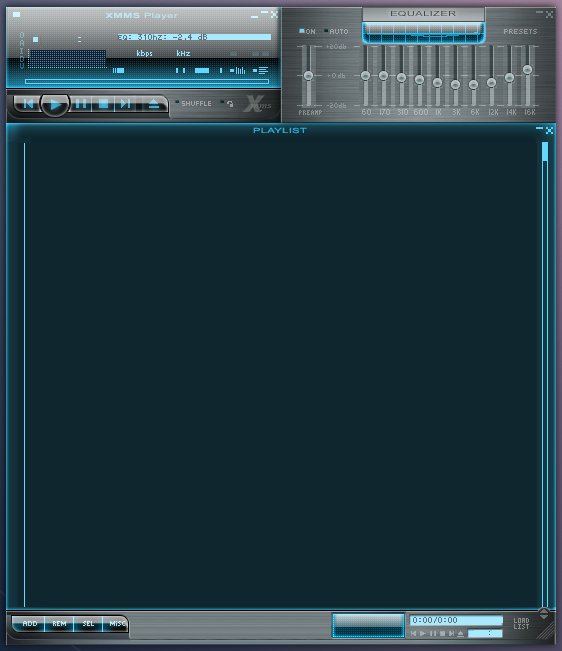
If you want to use audacious, deinstall the following package...
- rhythmbox
...and install these packages:
- audacious
- audacious-plugins
- audacious-plugins-vortex
- audacious-plugins-wavpack
- audacious-plugins-nonfree-aac
- audacious-plugins-nonfree-alac
- audacious-plugins-nonfree-lame
- audacious-plugins-nonfree-mms
- audacious-plugins-nonfree-mp3
- audacious-plugins-nonfree-tta
- audacious-plugins-nonfree-wma
14.2.4 Azureus (possible replacement for transmission)
Homepage: http://azureus.sourceforge.net/
Azureus is an easy to use bittorrent-client with a great many features.
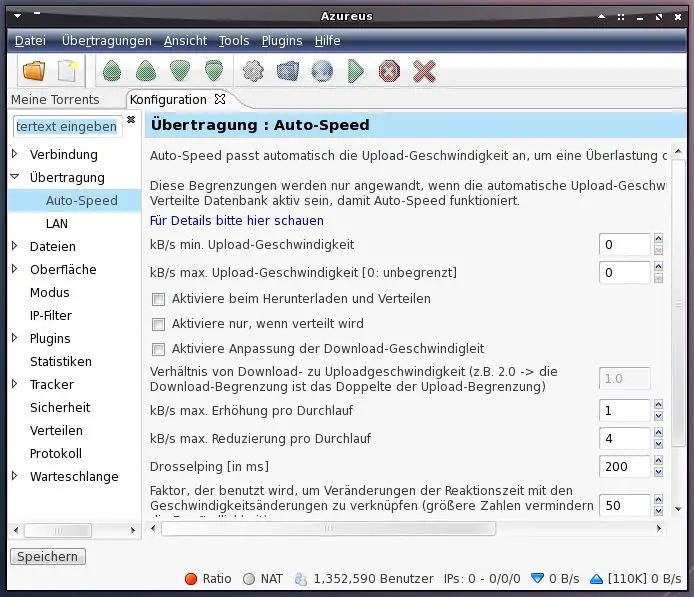
If you want to use azureus, deinstall the following package...
- transmission
...and install this package:
- azureus
14.3 Optional
14.3.1 Unrar
With this package you'll be able to unpack rar-files. If you want to use unrar, install the following package:
- unrar
14.3.2 Network Traffic Applet
With this applet you can monitor the speed of your network devices.


If you want to use the network traffic applet, install the following package:
- gnome-applet-netspeed
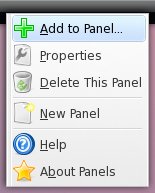
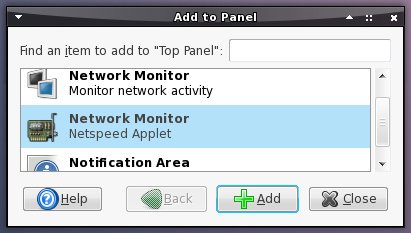
Afterwards add the applet to the gnome-panel. Right click on the panel, choose "Add to panel" and select the applet.