
The Perfect Desktop - OpenSUSE 11.1 (GNOME) - Page 3
This tutorial exists for these OS versions
On this page
6 Configure Online Software Repositories
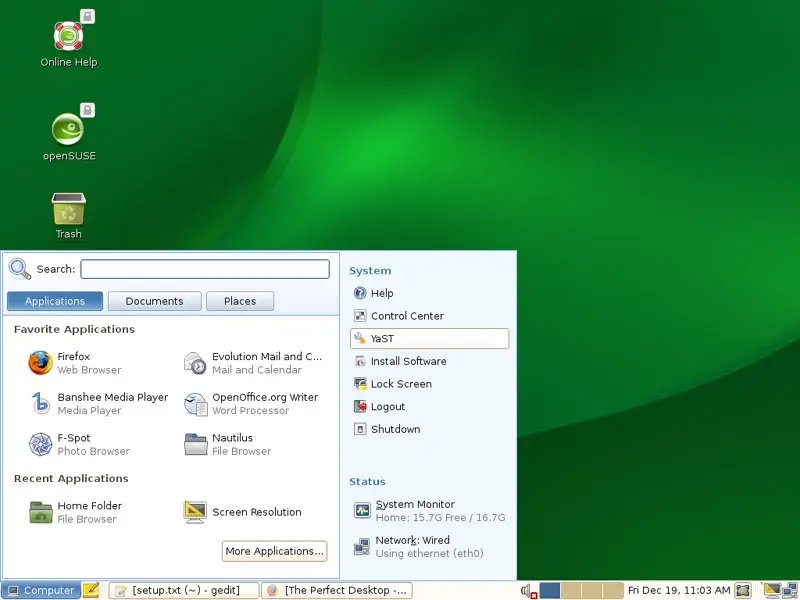
Now we configure the online software repositories that our OpenSUSE 11.1 system will use to install further software. Go to Computer > YaST:
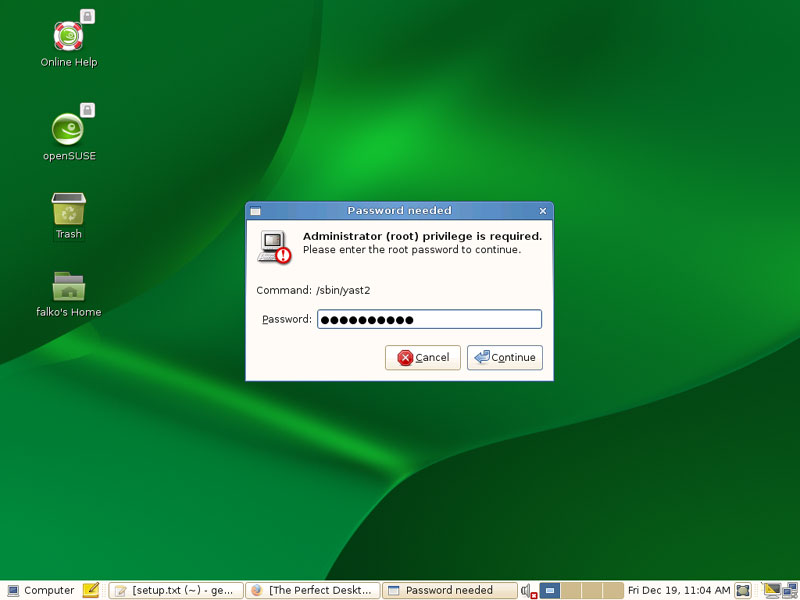
You will have to type in the root password:
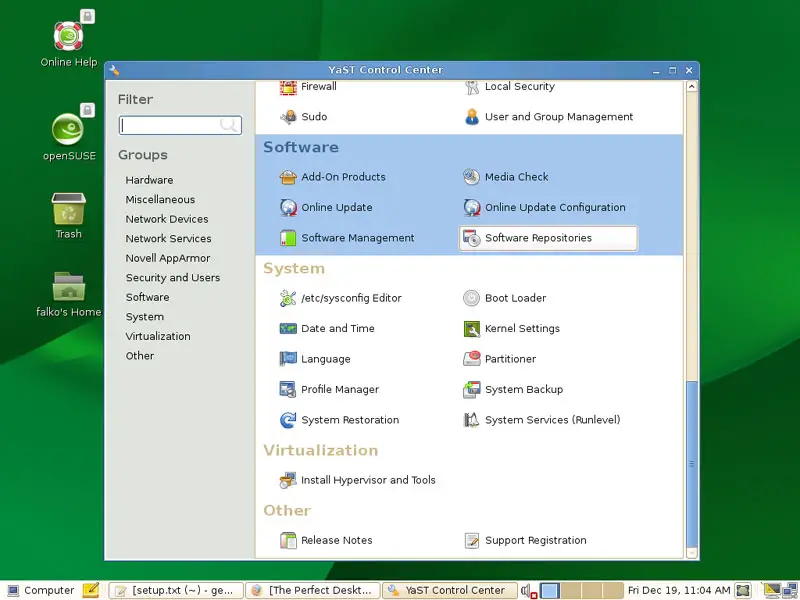
In YaST, select Software Repositories:
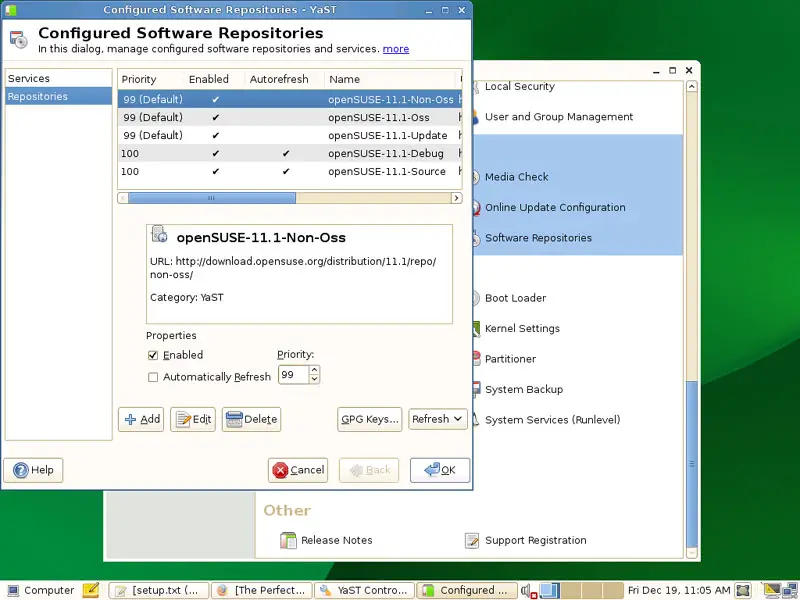
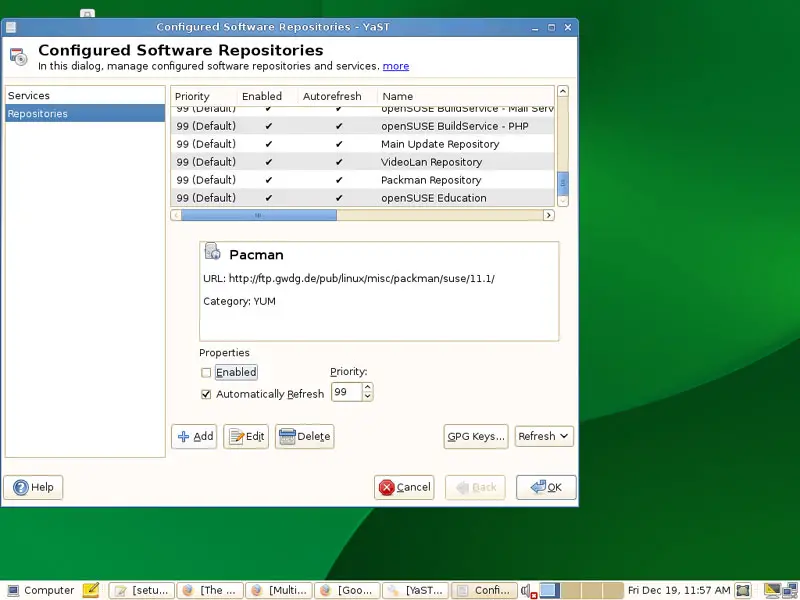
The Configured Software Repositories window opens. Click on the Add button:
Select Community Repositories:
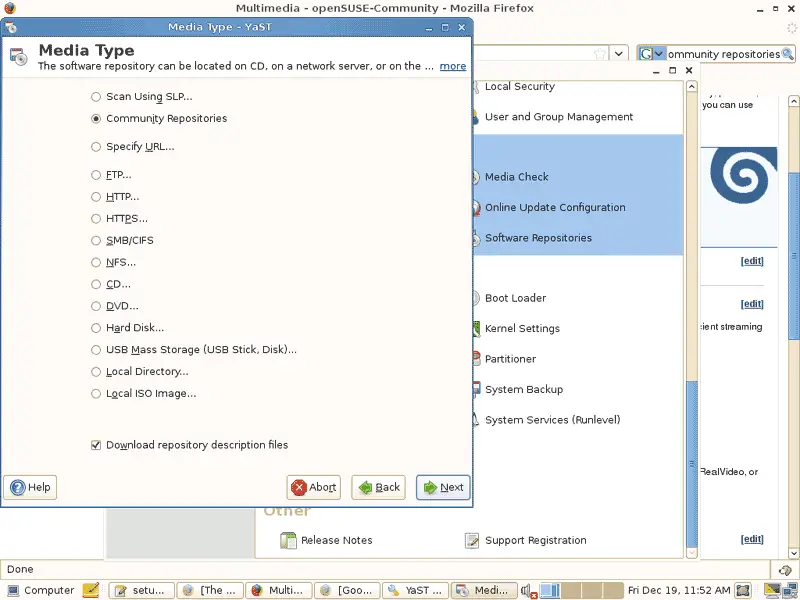
You will get a list of predefined online repositories. Select them all to make sure your system can install all available OpenSUSE 11.1 packages if they are needed. Click on OK afterwards:
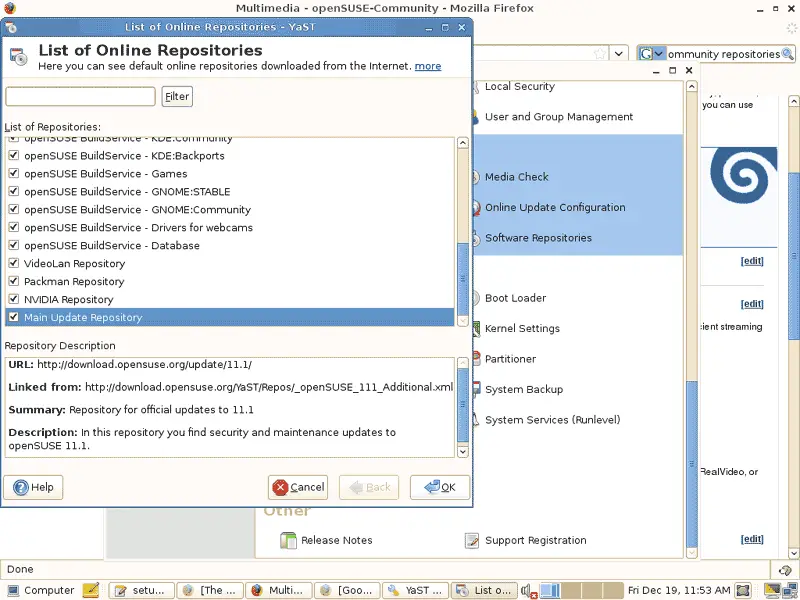
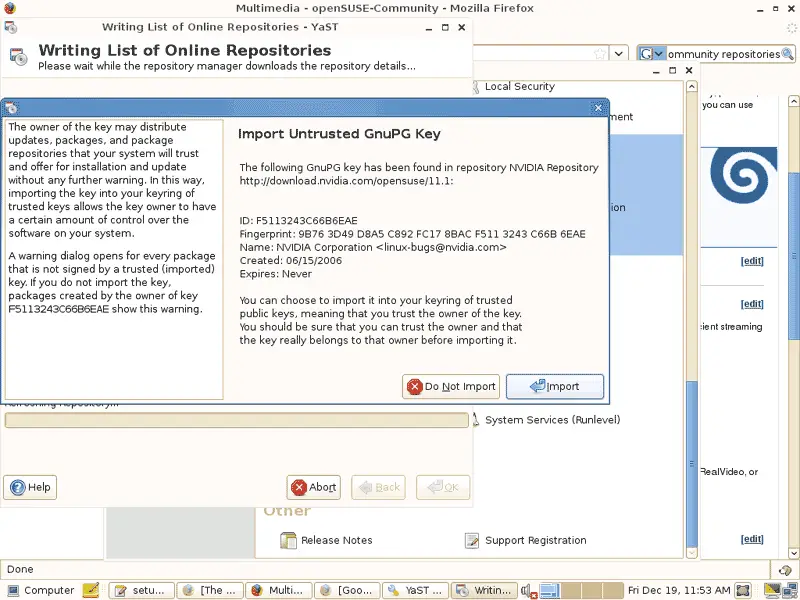
Now the lists of available packages are being downloaded from the repositories. It's possible that your system doesn't know the public keys of all repositories, so if you see a message like this, you can click on the Import button:
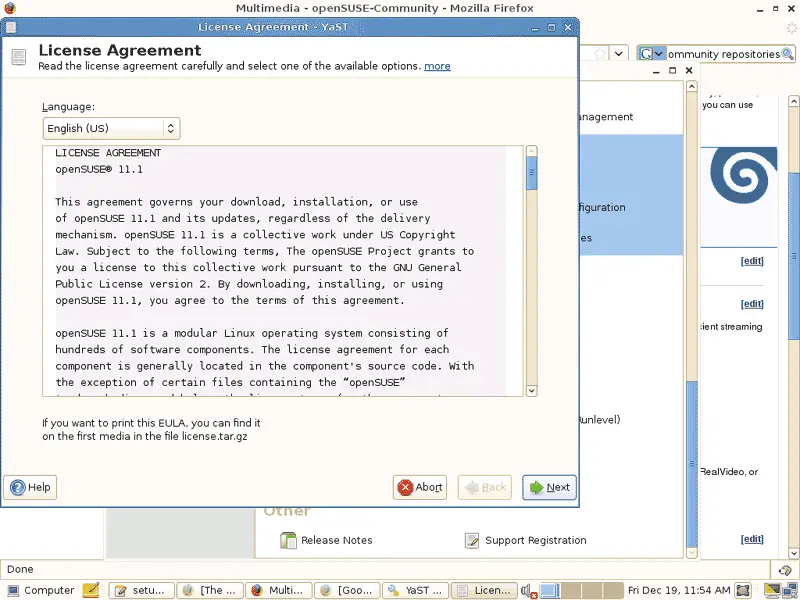
You might as well have to accept a few licenses:
Afterwards, we click on Add to add the Google software repository (it contains Picasa):
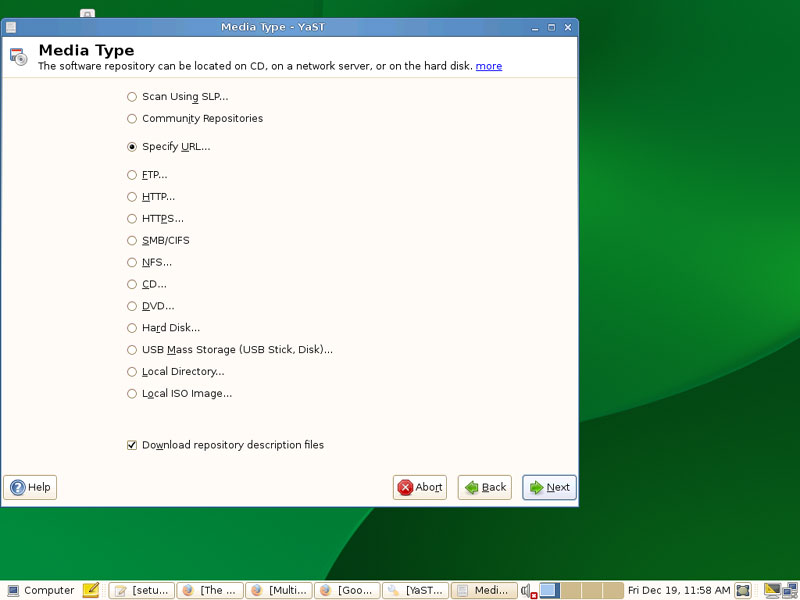
Select Specify URL...:
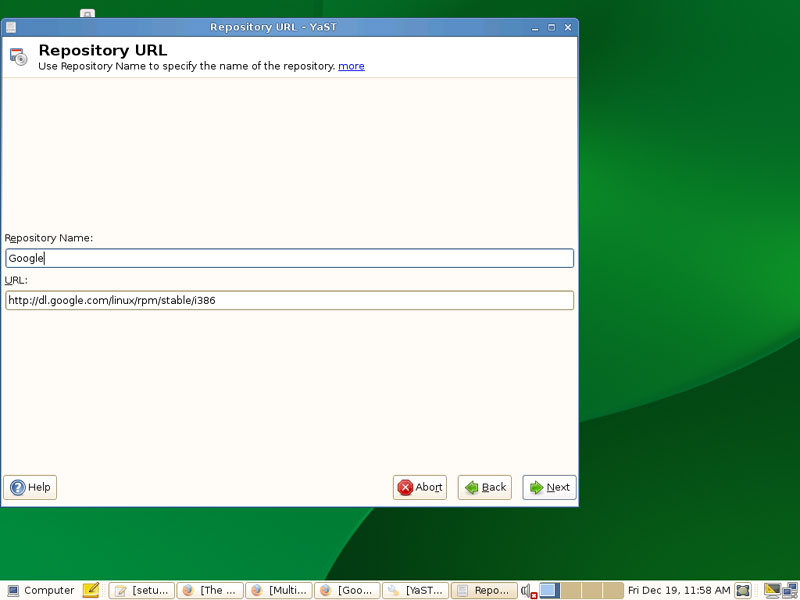
Type in a name for the repository (e.g. Google) and then the URL of the repository (http://dl.google.com/linux/rpm/stable/i386 or http://dl.google.com/linux/rpm/stable/x86_64 if you are on an x86_64 system):
Afterwards you can close YaST.





