
The Perfect Desktop - OpenSUSE 11.1 (GNOME) - Page 4
This tutorial exists for these OS versions
On this page
7 Installing Additional Software
Now that we have added additional repositories, a lot more packages are available in our package manager for installation, especially a big deal of our needed packages. To install them, go to Computer > Install Software:
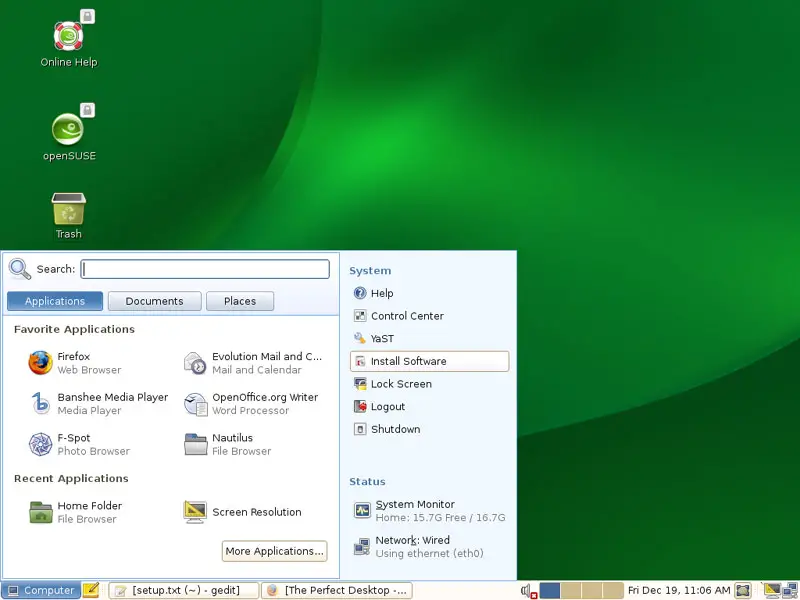
Type in the root password:
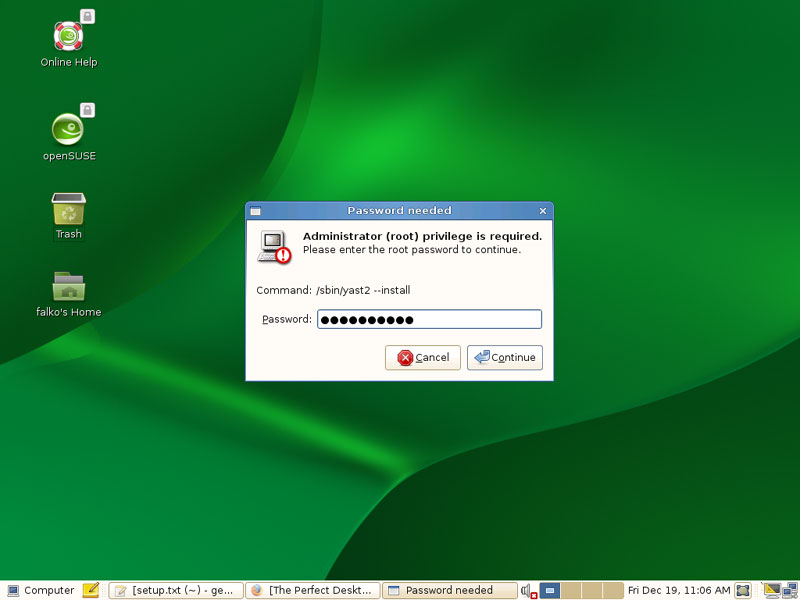
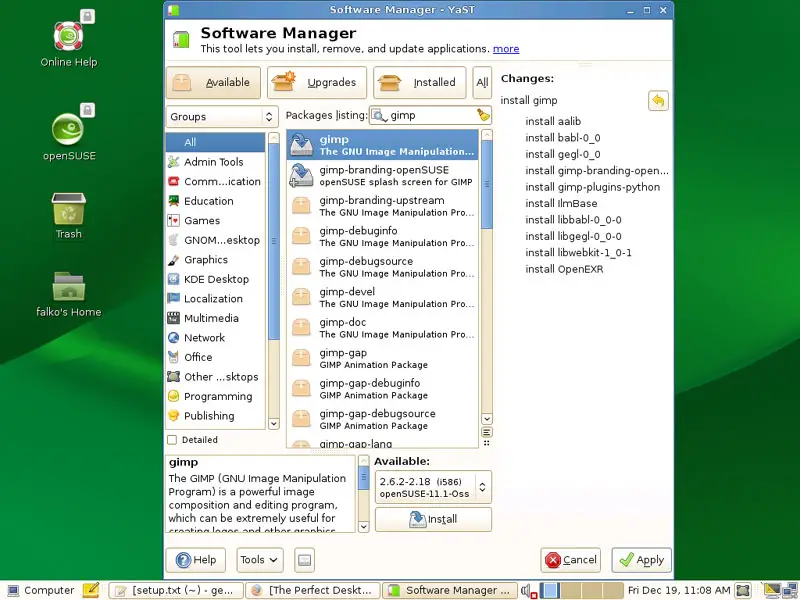
The Software Manager window comes up:
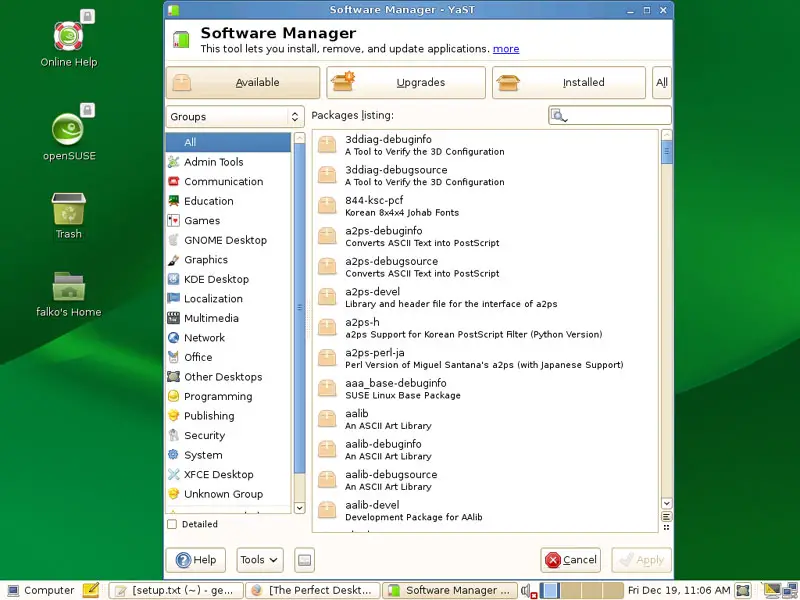
Make sure that you select the Available button (it should have a colour slightly different compared to the Upgrades and Installed buttons). You can use the search field to search for specific packages. If you've found a package that you'd like to install, mark it and click on the Install button:
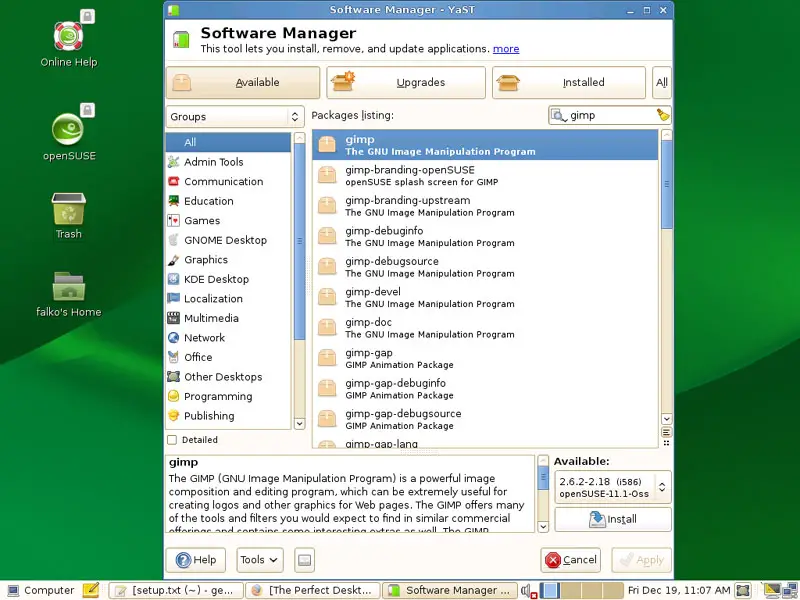
A new column will be added on the right side which lists the selected packages (and their dependencies which will be installed automatically):
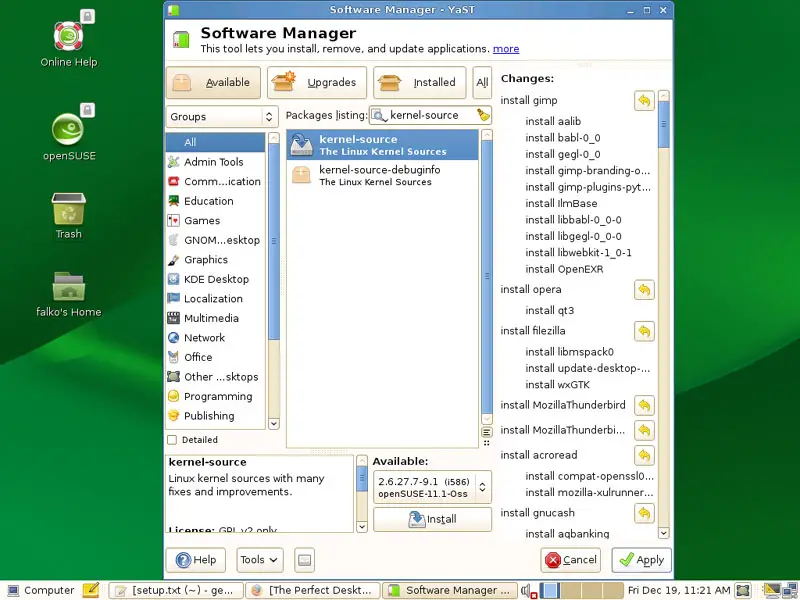
Select the following packages for installation (* is a wildcard; e.g. xmms* means all packages that start with xmms):
- gimp
- picasa
- opera
- filezilla
- MozillaThunderbird
- MozillaThunderbird-translations
- Vuze
- MPlayer
- mplayerplug-in
- xmms*
- dvdrip
- vlc
- vlc-mozillaplugin
- acroread
- gnucash
- scribus
- scribus-templates
- amarok
- amarok-yauap
- audacity
- rhythmbox
- gtkpod
- sound-juicer
- xine-ui
- libxine1-codecs
- k3b
- w32codec-all
- libdvdcss
- bluefish
- kompozer
- kdewebdev4
- free-ttf-fonts
- gstreamer-0_10*
- java-1_6_0-sun
- java-1_6_0-sun-plugin
- sane-backends
- GeoIP (needed by aMule)
- libGeoIP1 (needed by aMule)
- lsb (needed by Helix Player)
- libqt4-devel (needed by Skype)
- virtualbox-ose
Click on the Apply button afterwards:
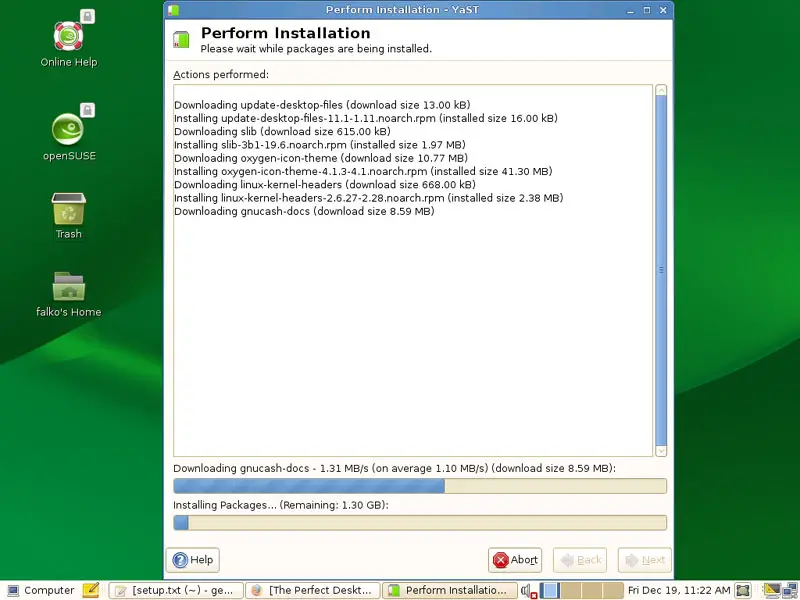
The packages are now being downloaded from the repositories and installed. This can take a few minutes, so please be patient:
7.1 Additional Codecs
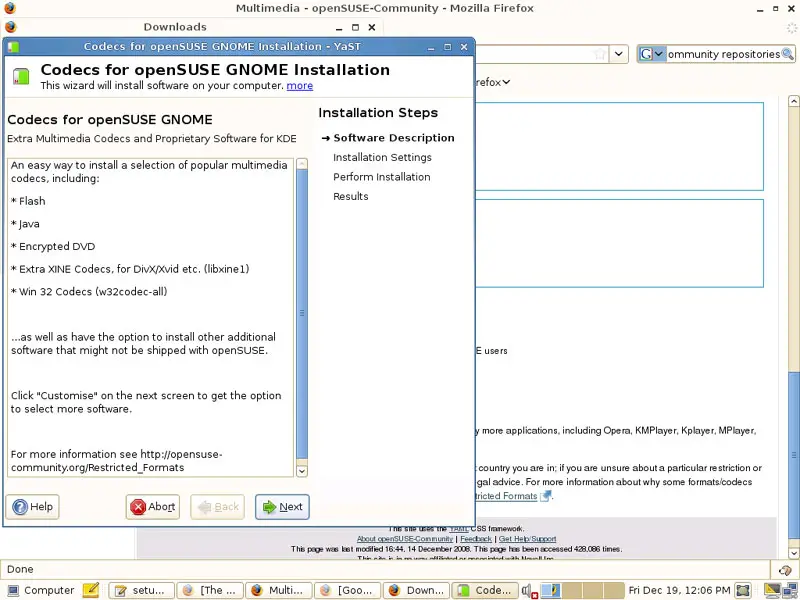
Now open Firefox and go to http://opensuse-community.org/Multimedia. You should find a link to http://opensuse-community.org/codecs-gnome.ymp on that page. Click on it and select Open with YaST Meta Package Handler (default) in the Firefox download dialogue:
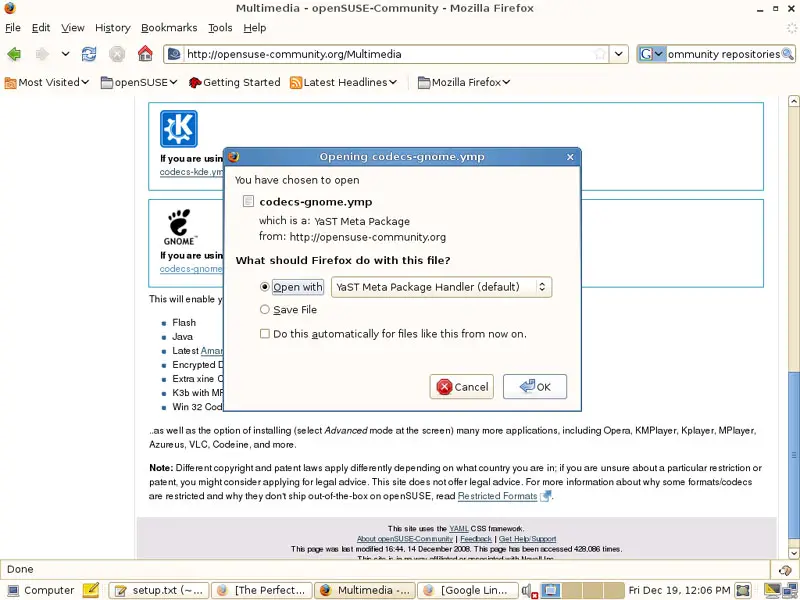
This is a meta package that installs some additional codecs - just follow the YaST installation wizard:
7.2 Finish The VirtualBox Installation
To finish the VirtualBox installation (we've already installed the virtualbox-ose package), we need to add our desktop user (falko in my case) to the vboxusers group. To do this, open a terminal and become root:
su
Run the following command...
usermod -G vboxusers falko
... and log out of your desktop and back in for the changes to take effect.
8 Inventory (II)
Now let's check again what we have so far by browsing the menus again.
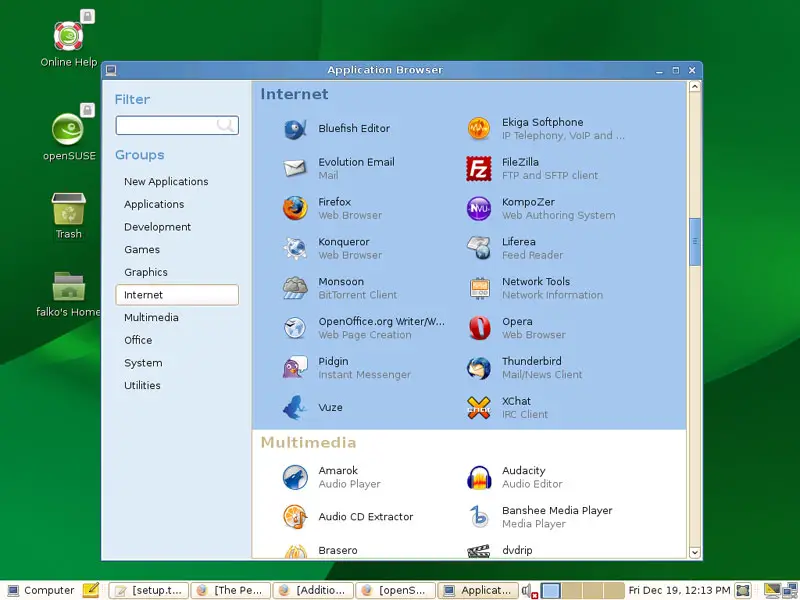
Our inventory should now look like this:
Graphics:
[x] Gimp
[x] F-Spot
[x] Picasa
Internet:
[x] Firefox
[x] Opera
[x] Flash Player
[x] Filezilla
[x] Thunderbird
[x] Evolution
[ ] aMule
[x] Azureus/Vuze
[x] Monsoon
[x] Pidgin
[ ] Skype
[ ] Google Earth
[x] Xchat IRC
Office:
[x] OpenOffice Writer
[x] OpenOffice Calc
[x] Adobe Reader
[x] GnuCash
[x] Scribus
Sound & Video:
[x] Amarok
[x] Audacity
[x] Banshee
[x] MPlayer
[x] Rhythmbox Music Player
[x] gtkPod
[x] XMMS
[x] dvd::rip
[x] Sound Juicer CD Extractor
[x] VLC Media Player
[ ] Helix Player
[x] Totem
[x] Xine
[x] Brasero
[x] K3B
[x] Multimedia-Codecs
Programming:
[x] Bluefish
[x] Kompozer
[x] Quanta Plus
Other:
[x] VirtualBox
[ ] TrueType Fonts
[x] Java
[x] Read/Write Support for NTFS Partitions





