Installing A FreeBSD 7.0 DNS Server With BIND - Page 2
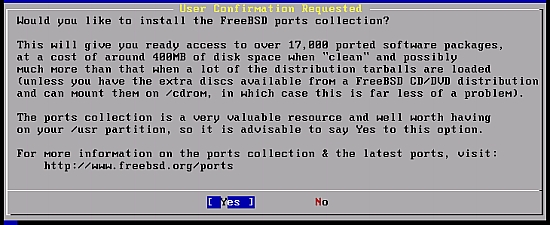
For the ports selection we will choose [YES] to avoid doing it manually later, so highlight the [Yes] button and then press [ENTER].
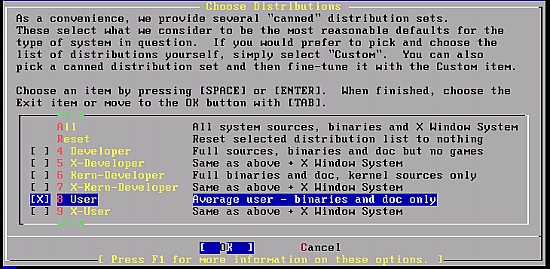
You will go back to the distribution screen so press [TAB] to highlight the OK button then press [ENTER].
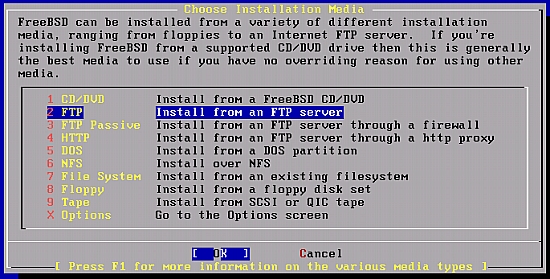
As we have internet connection, we will go ahead and choose FTP, then highlight the [OK] button and then press [ENTER].
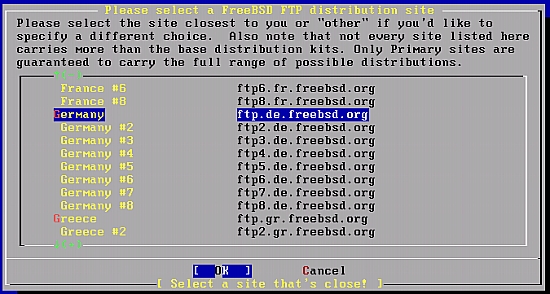
The best choice here would be the nearest server to you, so it would be the fastest, after you make your choice, highlight the [OK] button and then press [ENTER].
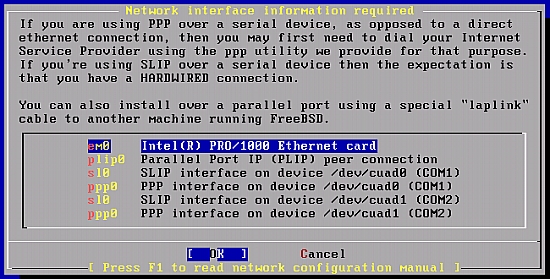
As we have chosen ftp we will have to configure the network, so we will chose the network card connected to the Internet, then highlight the [OK] button and then press [ENTER].
For IPv6 I choose [NO], as my network environment doesn't support IPv6.

If you have DHCP you can choose yes and change your IP later on (details covered below), however if you have a static IP you can configure it now.

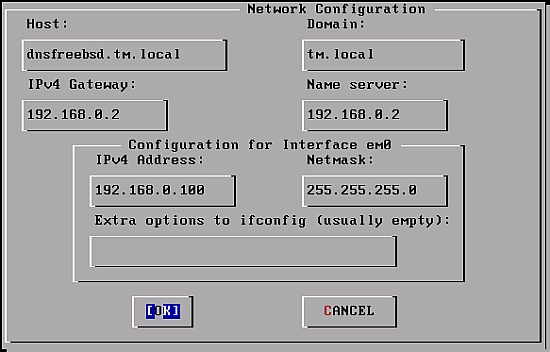
Here is the network configuration, if you don't have a DHCP in your network you will have to fill this screen up manually, when finished [TAB] to [OK] and press [ENTER], if you want to use DHCP and configure these settings later go ahead and check the section below on how to configure static IP after installation, here I will go with Static IP:
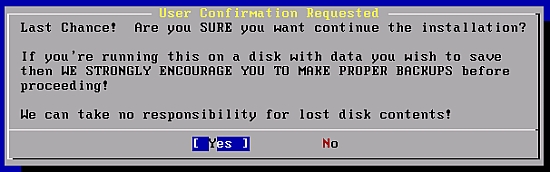
Last Chance? highlight the [Yes] button and then press [ENTER].
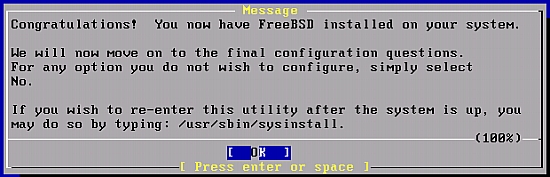
After the installation you will get the below message, highlight the [OK] button and then press [ENTER].
You will then be asked if you want the server to be a network gateway, so we will go and choose [NO].