Installing A FreeBSD 7.0 DNS Server With BIND
Version 1.0
Author: Mohamed Ghaleb <Mohamed_Ghaleb [at] msn [dot]
com> (English and German only please)
As FreeBSD is known as one of the most stable and reliable operating systems, I decided to publish some useful articles for it, mixing it with services we need on daily bases.
This tutorial shows how to set up a FreeBSD based server that offers DNS services. This tutorial is written for the 64-bit version of FreeBSD, but should apply to the 32-bit version.
I want to say first that this is not the only way of setting up such a system. There are many ways of achieving this goal but this is the way I take. I do not issue any guarantee that this will work for you!
1 Requirements
To install such a system you will need:
- FreeBSD boot only CD
- Fast Internet connection
2 Preliminary Note
In this tutorial I use the hostname dnsfreebsd.tm.local with the IP address 192.168.0.100 and the gateway 192.168.0.2.. These settings might differ for yours, so you have to replace them where appropriate.
This Article assumes that you have a new server, or a server that you are able to format.
3 The Base System
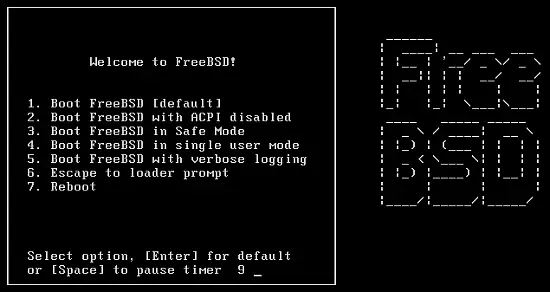
Insert your FreeBSD install CD into your system and boot from it. Leave it till it will boot on its own or you can press [ENTER].
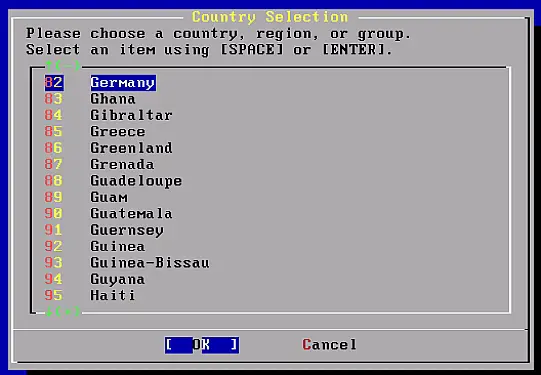
Select your country, highlight the [OK] button and then press [ENTER].
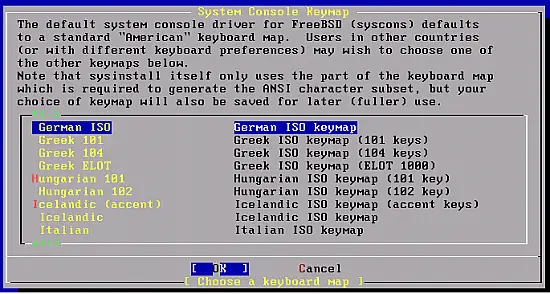
Select the Keyboard type, highlight the [OK] button and then press [ENTER].
For simplicity choose Standard, highlight the [OK] button and then press [ENTER].
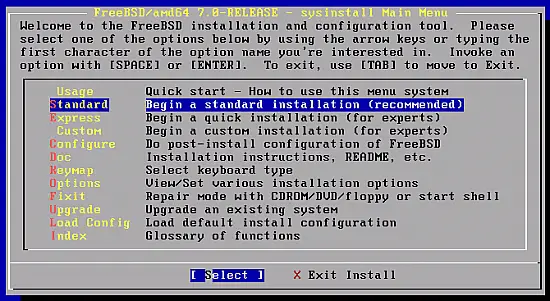
Highlight the [OK] button and then press [ENTER].
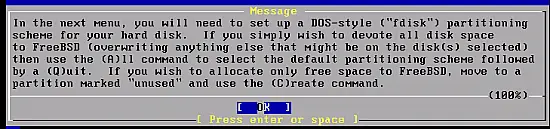
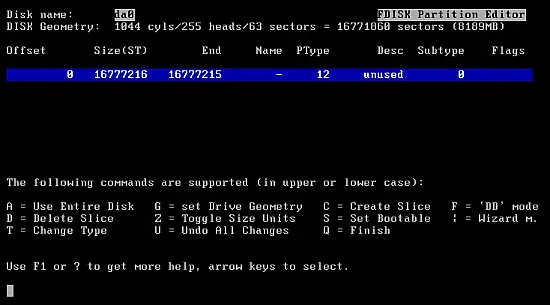
For Automatic configuration, press A and then Q.
Choose Standard MBR.
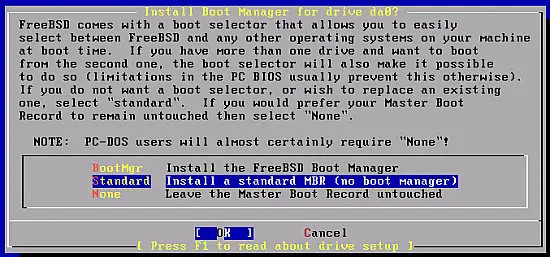
Highlight the [OK] button and then press [ENTER] to go ahead for the partitioning step.
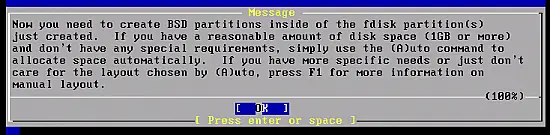
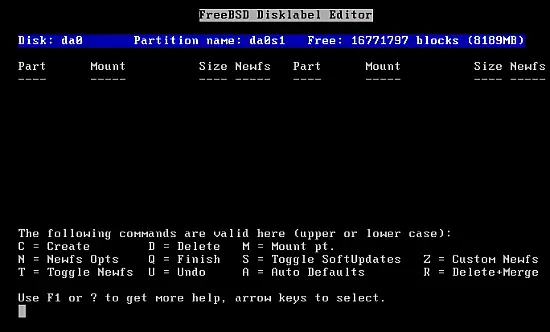
Again I pressed A and then Q, you can do your own partitioning if you want.
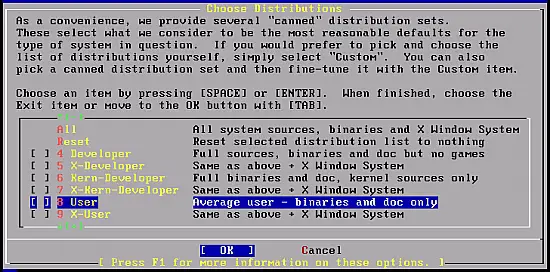
Scroll down to User and press the [SPACEBAR].