
Set Up A Fileserver For Small/Medium Enterprises With SME Server 7.1 - Page 2
On this page
3 Initial Configuration
The basic system is now installed. After the reboot you must answer a few questions so that the installer can proceed with the initial system configuration.
First, specify a password for the SME Server administrator (username: admin). This will also be the root password:
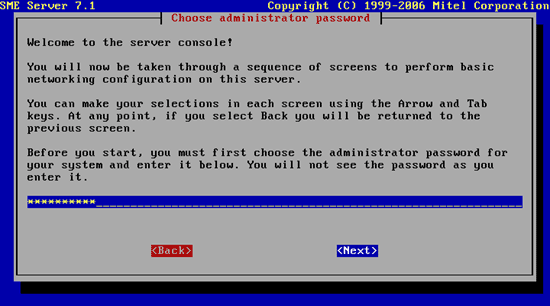
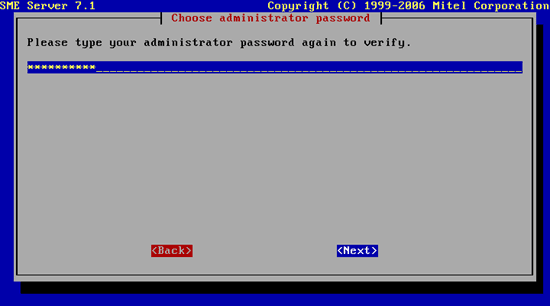
Confirm that password:
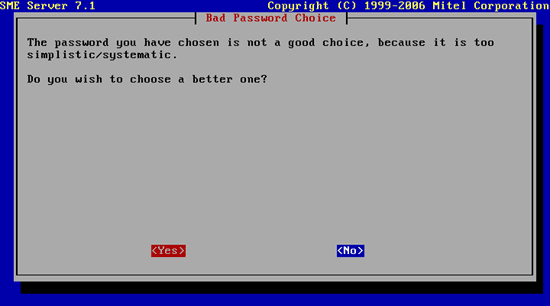
It's possible that the system thinks that your password is too weak. If you want to proceed with that password, hit No:
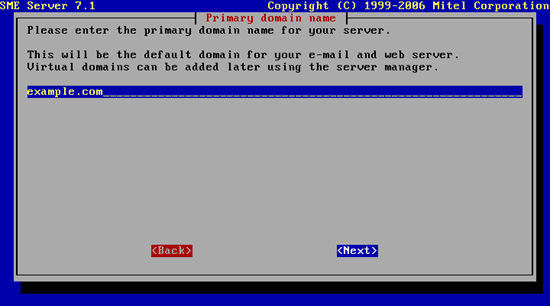
Enter the domain name for your server, e.g. example.com:
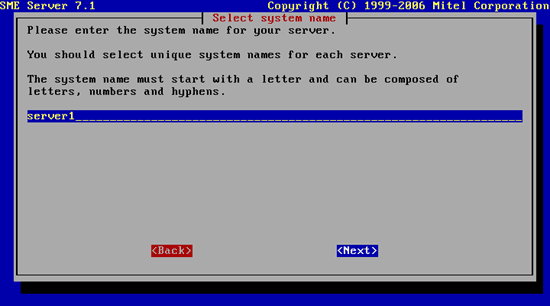
Then specify the system name (e.g. server1). The system name and the domain name make up the host name (server1.example.com in this example):
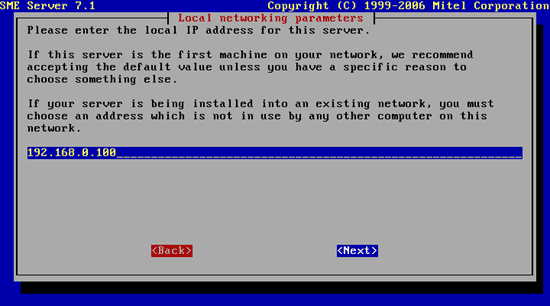
Next set the IP address of your SME Server, e.g. 192.168.0.100:
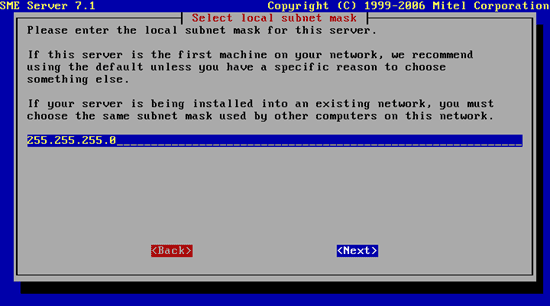
Specify the subnet mask, e.g. 255.255.255.0:
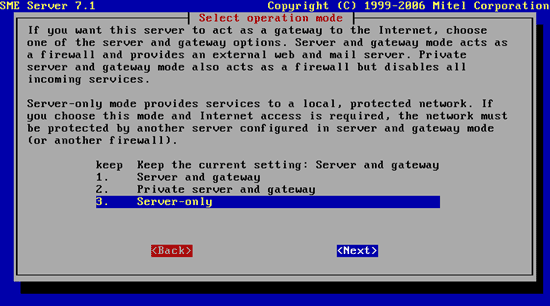
Next we must select the operation mode. As our SME Server will not act as a gateway and firewall (remember, we have a hardware router), we choose Server-only here:
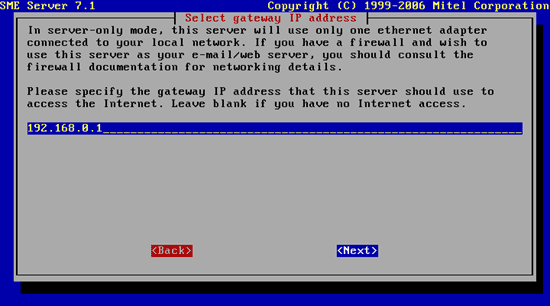
Afterwards specify the IP address of your gateway (e.g. 192.168.0.1):
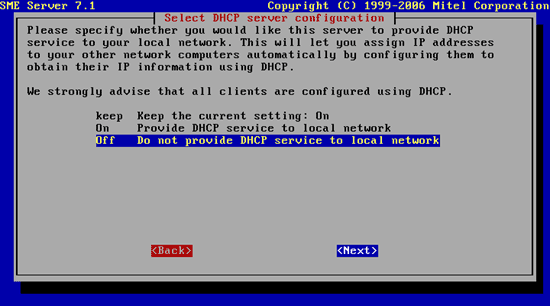
Then switch off the DHCP server on the SME Server (we have a DHCP server on our hardware router):
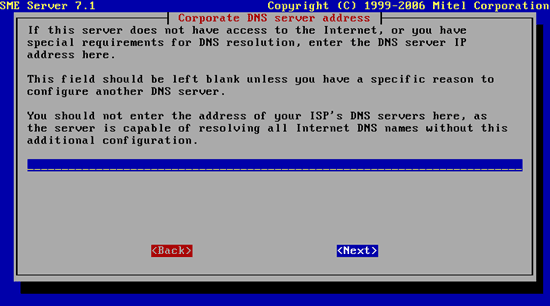
Don't specify any DNS servers:
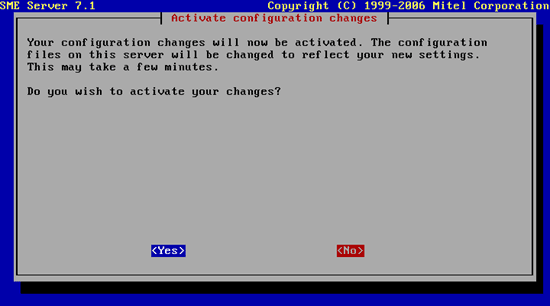
Hit Yes to activate all your selections:
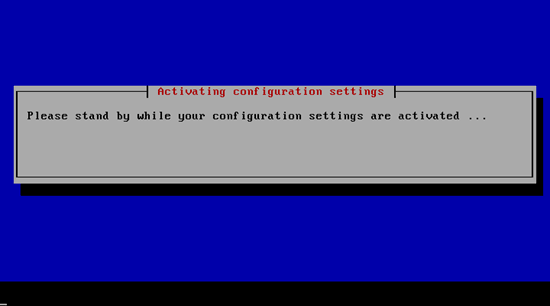
Your changes are being activated:
Your SME Server is now ready for use!





