Set Up A Fileserver For Small/Medium Enterprises With SME Server 7.1 - Page 4
On this page
6 Create Users And Groups
Let's assume we have multiple departments in our enterprise, and for each department we want to create a share of its own on our SME Server fileserver. Therfore we create a group for each department (e.g. a group called sales), and for each employee we create a system user and add that system user to the group (department) that he works in.
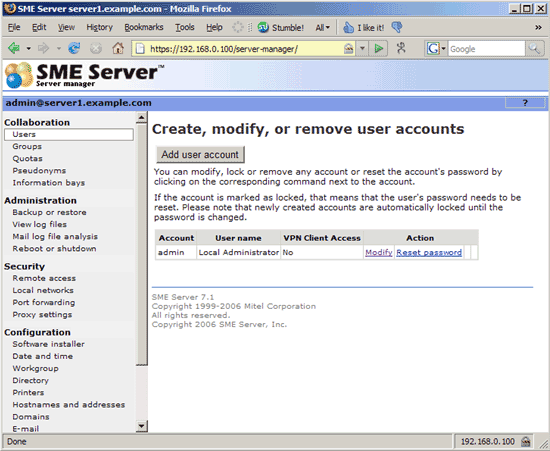
To create a user, go to Users and click on Add user account:
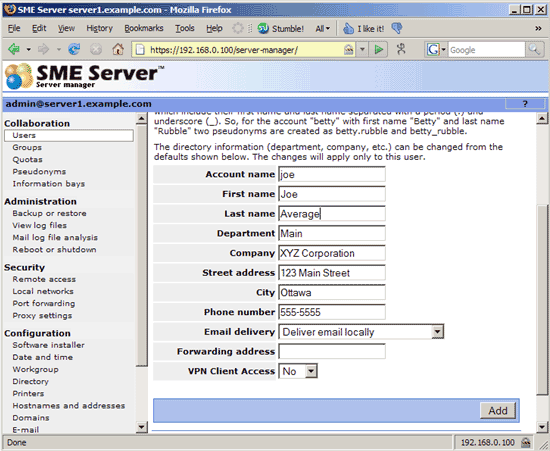
Fill in a user name (e.g. joe) and the details of the user (name, company, etc.). Then click on Add:
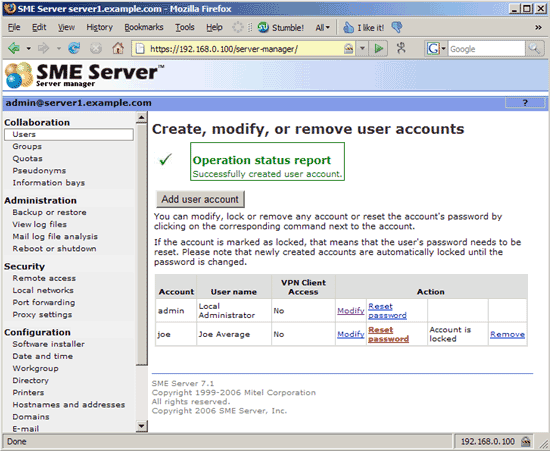
The user has been created, but you will see a red Reset password because we haven't specified a password for joe yet. Therefore, click on Reset password:
On the next page, you can specify a password for joe (the system expects capital and lowercase letters, numbers, and an underscore in the password, otherwise you will get an error):
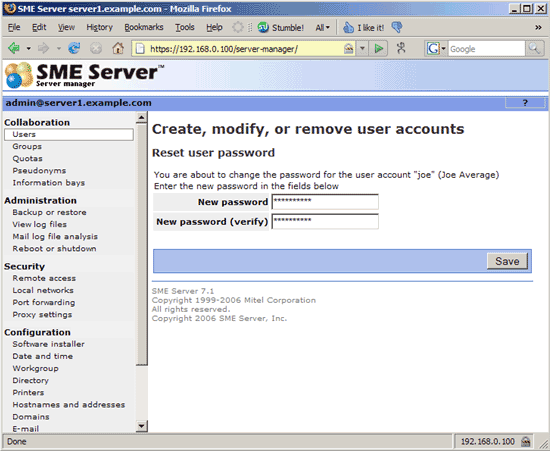
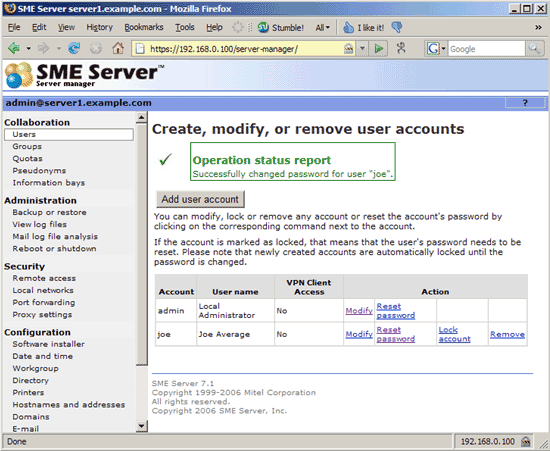
Now that we've specified a password, the red Reset password has gone, and the setup of our user joe is finished.
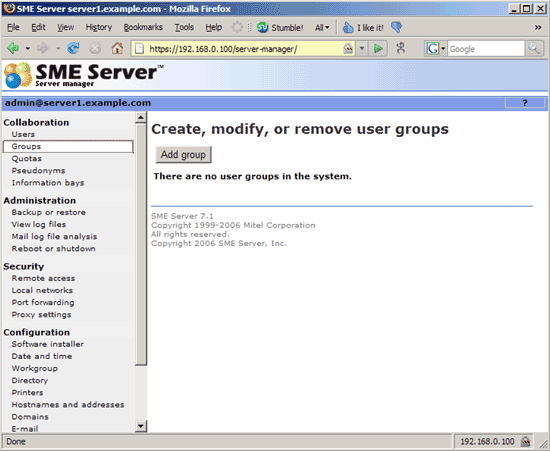
Now let's set up our user group sales. Go to Groups and click on Add group:
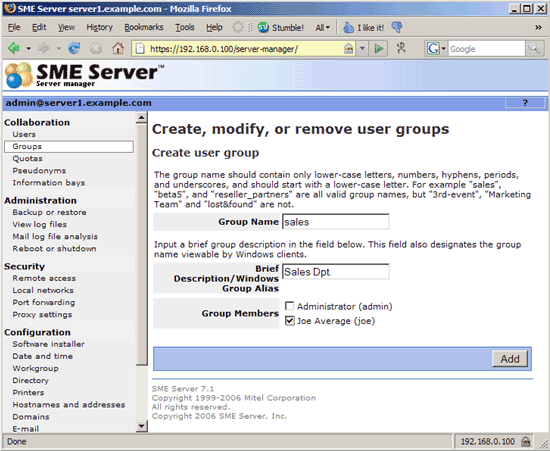
Enter the group name (sales), a brief description (e.g. Sales Dpt.) and specify the group members (e.g. joe):
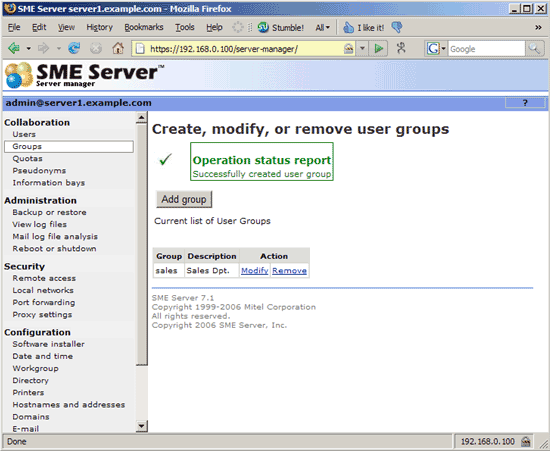
Afterwards, you should find the sales group in the list of available groups: