Modifying PDF Files With PDFedit On Ubuntu Feisty Fawn
Version 1.0
Author: Falko Timme
This article shows how you can install and use PDFedit on an Ubuntu Feisty Fawn desktop. PDFedit is a free and open-source editor for manipulating PDF documents.
This document comes without warranty of any kind! I do not issue any guarantee that this will work for you!
1 Preliminary Note
I have tested the following procedure on an Ubuntu Feisty Fawn desktop. If you are using Ubuntu Gutsy Gibbon (or later), there's a PDFedit package in the Gutsy repositories that you can install.
2 Installing PDFedit
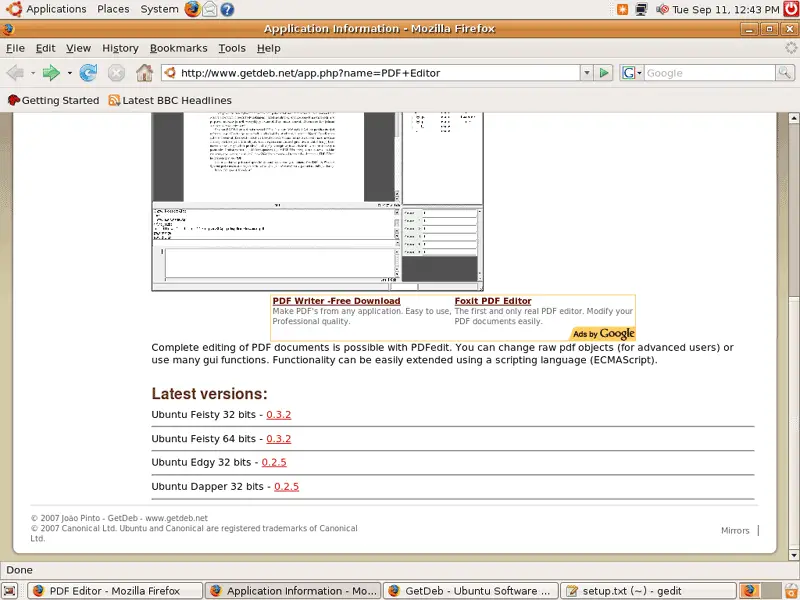
Unfortunately, there's no PDFedit package in the official Ubuntu Feisty Fawn repositories, but I found one on www.getdeb.net. Open a browser (e.g. Firefox) and go to http://www.getdeb.net/app.php?name=PDF+Editor. Scroll down to the bottom of the page and click on the version you'd like to install (e.g. Ubuntu Feisty 32 bits - 0.3.2):
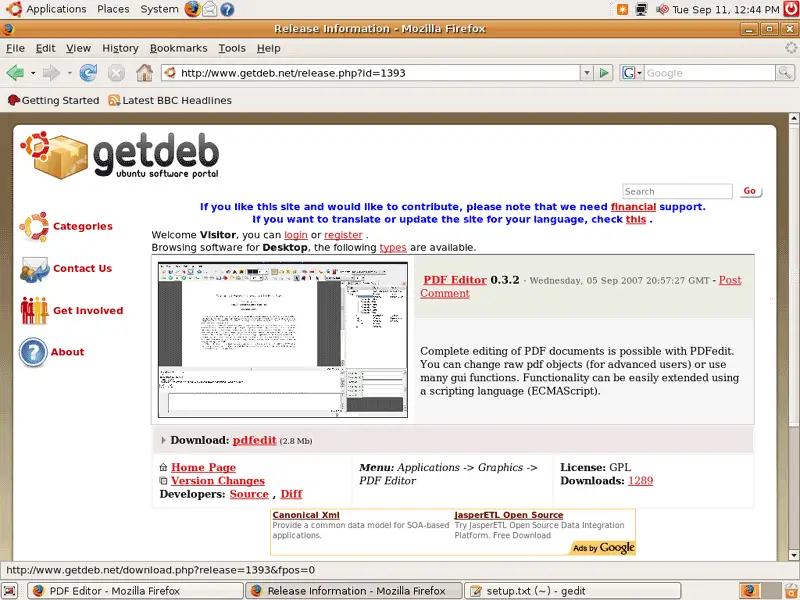
On the next page, click on the Download: pdfedit link:
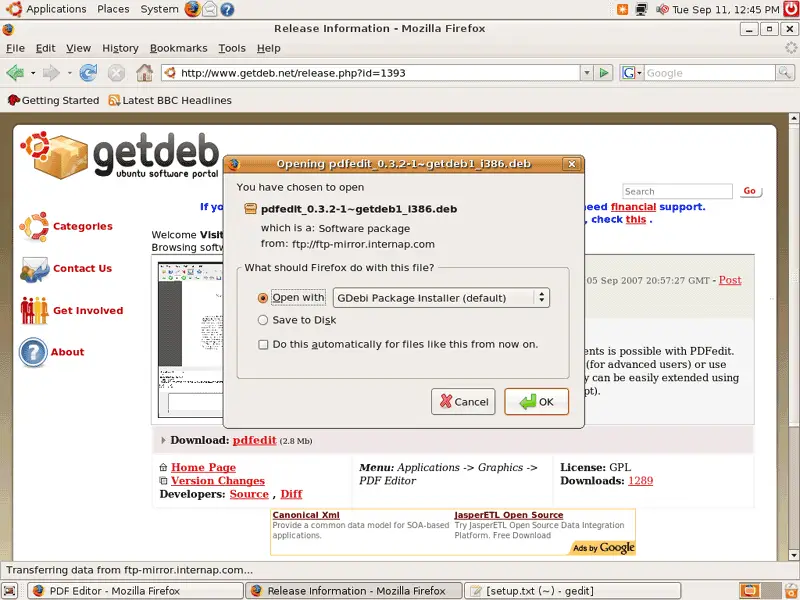
Firefox will ask you what you want to do with the file. Select Open with GDebi Package Installer (default):
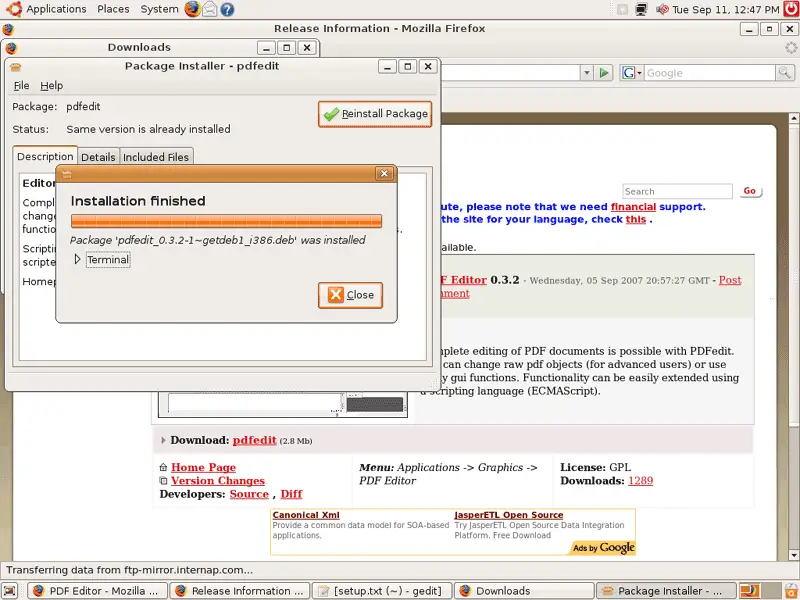
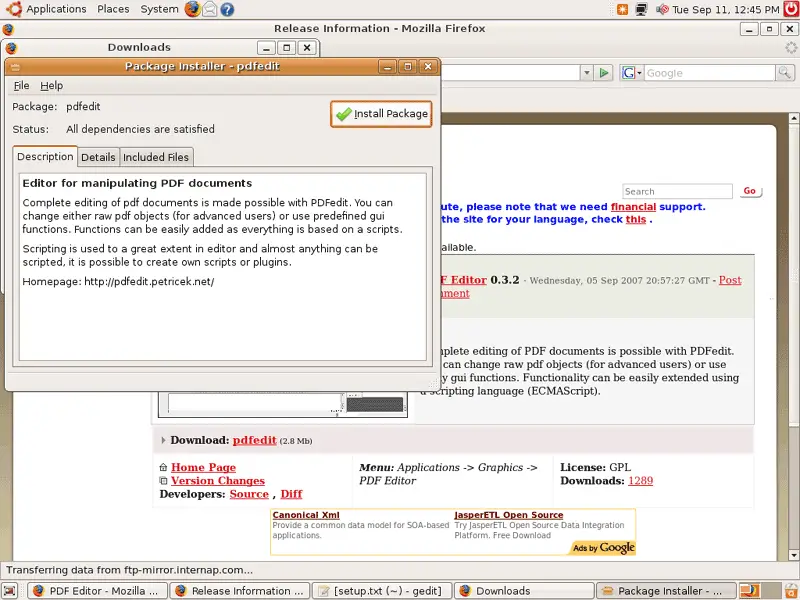
The Package Installer starts. Click on the Install Package button:
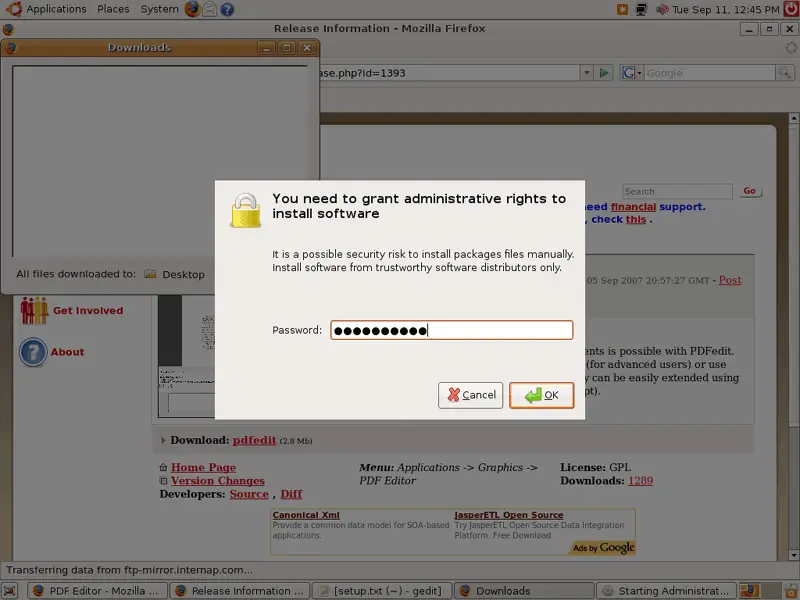
You might have to type in your password:
Afterwards, PDFedit is being installed:
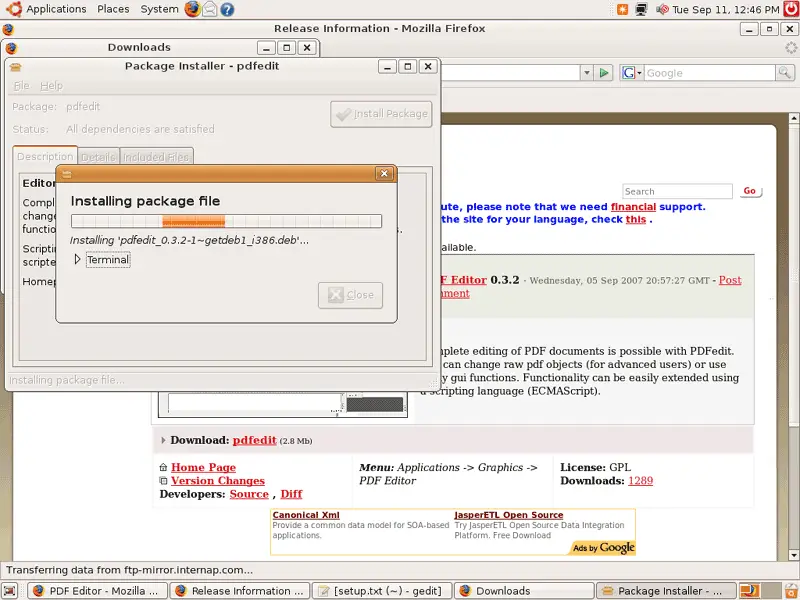
You can leave the Package Installer after the installation: