
Creating Snapshot-Backups with FlyBack On Ubuntu 7.10 - Page 3
2.3 Deleting Backups
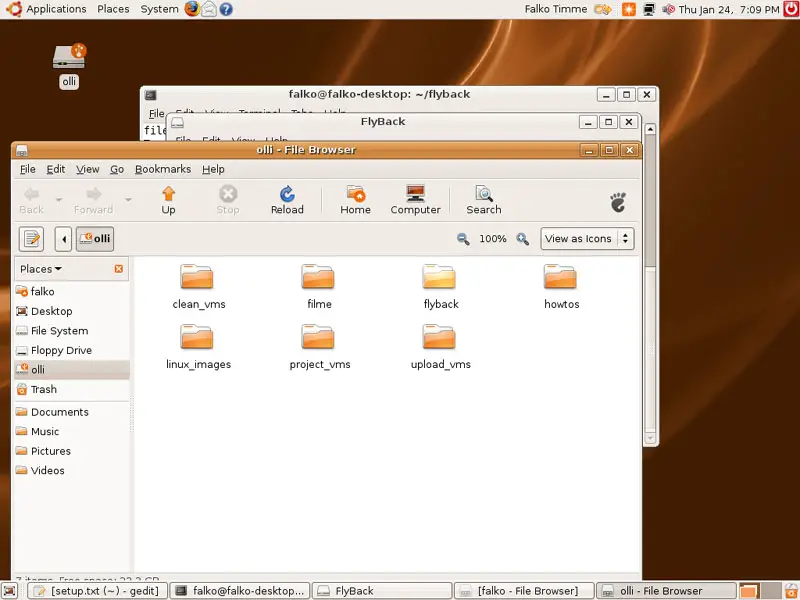
Backups can simply be deleted using a file browser. On the external hard drive you should find a folder called flyback:
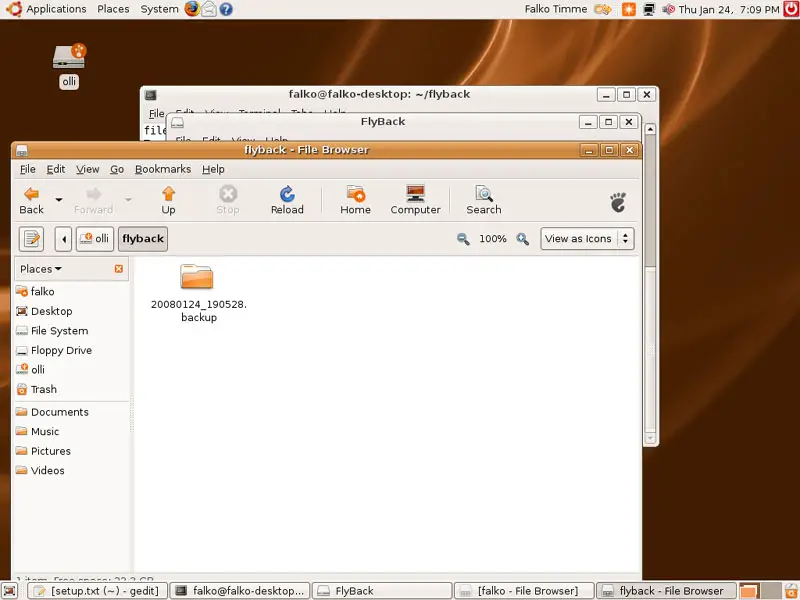
In the flyback folder, you will find all your snapshots:
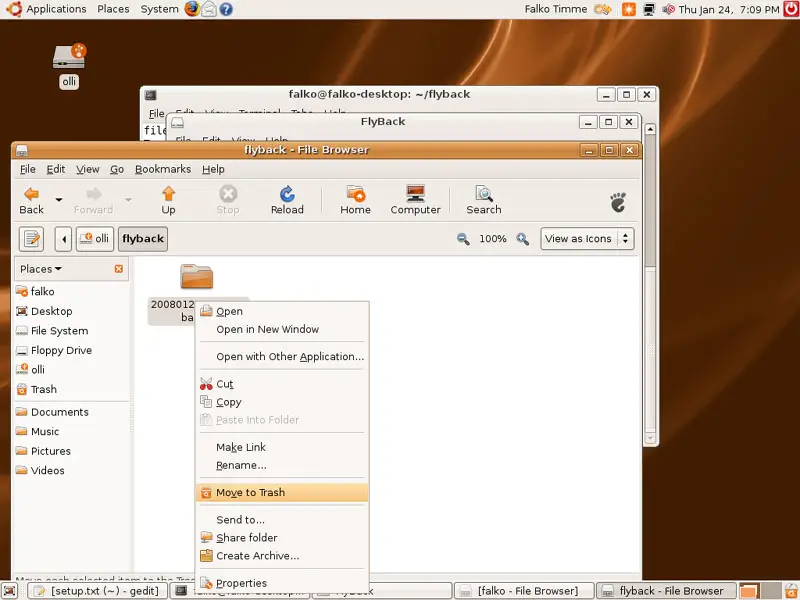
To delete a snapshot, right-click on it and select Move To Trash:
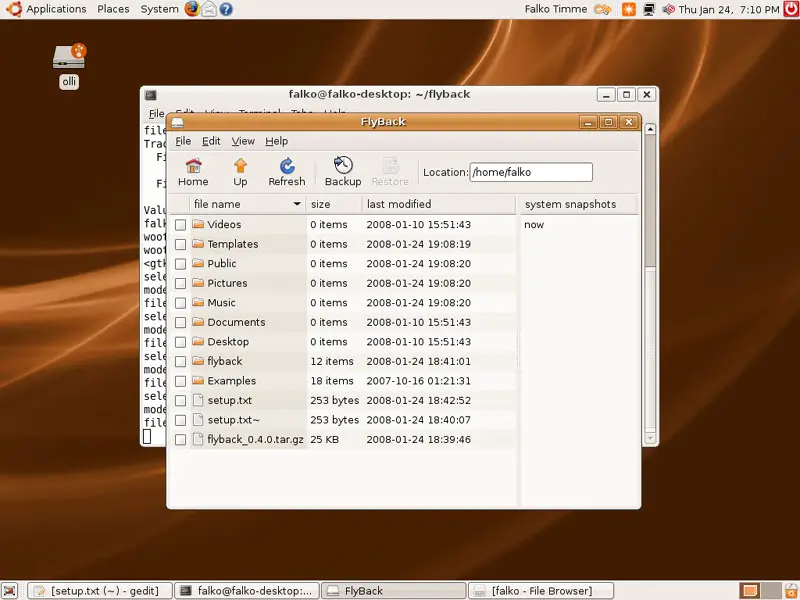
In FlyBack, you'll still see the backup in the system snapshots window. Click on the Refresh button...
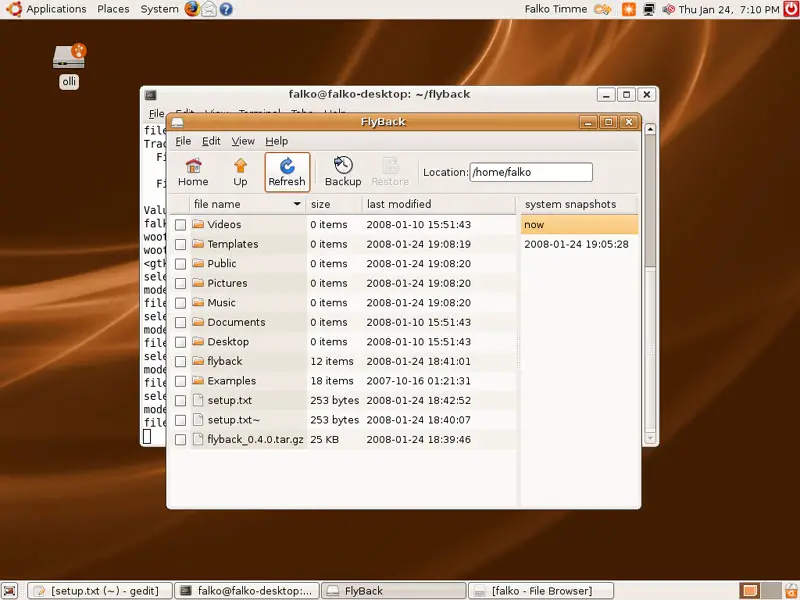
... and the backup is gone:
3 Creating A Menu Entry For FlyBack
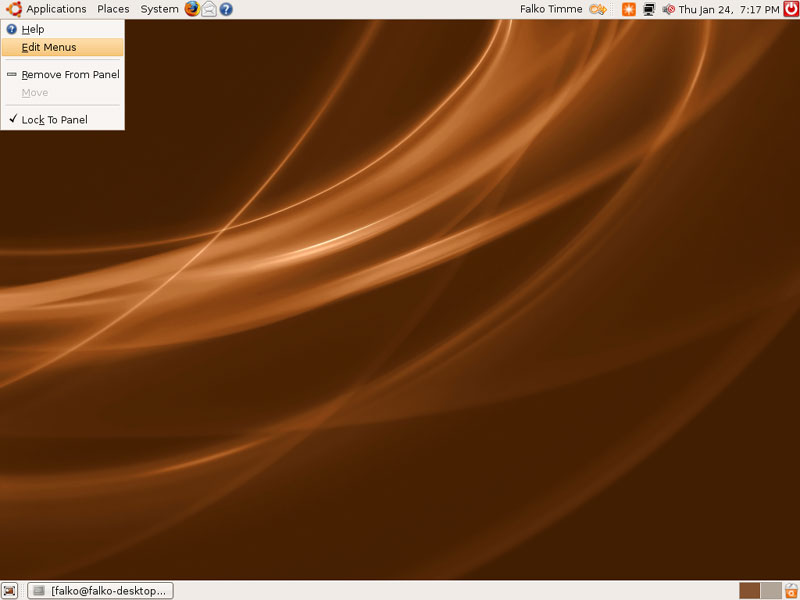
If you don't want to start FlyBack form the terminal each time, you can create a menu entry for it. Right-click on Applications and select Edit Menus:
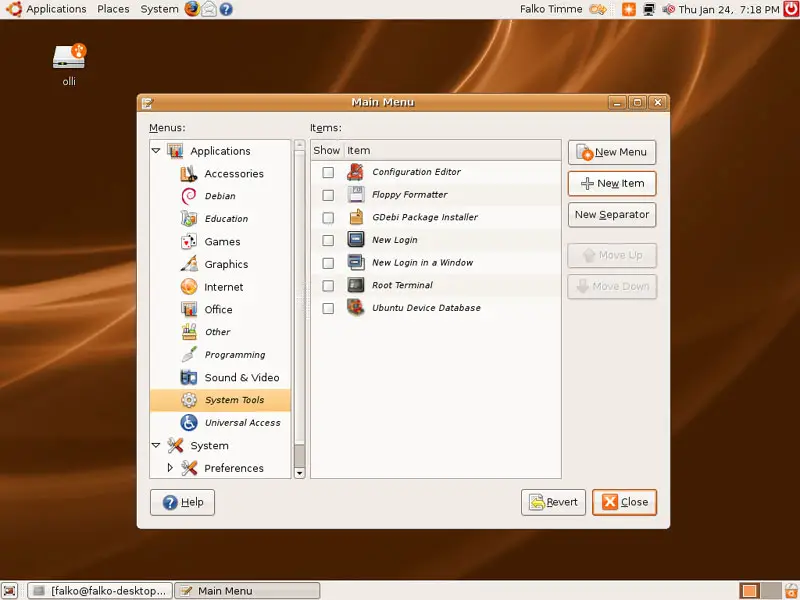
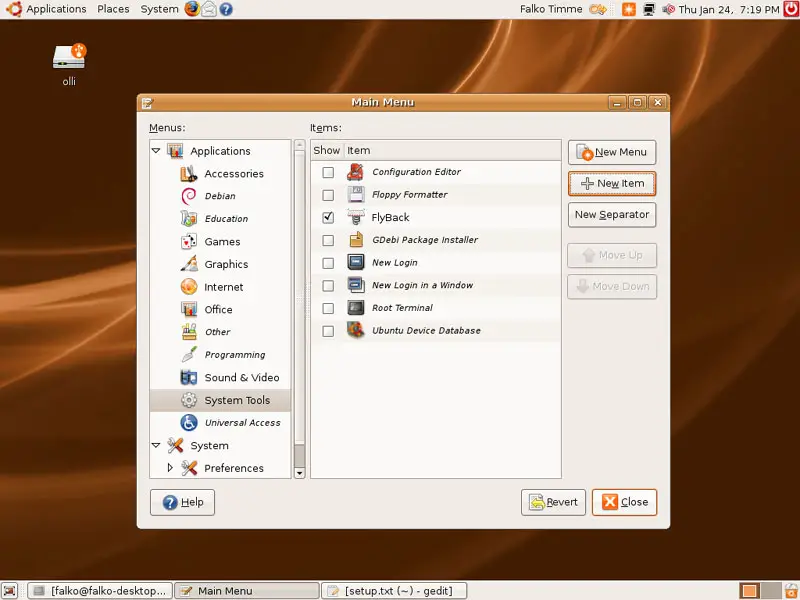
Select System Tools and click on the New Item button:
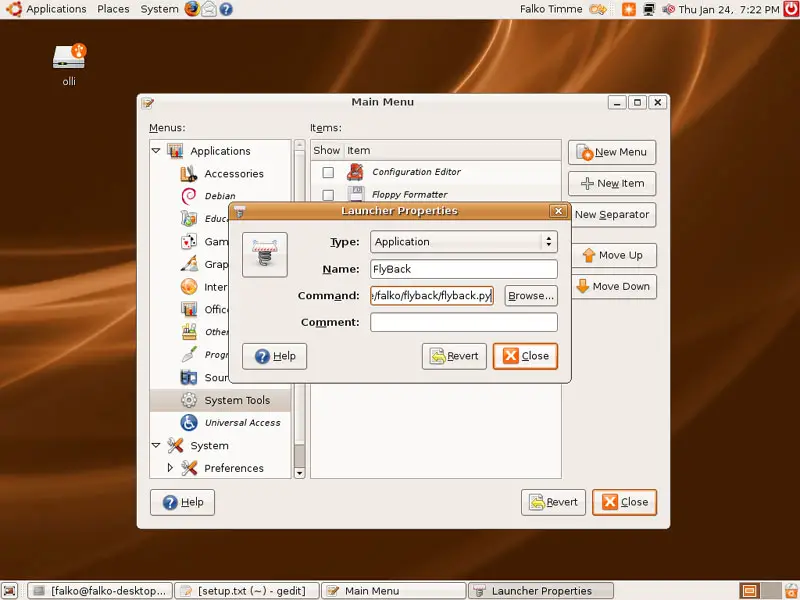
A Launcher Properties window opens. In the Name field, type in FlyBack, and in the Command field specify something like this:
python /home/falko/flyback/flyback.py
Please replace /home/falko with your own path! Then click on Close:
Click on Close again to leave the menu settings:
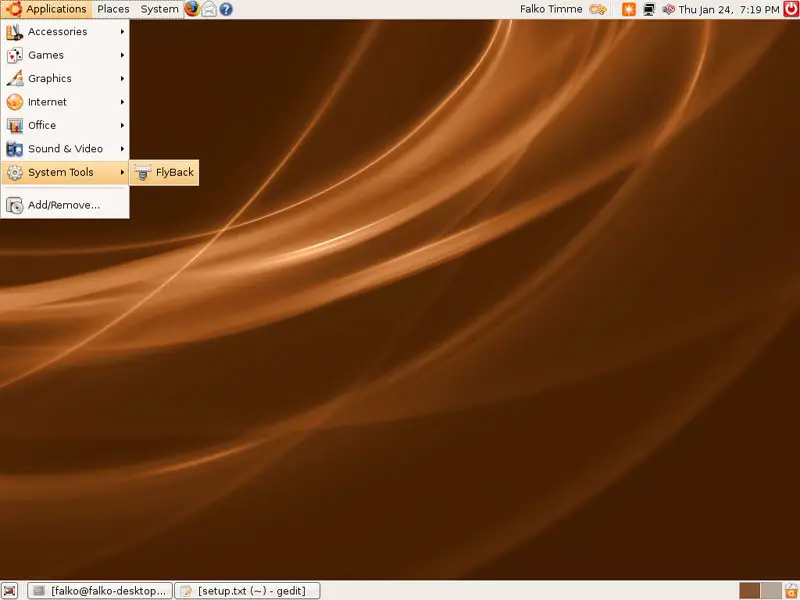
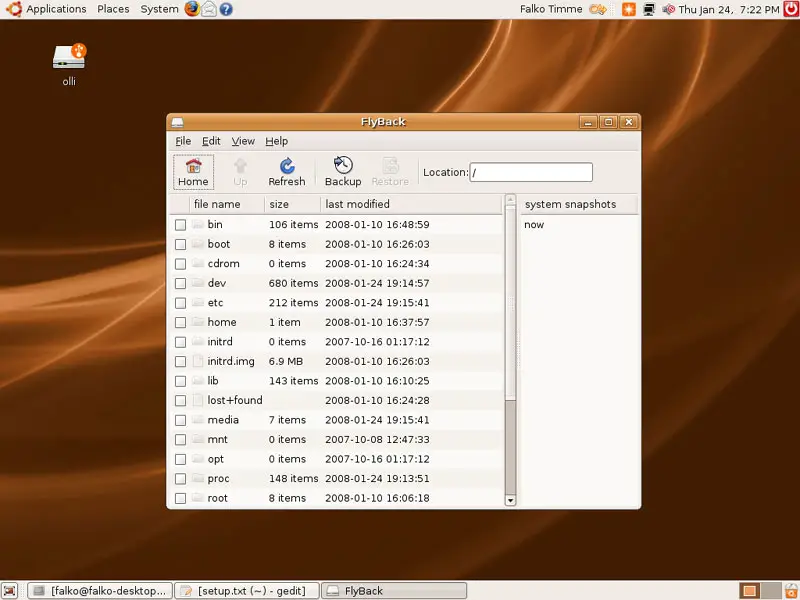
Now you can start FlyBack under Applications > System Tools >FlyBack:
4 Links
- FlyBack: http://code.google.com/p/flyback
- Ubuntu: http://www.ubuntu.com





