Creating Snapshot-Backups with FlyBack On Ubuntu 7.10 - Page 2
On this page
2.1 Creating A Backup
To create your first backup, click on the Backup button. Please note that this will back up only the directories that you've selected on the Included/Excluded Directories tab in the Preferences window, regardless of what directory you're currently in.
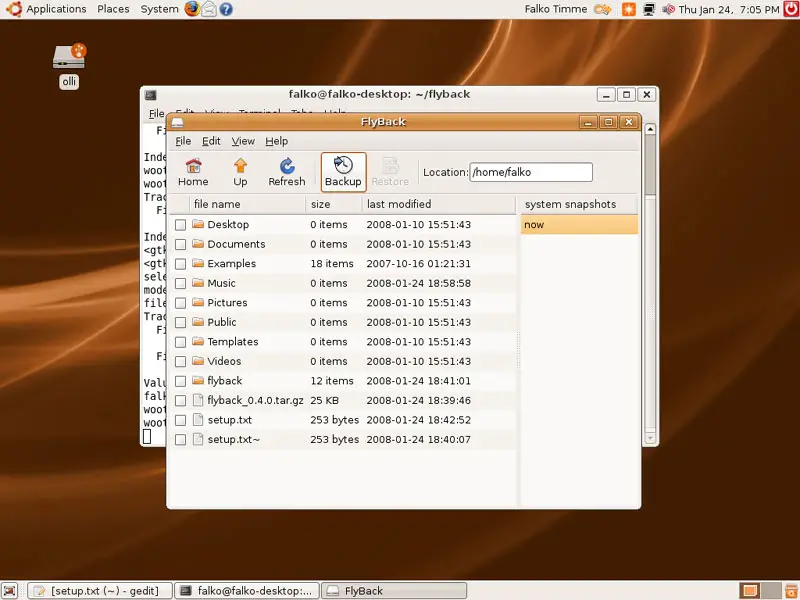
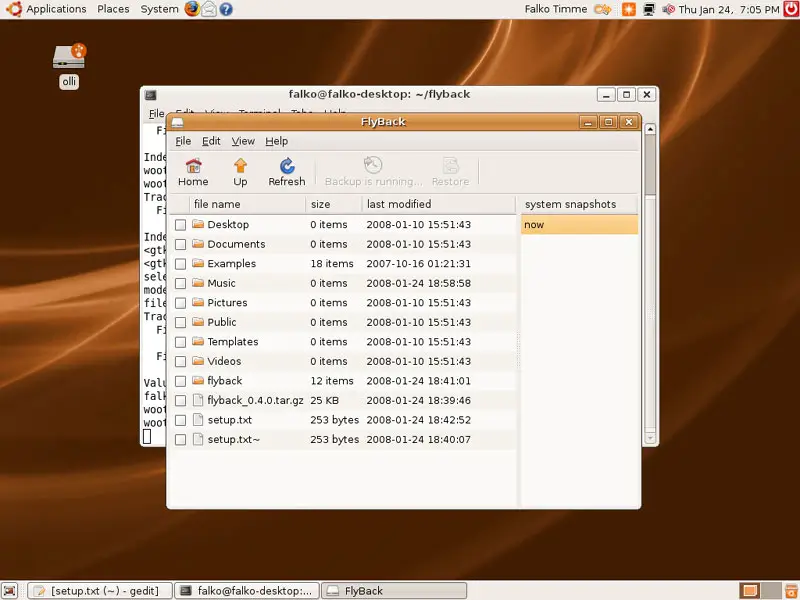
While the backup is being created, the Backup button is greyed out (saying Backup is running):
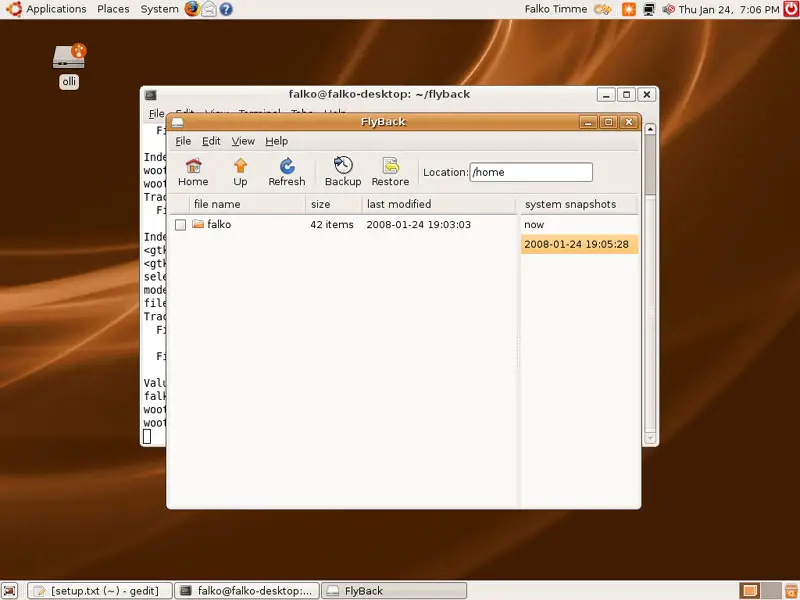
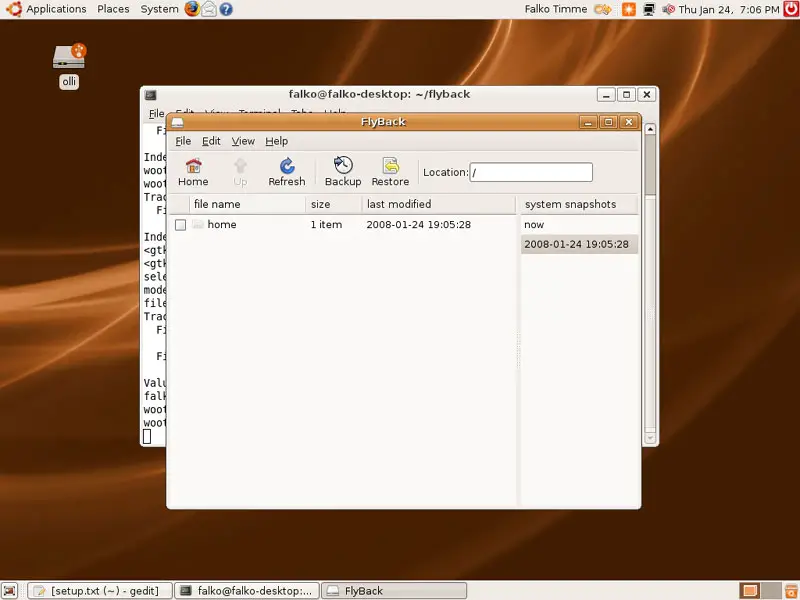
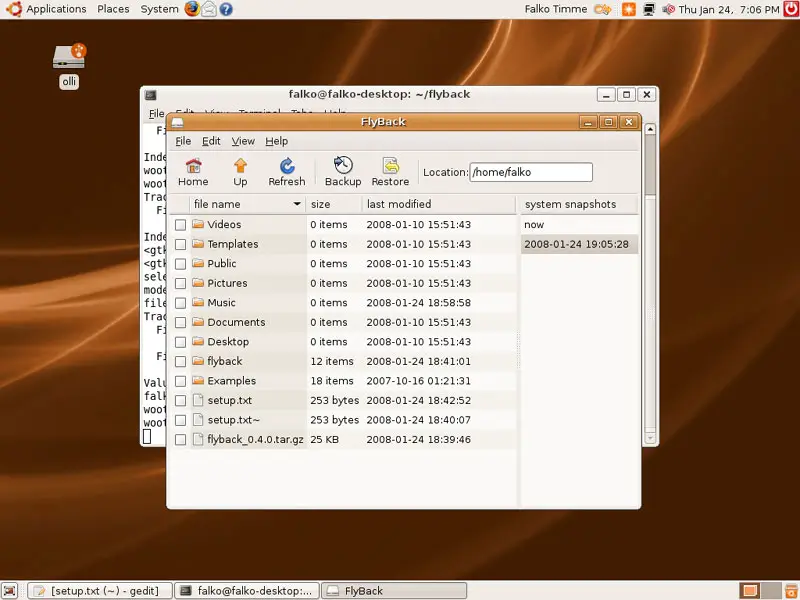
Afterwards, the system snapshots window lists your new backup. If you click on it, you see the contents of the backup, not your hard drive:
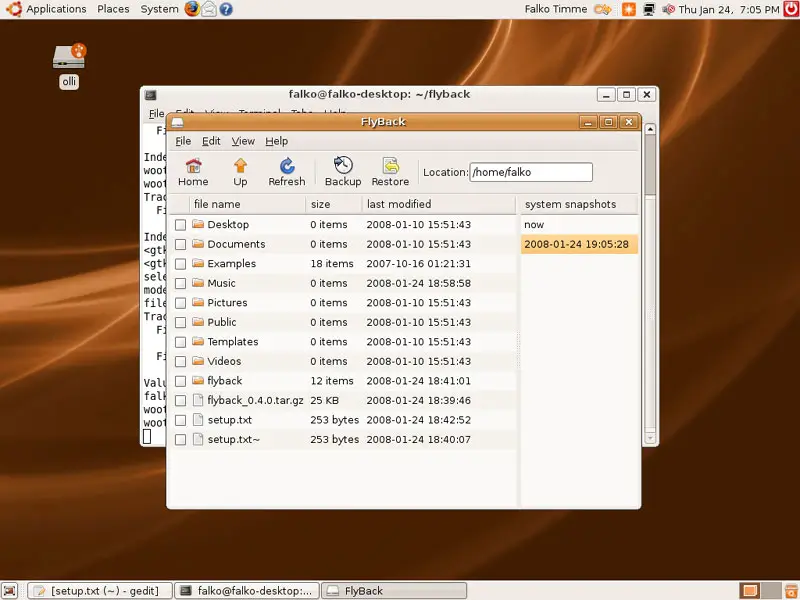
If you browse the contents of the backup, you'll notice that it really only includes the directories and files that you've specified on the Included/Excluded Directories tab and nothing else:
2.2 Restoring A Backup
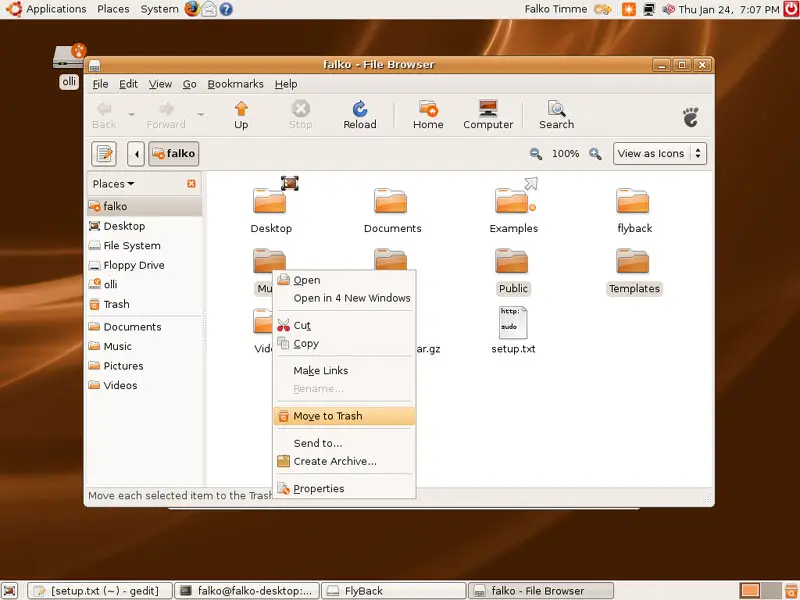
Now let's delete some files or directories from our hard drive (of course, these files/directories must be in the directory that you've backed up!) and see if we can restore them from our backup. I've backed up my home directory, so I go to Places > Home Folder...
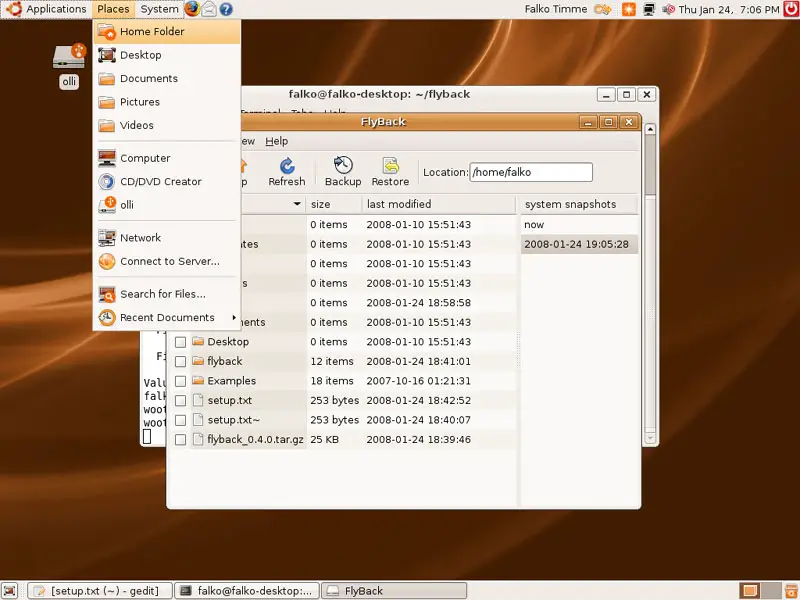
... and delete some diretories in it:
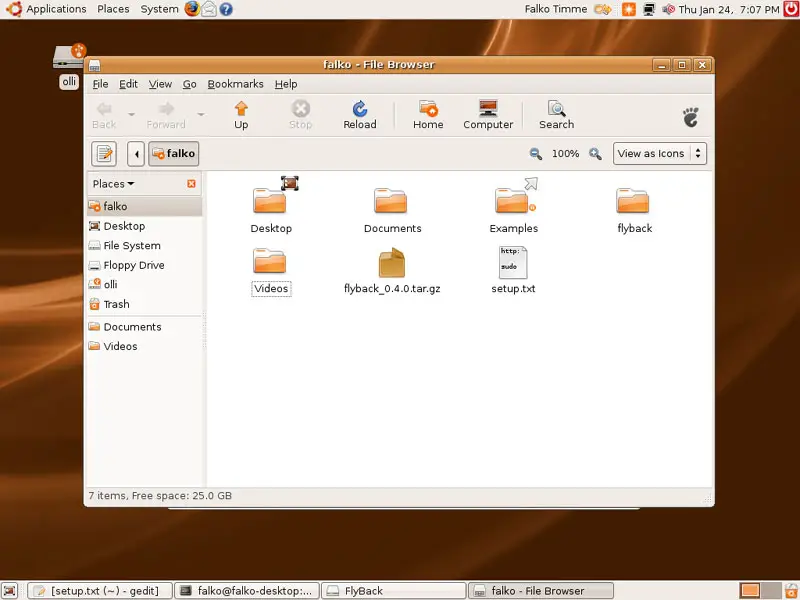
Now in FlyBack, if you go to the snapshot called now (which is the current content of your hard drive), you'll see that the deleted directories are missing there as well:
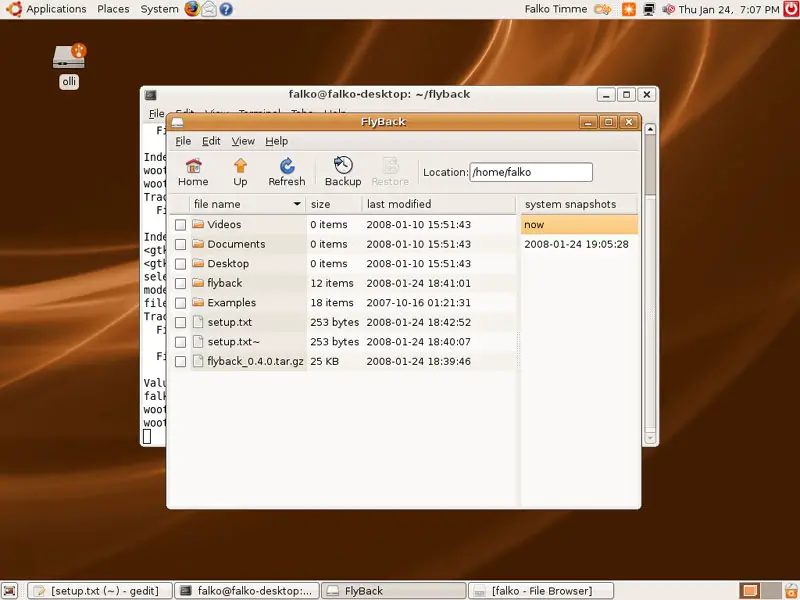
Now go to the snapshot you've just created, and you'll find the deleted directories in there. Mark them (hold down the CTRL key and click on the directories if you want to mark multiple directories at a time) and click on the Restore button:
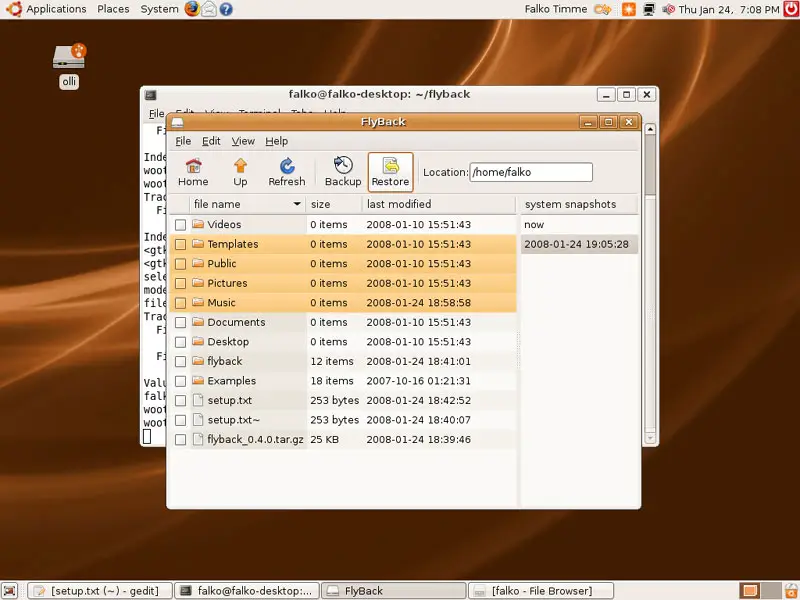
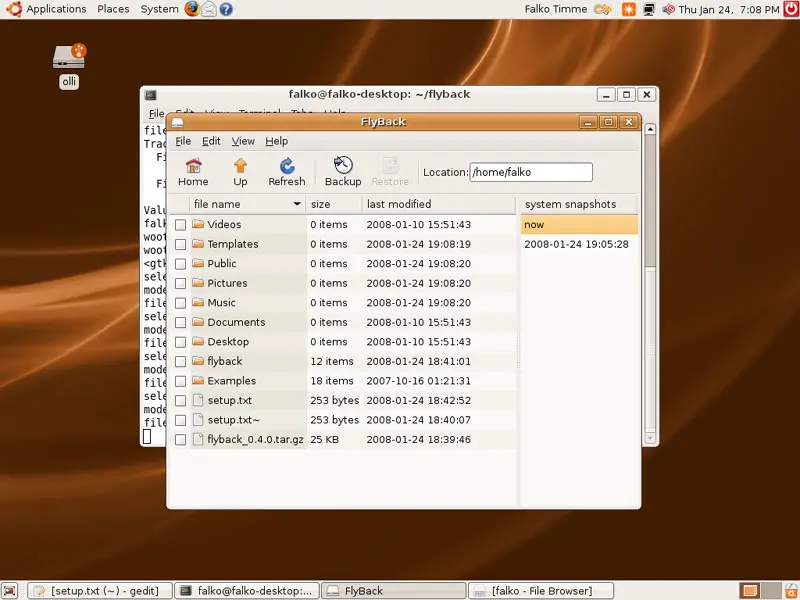
Afterwards go to the now snapshot, and you should find the directories on your hard drive again: