
The Perfect Desktop - OpenSUSE 10.3 (GNOME) - Page 5
This tutorial exists for these OS versions
On this page
8 TrueType Fonts
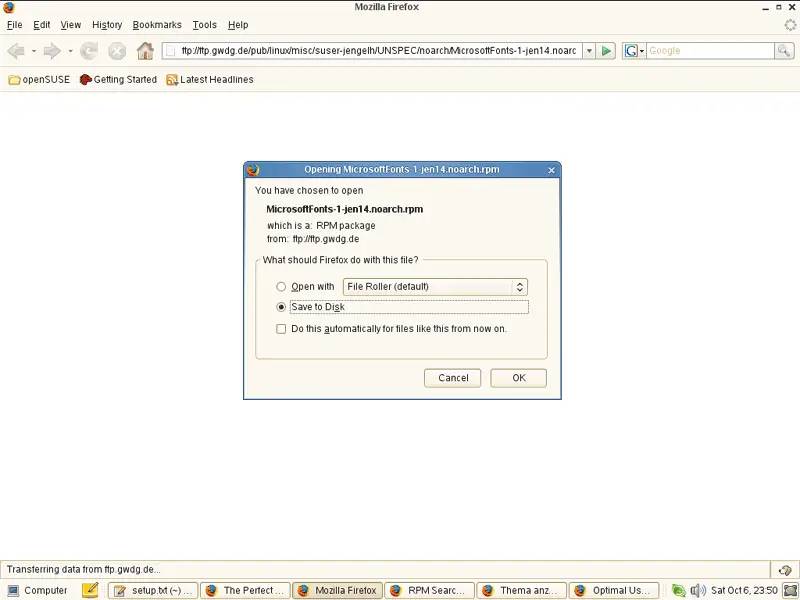
Open Firefox and download the file ftp://ftp.gwdg.de/pub/linux/misc/suser-jengelh/UNSPEC/noarch/MicrosoftFonts-1-jen14.noarch.rpm. Save it on your hard drive (e.g. on the Desktop):
Then open a terminal (Computer > More Applications... > Gnome Terminal):
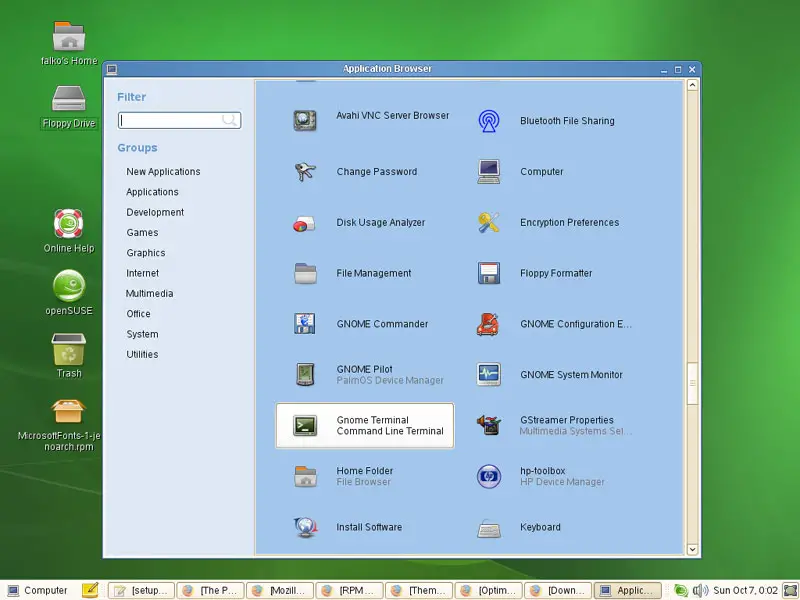
In the terminal, type
su
to become root.
Then go to the directory where you've saved the MicrosoftFonts-1-jen14.noarch.rpm file (e.g. /home/falko/Desktop) and install the TrueType fonts like this:
cd /home/falko/Desktop
rpm -e agfa-fonts
rpm -ivh MicrosoftFonts-1-jen14.noarch.rpm
rm -f MicrosoftFonts-1-jen14.noarch.rpm
Afterwards, you can open a word processor like OpenOffice, and you should find a lot of new fonts there (like Arial, Verdana, etc.).
9 Skype
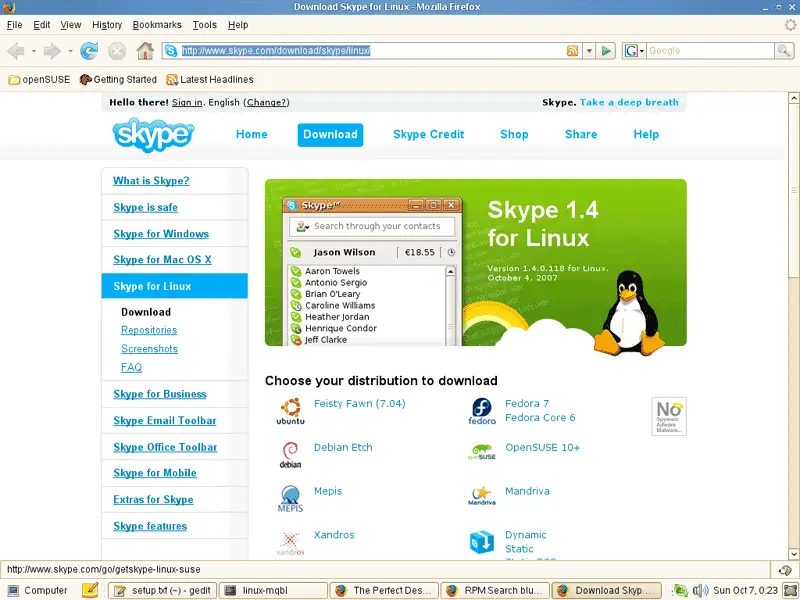
To download Skype, go to http://www.skype.com/download/skype/linux/, and choose OpenSUSE 10+:
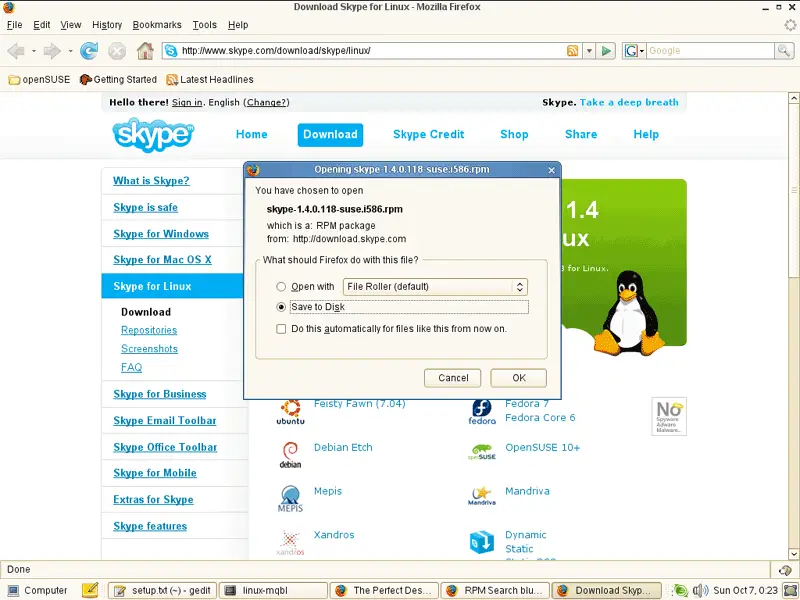
Save the file to your hard drive (e.g. /home/falko/Desktop):
Open a terminal again and become root:
su
Then go to the directory where you've saved Skype and install it like this:
cd /home/falko/Desktop
rpm -ivh skype-1.4.0.118-suse.i586.rpm
rm -f skype-1.4.0.118-suse.i586.rpm
10 Google Earth
To install Google Earth, open a terminal and become root:
su
Then run
cd /home/falko/Desktop
wget http://dl.google.com/earth/client/current/GoogleEarthLinux.bin
sh GoogleEarthLinux.bin
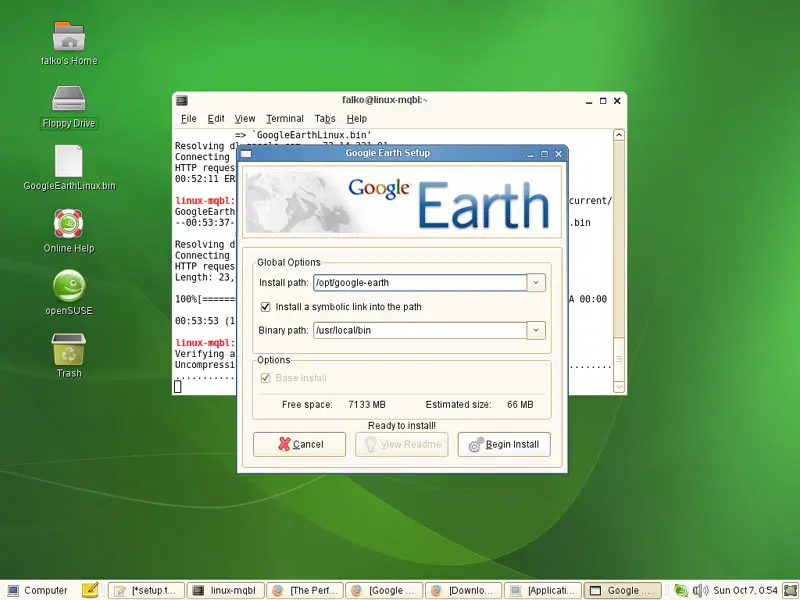
This will download Google Earth and start the installation. A Google Earth Setup window opens. Accept all default settings and click on Begin Install:
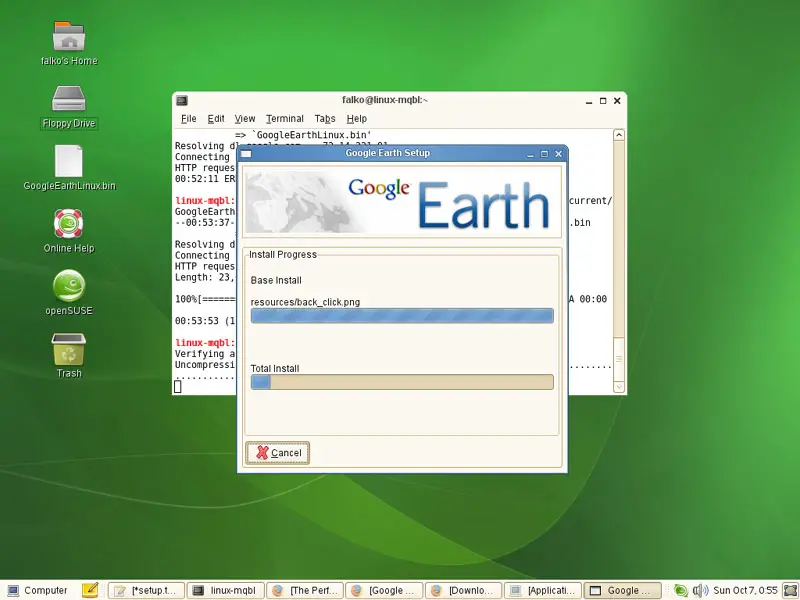
After the installation, you can click on Quit or on Start, if you want to start Google Earth now:
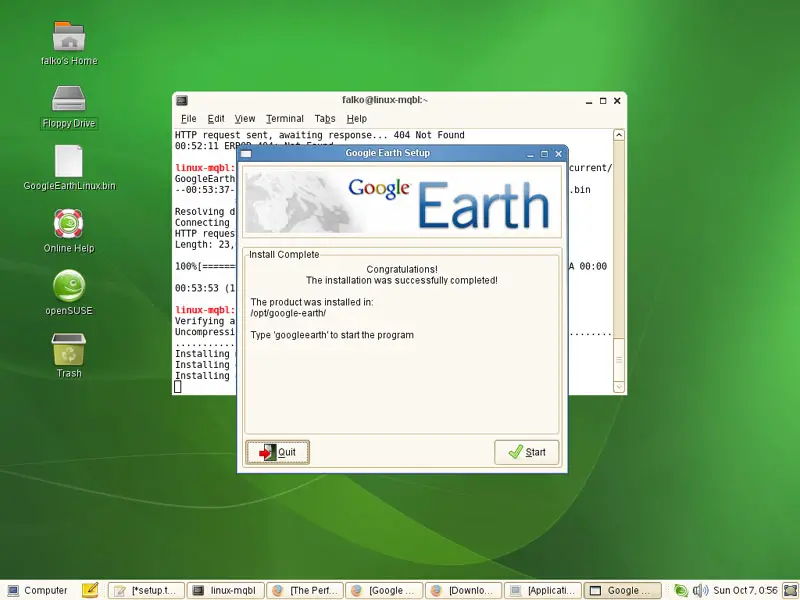
Afterwards, we delete the Google Earth installer:
rm -f GoogleEarthLinux.bin
11 Picasa
To install Google's Picasa, open a terminal and become root:
su
Then run
cd /home/falko/Desktop
wget http://dl.google.com/linux/rpm/stable/i386/picasa-2.2.2820-5.i386.rpm
rpm -ivh picasa-2.2.2820-5.i386.rpm
rm -f picasa-2.2.2820-5.i386.rpm
12 Inventory (III)
This is what we have now:
Graphics:
[x] Gimp
[x] F-Spot
[x] Picasa
Internet:
[x] Firefox
[x] Opera
[x] Flash Player
[x] gFTP
[x] Thunderbird
[x] Evolution
[x] aMule
[x] Azureus
[x] Bittorrent
[x] Pidgin
[x] Skype
[x] Google Earth
[x] Xchat IRC
Office:
[x] OpenOffice Writer
[x] OpenOffice Calc
[x] Adobe Reader
[x] GnuCash
[x] Scribus
Sound & Video:
[x] Amarok
[x] Audacity
[x] Banshee
[x] MPlayer
[x] Rhythmbox Music Player
[x] gtkPod
[x] XMMS
[x] dvd::rip
[x] Sound Juicer CD Extractor
[x] VLC Media Player
[x] Real Player
[x] Totem
[x] Xine
[x] Brasero
[x] GnomeBaker
[x] K3B
[x] Multimedia-Codecs
Programming:
[x] NVU
[x] Quanta Plus
Other:
[ ] VMware Server
[x] TrueType Fonts
[x] Java
[x] Read/Write Support for NTFS Partitions
So everything is installed except for VMware Server...





