The Perfect Desktop - OpenSUSE 10.3 (GNOME) - Page 3
This tutorial exists for these OS versions
On this page
3 Flash Player
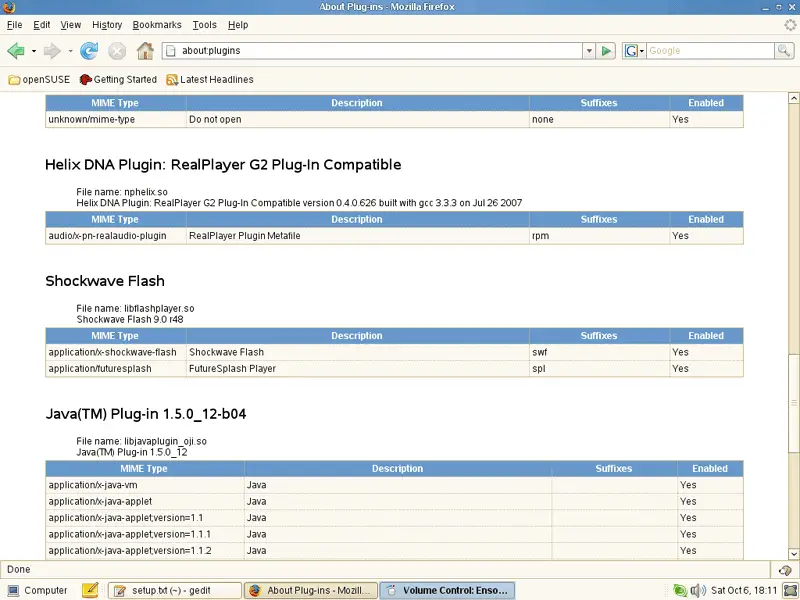
OpenSUSE 10.3 installs the Macromedia Flash Player by default. To see if the Flash plugin is working, start Firefox. Then type about:plugins in the address bar. Firefox will then list all installed plugins, and it should list the Flash Player (version 9.0r48 which is the newest one at the time of this writing) among them:
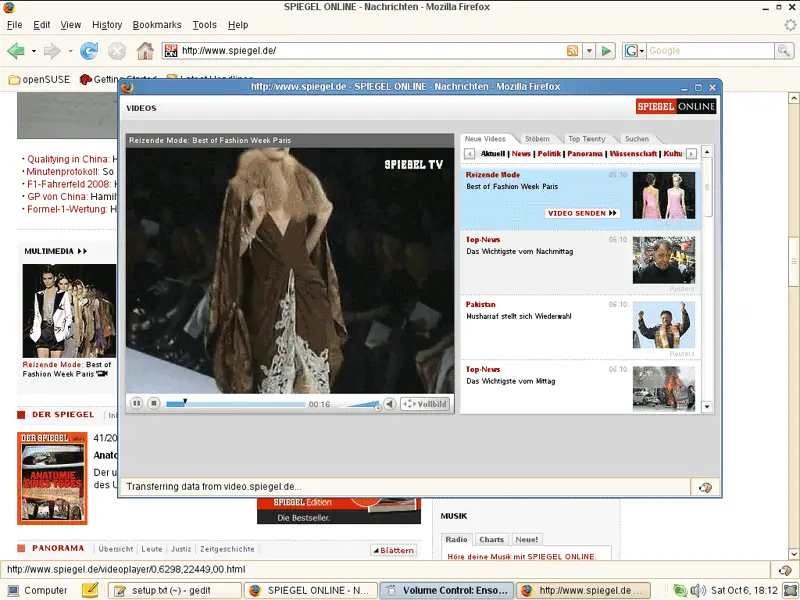
You can now open a web site of which you know that it uses Flash. For example, www.spiegel.de has video news in Flash. You should be able to see (and hear) the Flash movies:
Another web site that uses Flash movies is YouTube, for example.
4 Inventory Of What We Have So Far
Now let's browse all menus under Computer > More Applications... to see which of our needed applications are already installed:
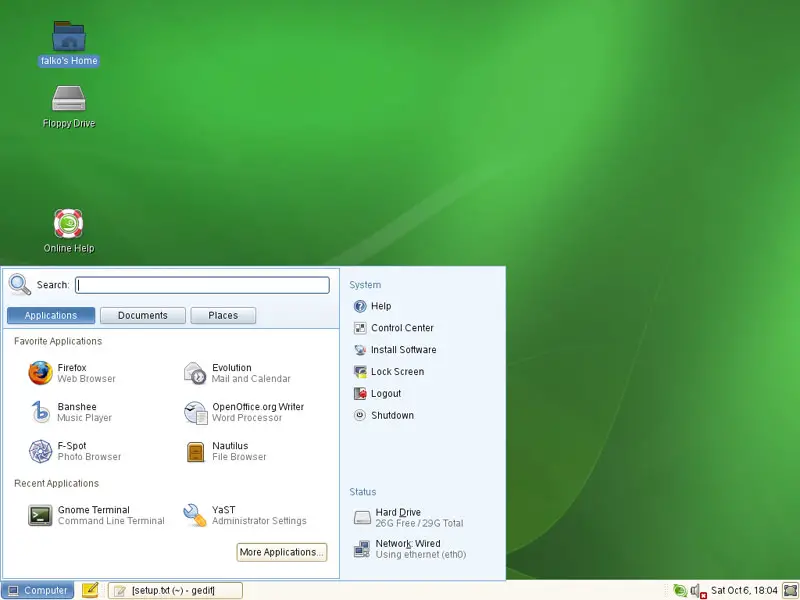
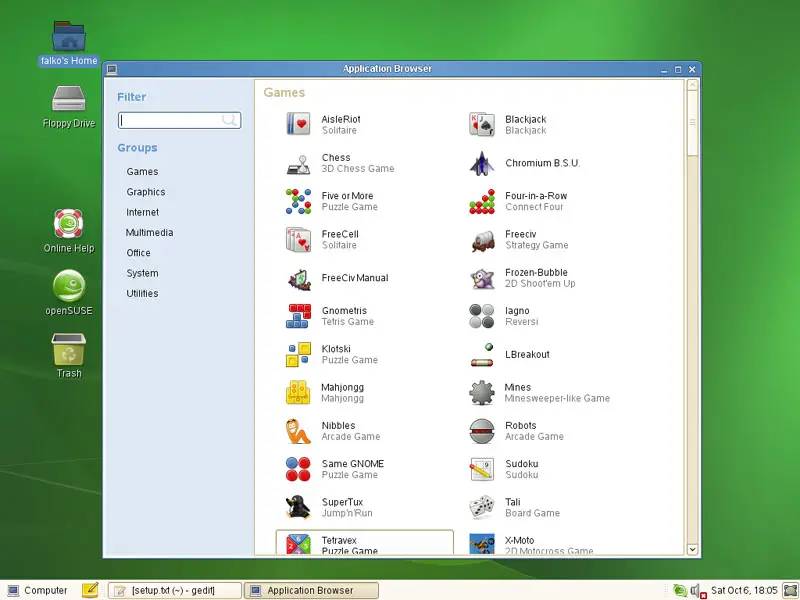
You should find the following situation ([x] marks an application that is already installed, where [ ] is an application that is missing) (read-/write-support for NTFS partitions is enabled by default in OpenSUSE 10.3 - you can test this by plugging in an external NTFS drive and try to write to it):
Graphics:
[x] Gimp
[x] F-Spot
[ ] Picasa
Internet:
[x] Firefox
[ ] Opera
[x] Flash Player
[x] gFTP
[ ] Thunderbird
[x] Evolution
[ ] aMule
[ ] Azureus
[ ] Bittorrent
[x] Pidgin
[ ] Skype
[ ] Google Earth
[ ] Xchat IRC
Office:
[x] OpenOffice Writer
[x] OpenOffice Calc
[ ] Adobe Reader
[x] GnuCash
[ ] Scribus
Sound & Video:
[ ] Amarok
[ ] Audacity
[x] Banshee
[ ] MPlayer
[ ] Rhythmbox Music Player
[ ] gtkPod
[ ] XMMS
[ ] dvd::rip
[ ] Sound Juicer CD Extractor
[ ] VLC Media Player
[x] Real Player
[x] Totem
[ ] Xine
[x] Brasero
[ ] GnomeBaker
[ ] K3B
[ ] Multimedia-Codecs
Programming:
[ ] NVU
[ ] Quanta Plus
Other:
[ ] VMware Server
[ ] TrueType Fonts
[x] Java
[x] Read/Write Support for NTFS Partitions
So some applications are already on the system...
5 Configure Online Software Repositories
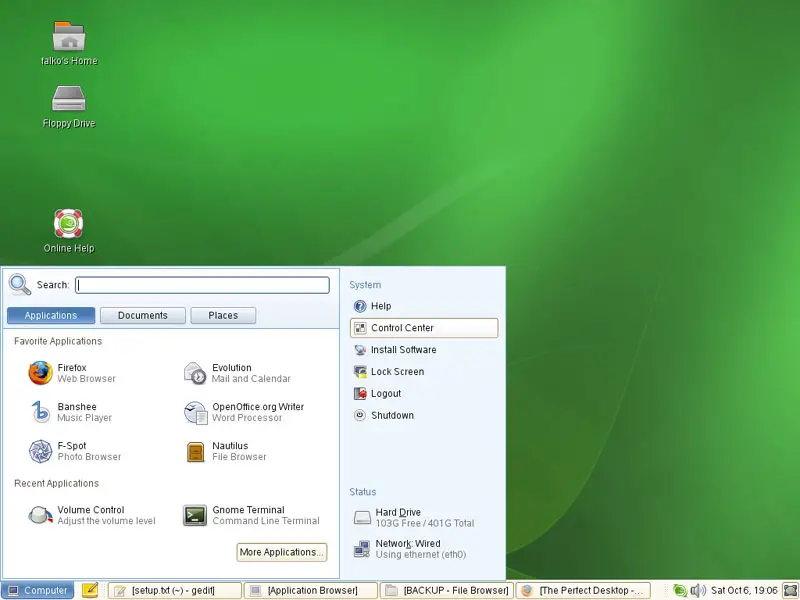
Now we configure the online software repositories that our OpenSUSE 10.3 system will use to install further software. Go to Computer > Control Center:
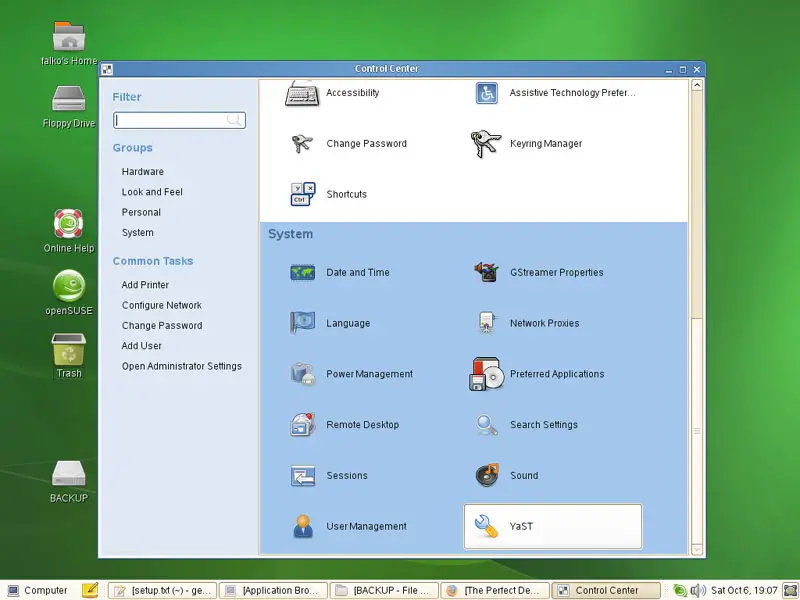
In the Control Center, click on YaST:
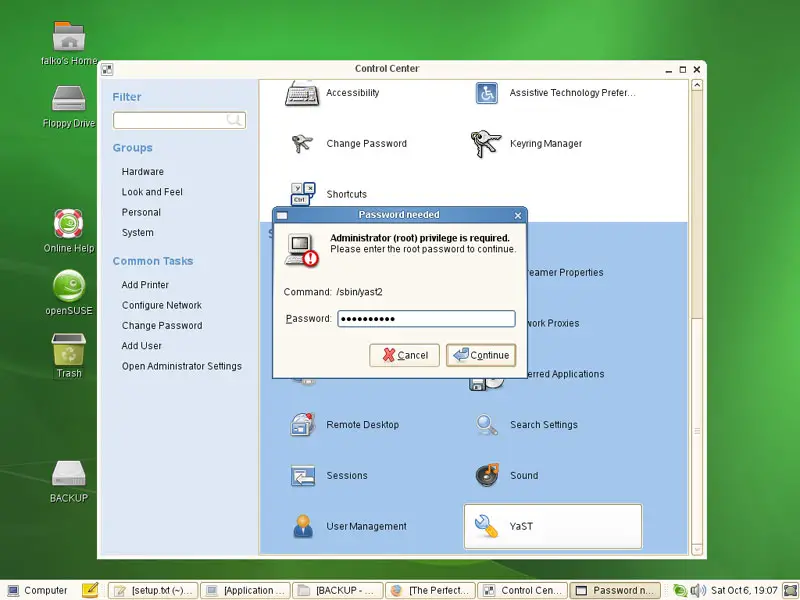
You will have to type in the root password:
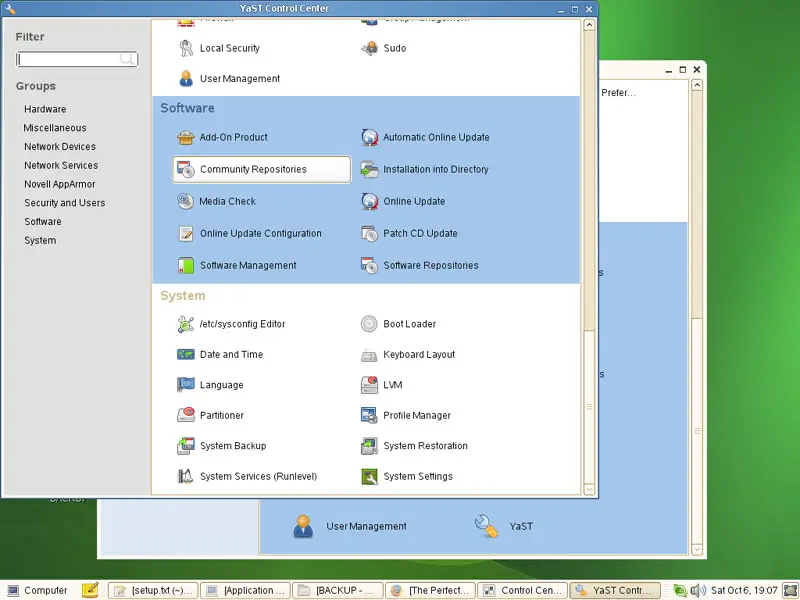
In YaST, select Community Repositories:
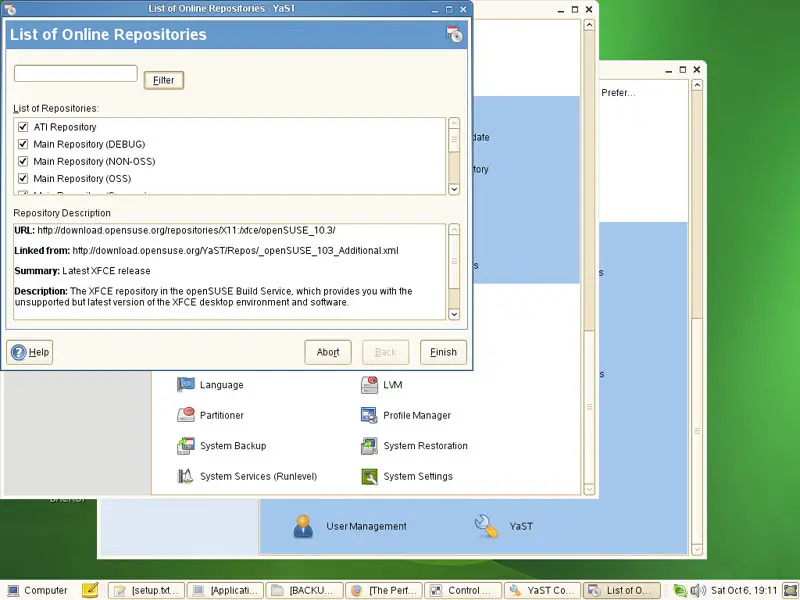
You will get a list of predefined online repositories. Select them all to make sure your system can install all available OpenSUSE 10.3 packages if they are needed. Click on Finish afterwards:
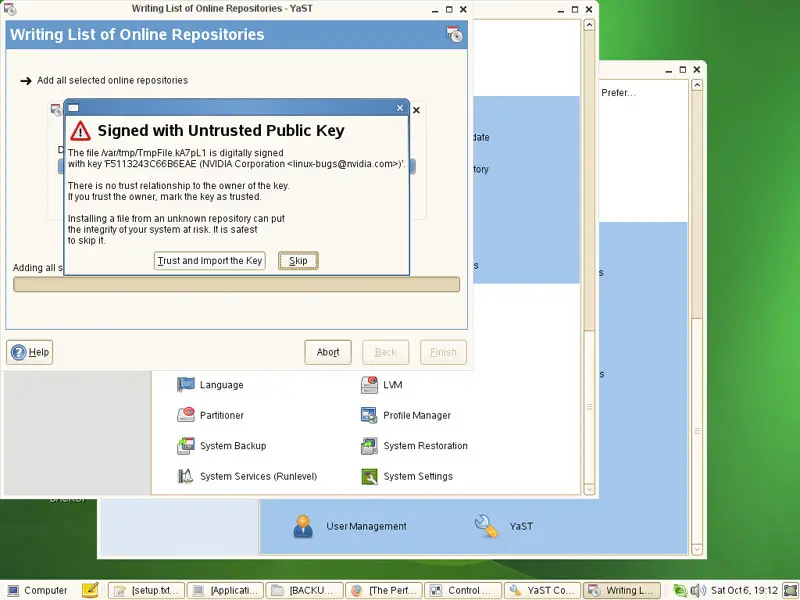
Now the lists of available packages are being downloaded from the repositories. It's possible that your system doesn't know the public keys of all repositories, so if you see a message like this, you can click on the Trust and Import Key button:
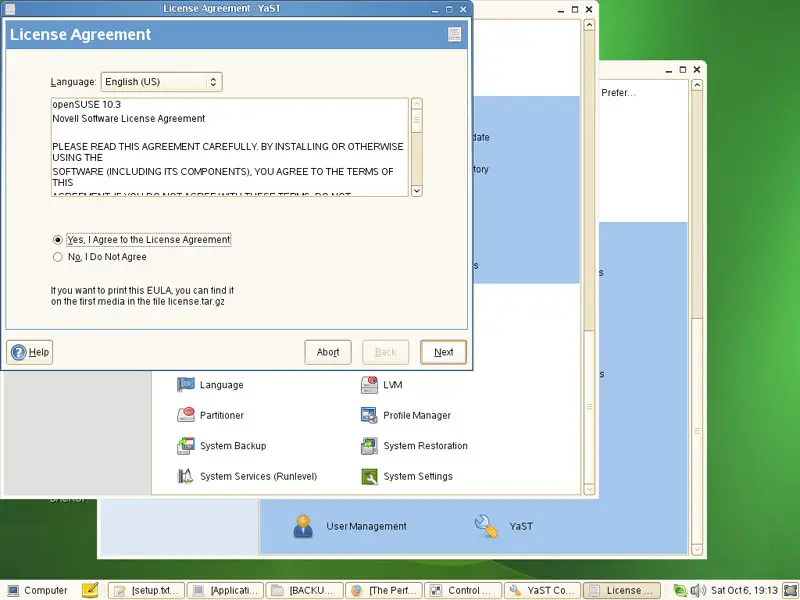
You might have to accept a license again:
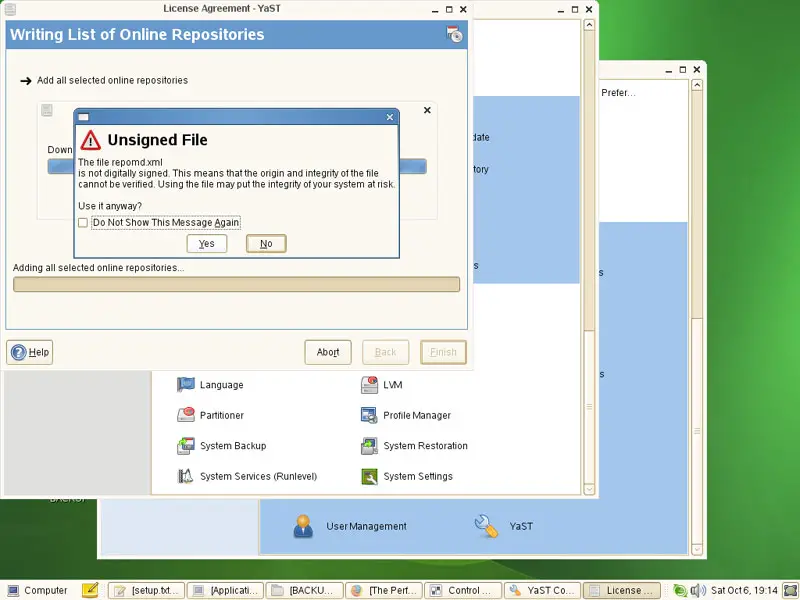
It's also possible that a repository has no key at all. Click on Yes to still accept that repository: