The Perfect Desktop - Mandriva 2008 Free (Mandriva 2008.0) - Page 3
This tutorial exists for these OS versions
- Mandriva Linux 2010.1 (Spring)
- Mandriva Linux 2010
- Mandriva Linux 2009.1 (Spring)
- Mandriva Linux 2009
- Mandriva Linux 2008.1 (Spring)
- Mandriva Linux 2008
On this page
3 Inventory Of What We Have So Far
Now lets browse all menus under Applications to see which of our needed applications are already installed:
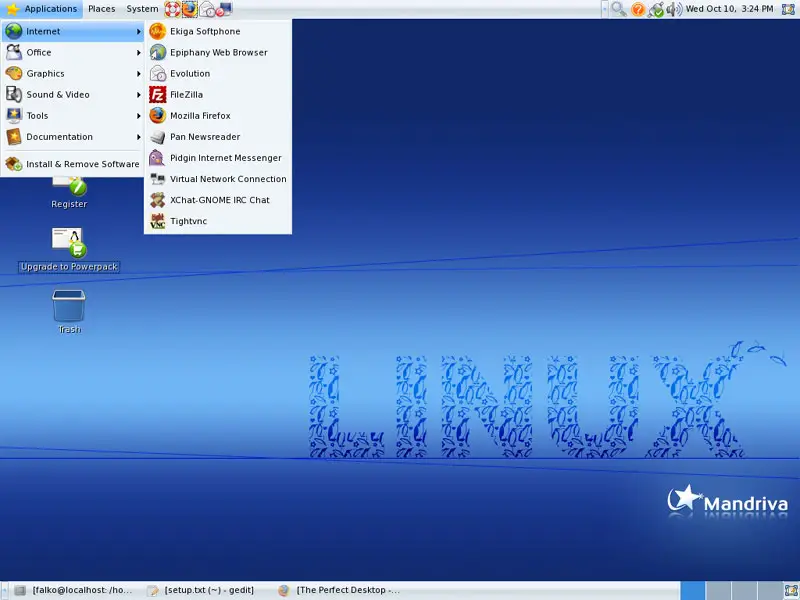
You should find the following situation ([x] marks an application that is already installed, where [ ] is an application that is missing):
Graphics:
[x] The GIMP
[x] F-Spot
[ ] Picasa
Internet:
[x] Firefox
[ ] Opera
[ ] Flash Player
[x] FileZilla
[ ] Thunderbird
[x] Evolution
[ ] aMule
[ ] Bittorrent
[ ] Azureus
[x] Pidgin
[ ] Skype
[ ] Google Earth
[x] Xchat IRC
Office:
[x] OpenOffice Writer
[x] OpenOffice Calc
[ ] Adobe Reader
[x] GnuCash
[x] Scribus
Sound & Video:
[ ] Amarok
[ ] Audacity
[ ] Banshee
[ ] MPlayer
[x] Rhythmbox Music Player
[ ] gtkPod
[ ] XMMS
[ ] dvd::rip
[x] Kino
[x] Sound Juicer CD Extractor
[ ] VLC Media Player
[ ] Real Player
[x] Totem
[ ] Xine
[ ] GnomeBaker
[ ] K3B
[ ] Multimedia-Codecs
Programming:
[ ] KompoZer (Nvu)
[ ] Bluefish
[ ] Quanta Plus
Other:
[ ] VMware Server
[ ] True Type fonts
[ ] Java
[ ] NTFS Read-/Write Support
So some applications are already on the system...
4 Add Online Software Repositories
In this step we will add some online repositories that contain all packages from our DVD plus updated packages plus additional packages that are not on the DVD. As this makes the DVD redundant, we will remove them from the repository list.
Visit http://easyurpmi.zarb.org/ in your browser and follow the wizard. Enable the following repositories:
- contrib
- contrib_updates
- main
- main_updates
- plf-free
- plf-nonfree
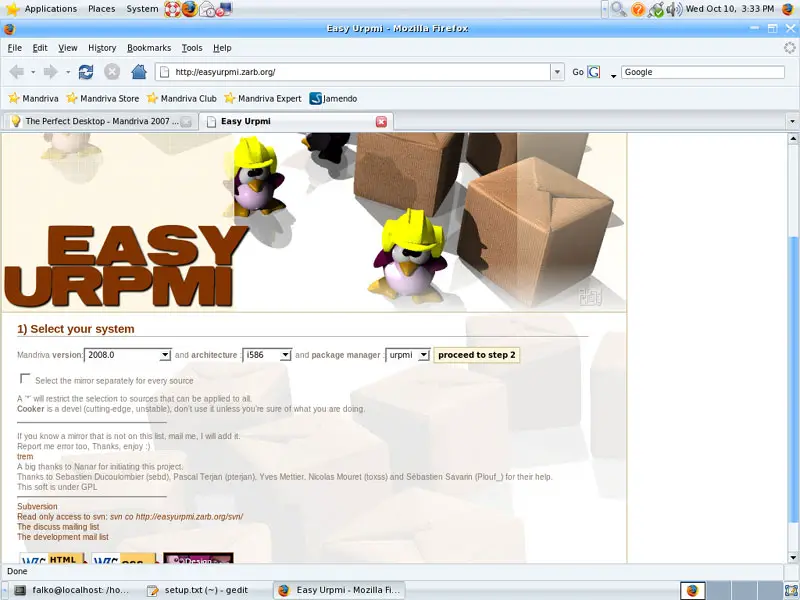
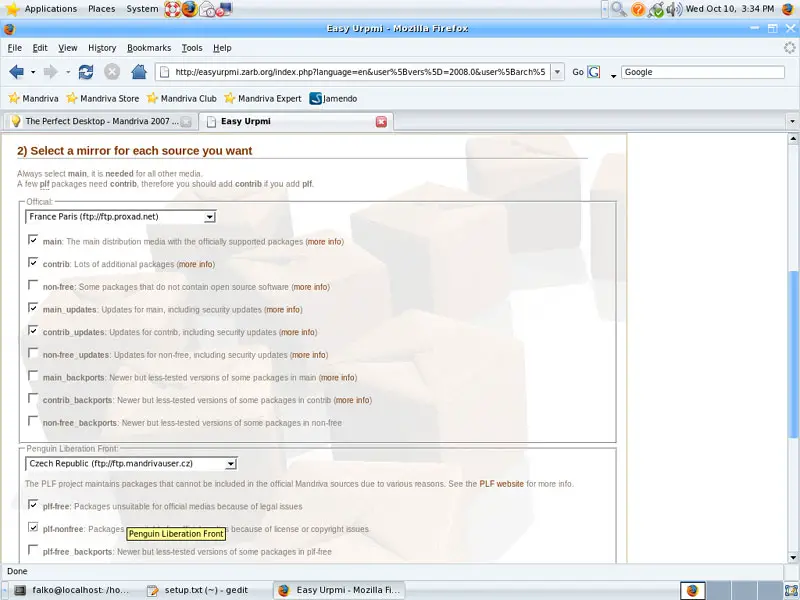
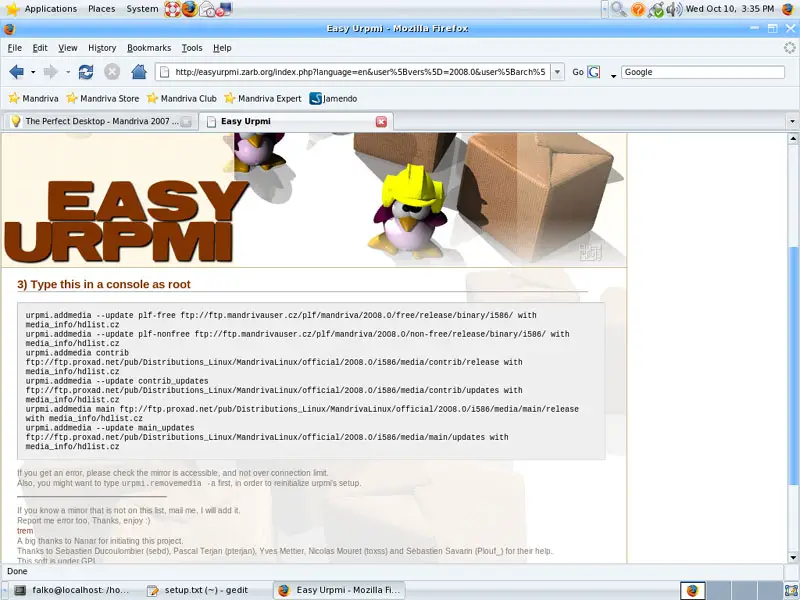
In the end, the wizard will show you a list of commands to run to change the repositories list of your Mandriva desktop:
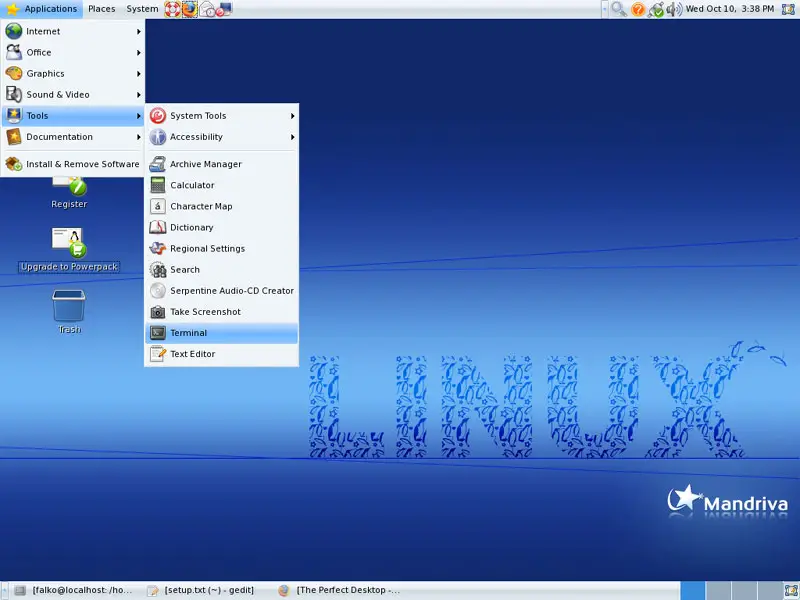
Now open a terminal (Applications > Tools > Terminal):
Become root by typing:
su
Then run the commands from the wizard, e.g.:
urpmi.addmedia --update plf-free ftp://ftp.mandrivauser.cz/plf/mandriva/2008.0/free/release/binary/i586/ with media_info/hdlist.cz
urpmi.addmedia --update plf-nonfree ftp://ftp.mandrivauser.cz/plf/mandriva/2008.0/non-free/release/binary/i586/ with media_info/hdlist.cz
urpmi.addmedia contrib ftp://ftp.proxad.net/pub/Distributions_Linux/MandrivaLinux/official/2008.0/i586/media/contrib/release with media_info/hdlist.cz
urpmi.addmedia --update contrib_updates ftp://ftp.proxad.net/pub/Distributions_Linux/MandrivaLinux/official/2008.0/i586/media/contrib/updates with media_info/hdlist.cz
urpmi.addmedia main ftp://ftp.proxad.net/pub/Distributions_Linux/MandrivaLinux/official/2008.0/i586/media/main/release with media_info/hdlist.cz
urpmi.addmedia --update main_updates ftp://ftp.proxad.net/pub/Distributions_Linux/MandrivaLinux/official/2008.0/i586/media/main/updates with media_info/hdlist.cz
And to remove the Mandriva DVD from the repository list, run
urpmi.removemedia "Mandriva Linux - 2008.0 (Free) - Installer"
urpmi.removemedia "Mandriva Linux - 2008.0 (Free) - Installer (contrib)"
5 Update The System
Most probably the packages on our new online repositories are more up-to-date than the ones we installed from our Mandriva DVD. Therefore let's update our system now.
Open the Control Center:
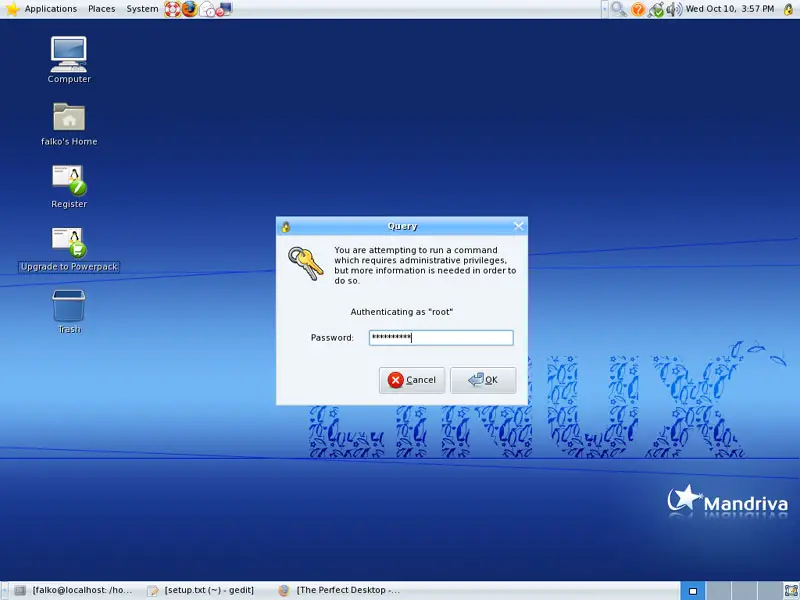
Type in the root password:
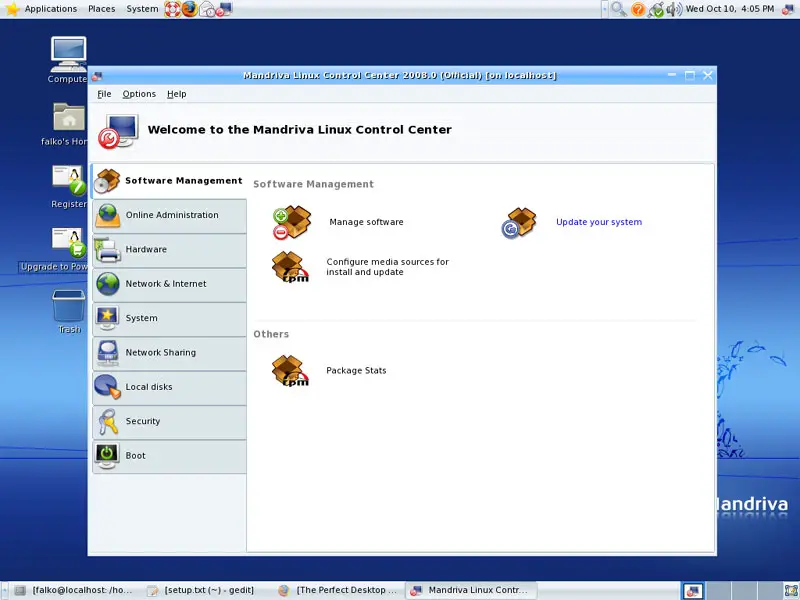
Go to Software Management > Update your system:
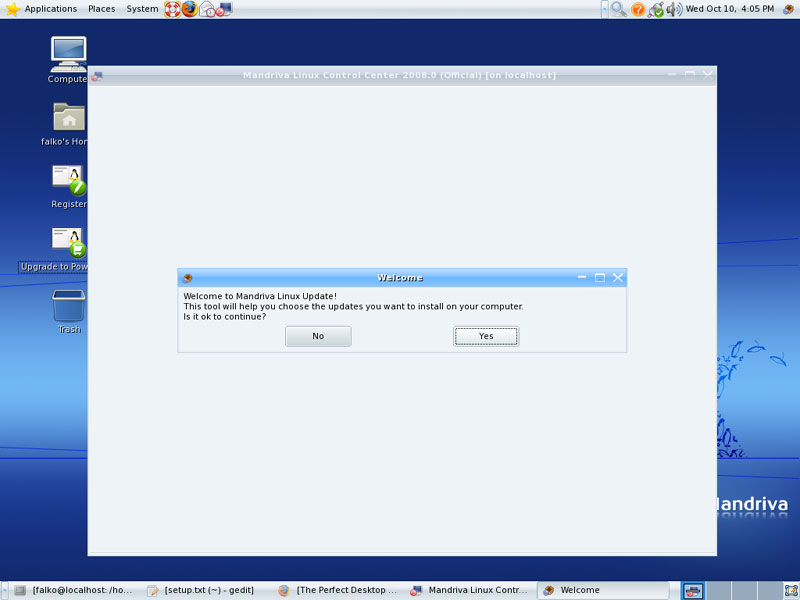
Click on Yes when you're asked Is it ok to continue?:
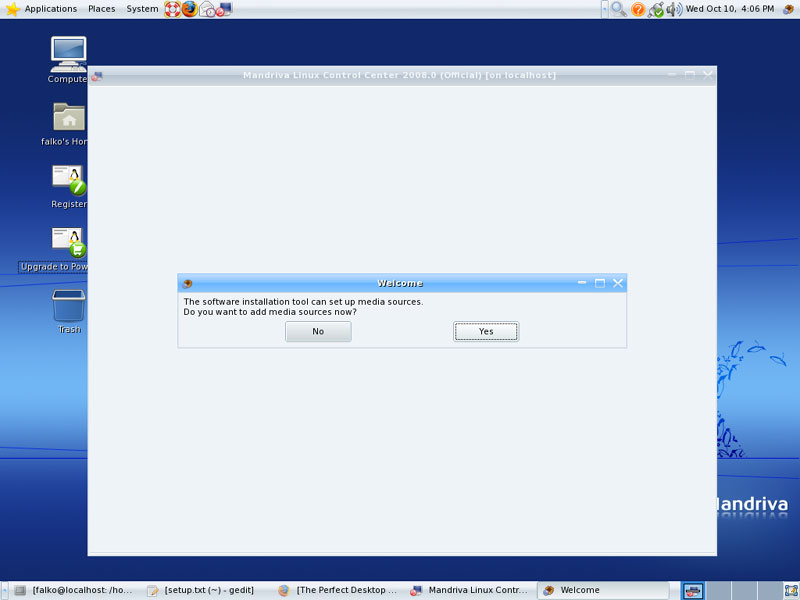
When you're asked Do you want to add media sources now?, answer No - we've already set up our repositories, so we don't need to do this again:
Allow the system to contact the online repositories:
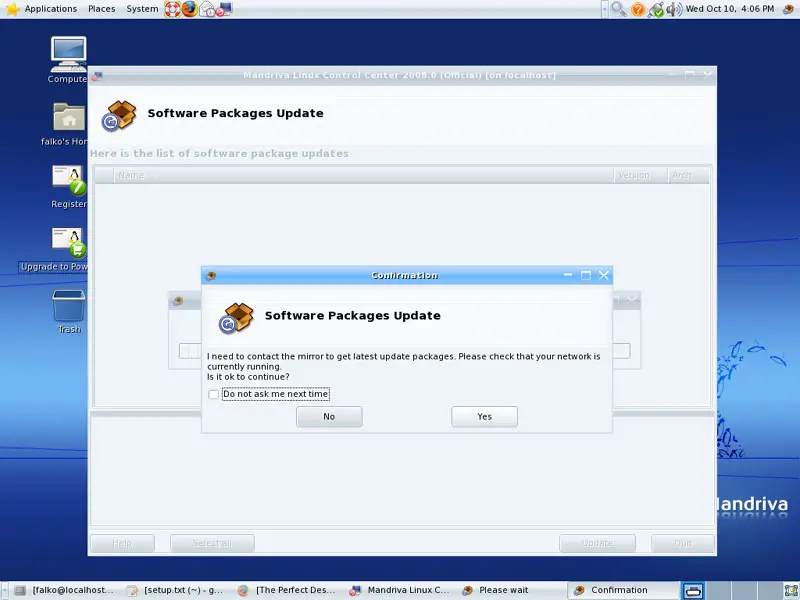
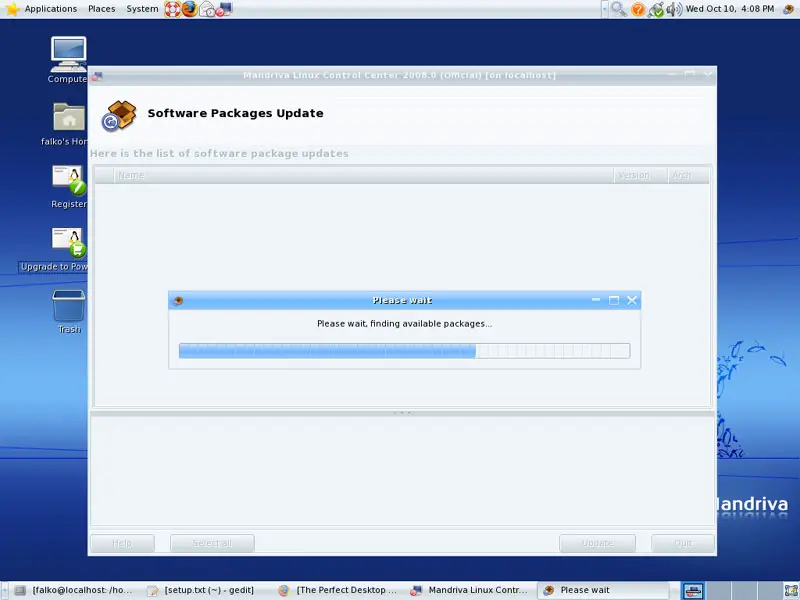
The system will contact the repositories to find new updates:
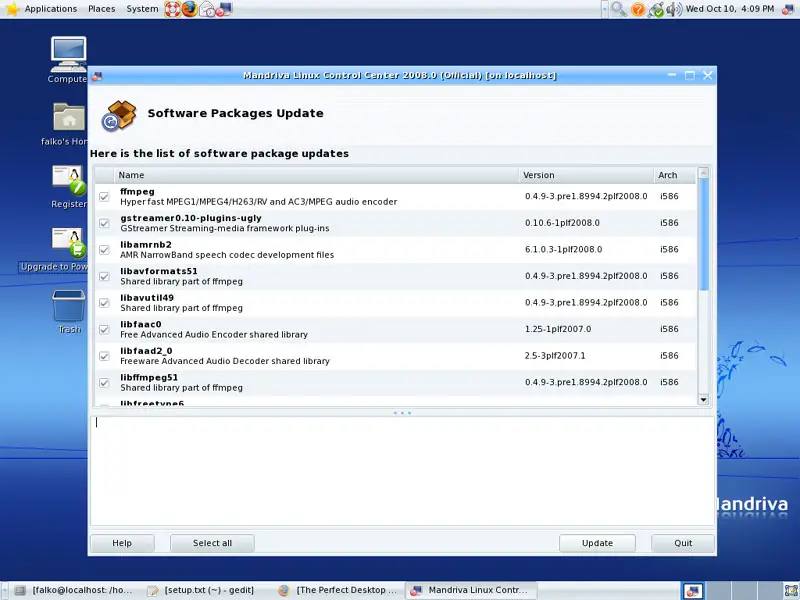
Afterwards, all available updates are shown to you. To install them all, click on Update:
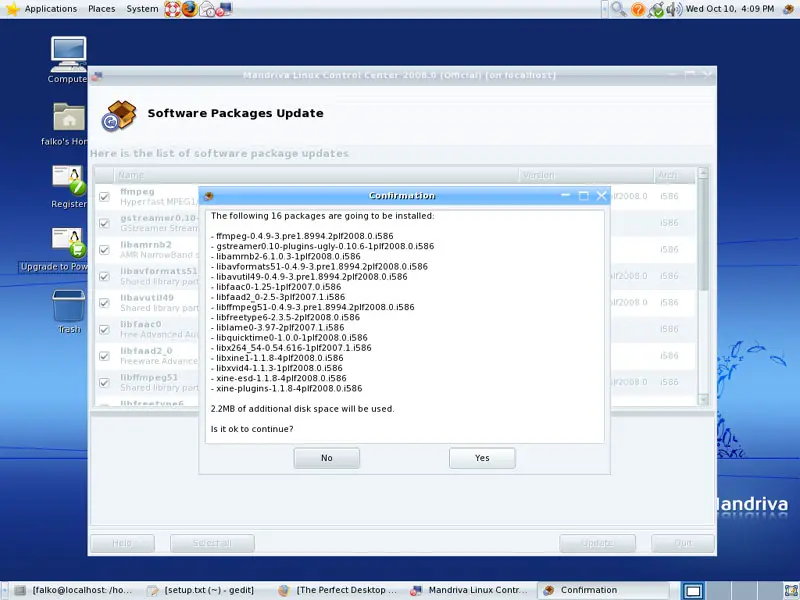
The system shows you all packages that are going to be installed in an extra window. Confirm by clicking on Yes:
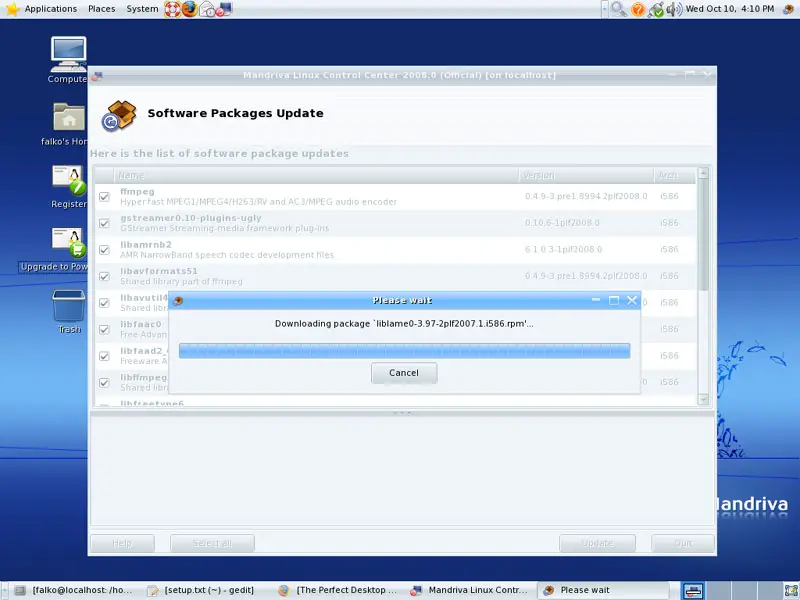
Afterwards, the updates are being downloaded and installed:
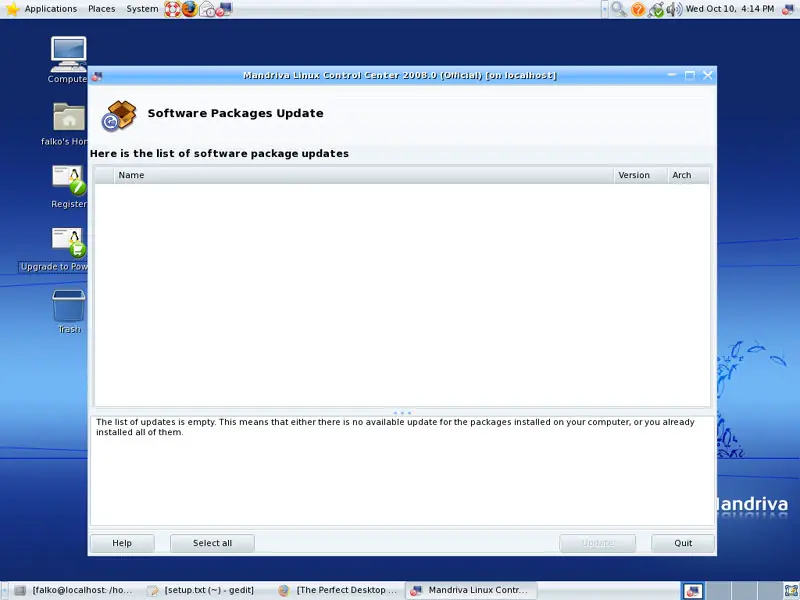
Afterwards, the list of available updates should be empty in the Software Packages Update window. Click on Quit to leave the software updater: