
The Perfect Desktop - Ubuntu 8.10 (Intrepid Ibex) - Page 2
This tutorial exists for these OS versions
- Ubuntu 14.10 (Utopic Unicorn)
- Ubuntu 13.10 (Saucy Salamander)
- Ubuntu 14.04 LTS (Trusty Tahr)
- Ubuntu 13.04 (Raring Ringtail)
- Ubuntu 12.10 (Quantal Quetzal)
- Ubuntu 12.04 LTS (Precise Pangolin)
On this page
3 Update The System
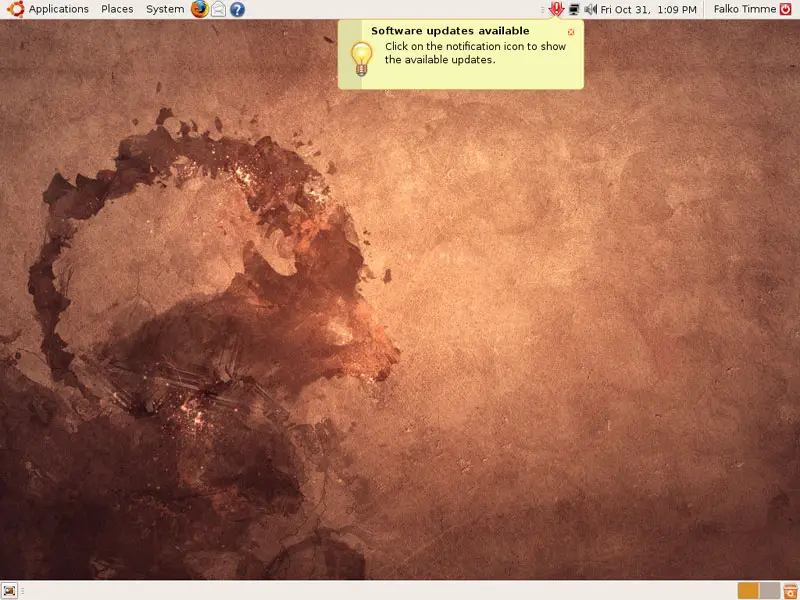
Now it's time to check for updates and install them. This is done using the Update Manager. If you see a notification in the taskbar that new updates are available, you can start the Update Manager by clicking on the update icon...
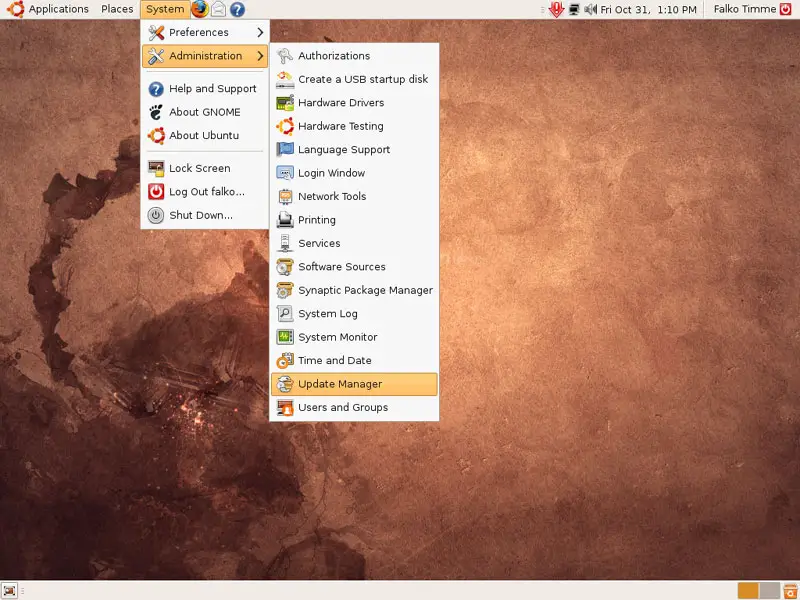
... otherwise you can start the Update Manager by going to System > Administration > Update Manager:
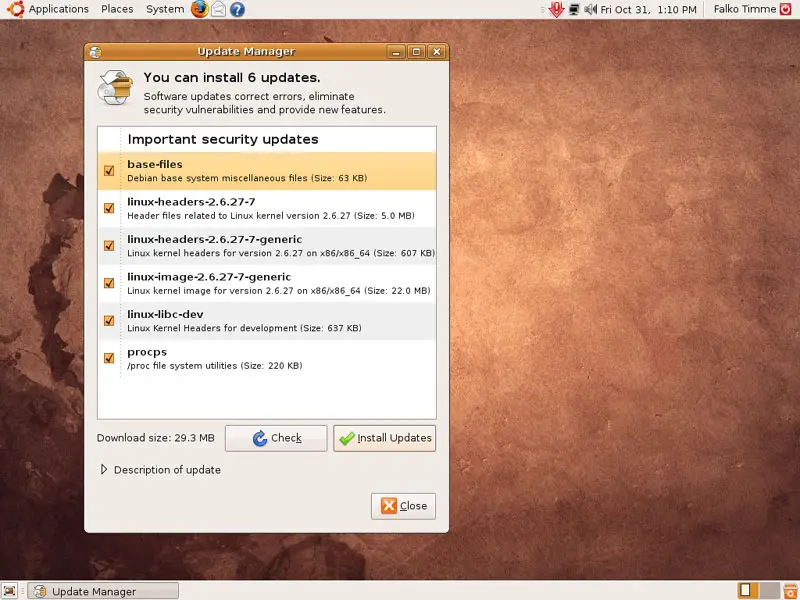
The Update Manager tells you which updates are available (you can click on the Check button to refresh the list). Click on Install Updates to install them:
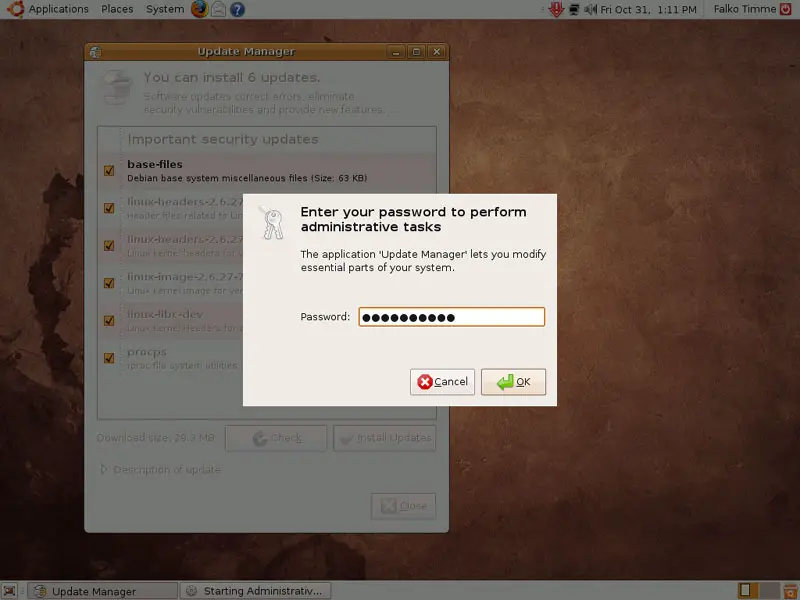
Type in your password:
The updates are being downloaded and installed (this can take a few minutes):
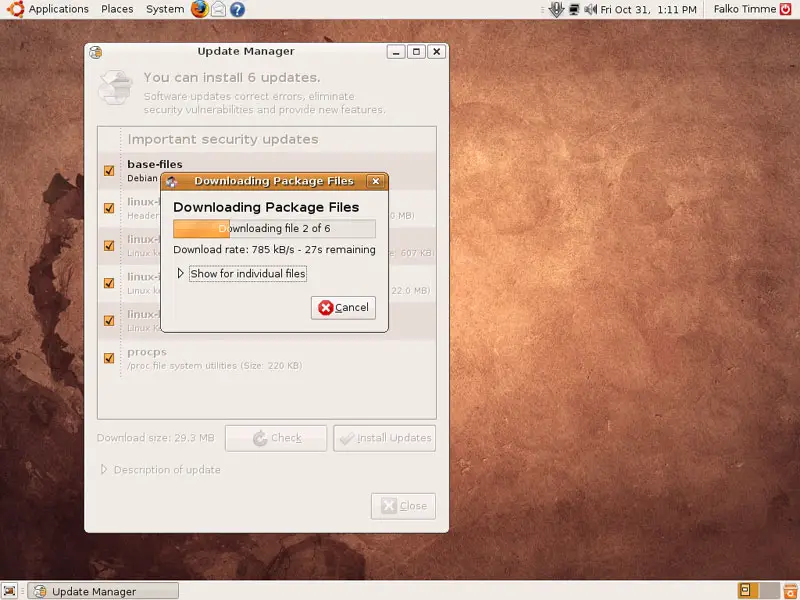
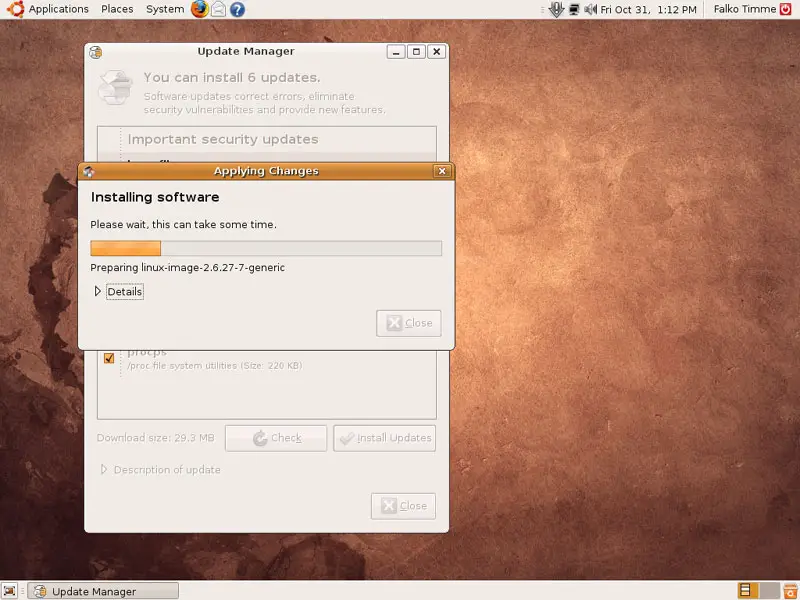
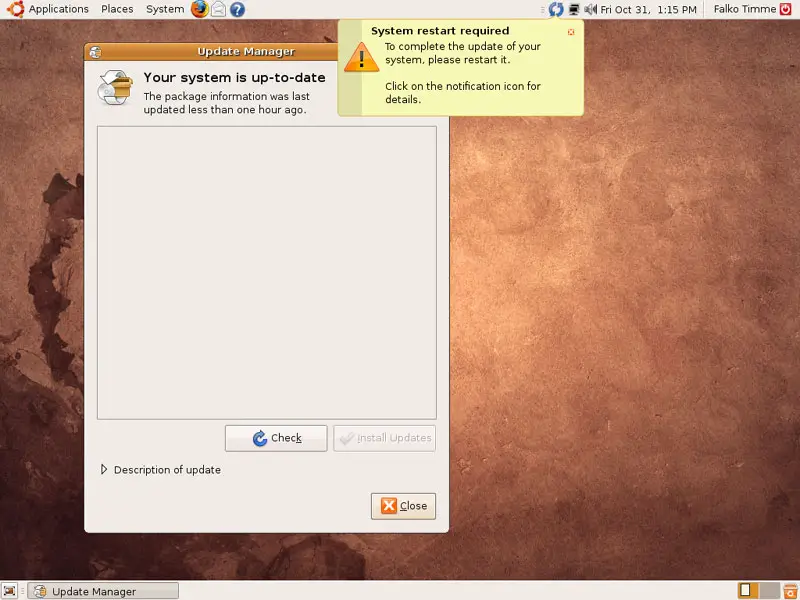
When the update is complete, click on Close. If a new kernel was amongst the updates, a system restart is required to make the changes effective. If this is necessary, you will see a blue reboot icon in the upper right panel. Click on the blue reboot icon to restart the system.
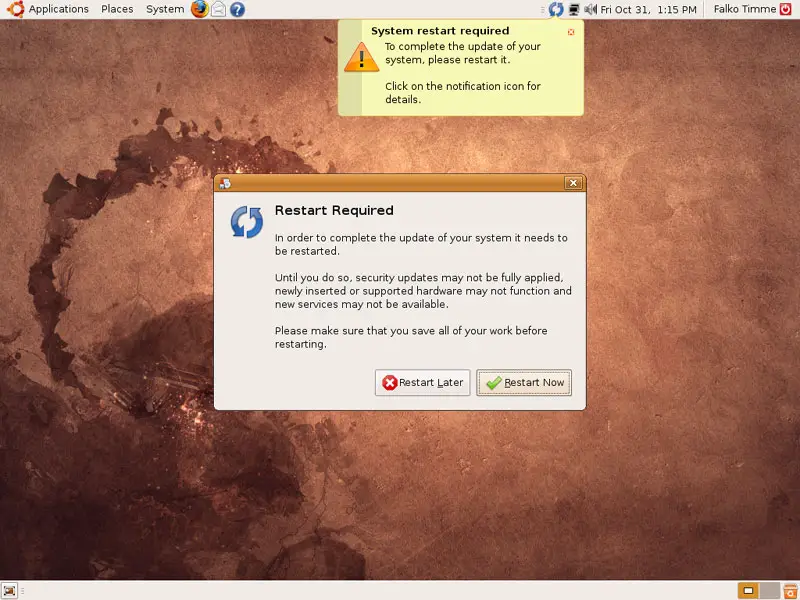
Confirm by clicking on Restart Now:
After the reboot, the system is up-to-date.
4 Inventory Of What We Have So Far
Now let's browse all menus to see which of our needed applications are already installed:
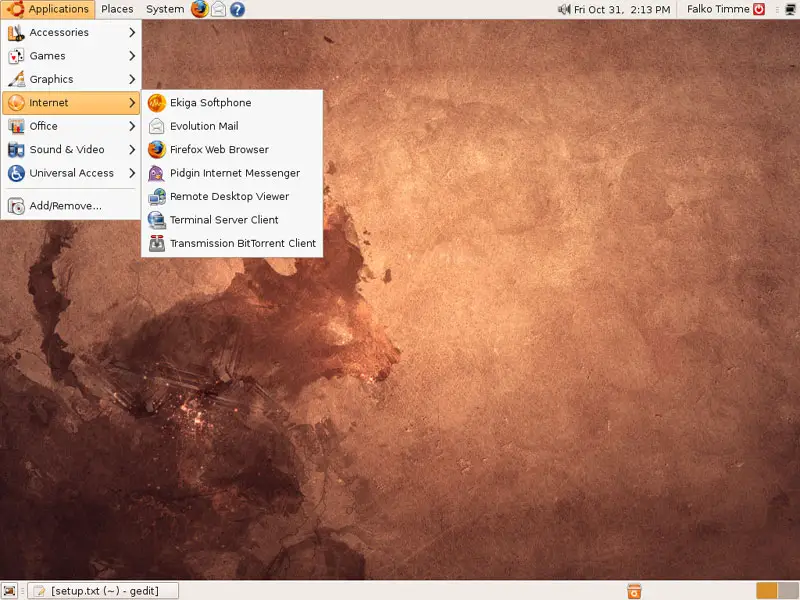
You should find the following situation ([x] marks an application that is already installed, where [ ] is an application that is missing):
Graphics:
[x] The GIMP
[x] F-Spot
[ ] Picasa
Internet:
[x] Firefox
[ ] Opera
[ ] Flash Player
[ ] FileZilla
[ ] Thunderbird
[x] Evolution
[ ] aMule
[ ] BitTornado
[ ] Azureus/Vuze
[x] Pidgin
[ ] Skype
[ ] Google Earth
[ ] Xchat IRC
Office:
[x] OpenOffice Writer
[x] OpenOffice Calc
[ ] Adobe Reader
[ ] GnuCash
[ ] Scribus
Sound & Video:
[ ] Amarok
[ ] Audacity
[ ] Banshee
[ ] MPlayer
[x] Rhythmbox Music Player
[ ] gtkPod
[ ] XMMS
[ ] dvd::rip
[ ] Kino
[ ] Sound Juicer CD Extractor
[ ] VLC Media Player
[ ] Helix Player
[x] Totem
[ ] Xine
[x] Brasero
[ ] K3B
[ ] Multimedia-Codecs
Programming:
[ ] KompoZer
[ ] Bluefish
[ ] Quanta Plus
Other:
[ ] VMware Server
[ ] TrueType fonts
[ ] Java
[x] Read/Write support for NTFS partitions
So some applications are already on the system. NTFS read-/write support is enabled by default on Ubuntu 8.10.
5 Configure Additional Repositories
Some packages like the Adobe Reader are not available in the standard Ubuntu repositories. The easiest way to make such packages available to your system is to add the Medibuntu repository.
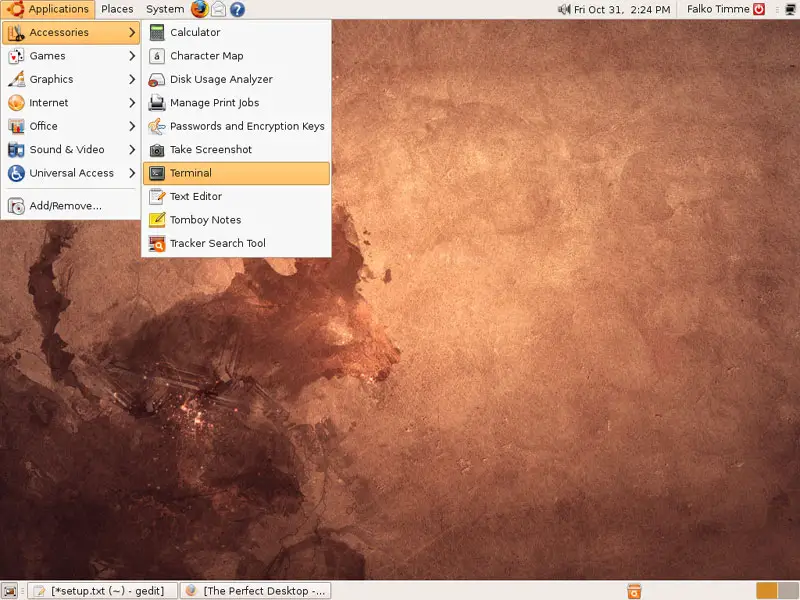
First we open a terminal (Applications > Accessories > Terminal):
First off, we edit /etc/apt/sources.list...
sudo gedit /etc/apt/sources.list
... and enable the intrepid partner repository (because some packages such as Opera are available only in that repository):
[...] ## Uncomment the following two lines to add software from Canonical's ## 'partner' repository. This software is not part of Ubuntu, but is ## offered by Canonical and the respective vendors as a service to Ubuntu ## users. deb http://archive.canonical.com/ubuntu intrepid partner deb-src http://archive.canonical.com/ubuntu intrepid partner [...] |
Then save the file.
To enable the Medibuntu repository, please do the following:
Import the repository:
sudo wget http://www.medibuntu.org/sources.list.d/intrepid.list -O /etc/apt/sources.list.d/medibuntu.list
Import the gpg-key and update your package-list:
sudo apt-get update && sudo apt-get install medibuntu-keyring && sudo apt-get update





