
The Perfect Desktop - Fedora 9 - Page 4
This tutorial exists for these OS versions
On this page
5 Packagekit
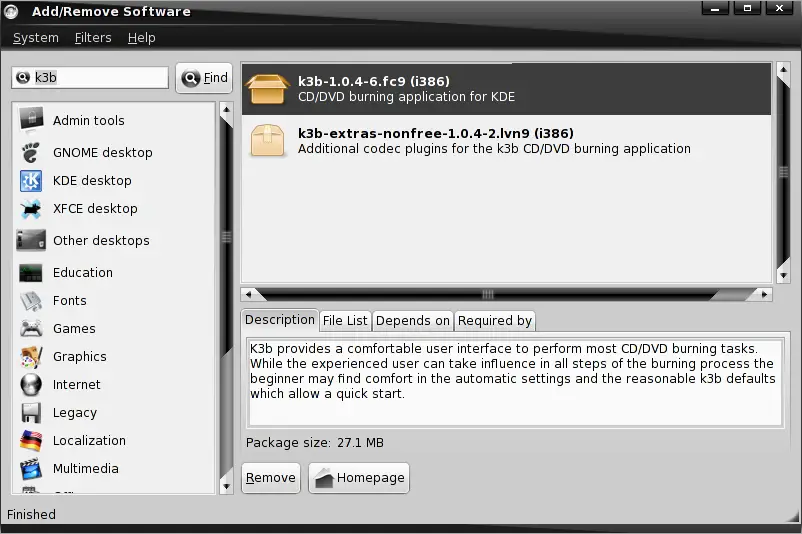
Packagekit is the new frontend for yum to manage your packages - it's available in the GNOME system menu.
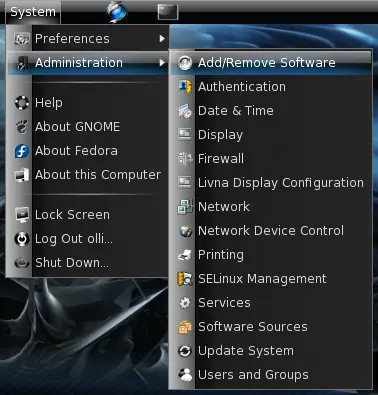
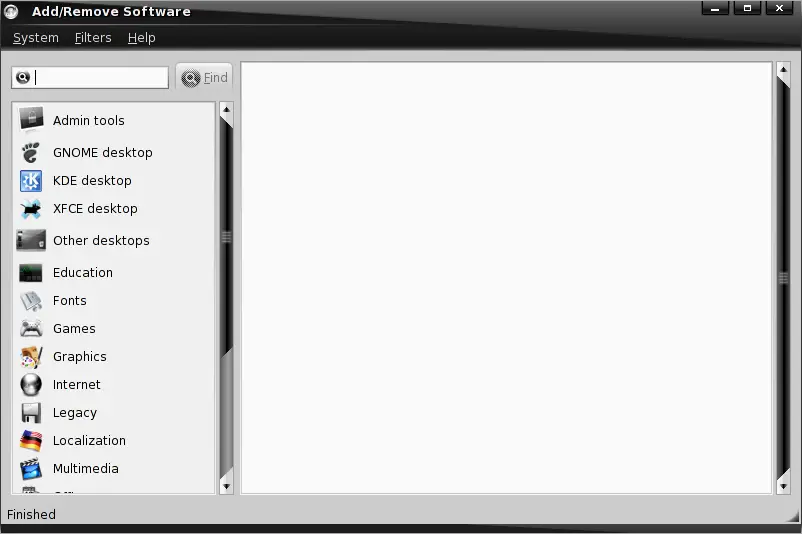
5.1 Uninstall / Install Packages
If you want you can enable a filter to show only available or only installed software.
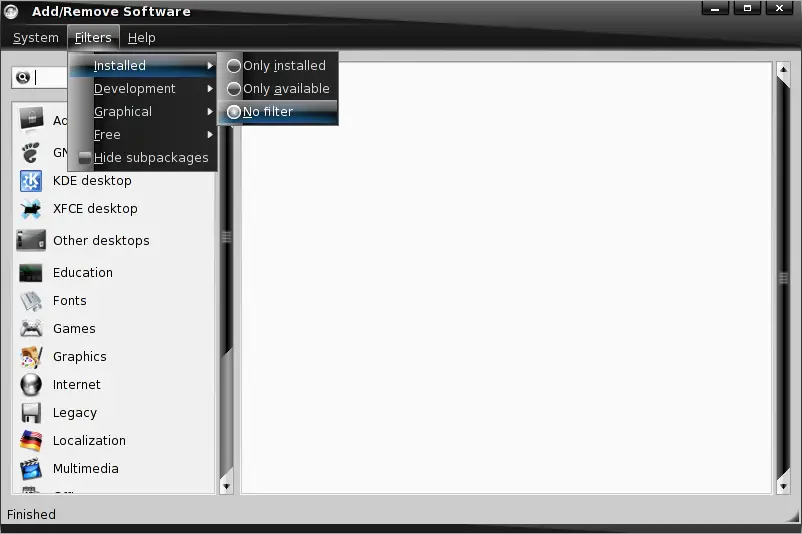
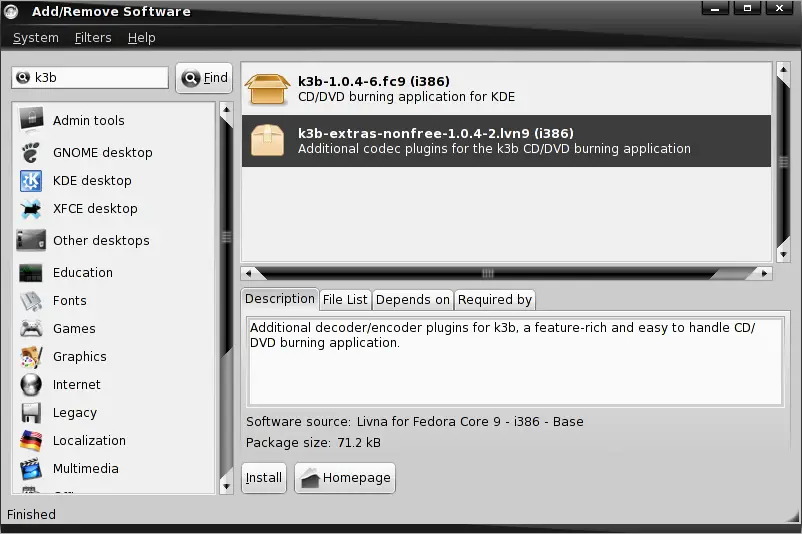
You can search packages in package groups or simply enter a search term into the corresponding field.
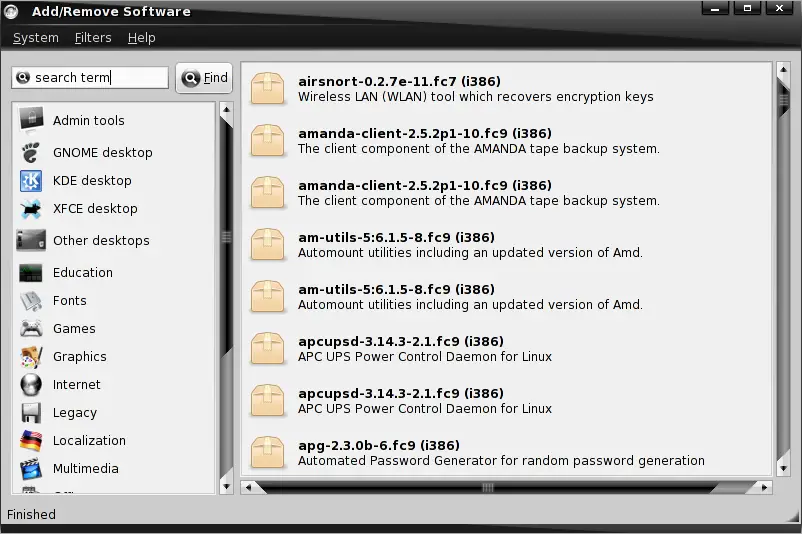
Installed packages are marked with an opened carton - if you want to deinstall a package simply click on the corresponding button.
Available packages are marked with a closed carton - if you want to install a package simply click on the corresponding button.
5.2 System Update
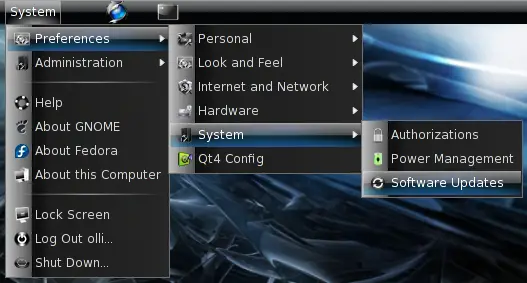
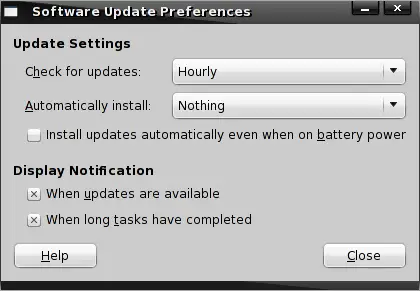
The system will check for updates automatically and notify you if updates are available. You can adjust the check intervals within the GNOME system menu.
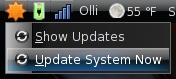
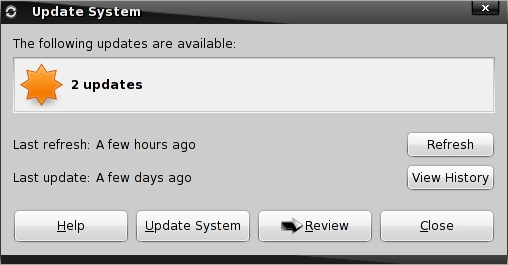
You'll see an orange star in the upper GNOME panel if there are updates pending. Left-click on the star and click on "Update System Now" to install the available updates or click on "Show Updates" if you want to take a look at the updates.
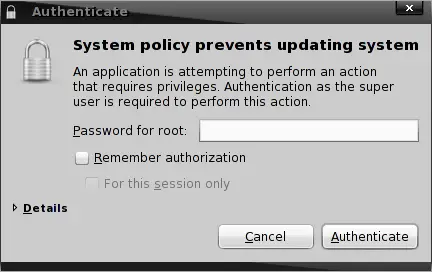
Enter the root password.
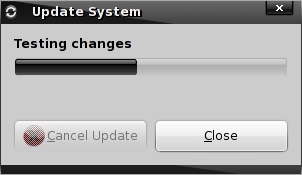
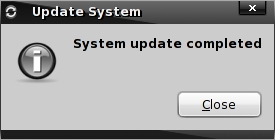
The updates are being downloaded and installed.
6 Installed Software
6.1 Multimedia
- Rhythmbox
- Totem
6.2 Graphics
- GIMP
- F-Spot
6.3 Office
- OpenOffice
6.4 Internet
- Firefox 3
- Pidgin
- Transmission
6.5 System
- Compiz Fusion
- NTFS-3G





