The Perfect Desktop - Fedora 9 - Page 2
This tutorial exists for these OS versions
On this page
3 First Start
If there's no reason to do something special wait a few seconds to start with the standard settings.
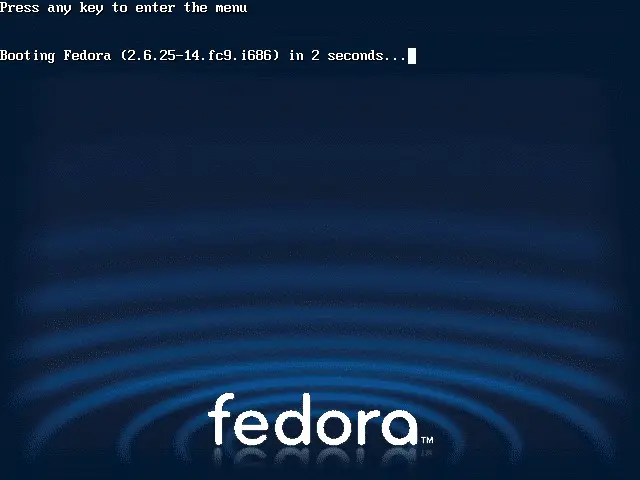
The system is starting up.
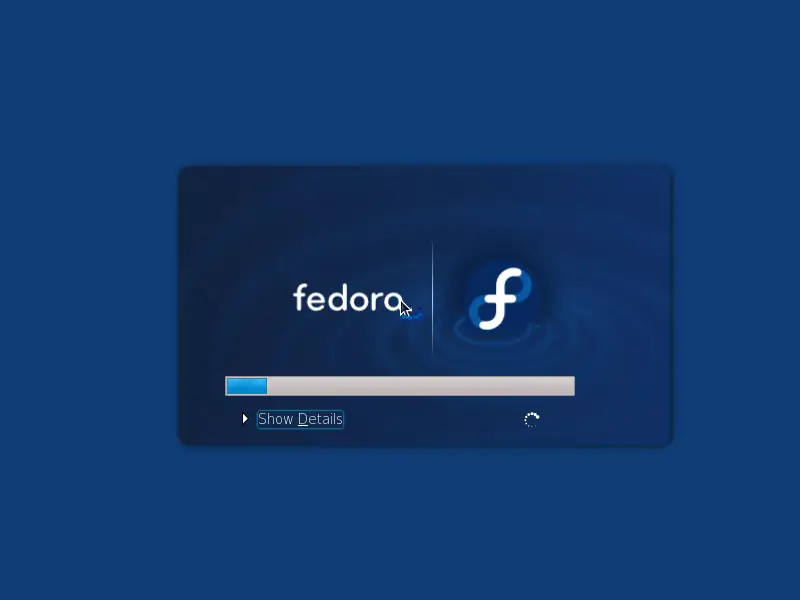
This is the first start - the firstboot wizard appears.
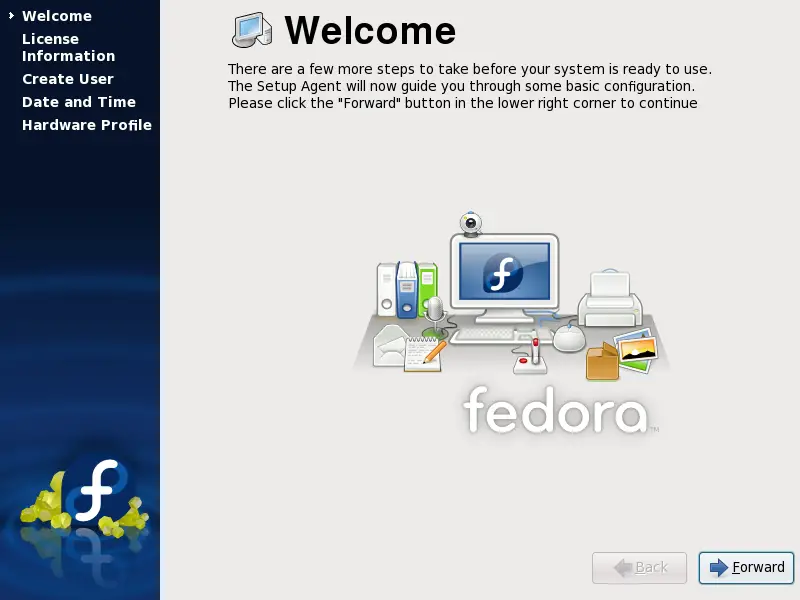
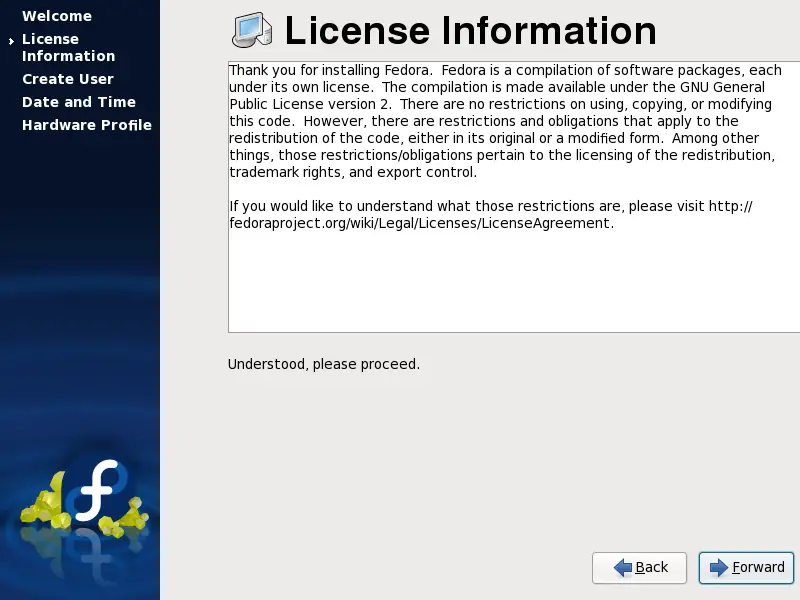
Have a look at the license information and proceed.
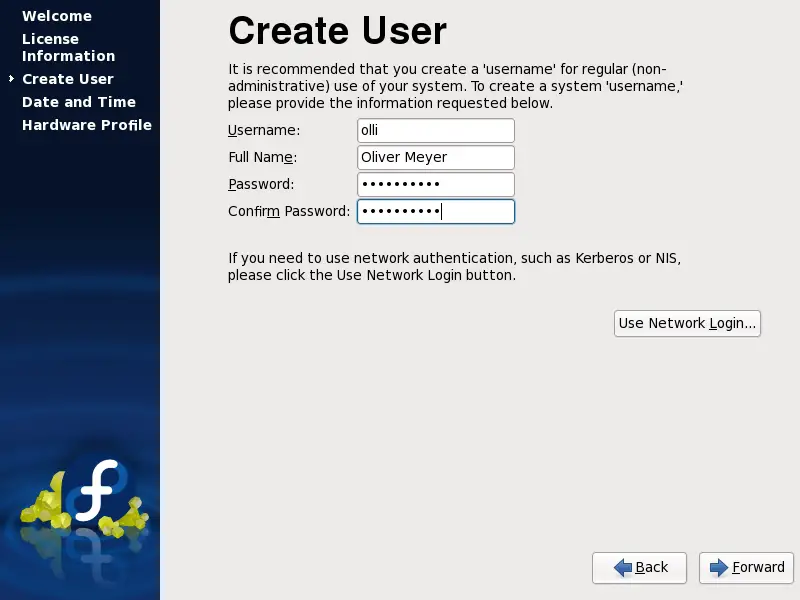
Time to add the first user account to the system.
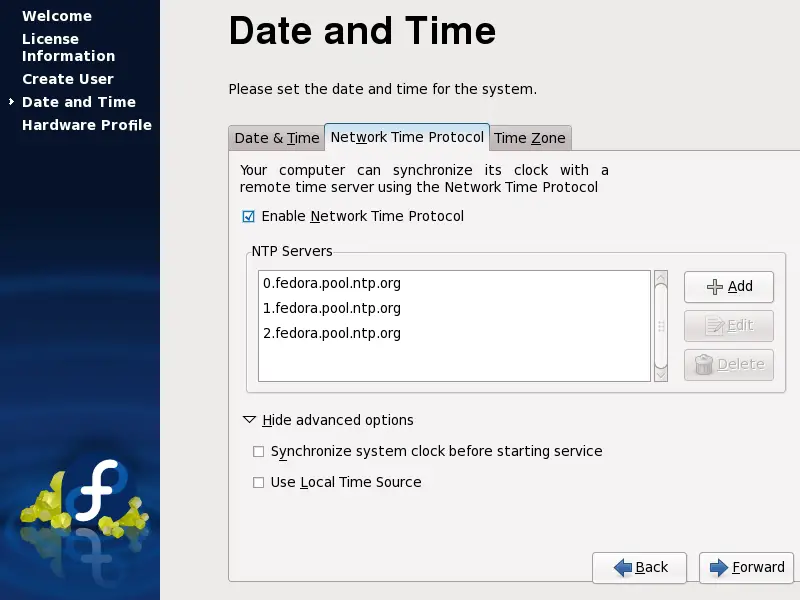
You should enable the network time protocol so that the time will be synchronized with a remote time server.
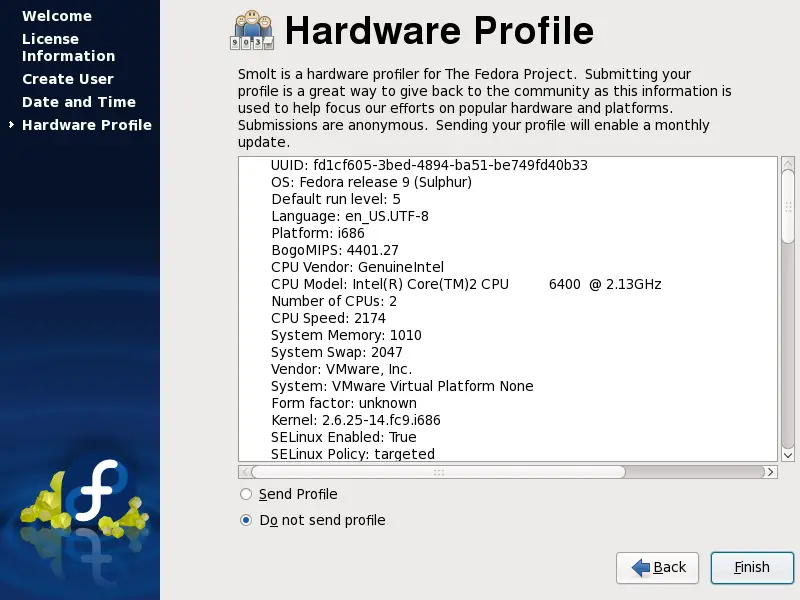
Send your hardware profile if you want.
Log in into the system with the user data that you chose in the firstboot wizard.
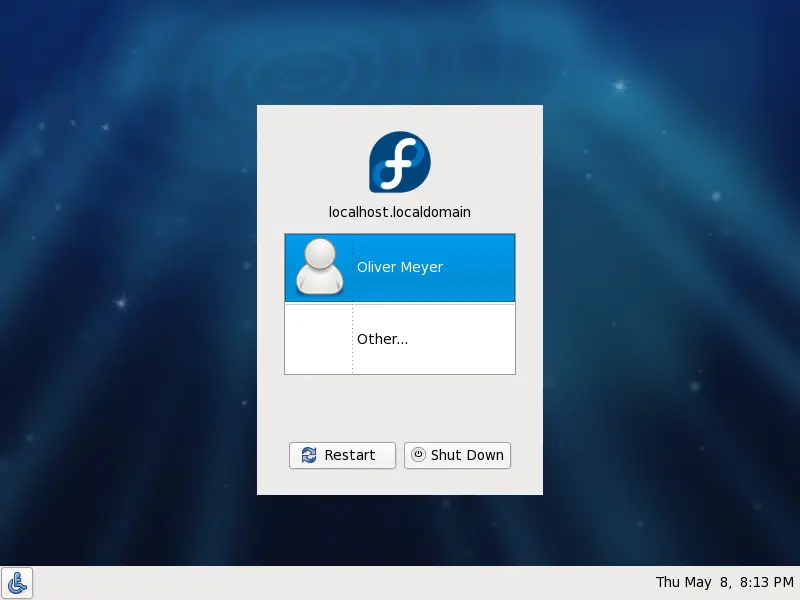
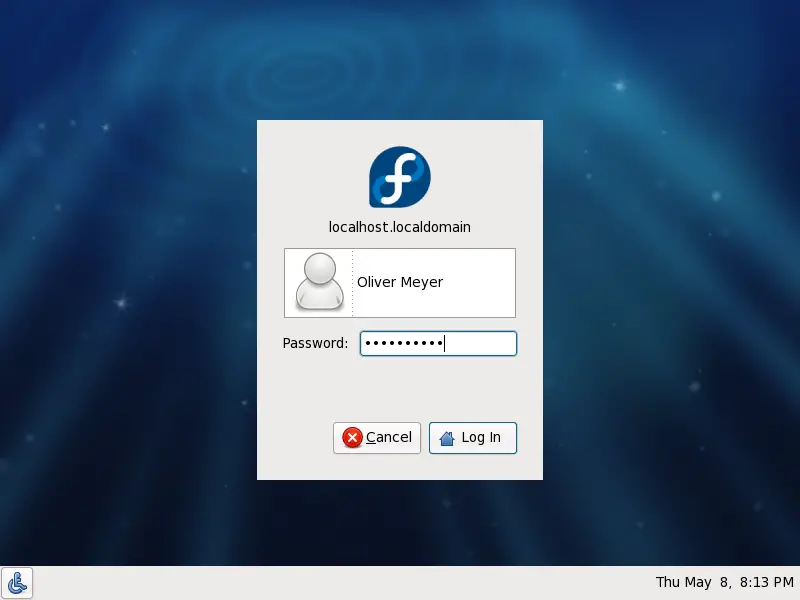
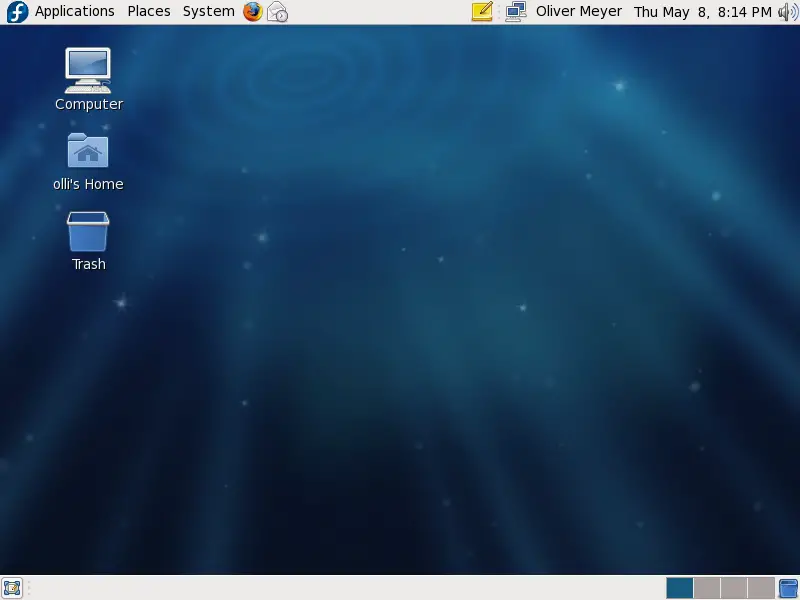
Welcome to your desktop.
4 Basic Configuration
In various parts of this howto you have to switch to the root account (in the terminal). The terminal is available in the gnome applications menu.
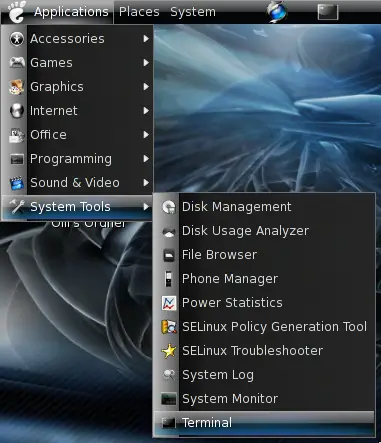
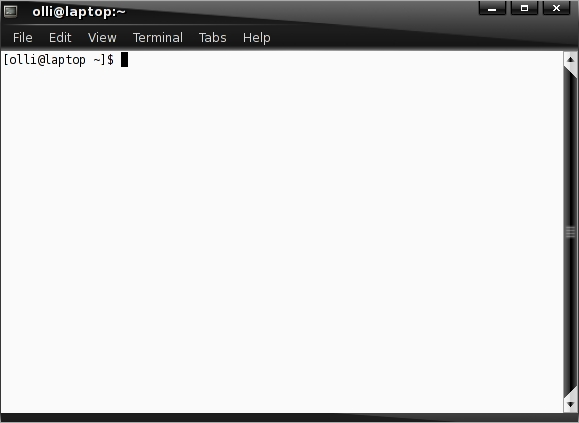
Enter the following to switch to the root account:
su -
%rootpassword%
You can switch back to your user account with:
exit
4.1 Nautilus
Nautilus opens a window for every single folder by default - to change this open any folder and edit the settings. It's also a good idea to enable the delete command that bypasses the trash - because if you delete something from external storage devices with the standard delete command, the things will not really be deleted but moved to a trash on the device (.trash). This trash will not be affected when you delete the trash on your desktop.
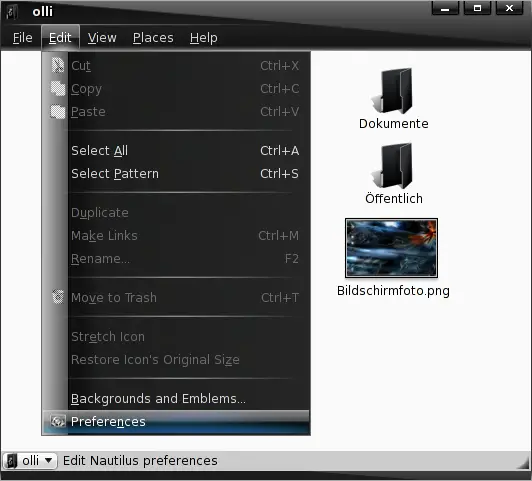
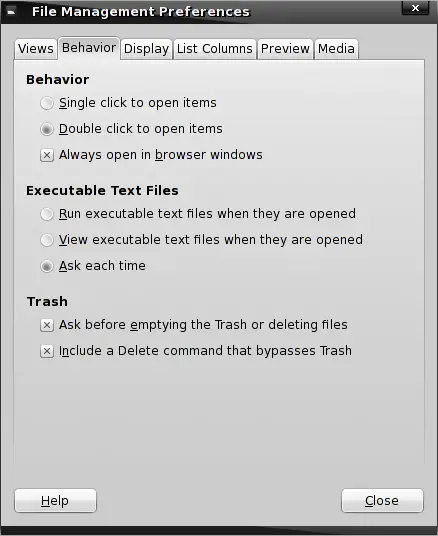
Now it's user friendly.