Set Up Ubuntu Server With EHCP (LAMP, DNS, FTP, Mail)
version 1.1
1. Introduction
This tutorial will help you setup a web server to host multiple domains. We will use EHCP, a free control panel, to manage the server. The tutorial should be easy to follow even for beginners and you'll probably need about an hour to have your server up & running. You will need a unique static ip address for your server. This can be behind your nat router as long as you set up port forwarding. You will need to know the ip address you want to assign to the server, it's subnet mask, the default gateway and the ip for the dns server.
I used Ubuntu Server 8.04, but this should work on any Ubuntu or Debian version.
2. Install Ubuntu Server
This page explains you how to install the base Ubuntu Server system and OpenSSH. If you already know how to do that, you can jump to page 2.
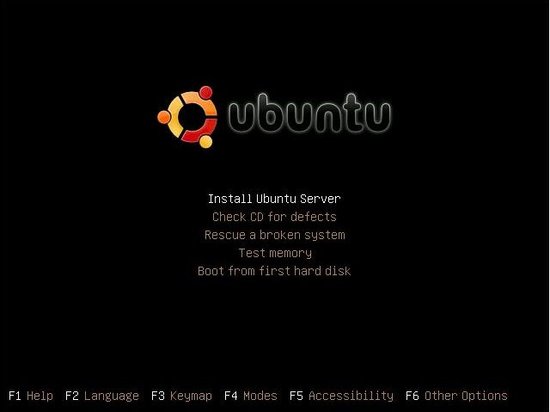
Boot you computer from the Ubuntu CD, choose your language, then select "Install Ubuntu Server."
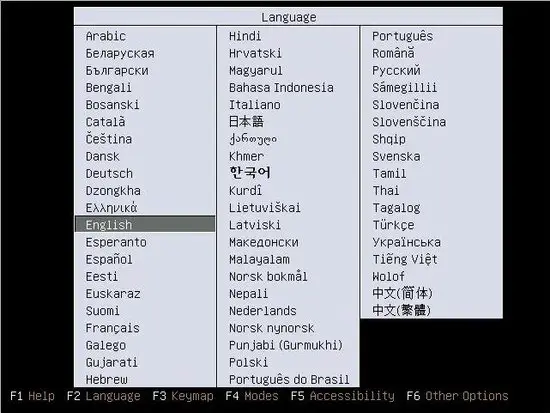
Next you'll have to answer a few questions about your language and keyboard layout.
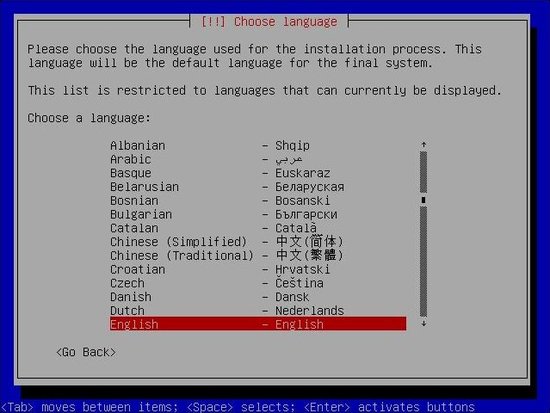
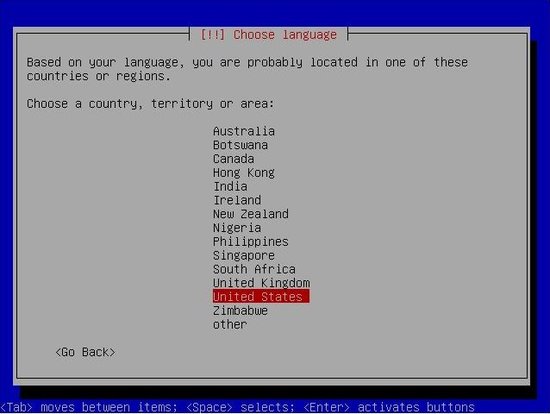
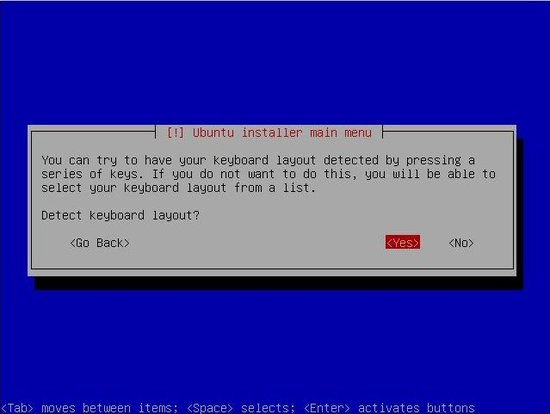
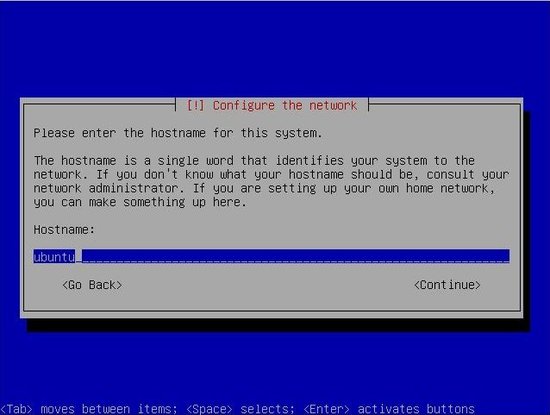
The Ubuntu installer will try to acquire an ip by DHCP; you'll change the ip address to a static one later. Next you will have to enter the hostname (you can use anything you want).
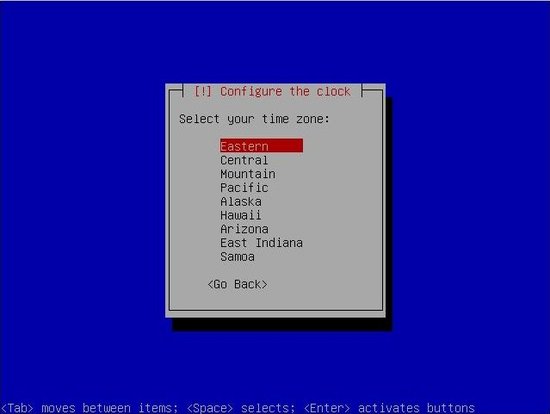
Select your timezone:
Next you'll partition the disk. This will erase all data on the disk! Please be carrefull when performing this step!
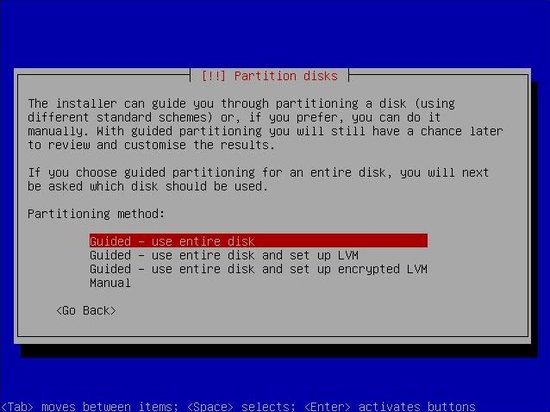
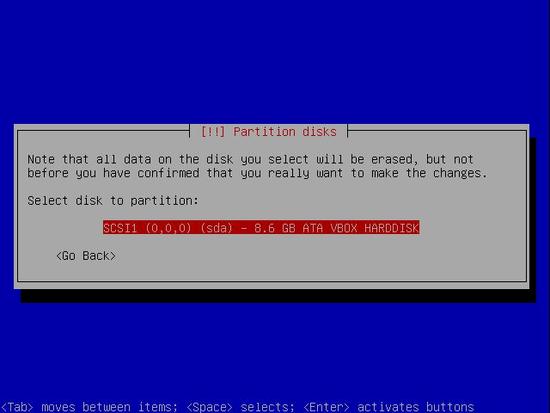
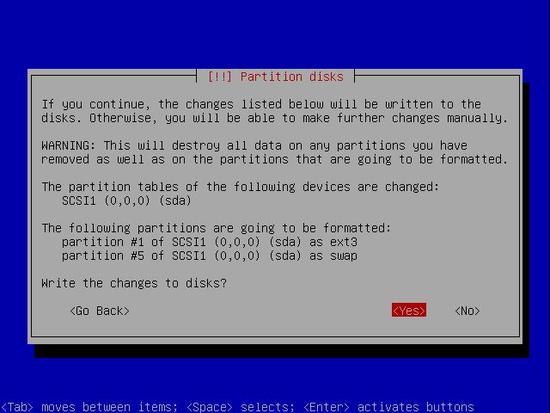
Next you'll have to wait for the base system to install. It may take a few minutes.
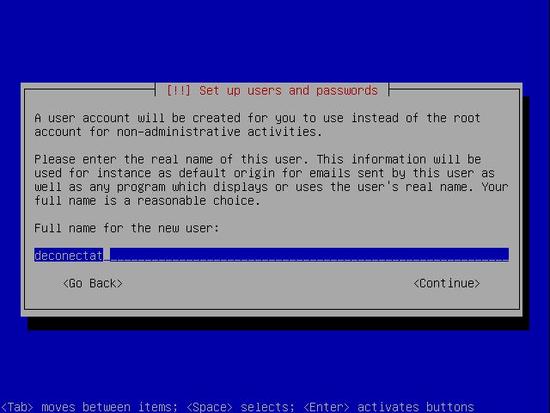
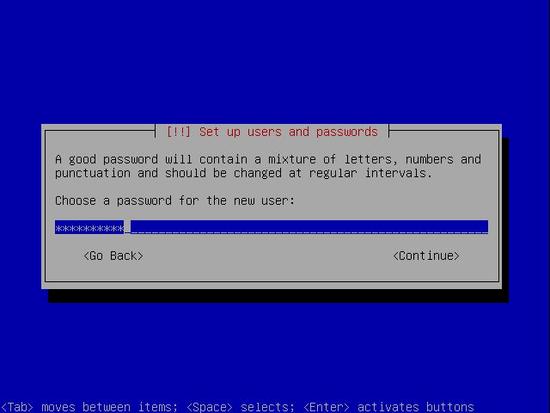
Enter your desired name, username and password:
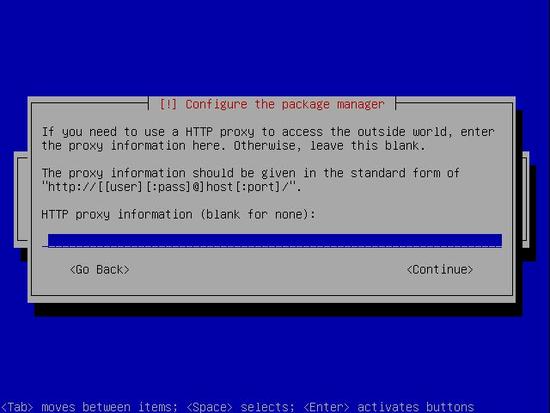
If you connect to the internet through a proxy server, enter its address here:
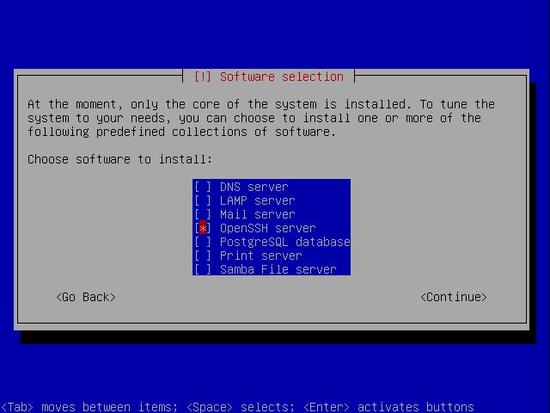
In the software selection screen choose only "OpenSSH Server"; you'll install the rest later.
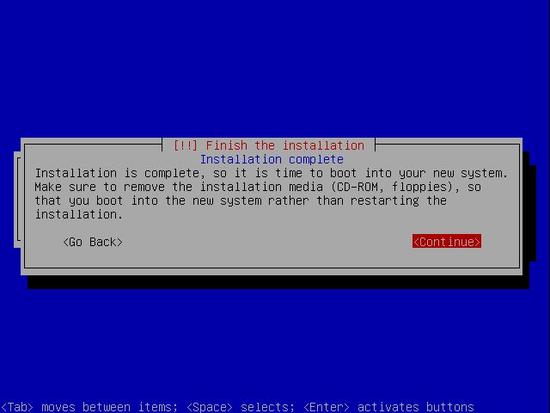
Remove the CD from your CD-ROM and press continue to reboot: