
Network-Attached Storage With FreeNAS - Page 8
On this page
8 Our Second Test
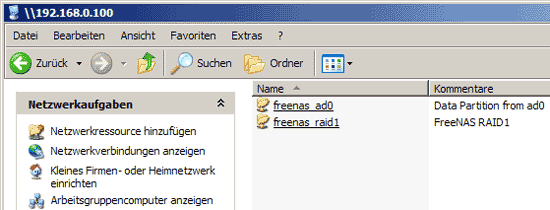
If you check again in your Windows Explorer or your FTP client, you should now also see the RAID share:
9 Adding Local Users
Services such as SSH don't allow anonymous logins. Also, if you have configured FTP and CIFS to not allow anonymous logins, you must create local users now on the FreeNAS system that can log in to each service.
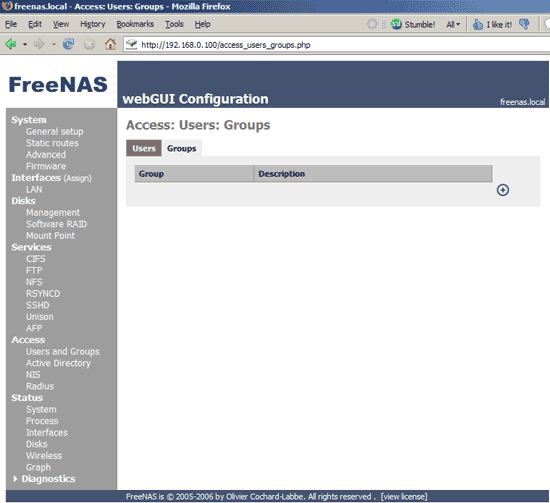
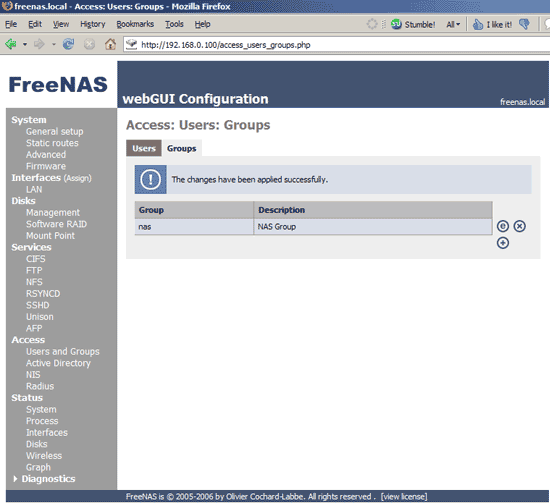
To create users, we must first create group to which we can add the users. Go to Access -> Users and Groups and then to the Groups tab and click on +:
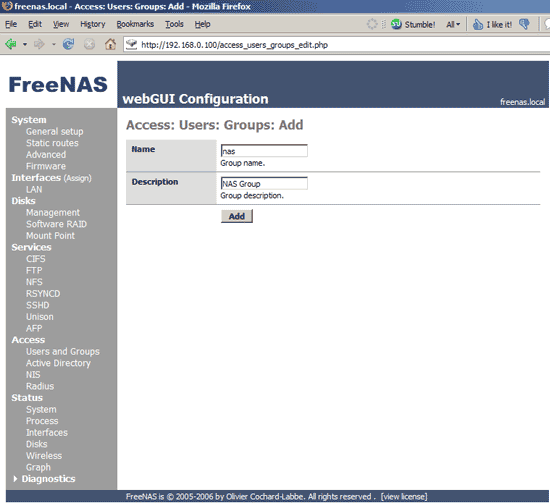
Enter a name and description for the group and click on Add:
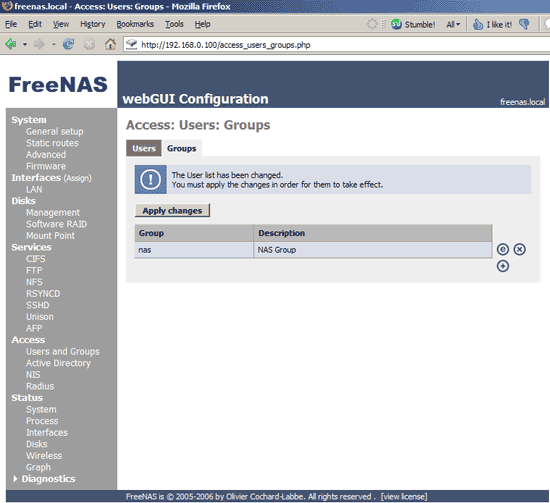
Then apply the changes:
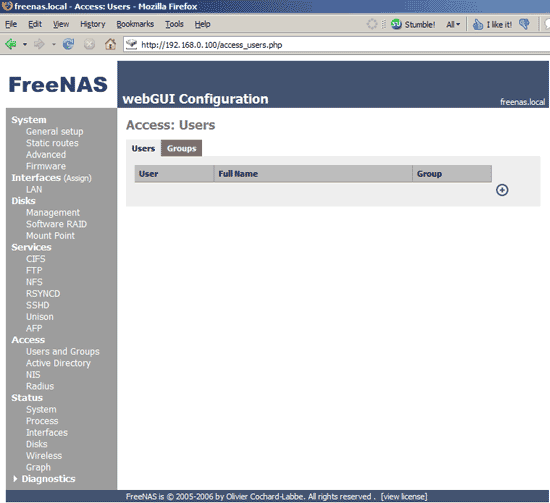
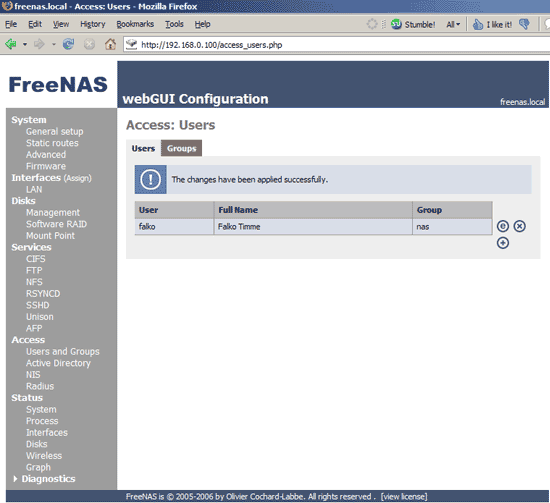
Next go to the Users tab and click on +:
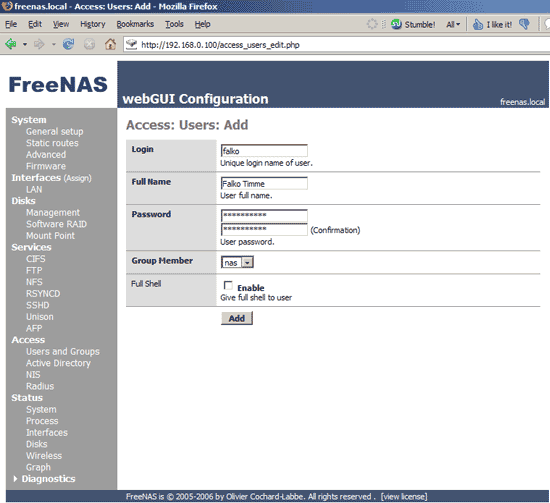
Enter a user name and password and select the group that you've previously created. If you enable Full Shell, the user cannot only use SCP (like WinSCP), but also log in on the shell. If you don't enable Full Shell, the user is restricted to using SCP:
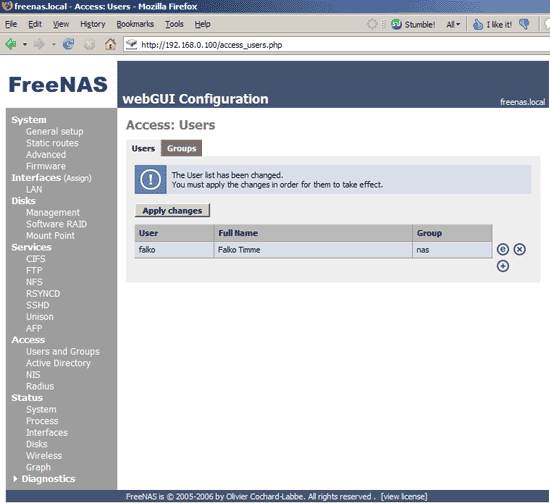
Apply the changes:
10 Using SCP
Now that SSH is enabled on the FreeNAS server and you've created a local user, that user can also use SCP (e.g. with WinSCP) to access the NAS shares.
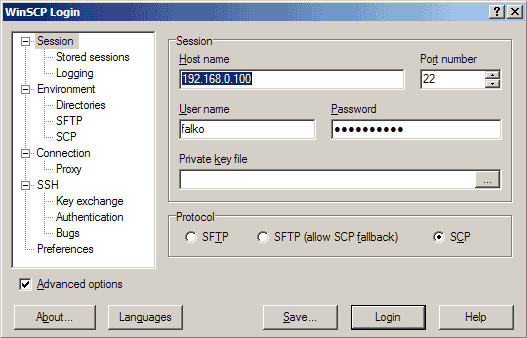
Fill in the host name, user name, and password, and make sure to select SCP:
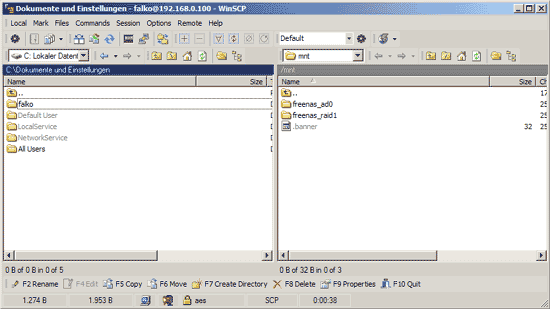
After the successful login, you can see both NAS shares:
11 Links
- FreeNAS: http://www.freenas.org
- WinSCP: http://winscp.net





