
Installing Apache And ColdFusion 9 On Ubuntu 9.04 - Page 3
On this page
The final steps
Once the installer has completed you need to start the ColdFusion service.
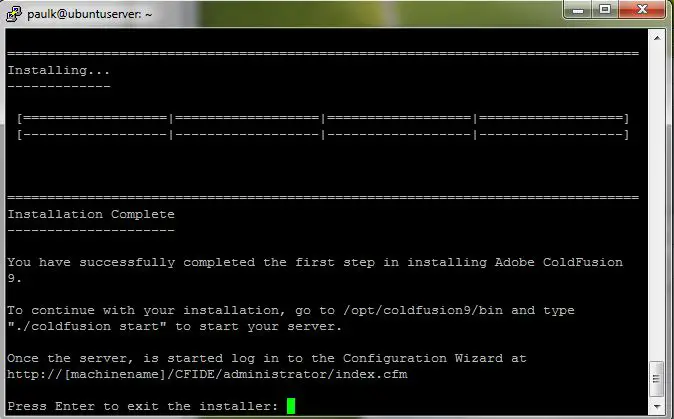
Press enter and type:
sudo /opt/coldfusion9/bin/coldfusion start
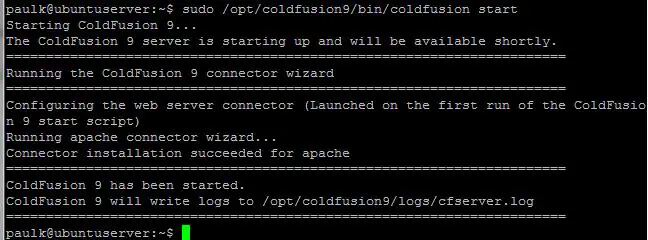
Give this some time to start up then visit:
http://ipaddressofserver/CFIDE/administrator/index.cfm
You will need to enter the administrator password to continue the setup.
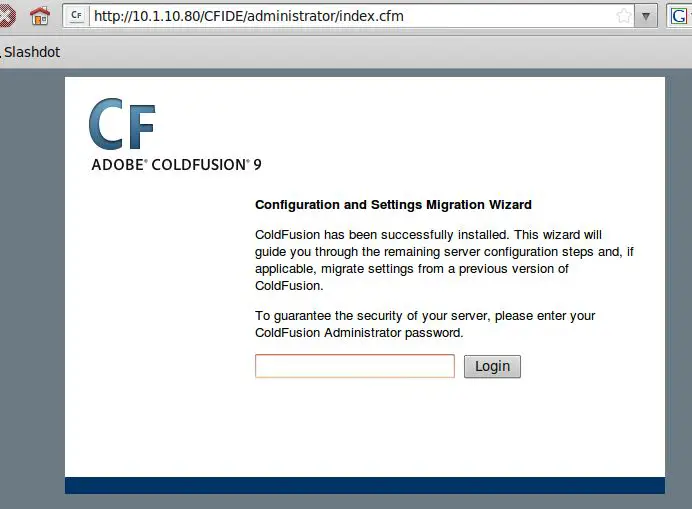
This will complete the install.
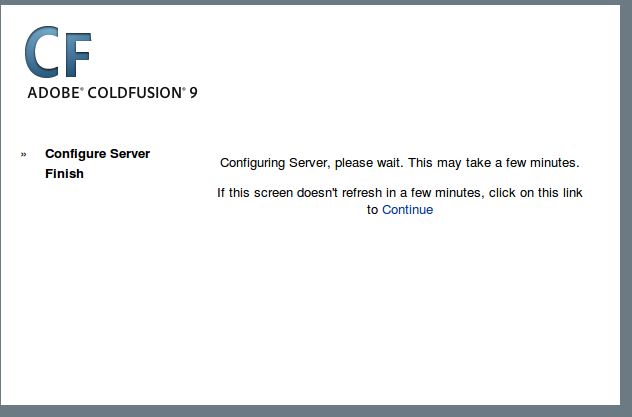
And you will be able to log into the administrator section.
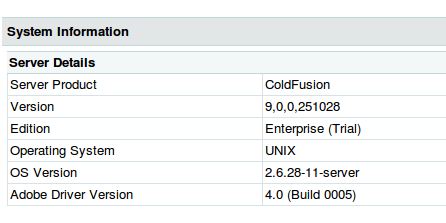
You may like to set the default document.
Add this to /etc/apache2/apache2.conf:
DirectoryIndex index.cfm
Then run:
sudo /etc/init.d/apache2 restart
You can now connect to your ColdFusion 9 server with ColdFusion builder (or any other tool) and make a test page in /var/www.
I will use vi to make a test file; I will also remove the original index.html.
cd /var/www
sudo rm index.html
sudo vi index.cfm
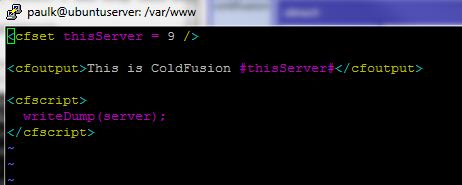
You can now run this file by simply entering the IP address of the ColdFusion server.
The default document will now be index.cfm.
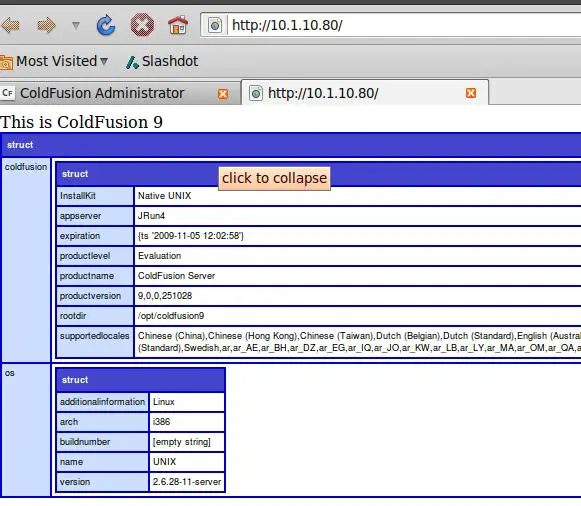
You now have ColdFusion 9 running on Apache on Ubuntu 9.04.





