
Back Up Your Files With Fwbackups On Fedora 8 - Page 3

Do you like HowtoForge? Please consider supporting us by becoming a subscriber.
Submitted by o.meyer (Contact Author) (Forums) on Tue, 2008-02-26 18:42. ::

3.3 Restore Backups

Switch to the "Restore" tab if you want to restore a backup. Choose the backup source and the destination. Please note, that the files and/or folders will be restored to their original locations if you choose "File System" as destination.
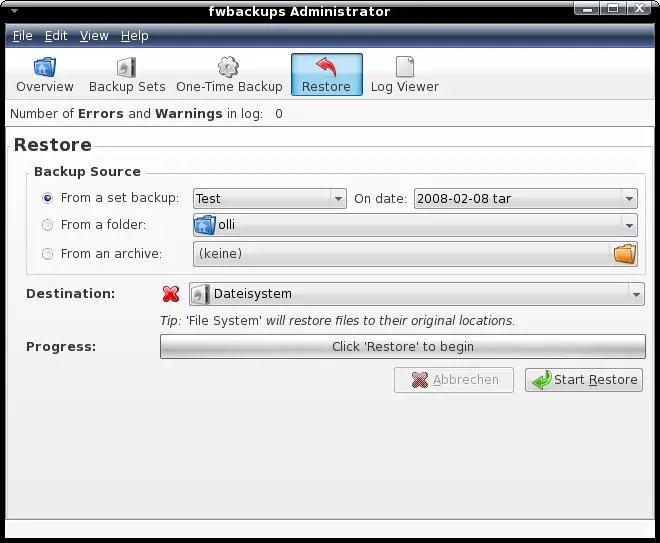
Click on "Start Restore" when the settings are complete.
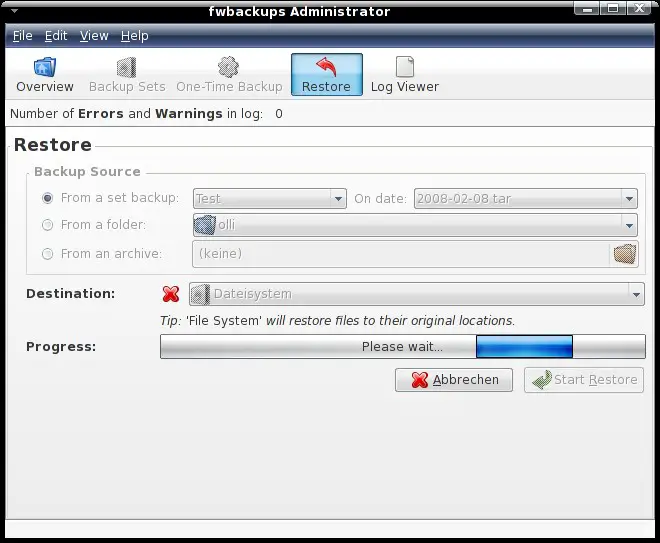
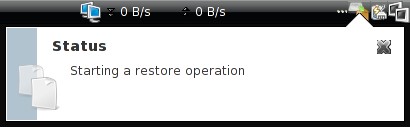
You'll get a notice from the panel icon at the start ...
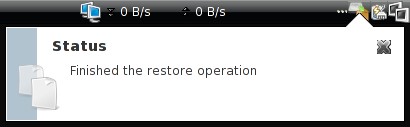
... and at the end.
 

3.4 Logs

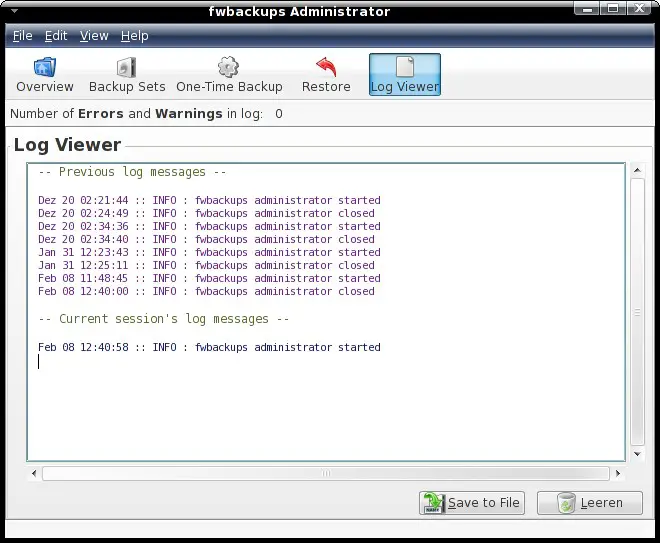
The last tab provides a log viewer for fwbackup's logs. You can save the log to a file or delete it if you want.
 

4 Links

Fedora: http://fedoraproject.org/
Fwbackups: http://www.diffingo.com/content/view/12/45/lang,en/



Please do not use the comment function to ask for help! If you need help, please use our forum.
Comments will be published after administrator approval.
Sponsored Links: Turn your desk phone and mobile phone into one with Sprint Mobile Integration.
www.seamlessenterprise.com

One number. One voicemail. Seize the lead. Sprint Mobile Integration.
www.seamlessenterprise.com

One Number. One Voicemail.
Make it easier for clients to reach you. Turn your desk phone and mobile phone into one with Sprint Mobile Integration.
www.seamlessenterprise.com

One number. One voicemail. Sprint Mobile Integration.
www.seamlessenterprise.com

AT&T Synaptic Compute as a Service. Boost your power on demand.

Trial: IBM Cognos Express Reporting, Analysis & Planning

Learn benefits of Simpana software.
View the Gartner Video