Back Up Your Files With Fwbackups On Fedora 8
Version 1.0
Author: Oliver Meyer <o [dot] meyer [at] projektfarm [dot] de>
This document describes how to set up, configure and use Fwbackups on a Fedora 8 desktop. The result is an easy-to-use backup system for desktop usage. Fwbackups creates partial backups which can be stored locally or on a removable device. You have also the option to run scheduled backups.
This howto is a practical guide without any warranty - it doesn't cover the theoretical backgrounds. There are many ways to set up such a system - this is the way I chose.
1 Preliminary Note
If you need a backup tool that supports incremental backups, you should take a look at Pybackpack: https://www.howtoforge.com/backup-with-pybackpack-on-fedora8.
2 Needed Packages
Install the following package with yum or your preferred yum frontend.
- fwbackups
3 Usage
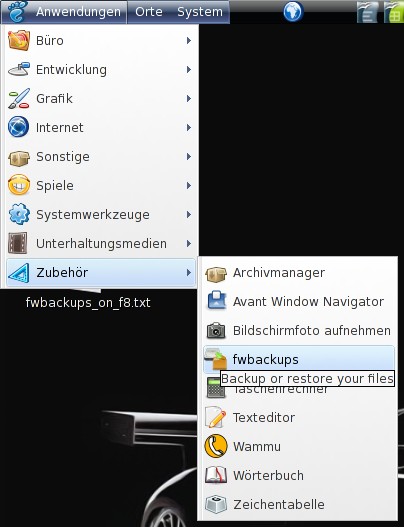
Fwbackups is available in the Gnome applications menu and in the Gnome system menu.
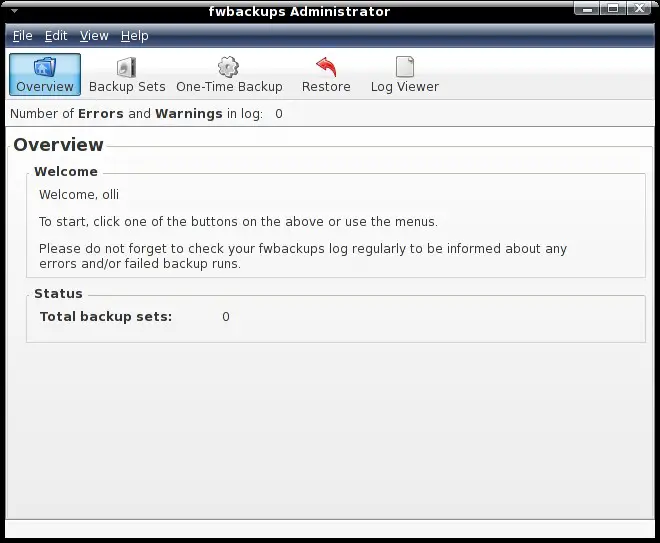
It provides a rich featured interface.
You can hide/show the interface with a left click on the panel icon.

3.1 One-Time Backup
If you need a single backup of an assortment of files and folders you can use the "One-Time Backup".
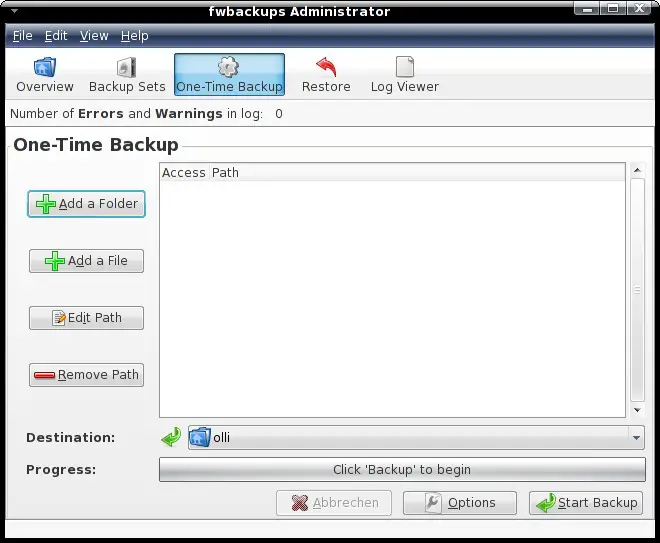
The usage is very simple - just choose the files and/or folders that shall be backed up with the buttons on the left side, select a destination (local filesystem or mounted device), adjust the options and start the backup.
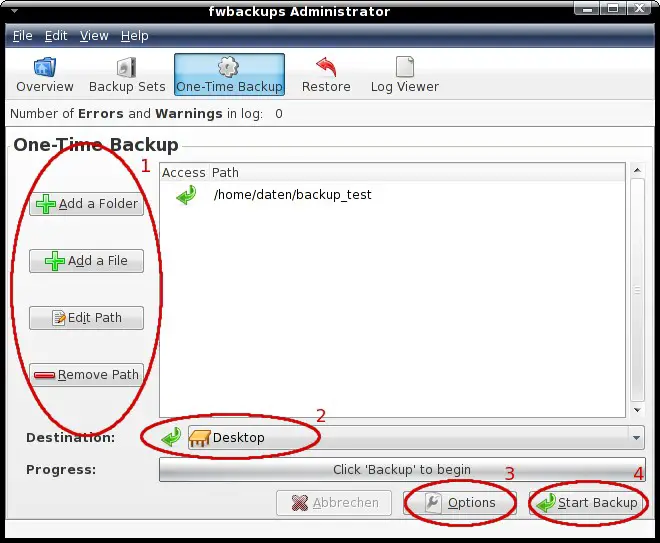
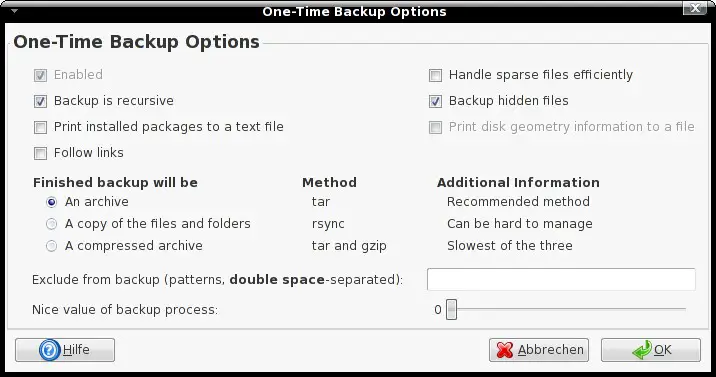
The options are as far as possible self explaining. Detailed information about every option are available in the help file (click on the help button in the window menu). Please note that fwbackups is only able to write the disk geometry to a file when it runs with root privileges. The files for disk geometry and installed packages will be stored in the folder "tmp" within the backup file.
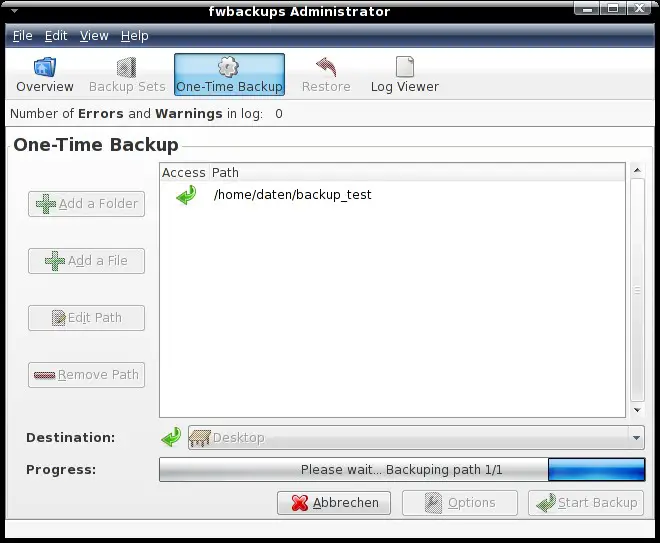
Click on "Start Backup" when the settings are complete.
You'll get a notice from the panel icon at the start ...
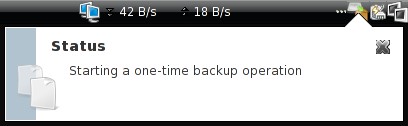
... and at the end.