
Using XenExpress To Virtualize Your Server - Page 2
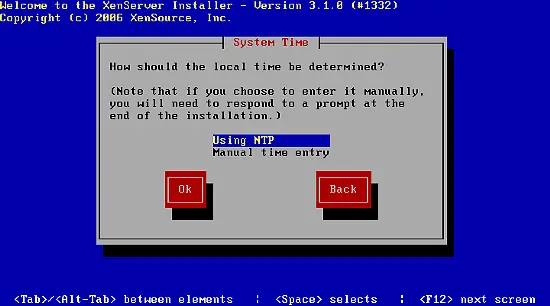
I choose to synchronize my clock with NTP:
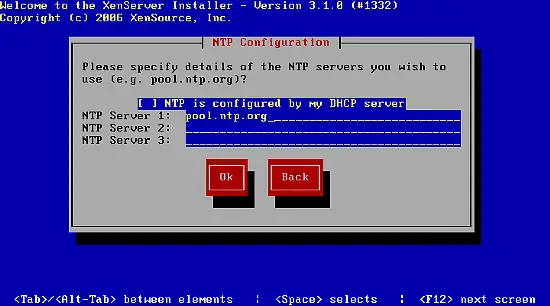
My DHCP server does not configure NTP automatically, so I choose to manually configure NTP by deselecting the automatic configuration and entering pool.ntp.org as timeserver:
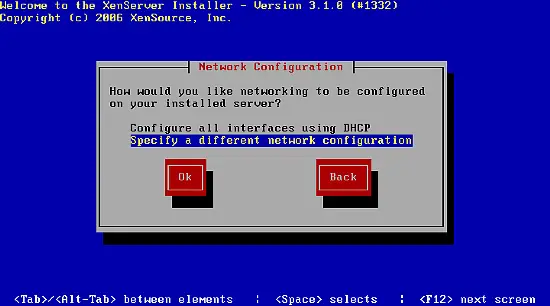
I choose to not configure my server by DHCP as I want to configure it with a static IP address:
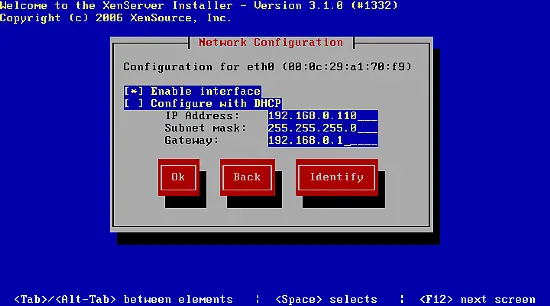
Enter your network configuration:
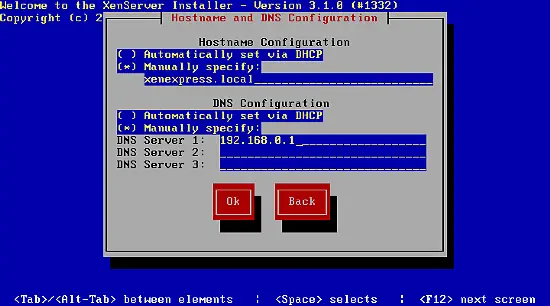
Set your hostname and DNS server(s):
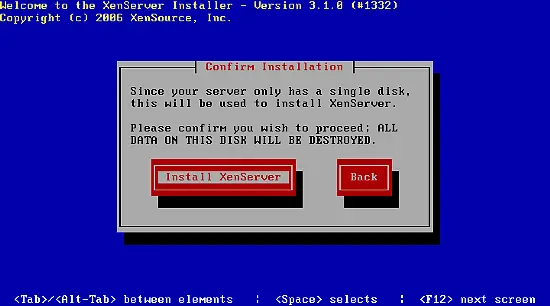
Confirm to install XenExpress:
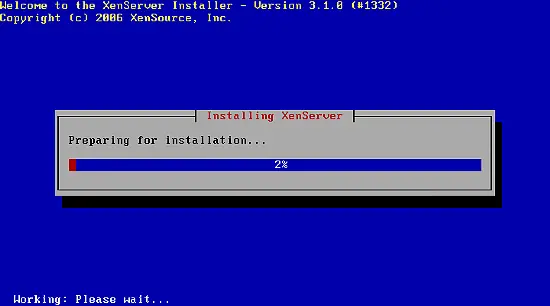
The installation starts:
When the installation is finished, select Ok to reboot the server.
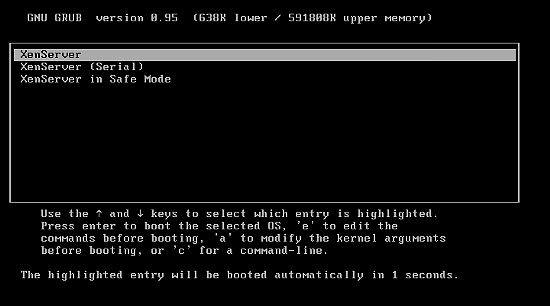
The server is now ready to run other operating systems in Xen virtual machines.





