
How To Upgrade Your Desktop From Ubuntu 7.10 (Gutsy Gibbon) To 8.04 LTS (Hardy Heron)
Version 1.0
Author: Falko Timme
This guide shows how you can upgrade your desktop from Ubuntu 7.10 (Gutsy Gibbon) to Ubuntu 8.04 LTS (Hardy Heron).
I do not issue any guarantee that this will work for you!
1 Install The Latest Updates
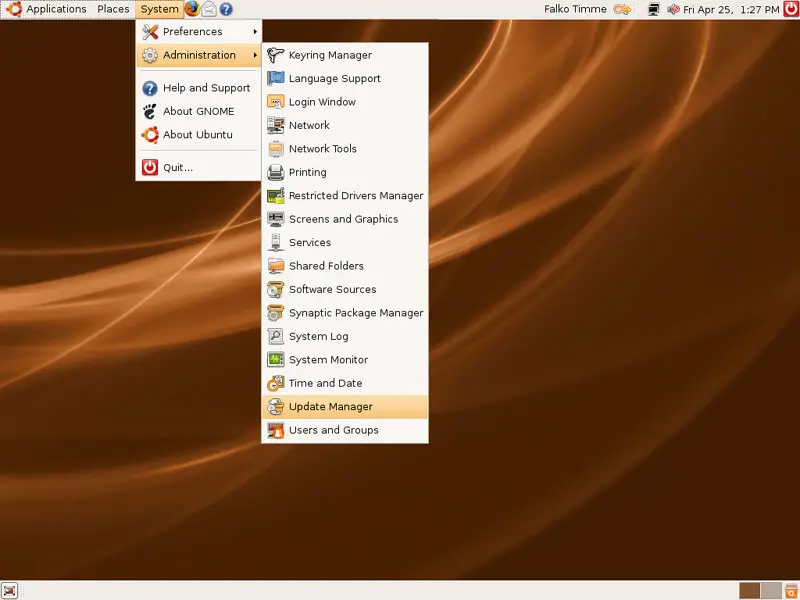
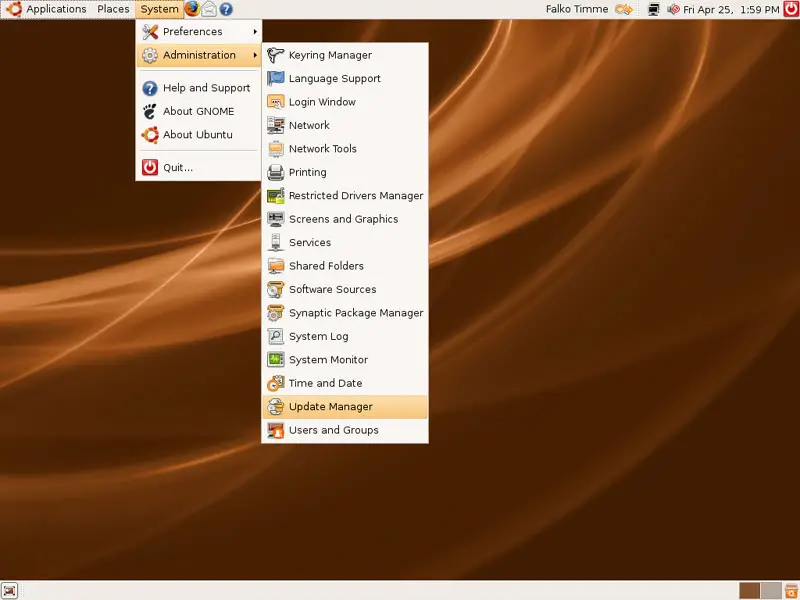
Before we can upgrade to Ubuntu 8.04 LTS (Hardy Heron), we must make sure that all available updates for 7.10 (Gutsy Gibbon) are installed. To do this, we open the Update Manager (System > Administration > Update Manager):
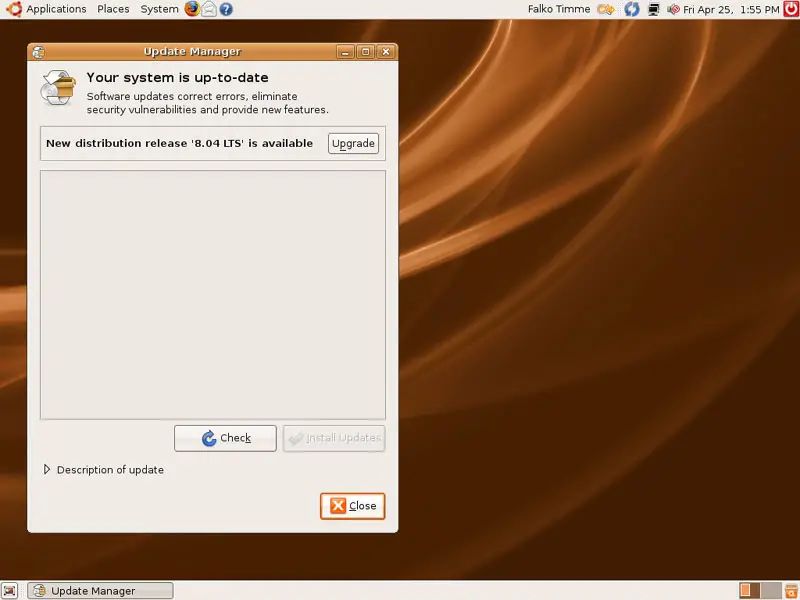
If your system is up-to-date (as shown in the screenshot below), you can skip this chapter and continue with chapter 2.
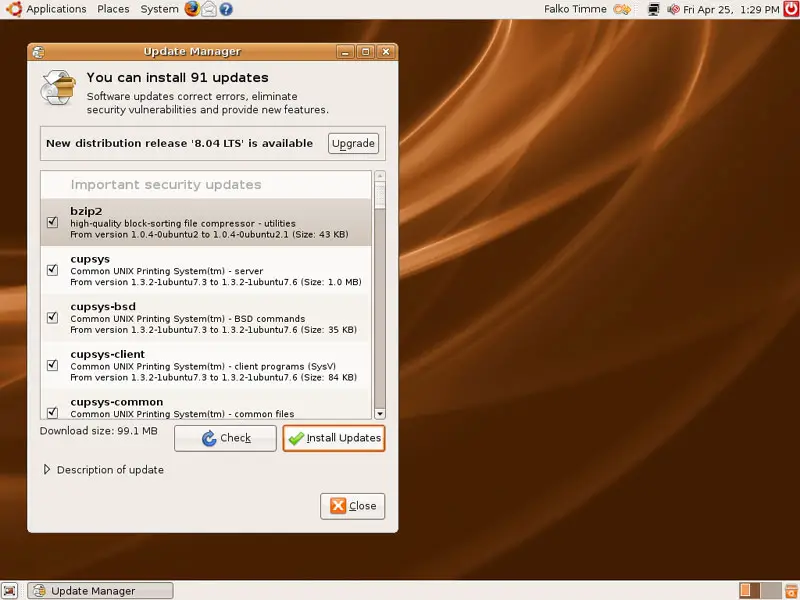
If your system is not up-to-date, the Update Manager will show you a list of available updates for Gutsy Gibbon. Accept them all and click on the Install Updates button:
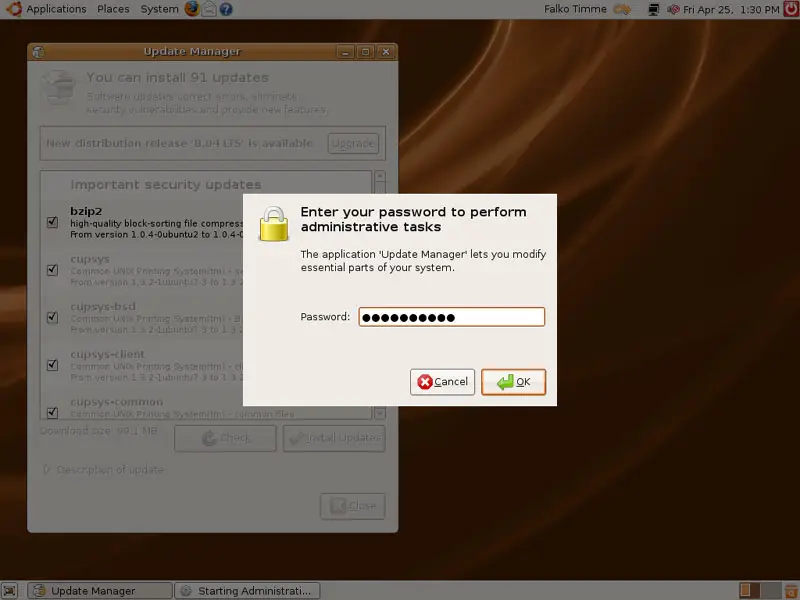
Type in your password:
The updates are now being downloaded...
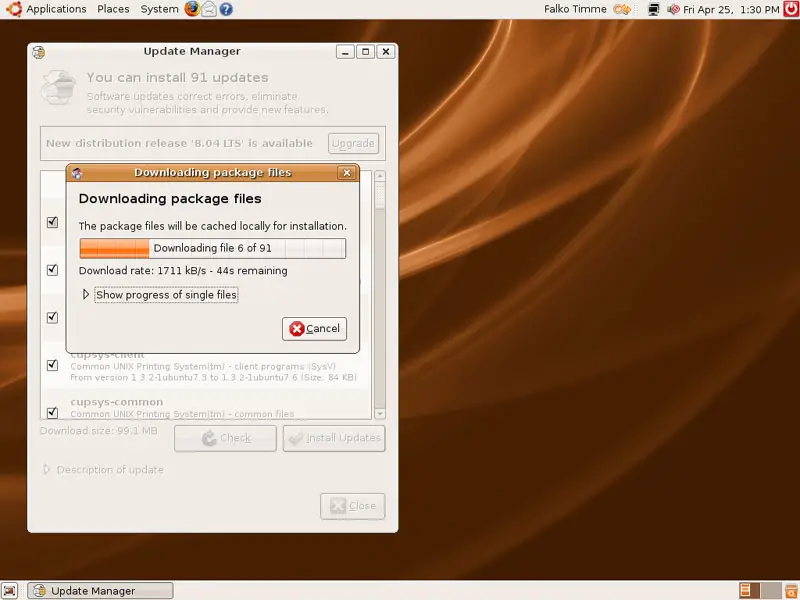
... and installed:
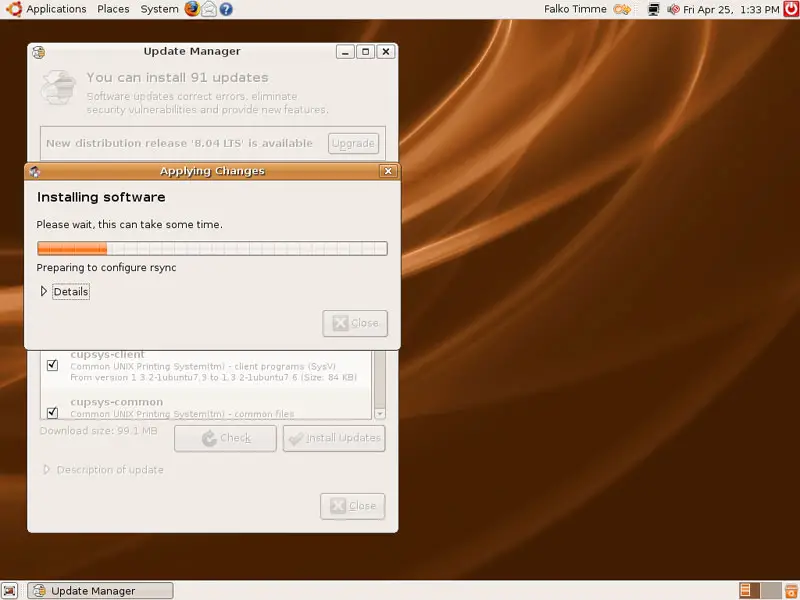
Click on Close afterwards:
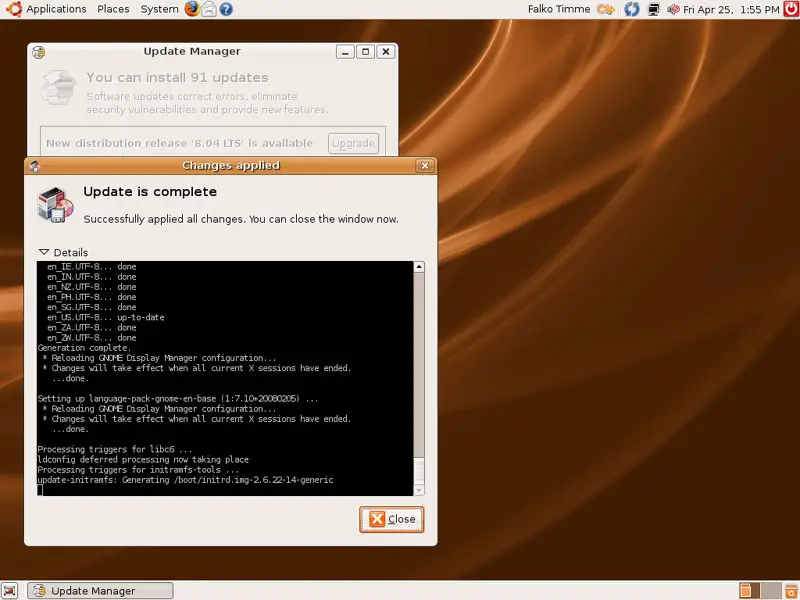
After the update there are two possibilities: a restart is required, or no restart is necessary.
1.1 A Restart Is Required
If a new kernel was amongst the updates, a system restart is required to make the changes effective. If this is necessary, you will see a blue reboot icon in the upper right panel...
... as shown in this screenshot:
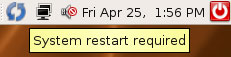
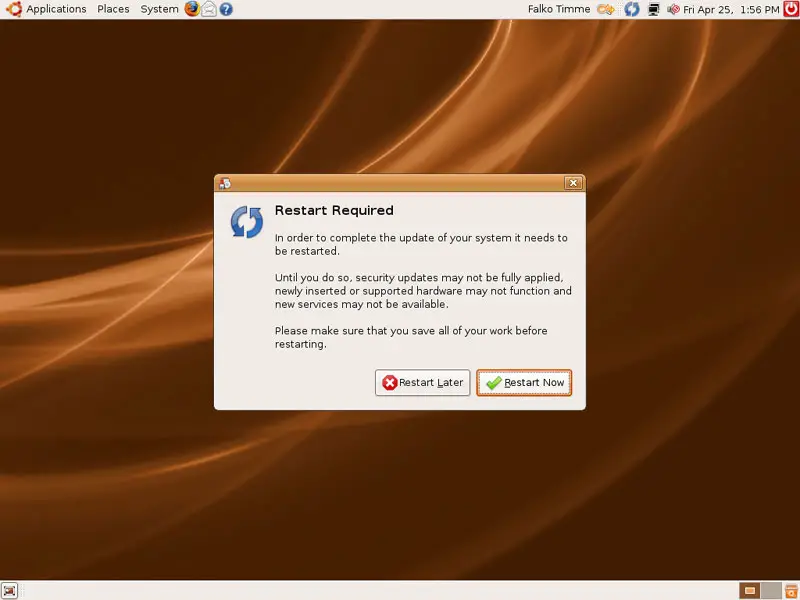
If you see this icon on your desktop, close the Update Manager and click on the blue reboot icon to restart the system. Confirm by clicking on Restart Now:
After the system has rebooted, open the Update Manager again (System > Administration > Update Manager):
1.2 No Restart Necessary
If no restart is necessary, you don't have to close the Update Manager.





