Installing Ubuntu Or Fedora From A Windows Or Linux System With UNetbootin
Version 1.0
Author: Falko Timme
UNetbootin is a tool that allows you to install various Linux distributions (Ubuntu, Fedora, Mandriva, OpenSuSE, Debian, ArchLinux) from a Windows or a Linux desktop over the internet (i.e., you don't need to burn the Ubuntu, Fedora, ... CDs). Unlike the Ubuntu installation with Wubi, real partitions are created during the installation. In the end, you have a dual-boot system (Linux/Windows or Linux/Linux).
This document comes without warranty of any kind! I want to say that this is not the only way of setting up such a system. There are many ways of achieving this goal but this is the way I take. I do not issue any guarantee that this will work for you!
1 Preliminary Note
In this tutorial I'm going to show you how to install Ubuntu Feisty Fawn and Fedora 7 from a Windows XP machine. The other supported distributions can be installed the same way. Of course, you can as well install the supported distributions from a Linux system instead of Windows - all UNetbootin packages are available as .exe (Windows), .deb (Debian/Ubuntu), and .rpm (Fedora, CentOS, OpenSuSE, Mandriva, PCLinuxOS, ...) files - just install the appropriate package for your system.
UNetbootin is very similar to the Debian-Installer Loader. The difference is that UNetbootin supports multiple distributions and can be used on Windows and Linux systems.
2 Installing Ubuntu Feisty Fawn
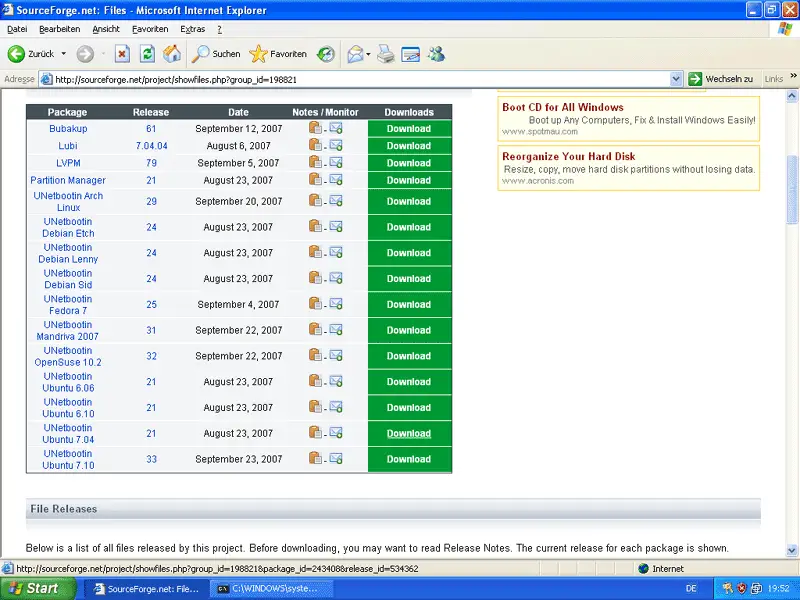
Visit http://lubi.sourceforge.net/unetbootin.html and click on the Download link. On the SourceForge download page, you can find packages for all Linux distributions that you can install with UNetbootin. Select the package for Ubuntu 7.04:
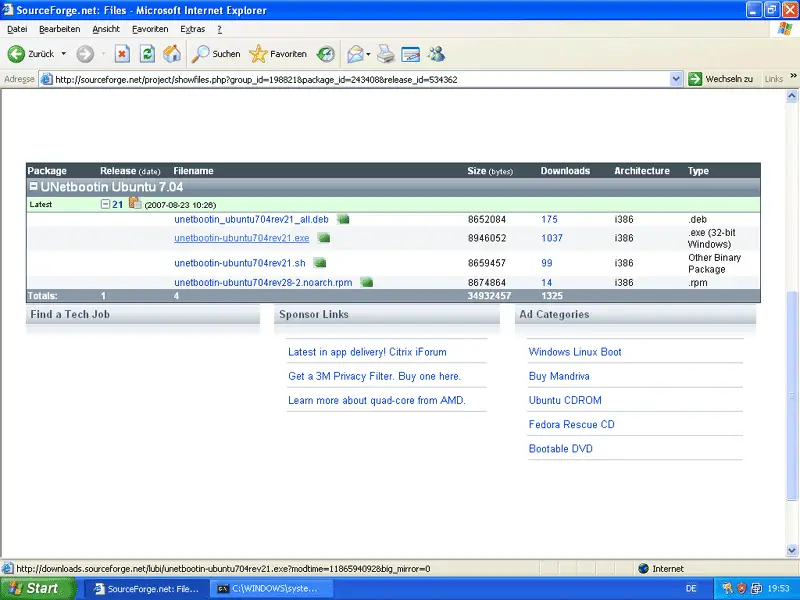
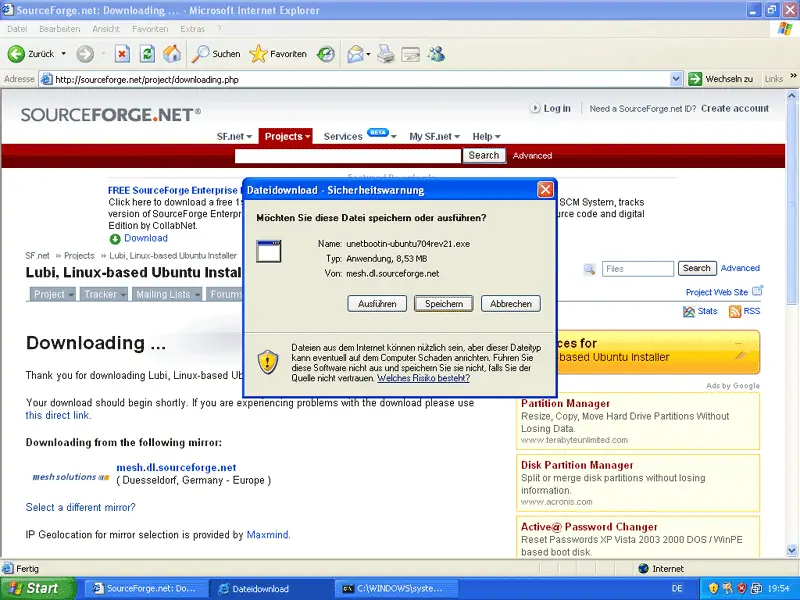
On the next page, you can find the UNetbootin package for Ubuntu 7.04 for various systems (.deb for Debian/Ubuntu, .rpm for Fedora, CentOS, OpenSuSE, Mandriva, PCLinuxOS, .exe for Windows, and .sh for Linux distributions that don't use .deb or .rpm. Select the .exe package and download it to your hard drive:
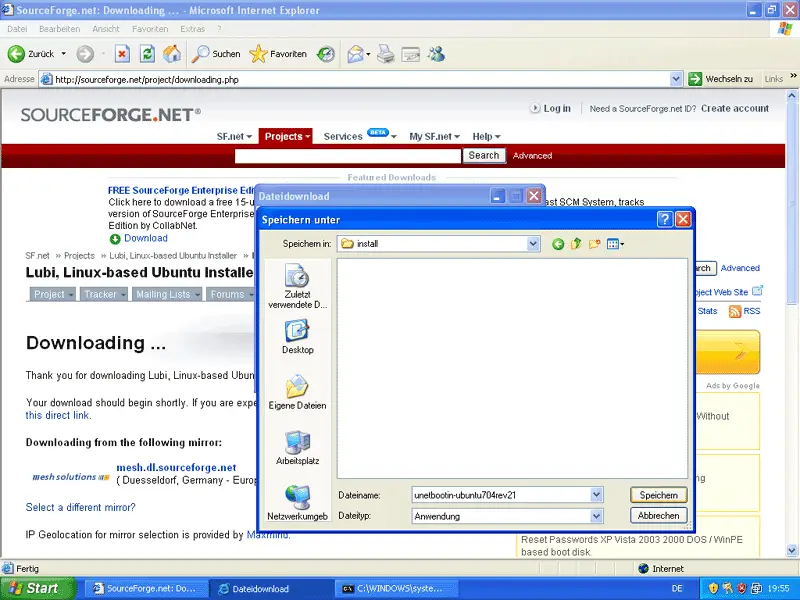
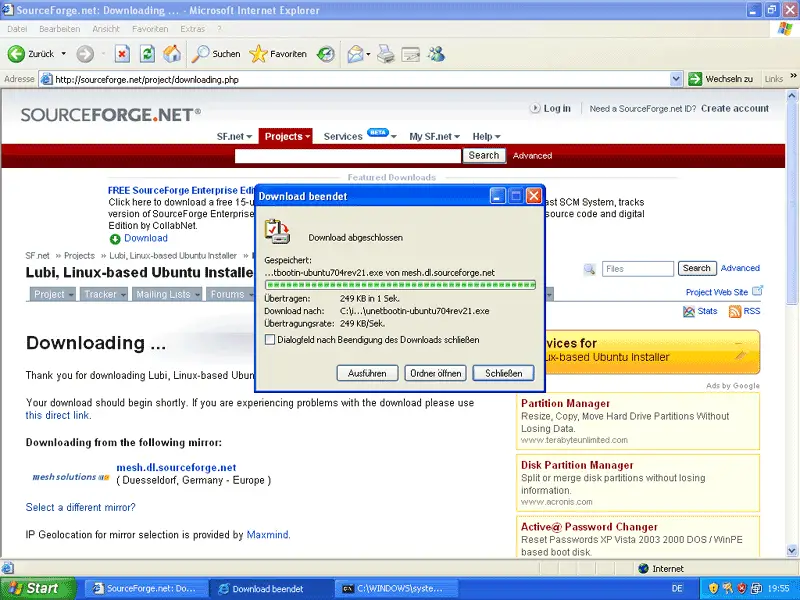
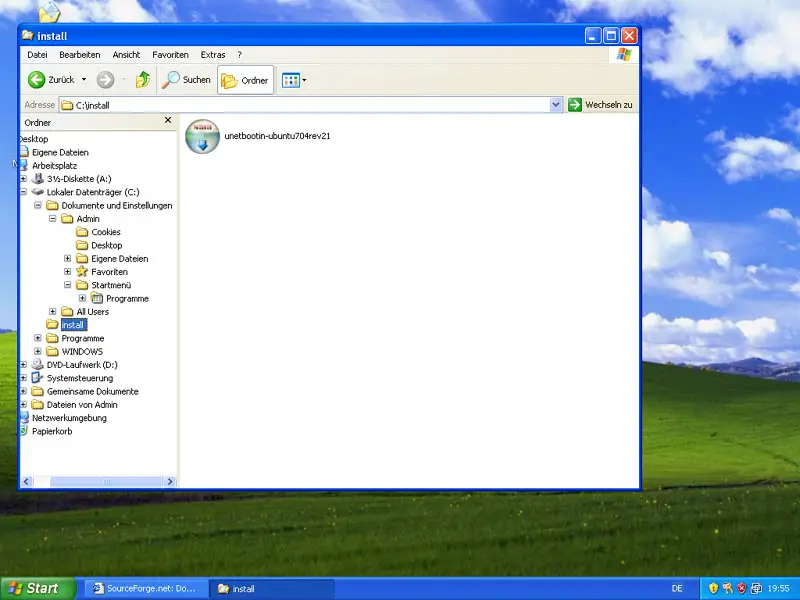
Afterwards, open the Windows Explorer and go to the folder where you've stored UNetbootin. Click on it to start the UNetbootin installation:
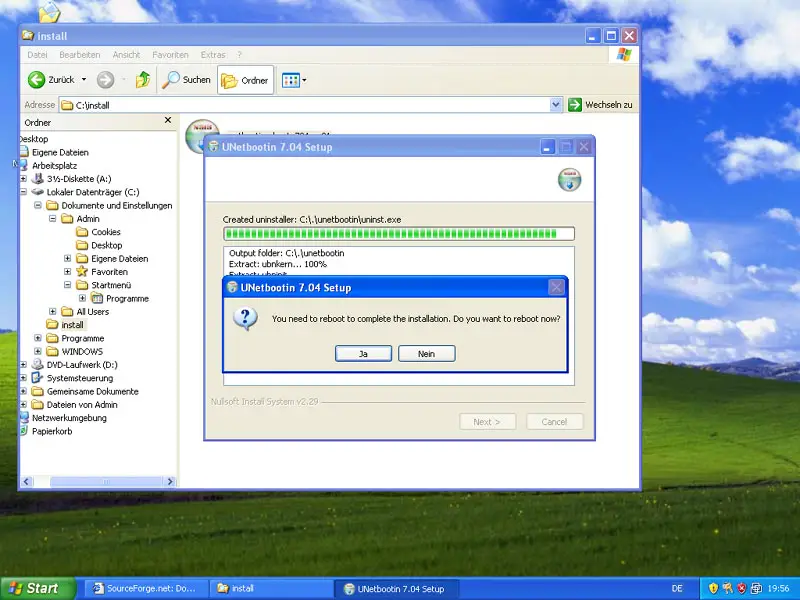
After the installation, you're asked to reboot the system. Do so now:
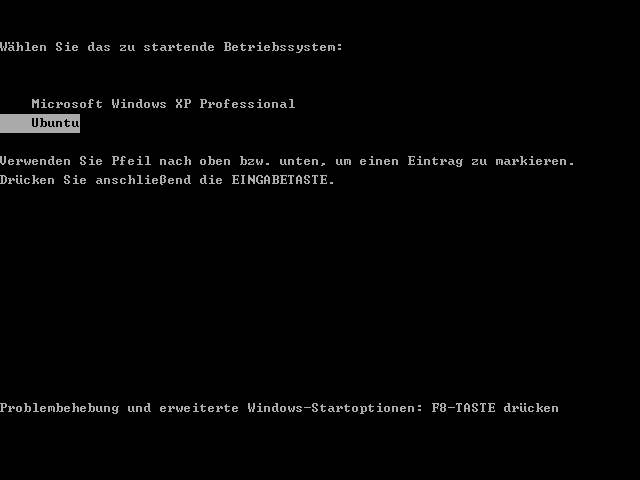
When the system reboots, you should now see the Windows boot menu. Select Ubuntu and press ENTER: