TrueCrypt With GUI On Ubuntu 7.10
Version 1.0
Author: Oliver Meyer <o [dot] meyer [at] projektfarm [dot] de>
This document describes how to set up TrueCrypt with GUI on Ubuntu 7.10. TrueCrypt is a free open-source encryption software for desktop usage.
This howto is a practical guide without any warranty - it doesn't cover the theoretical backgrounds. There are many ways to set up such a system - this is the way I chose.
1 Preparation
Set up a standard Ubuntu 7.10 system and update it.
2 Needed Packages
First we install some needed packages with the synaptic package manager.
- sun-java6-jre
- python-pexpect
You'll see this window during the installation - mark the corresponding checkbox and proceed if you agree with the license agreement.
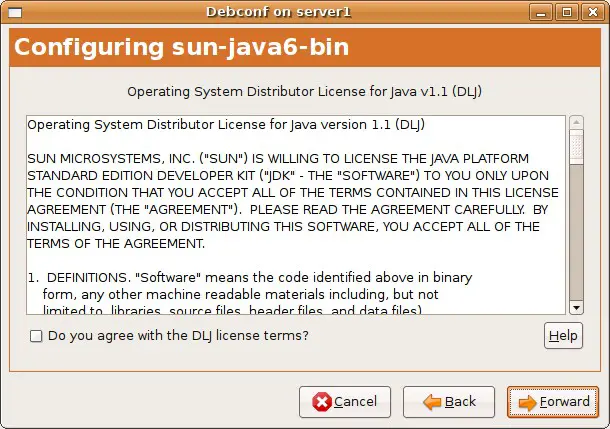
Afterwards check if all went well - open a terminal and enter.
java -version
The output should look like this:
java version "1.6.0_03"
Java(TM) SE Runtime Environment (build 1.6.0_03-b05)
Java HotSpot(TM) Client VM (build 1.6.0_03-b05, mixed mode, sharing)
3 Truecrypt
3.1 Installation
Open http://www.truecrypt.org/downloads.php within your browser and download the latest stable version for Ubuntu 7.10 (.tar.gz-file containing the .deb-package).
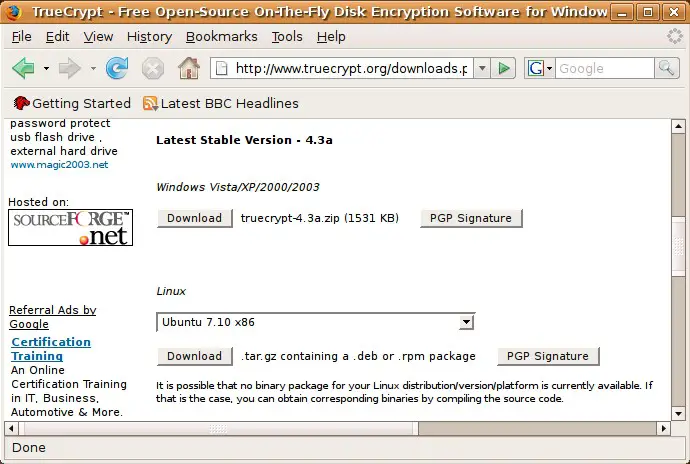
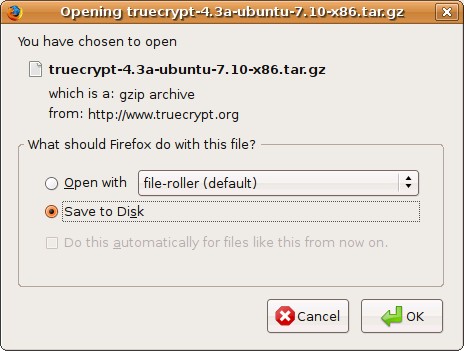
Afterwards unpack the .tar.gz-file, ...
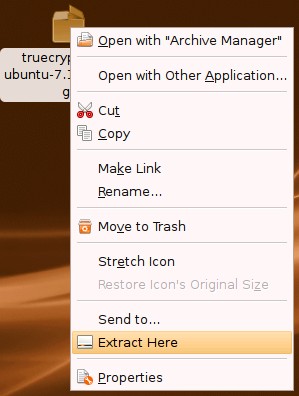
... switch to the folder with the unpacked files and install the .deb-package with the GDebi package installer (simply double click on the package). Click on "Install Package" to start the installation.
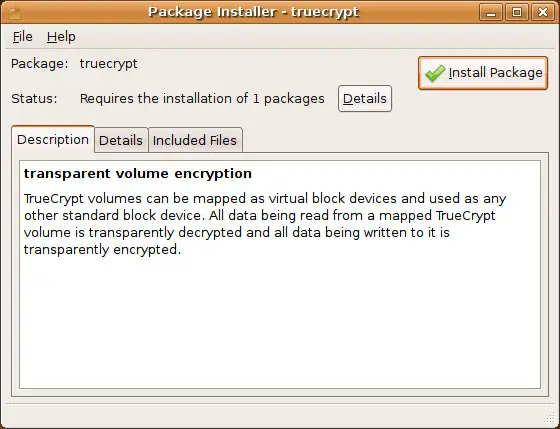
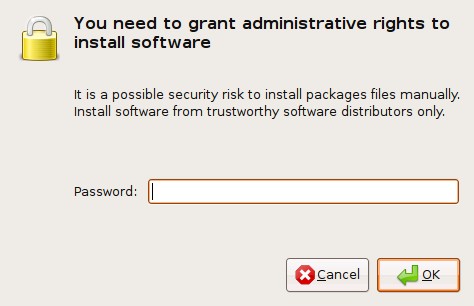
Enter the root password.
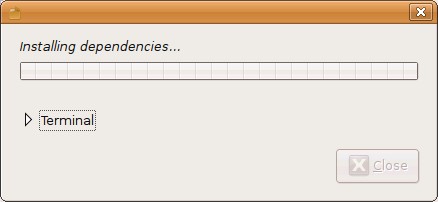
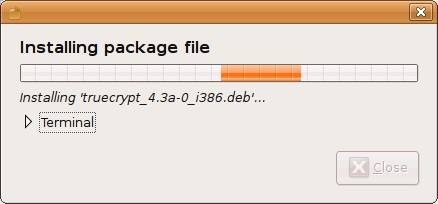
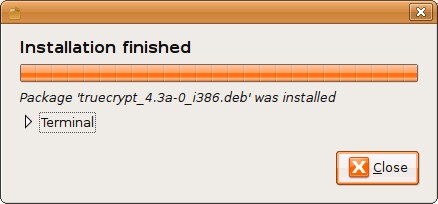
The package and its dependencies are being installed.