The Perfect Desktop - Ubuntu Studio 7.10 - Page 2
This tutorial exists for these OS versions
- Ubuntu 12.10 (Quantal Quetzal)
- Ubuntu 12.04 LTS (Precise Pangolin)
- Ubuntu 11.10 (Oneiric Ocelot)
- Ubuntu 11.04 (Natty Narwhal)
- Ubuntu 10.10 (Maverick Meerkat)
- Ubuntu 10.04 (Lucid Lynx)
On this page
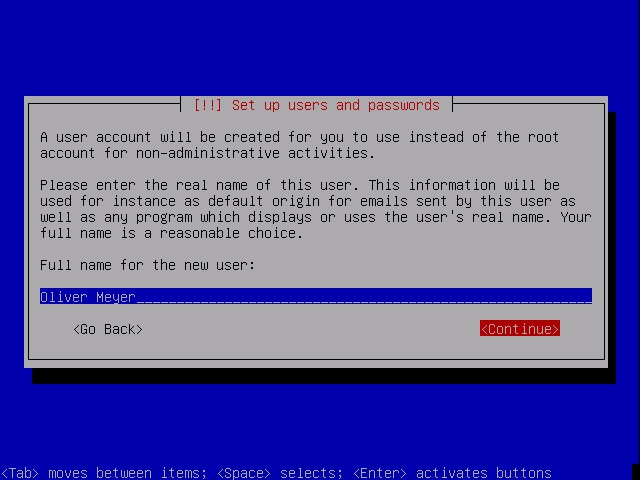
Now you have to create your first user account. Insert the full name for the new user and proceed.
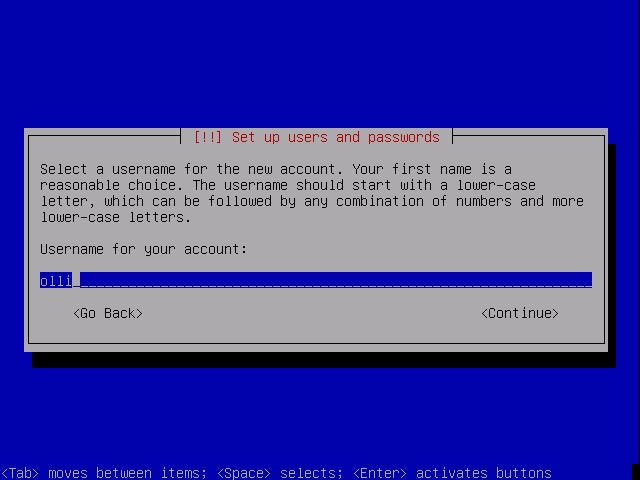
Now choose a username for the new account.
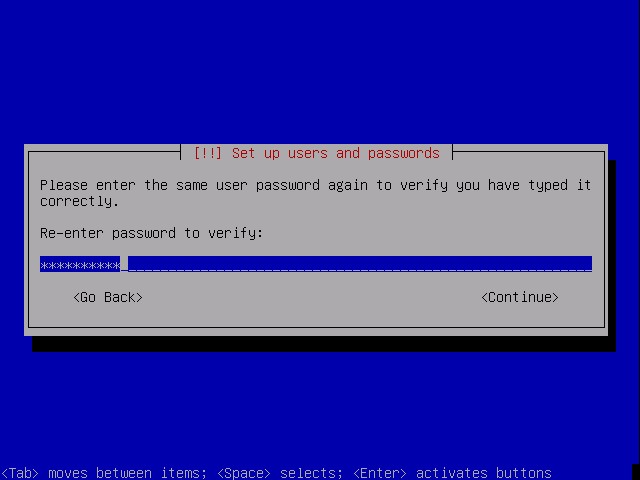
Insert a password ...
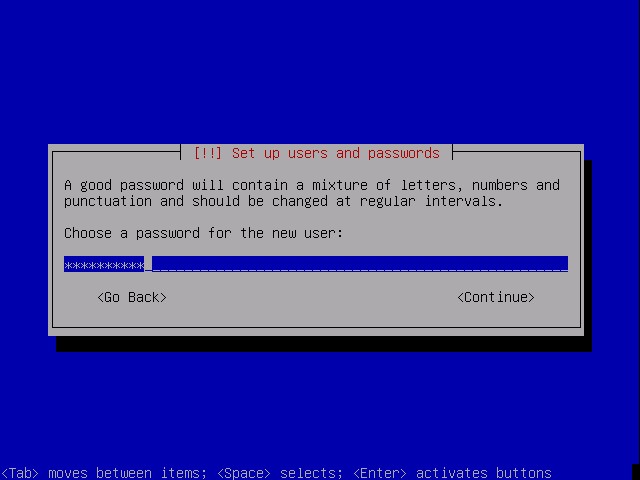
... and repeat it.
The base system is beeing installed.



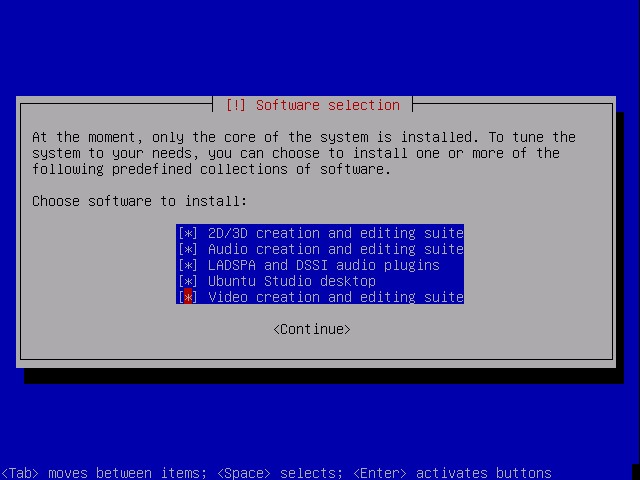
During the installation you'll be asked to select one or more predefined collections of software.
The installation proceeds.

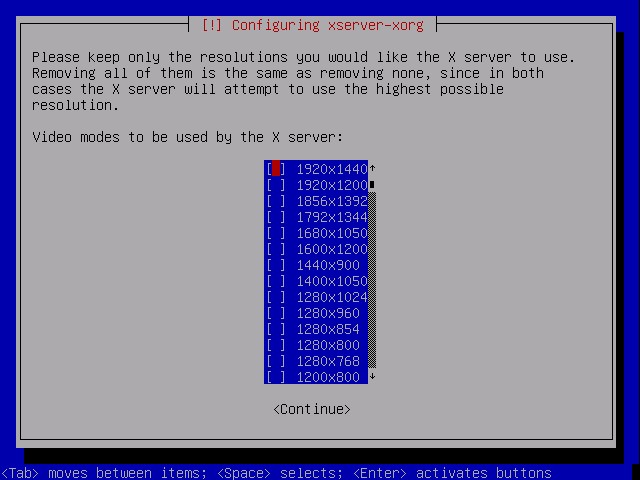
Next you have to select the resolution(s) that you want to use.
The installation proceeds.


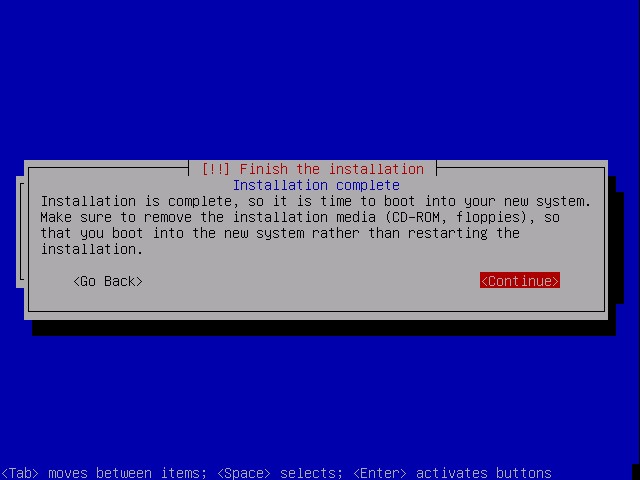
At the end of the installation you have to remove the install media.
1.3 After The Installation
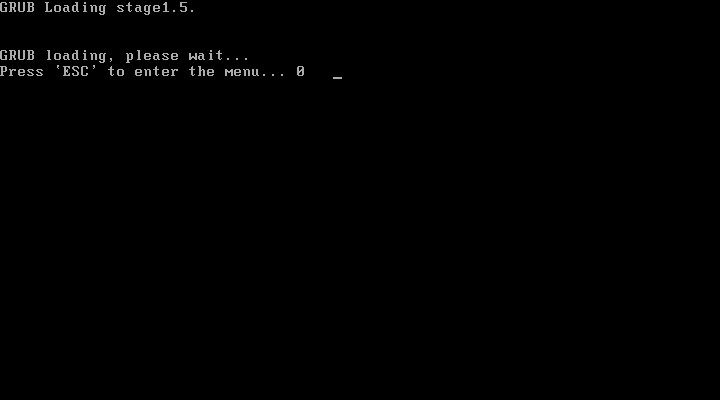
If you want to start another kernel, edit the start parameters or run a memory test, hit "Esc". Otherwise wait a few seconds to start with the default settings.
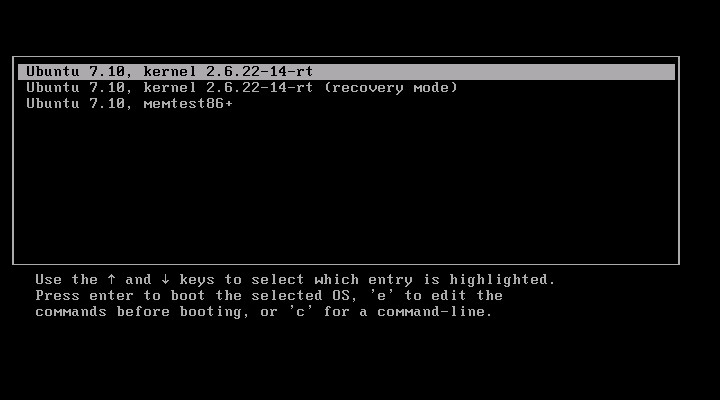
If you hit "Esc" you will see this window. Have a look at the instructions at the lower end.
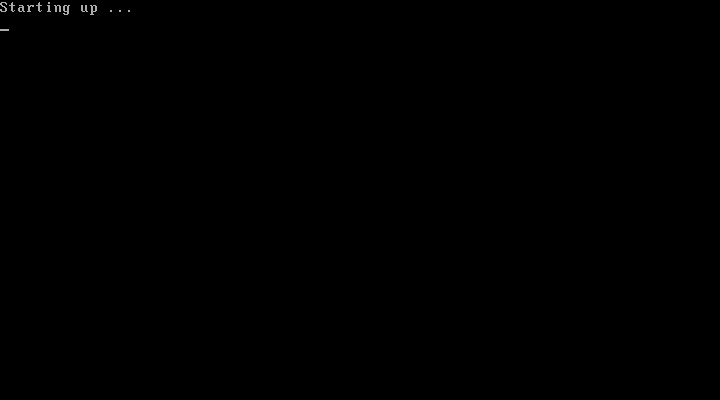
The system is starting.

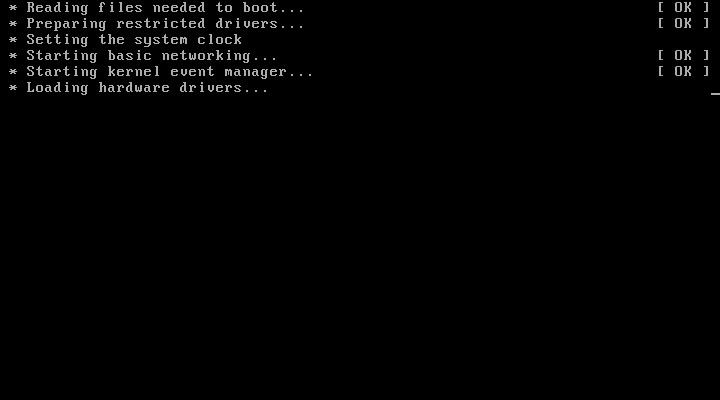
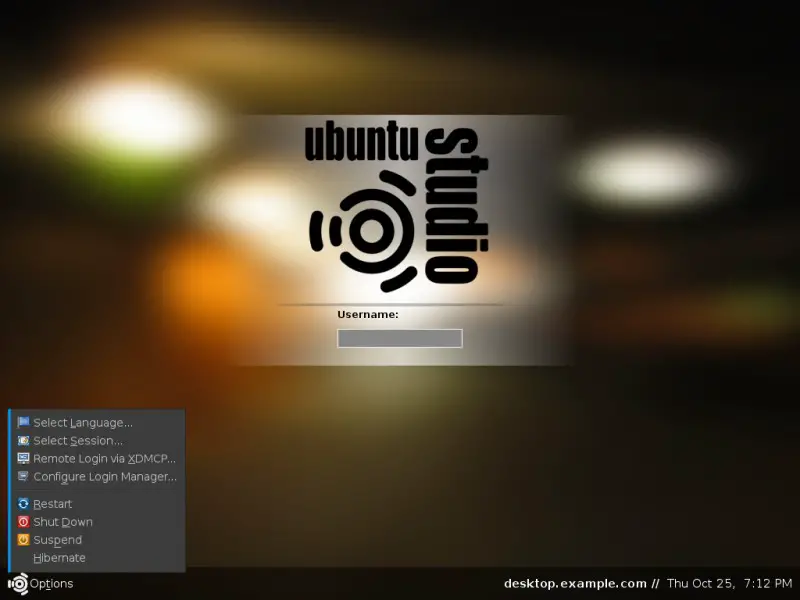
Afterwards the login-screen appears. There are some options available in the bottom left corner. Log in with the username and password that you chose during the installation.
Welcome to your Desktop.