
The Perfect Desktop - Mandriva 2007 Spring Free (Mandriva 2007.1) - Page 5
This tutorial exists for these OS versions
- Mandriva Linux 2010.1 (Spring)
- Mandriva Linux 2010
- Mandriva Linux 2009.1 (Spring)
- Mandriva Linux 2009
- Mandriva Linux 2008.1 (Spring)
- Mandriva Linux 2008
On this page
6 Update The System
Most probably the packages on our new online repositories are more up-to-date than the ones we installed from our Mandriva DVD. Therefore let's update our system now. Again, this can be done either from the command line or from the Control Center, and again I will show you both ways.
6.1 Command Line
Open a terminal (Applications > Accessories > Terminal) and become root by typing:
su
Then run the following commands to automatically select and install all available updates:
urpmi.update -a
urpmi --auto-select
That's it already.
6.2 Control Center
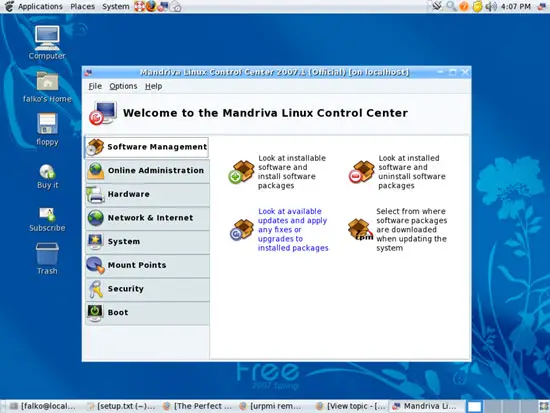
Open the Control Center and go to Software Management > Look at available updates and apply any fixes or upgrades to installed packages.
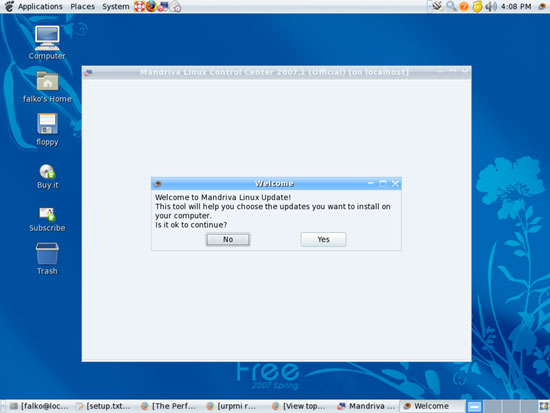
Click on Yes when you're asked Is it ok to continue?:
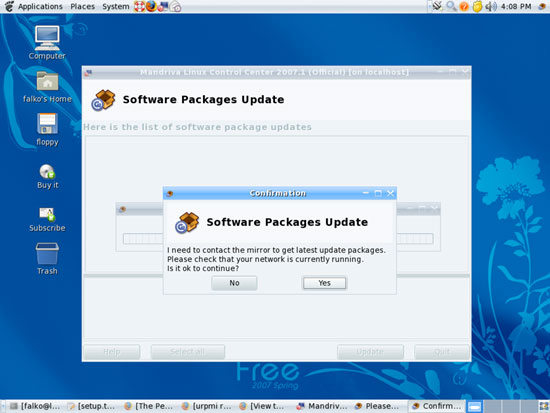
The system will contact the repositories to find new updates:
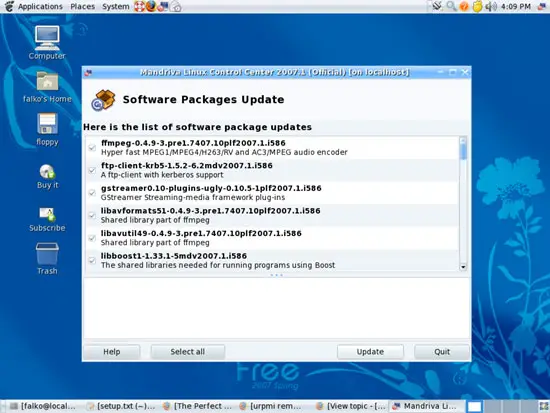
Afterwards, all available updates are shown to you. To install them all, click on Update:
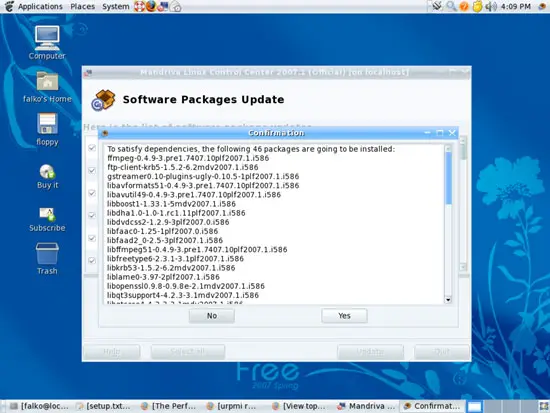
The system shows you all packages that are going to be installed in an extra window. Confirm by clicking on Yes:
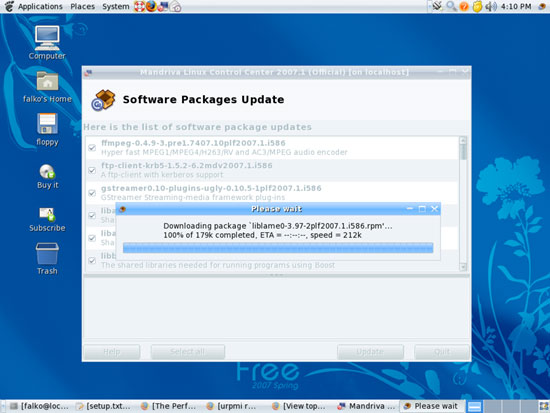
Afterwards, the updates are downloaded and installed:
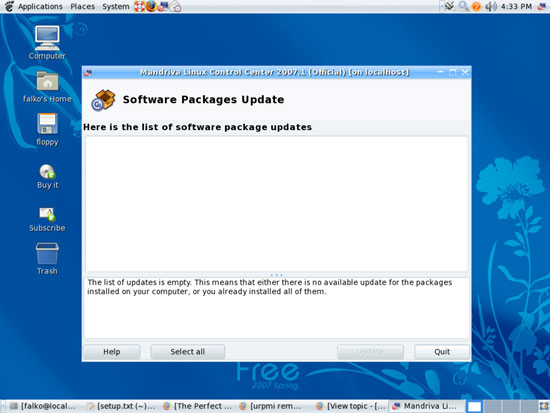
Afterwards, the list of available updates should be empty in the Software Management window. Click on Quit to leave the software updater:
7 Find Out Your Kernel Version
Before we go on and install additional software, it's a good idea to find out about your kernel version because in chapter 8 we will install the package kernel-source which is needed by VMware Server (which we will install at the end of this tutorial). There are multiple kernel-source packages available, and to select the right one you need to know your kernel version.
To find out about your kernel version, open a terminal (Applications > Accessories > Terminal) and become root:
su
Then run
uname -r
The output should look like this:
[root@localhost Desktop]# uname -r
2.6.17-13mdv
which means you have kernel 2.6.17-13mdv installled.





