How To Run Your Own Name Servers With ISPConfig And GoDaddy - Page 2
4 Configure DNS On Our ISPConfig Servers
(The steps from this chapter have to be done on ISPConfig server #1 and #2.)
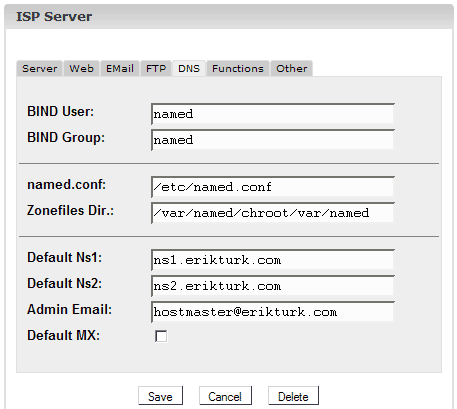
Before we create DNS records for ifwolfpack.com on our ISPConfig servers, go to Management -> Server -> Settings -> DNS and enter ns1.erikturk.com as Default Ns1 and ns2.erikturk.com as Default Ns2. You should also specify a valid Admin Email:
5 Create DNS Records For ifwolfpack.com On ns1.erikturk.com
(The steps from this chapter have to be done on ISPConfig server #1/ns1.erikturk.com.)
I will refer to ISPConfig server #1 as ns1.erikturk.com from now on.
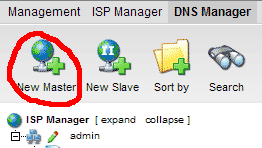
Go to the DNS Manager and click on New Master (remember, ns1.erikturk.com will be our primary name server):
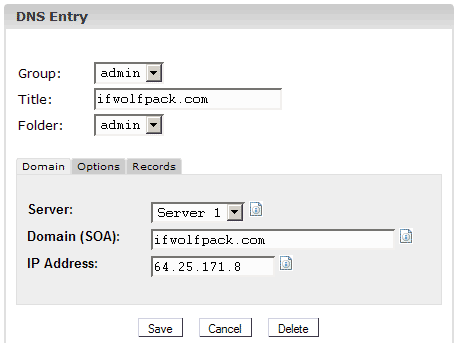
Fill in ifwolfpack.com as Title and Domain (SOA) and enter the IP address of ifwolfpack.com (in this example it just so happens that ifwolfpack.com is hosted on ns1.erikturk.com, therefore the IP address is 64.25.171.8, but of course you can use any IP address you like):
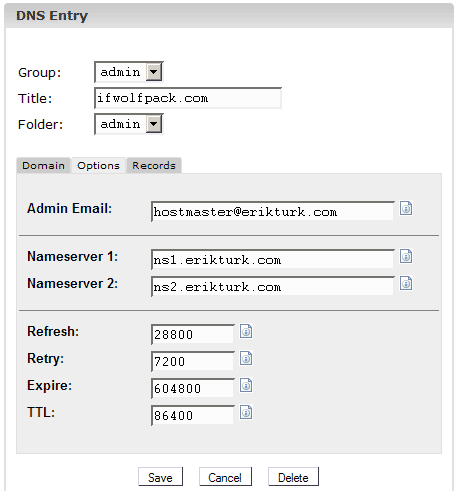
The Options tab should look like this (Nameserver 1 must be ns1.erikturk.com, and Nameserver 2 must be ns2.erikturk.com):
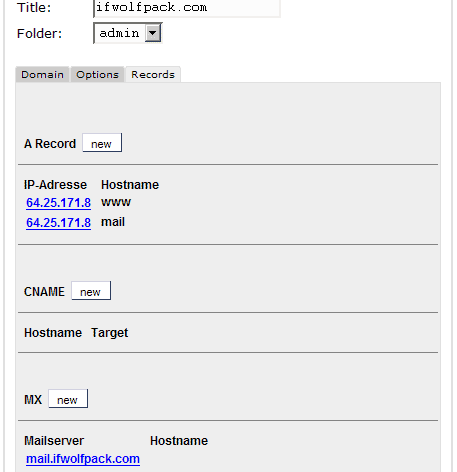
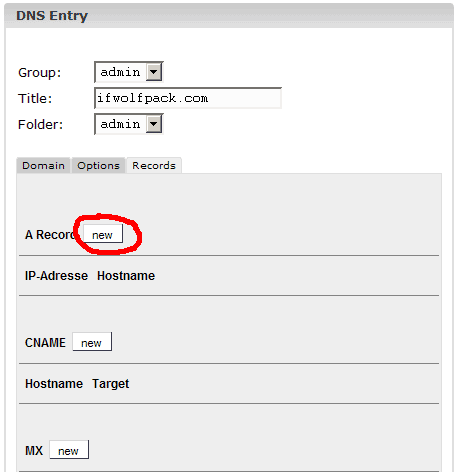
Next I create the A record www.ifwolfpack.com (we have already created ifwolfpack.com by specifying it as Domain (SOA) on the Domain tab, but remember: www.ifwolfpack.com and ifwolfpack.com are different!):
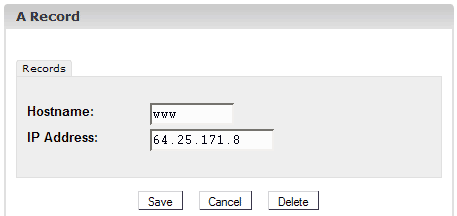
As Hostname we enter just www, not www.ifwolfpack.com:
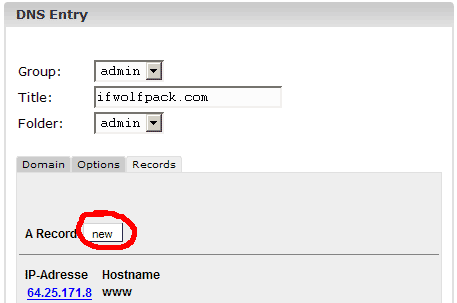
Next I create an A record for mail.ifwolfpack.com because I want to use that subdomain as the mail exchanger (MX) in the next step.
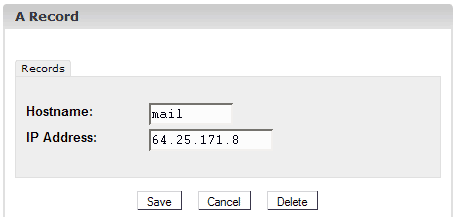
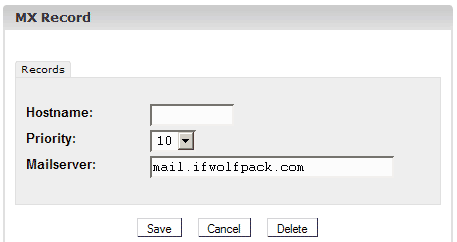
Now I create an MX record for the domain ifwolfpack.com. Emails for ifwolfpack.com (e.g. [email protected]) should go to mail.ifwolfpack.com, therefore I leave the Hostname empty (as ifwolfpack.com has no hostname) and enter mail.ifwolfpack.com as Mailserver. In rare cases you find email addresses like [email protected] or [email protected]; you would then have to create MX records with www or subdomain as Hostname.
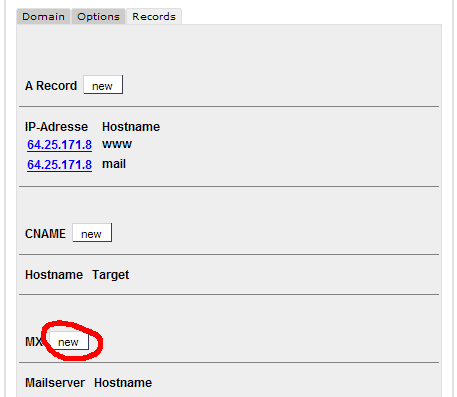
In the overview you should now have three records: two A records (www and mail) and one MX record: