
Installing Xbox Media Center (XBMC) On Ubuntu 8.04
Version 1.0
Author: Falko Timme
The Xbox Media Center (XBMC) is a media center application for Linux, Mac, and Windows that allows you to manage/watch/listen to/view your videos, music, and pictures. It has a nice interface, can be controlled from the desktop or a remote control or via its built-in web interface, and it can be extended by custom scripts. This guide shows how you can install XBMC on an Ubuntu 8.04 desktop.
I do not issue any guarantee that this will work for you!
1 Installing XBMC
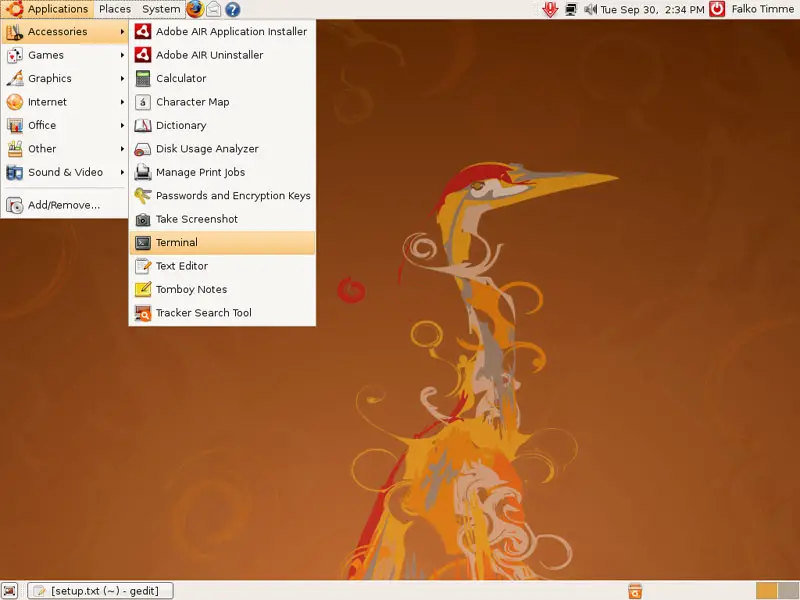
First, open a terminal (Applications > Accessories > Terminal):
Open /etc/apt/sources.list...
sudo gedit /etc/apt/sources.list
... and add the following repositories to it:
[...] deb http://ppa.launchpad.net/team-xbmc-hardy/ubuntu hardy main deb-src http://ppa.launchpad.net/team-xbmc-hardy/ubuntu hardy main [...] |
Run
sudo apt-get update
afterwards to update the package database.
Afterwards, you can install XBMC as follows:
sudo apt-get install xbmc
(Optional) To install additional skins, run
sudo apt-get install xbmc-skin-*
(Optional) To add support for more remote controls, run
sudo apt-get install xbmc-eventclients-*
(Optional) To install a scripting example, run
sudo apt-get install xbmc-scripts-example
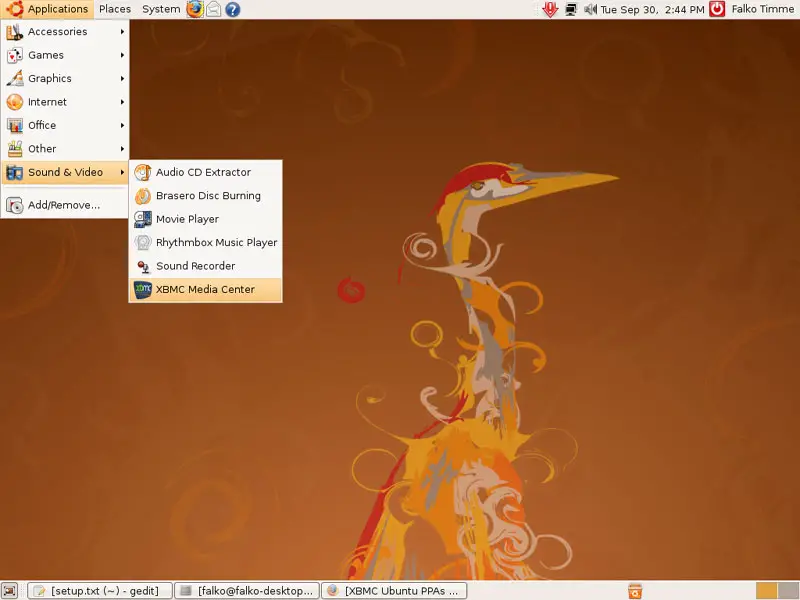
You can now start XBMC by going to Applications > Sound & Video > XBMC Media Center:
To learn how to use XBMC (especially how to use custom scripts, use remote controls, etc.), take a look at the XBMC online manual.





