
Installing VirtualBox 2.0.0 On Ubuntu 8.04 Desktop - Page 2

Do you like HowtoForge? Please consider supporting us by becoming a subscriber.
Submitted by falko (Contact Author) (Forums) on Tue, 2008-09-16 16:48. ::

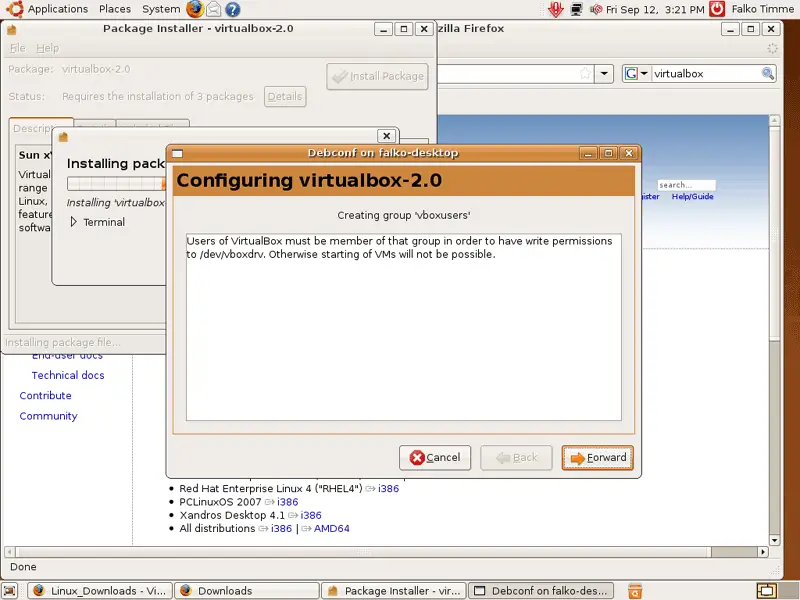
If you see this message, click on Forward. I will address this issue later on (the message says that the user that runs VirtualBox - that's the user you're logged in as on your desktop - must be a member of the vboxusers group):
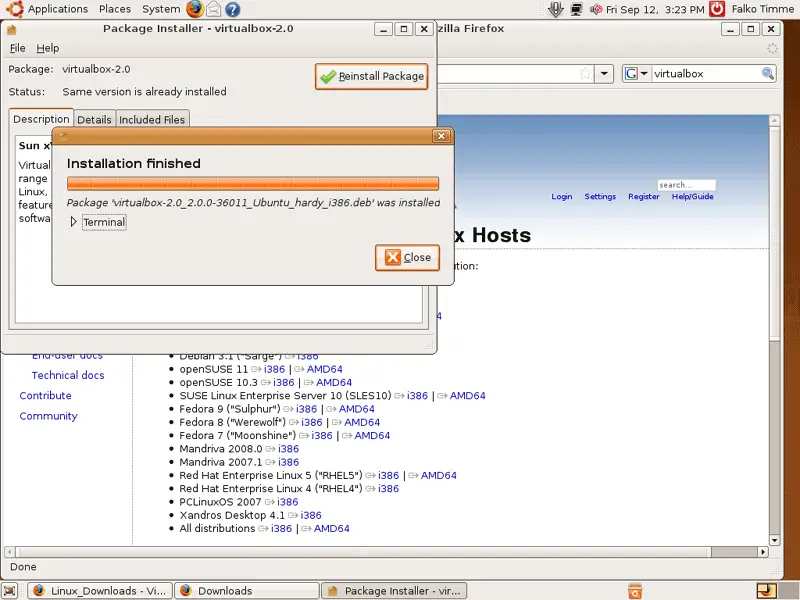
Click on Close afterwards to finish the installation and leave the Package Installer:
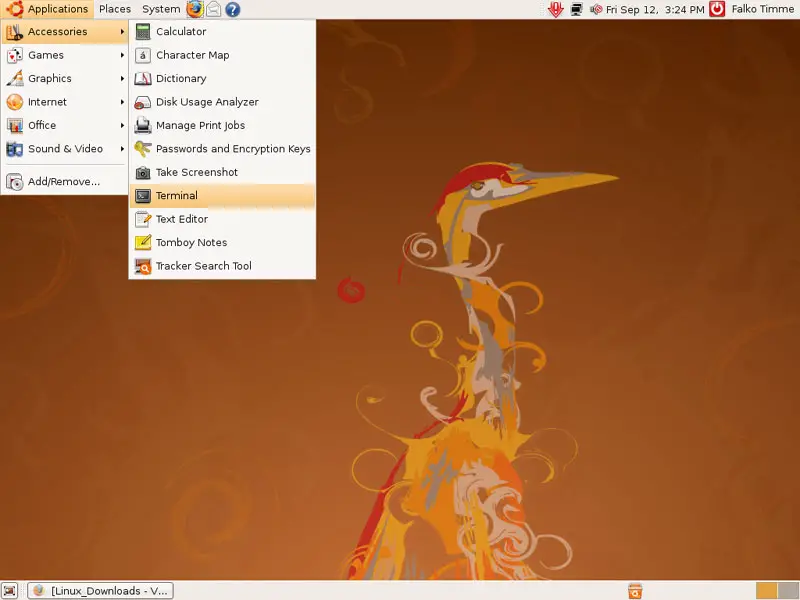
Now to add the desktop user (falko in this example) to the vboxusers group, we must open a terminal (Applications > Accessories > Terminal):
To add the user falko to the vboxusers group, we run

sudo usermod -G vboxusers -a falko

in the terminal and close it afterwards.

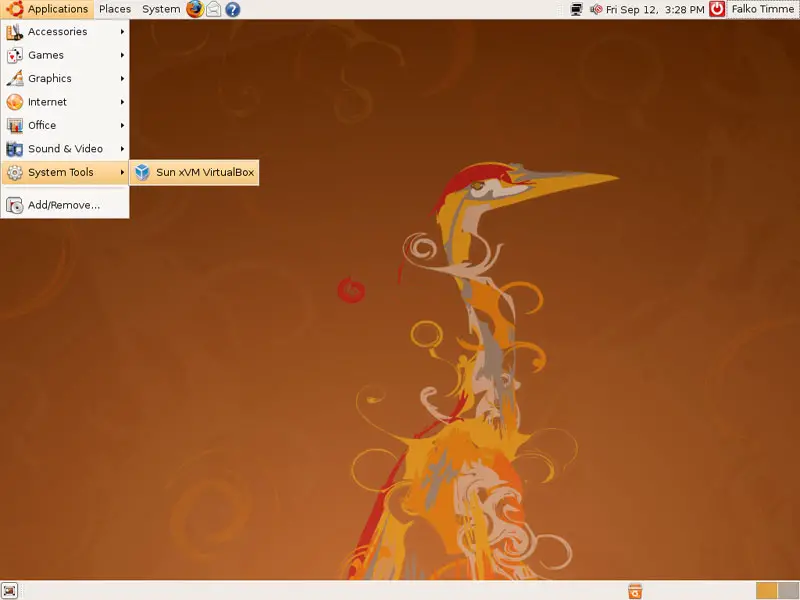
To start VirtualBox, go to Applications > System Tools > Sun xVM VirtualBox (if you don't see the VirtualBox launcher, log out of the desktop and back in again):
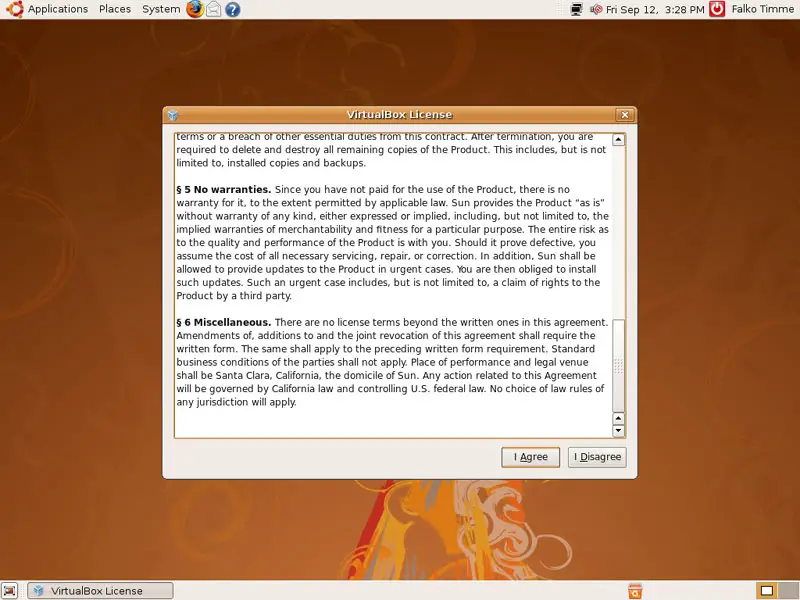
When you start VirtualBox for the first time, you are prompted to accept its license:
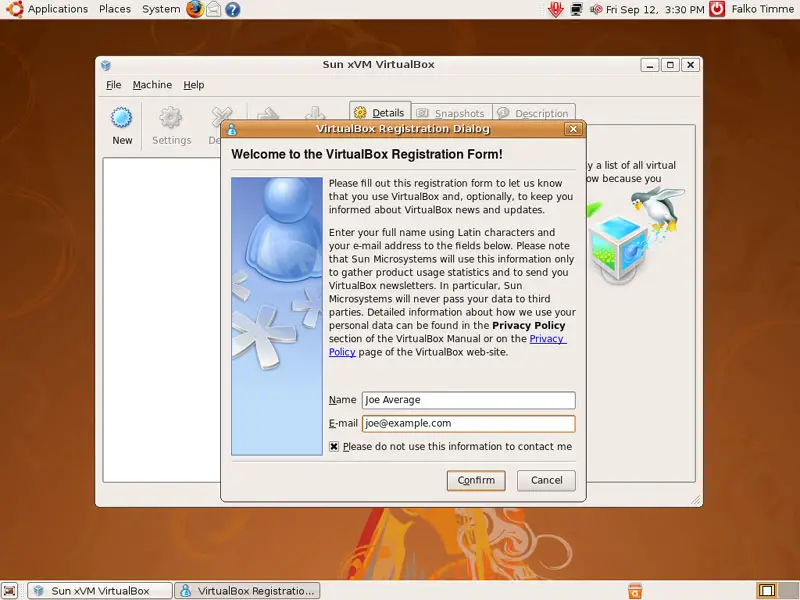
Afterwards, type in your name and email address to register your VirtualBox installation:
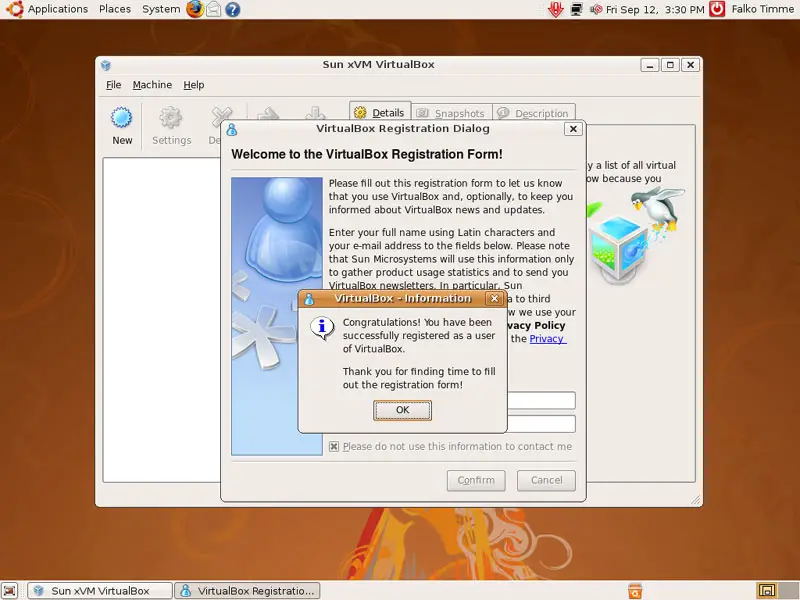
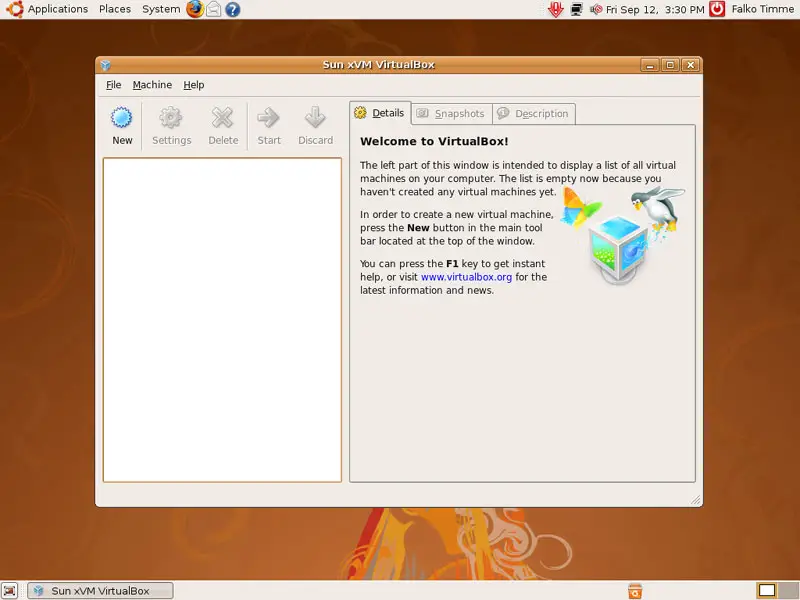
That's it! You can now use VirtualBox to create virtual machines:
 

Links


Please do not use the comment function to ask for help! If you need help, please use our forum.
Comments will be published after administrator approval.
Submitted by RapMan (not registered) on Tue, 2008-09-16 20:10.

Sorry I didn't see that you used the terminal way, not the graphical way.
Also instalation from the official repository makes more sense  - deb http://download.virtualbox.org/virtualbox/debian hardy non-free

Submitted by RapMan (not registered) on Tue, 2008-09-16 20:06.
I am not so sure if this manual is complete. In the previous version, you had to add the user to the vboxusers group to run virtual machine. It is not necessary to do this in this version?
Submitted by Vadim P. (not registered) on Tue, 2008-09-16 19:01.
Hm... could you please replace the terminal command with a GUI configuration - System - Administration - Users and Groups?
Sponsored Links: Unified Communications: Thoughts, Strategies and Predictions
Join the discussion.
www.seamlessenterprise.com

IP Convergence
Integrate your wireless and wireline networks.
Learn how from the experts at Sprint.
www.seamlessenterprise.com

Wireless & Wireline Integration
Thoughts, strategies and solutions: join the discussion
www.seamlessenterprise.com

Unified Communications 2009
Join the Discussion. Now.
www.seamlessenterprise.com

Red Hat Virtual Experience - a free virtual event. Dec. 9th
