
Installing Songbird Media Player On Ubuntu 8.04
Version 1.0
Author: Oliver Meyer <o [dot] meyer [at] projektfarm [dot] de>
This document describes how to set up Songbird 0.5 on Ubuntu 8.04. Taken from the Songbird page: "Songbird is a desktop media player mashed-up with the Web. Songbird is committed to playing the music you want, from the sites you want, on the devices you want, challenging the conventions of discovery, purchase, consumption and organization of music on the Internet."
This howto is a practical guide without any warranty - it doesn't cover the theoretical backgrounds. There are many ways to set up such a system - this is the way I chose.
1 Installation
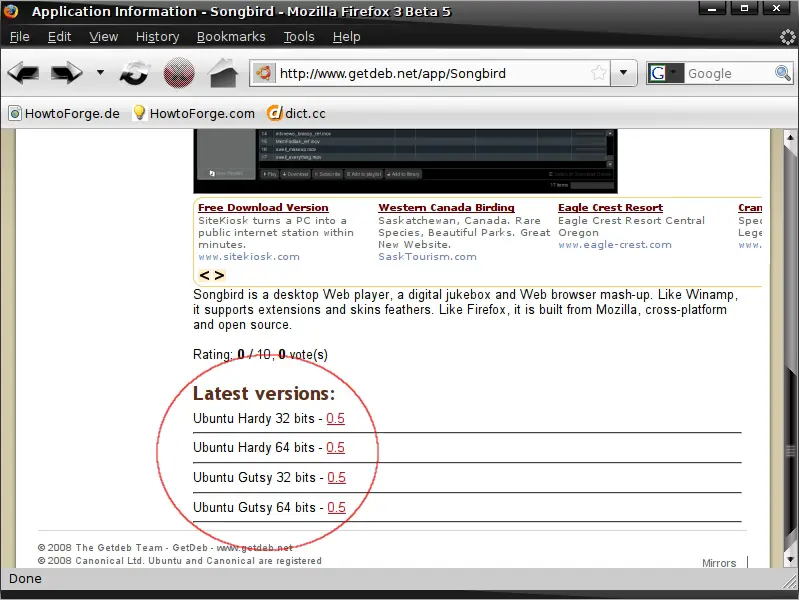
Open http://www.getdeb.net/app/Songbird within your preferred browser and click on the link for the latest version for your architecture.
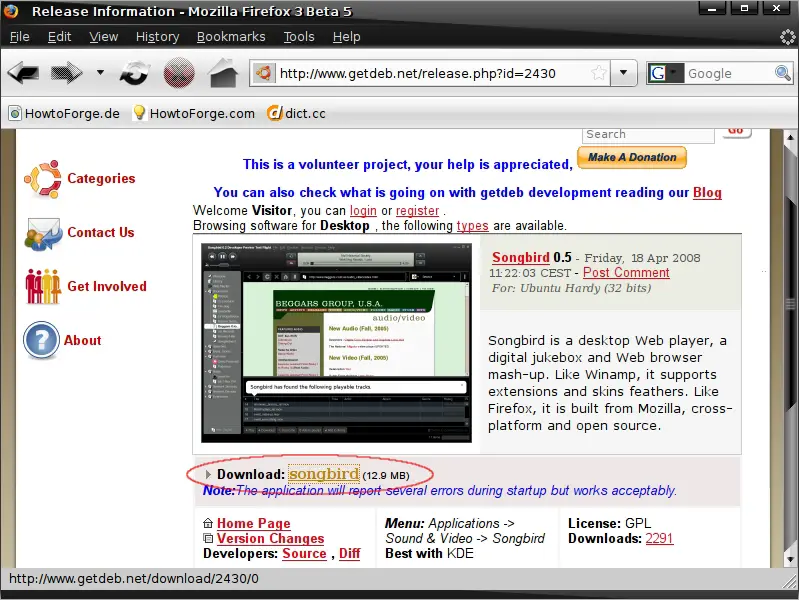
Next click on the corresponding download-link ...
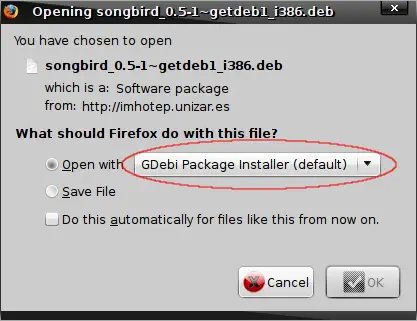
... and install songbird with the gdebi package installer.
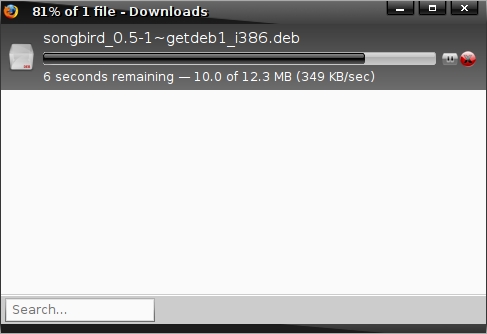
Songbird is being downloaded.
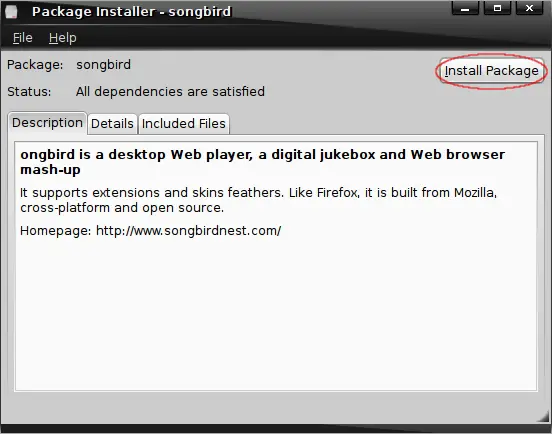
Now click on "Install Package" to start the installation.
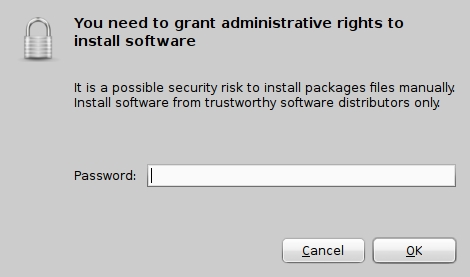
Enter your password and proceed.
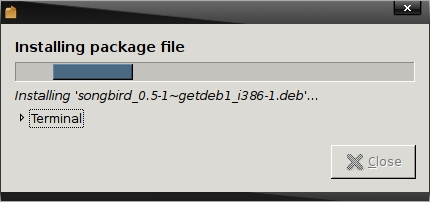
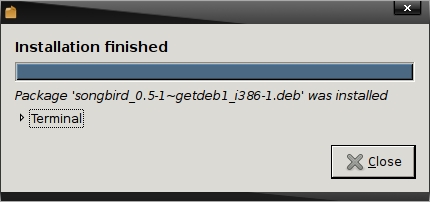
Songbird is being installed.
2 Gstreamer
Songbird uses gstreamer to play media - so we have to install a few additional packages.
- gstreamer0.10-ffmpeg
- gstreamer0.10-fluendo-mp3
- gstreamer0.10-plugins-bad-multiverse
- gstreamer0.10-plugins-ugly-multiverse
- libgstreamer0.10-dev
- libgstreamer-plugins-base0.10-dev





