
Installing The Adobe Flash Plugin 10 On A 64bit Ubuntu 8.04
Version 1.0
Author: Falko Timme
This tutorial shows how you can install the Adobe Flash plugin 10 on a 64bit Ubuntu 8.04 desktop. Although Adobe does not provide a Flash 10 plugin for x86_64 Linux, this is possible with a little script provided by queleimporta.com.
I do not issue any guarantee that this will work for you!
1 Update The System
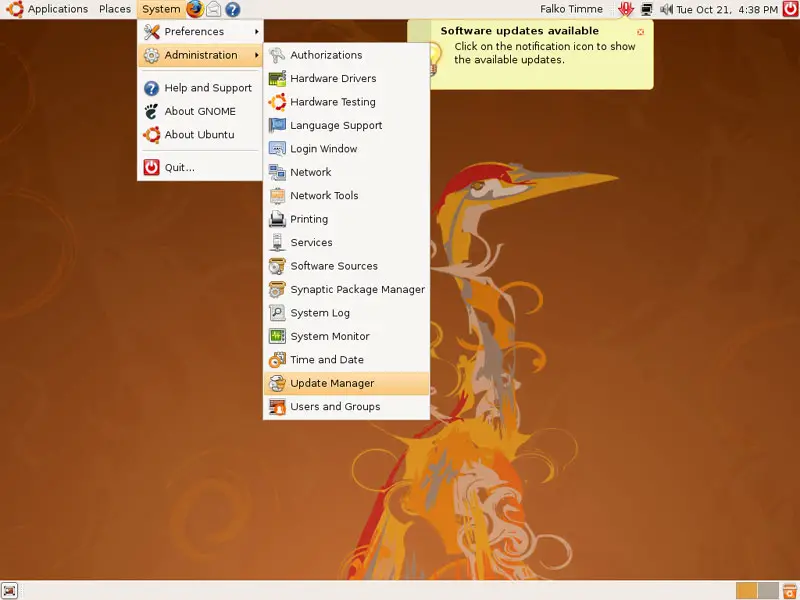
Make sure that your system is up-to-date. Go to System > Administration > Update Manager...
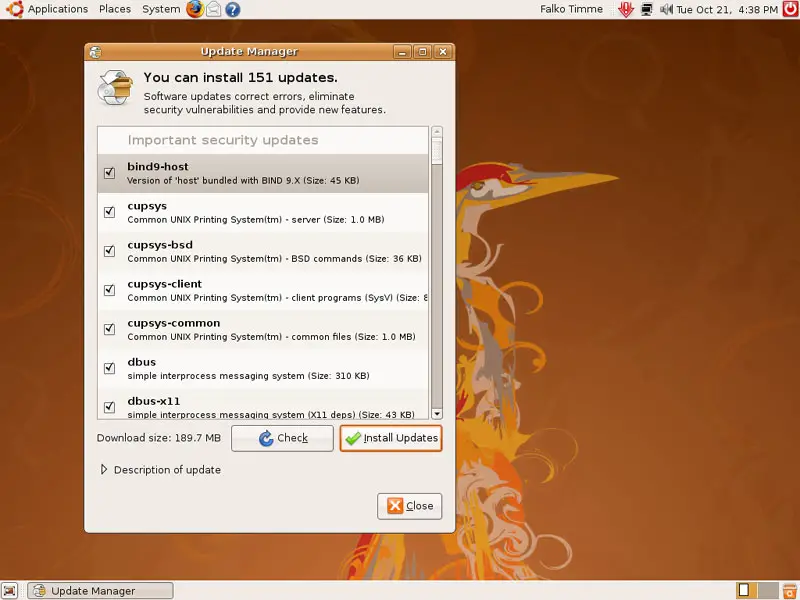
... and click on Install Updates to install the available updates (if the list is empty, click on Check first to make sure your system is really up-to-date):
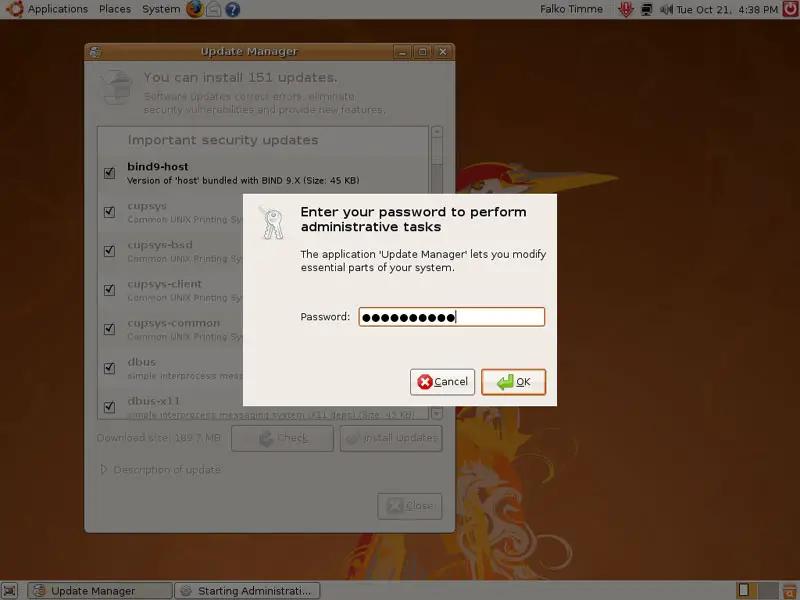
Type in your password:
The system will then be updated.
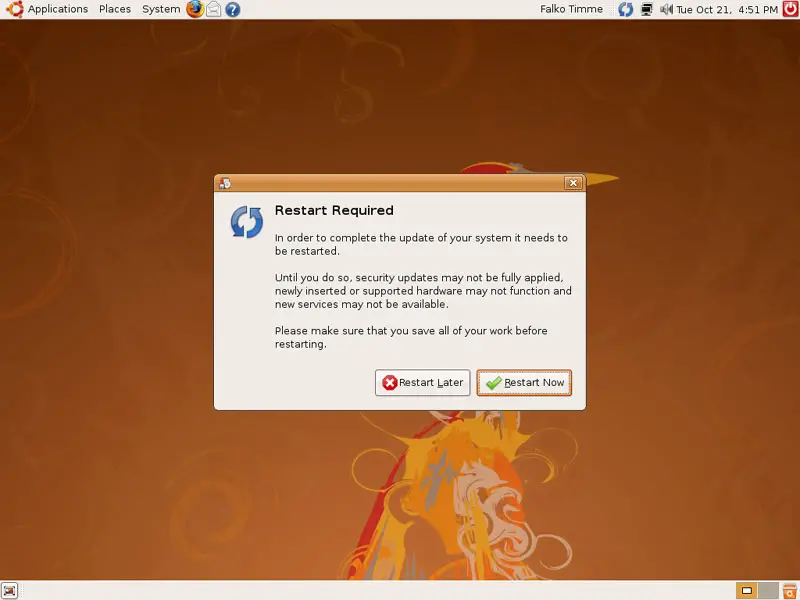
It is possible that the system needs a restart after the update. If you see the blue restart icon in the taskbar, reboot the system:

2 Install Flash 10
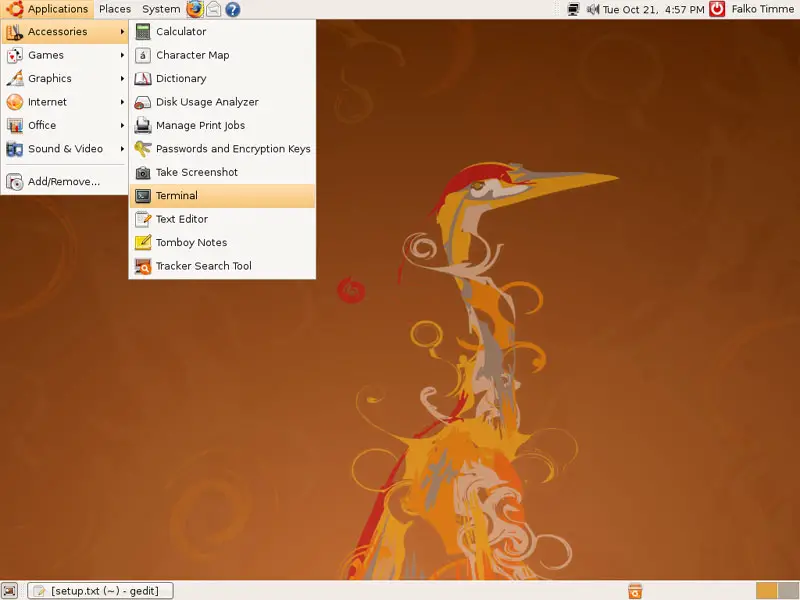
Now open a terminal (Applications > Accessories > Terminal)...
... and download the script:
wget http://queleimporta.com/downloads/flash10_en.sh
Then execute it as follows:
sudo sh ./flash10_en.sh
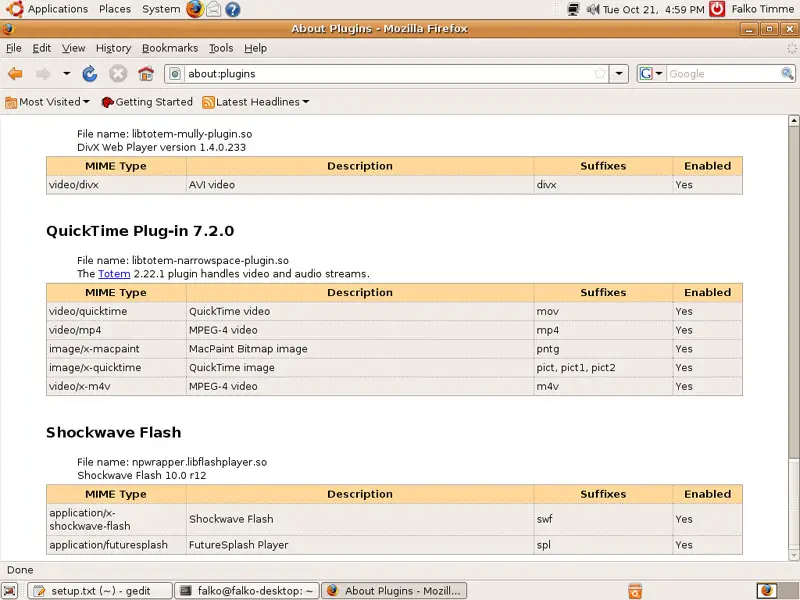
Afterwards, open/restart Firefox and type
about:plugins
in the address bar, and you should see a list of all installed Firefox plugins. If all went well, Flash 10 should be listed there as well.
3 Links
- queleimporta.com: http://queleimporta.com/
- Ubuntu: http://www.ubuntu.com/





