
Importing Outlook Express Emails Into Thunderbird And Evolution - Page 4
On this page
6 Evolution - Importing Contacts
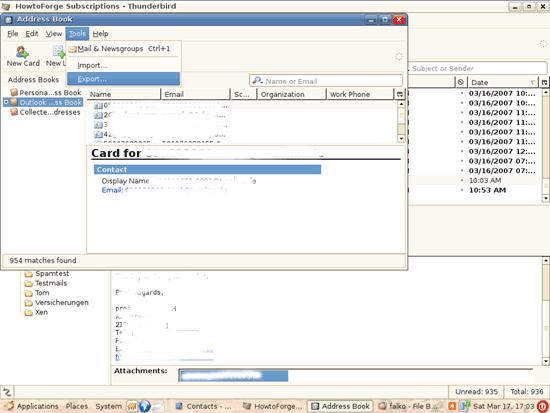
To import the address book into Evolution, we must open Thunderbird on our Linux desktop again. Open Thunderbird's address book and go to Tools > Export...:
Select a location to store the exported address book:
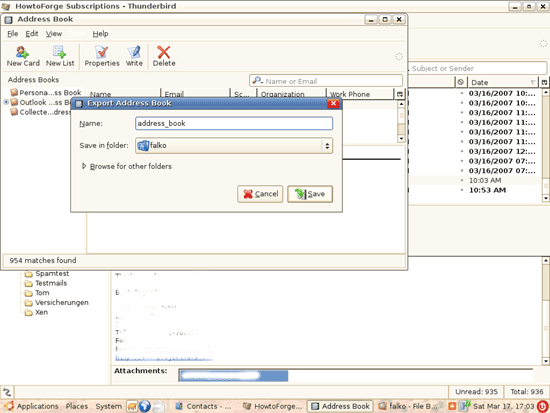
Afterwards, you can close Thunderbird.
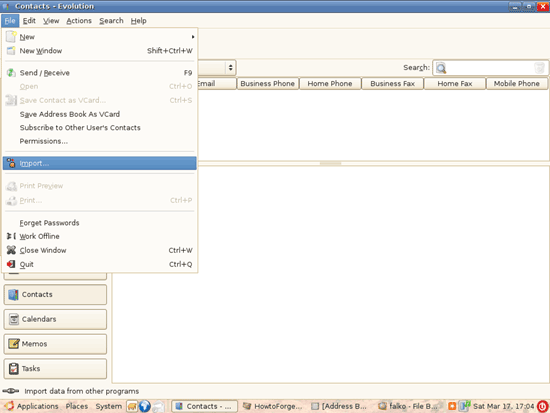
In Evolution, go to File > Import... again:
The Evolution Import Assistant comes up again:
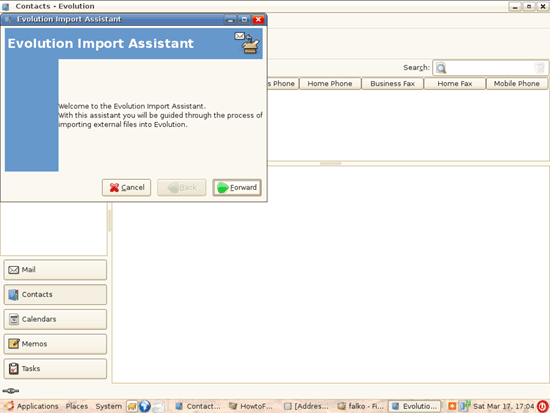
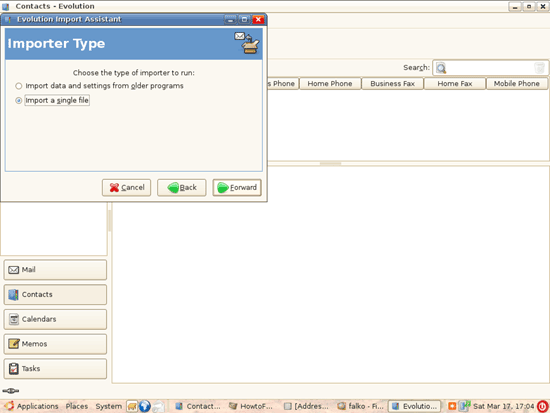
Choose Import a single file:
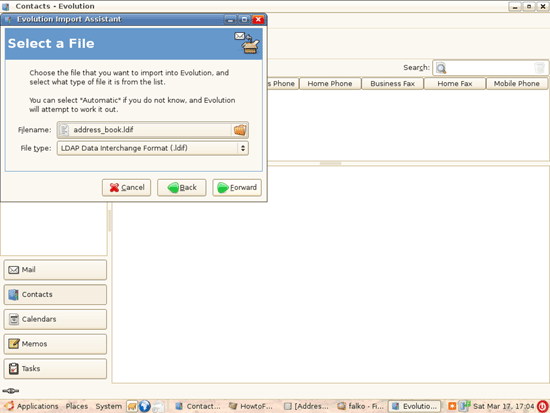
Then pick the address book file you've just created with Thunderbird (it should have the extension .ldif):
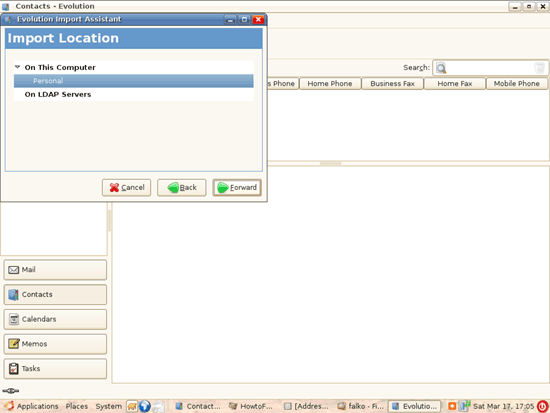
Select On This Computer > Personal as the import location:
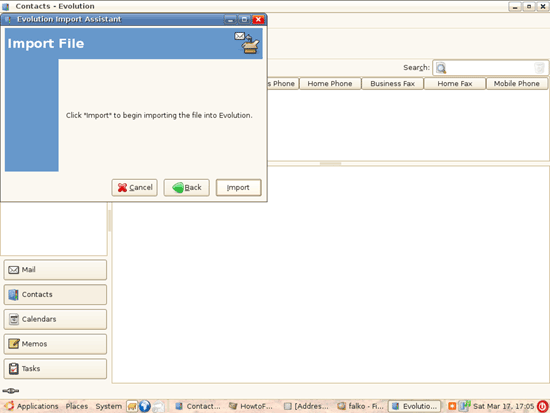
Then click on Import:
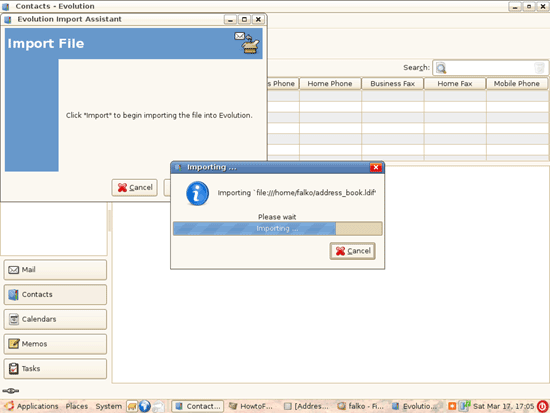
The contacts are being imported:
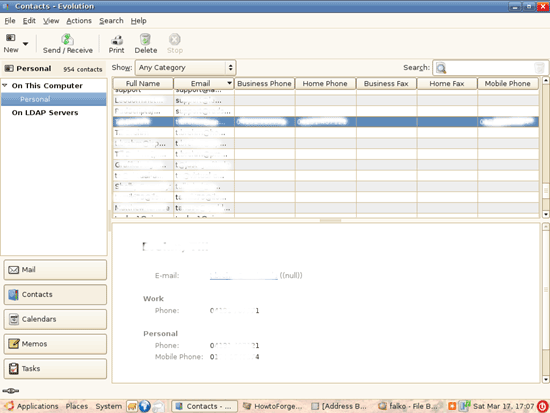
Afterwards, all your Outlook Express contacts should be listed in Evolution:
7 Links
- Mozilla Thunderbird: http://www.mozilla.com/en-US/thunderbird
- Evolution: http://www.gnome.org/projects/evolution





