
Fedora 8 Server Setup: LAMP, Email, DNS, FTP, ISPConfig (a.k.a. The Perfect Server) - Page 2
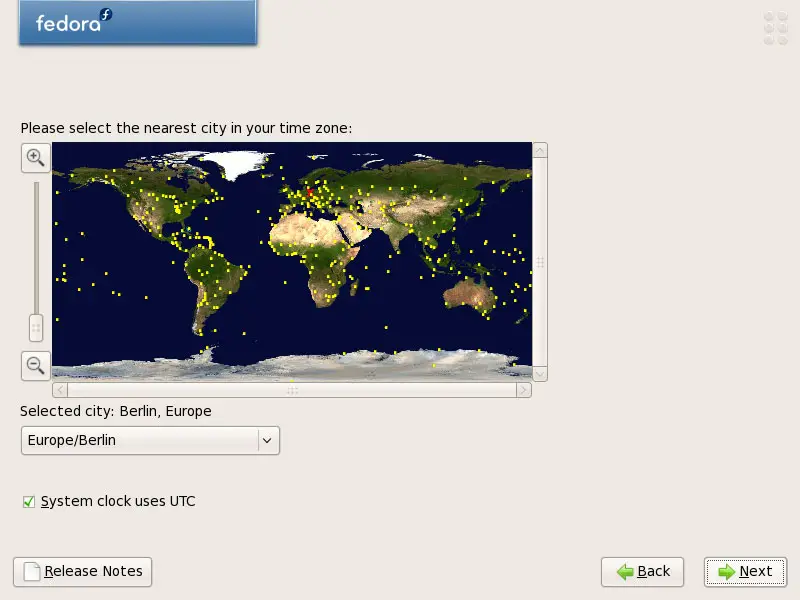
Choose your time zone:
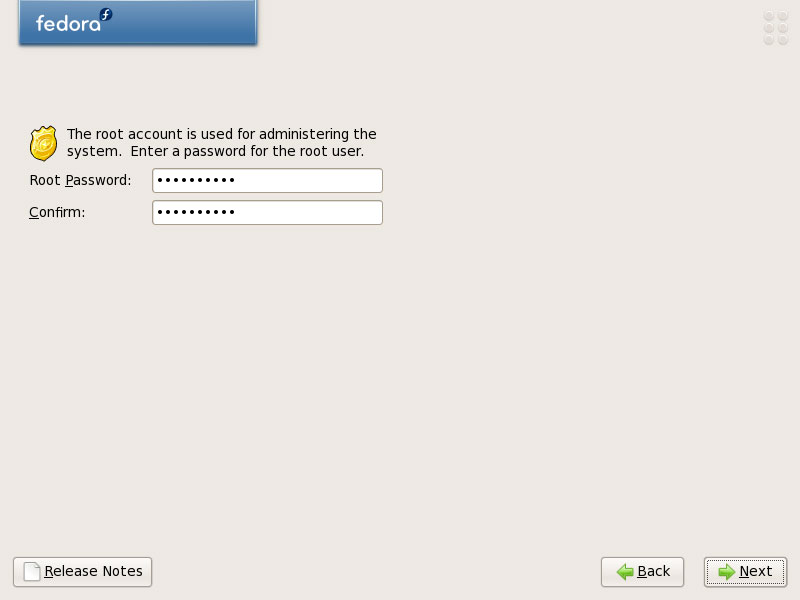
Give root a password:
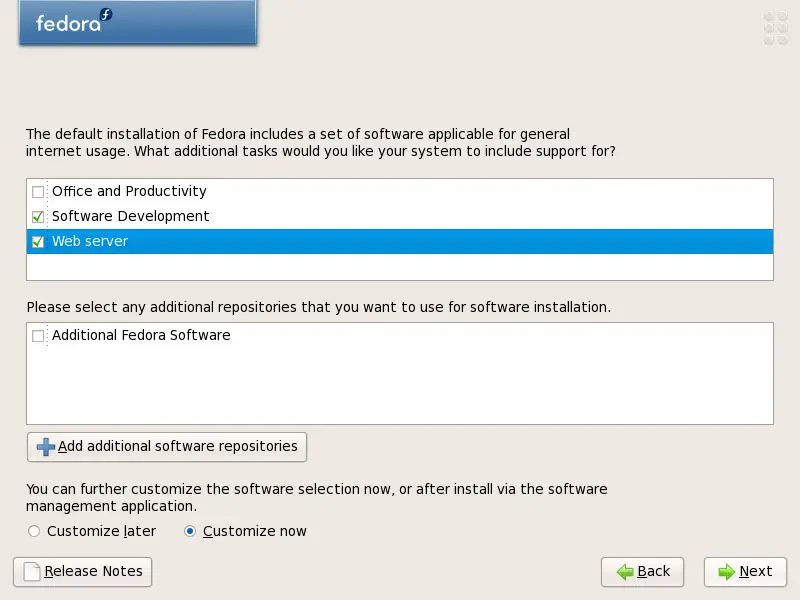
Now we select the software we want to install. Uncheck Office and Productivity and check Software Development and Web server instead. Then check Customize now, and click on Next:
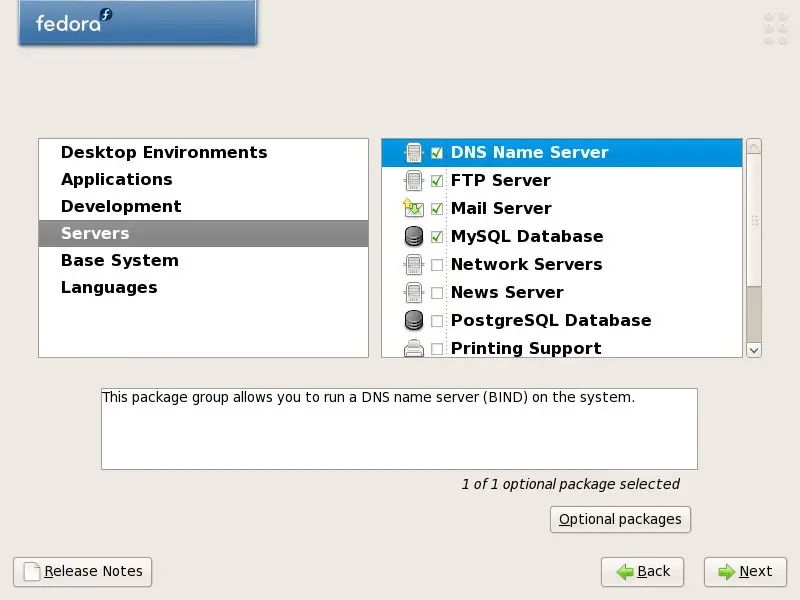
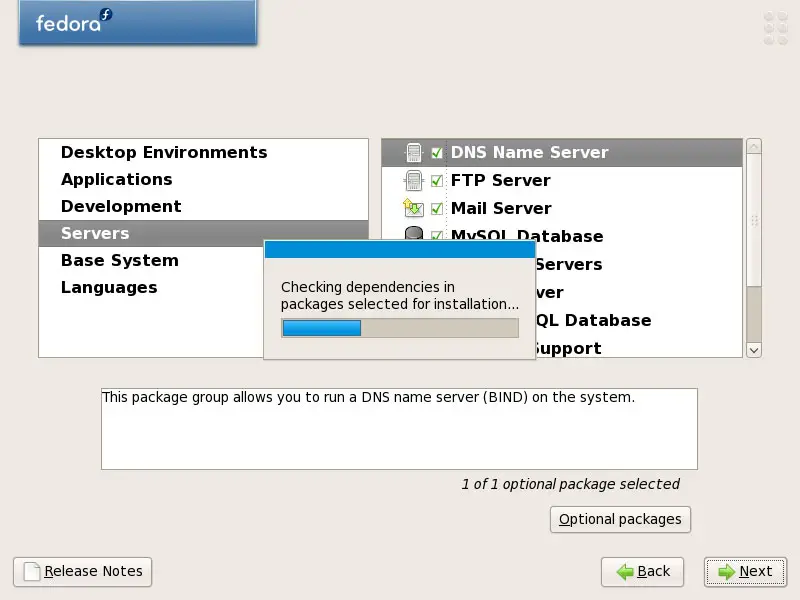
Now we must select the package groups we want to install. Select Editors, Text-based Internet, Development Libraries, Development Tools, DNS Name Server, FTP Server, Mail Server, MySQL Database, Server Configuration Tools, Web Server, Administration Tools, Base, Hardware Support, Java, System Tools (unselect all other package groups) and click on Next:
The installer checks the dependencies of the selected packages:
Click on Next to start the installation:
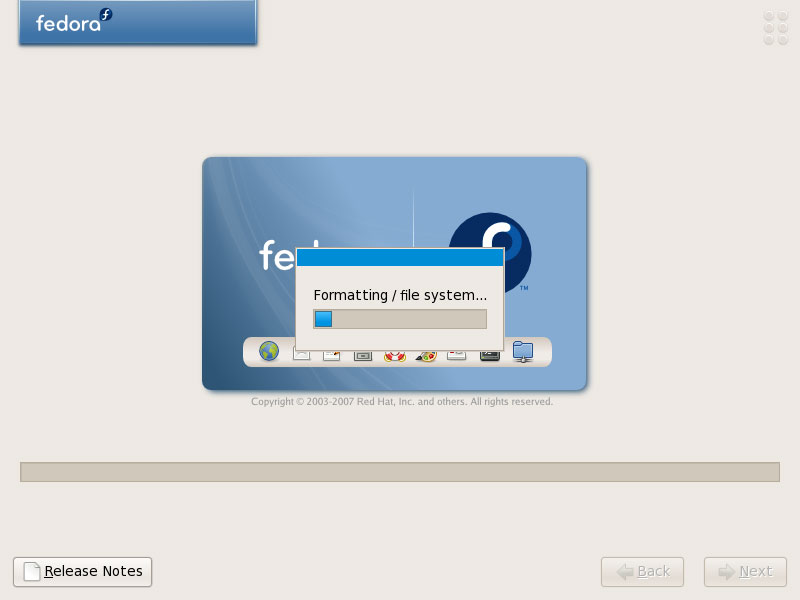
The hard drive is being formatted:
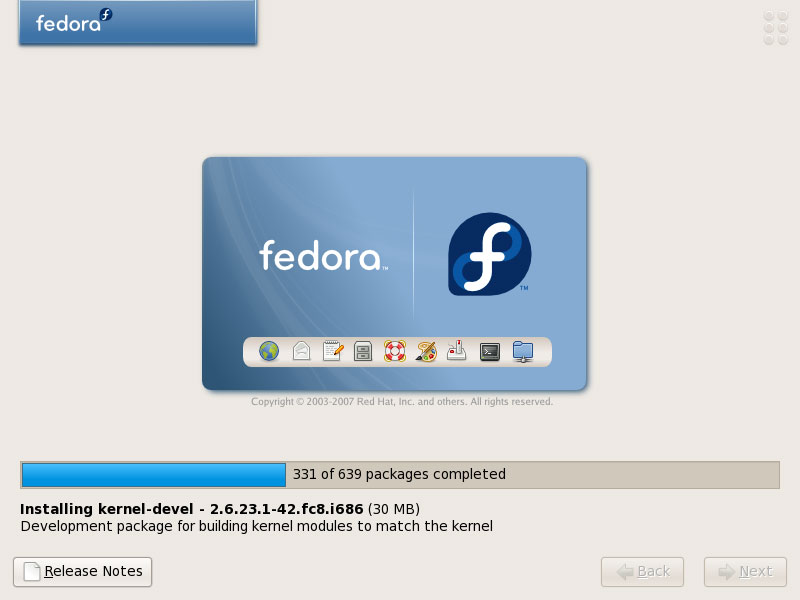
The installation begins. This will take a few minutes:
Afterwards, the GRUB bootloader gets installed:
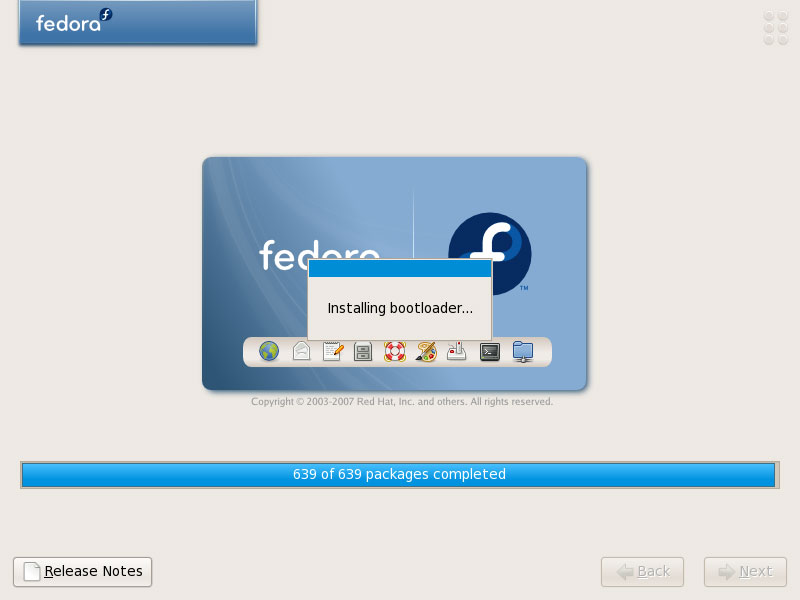
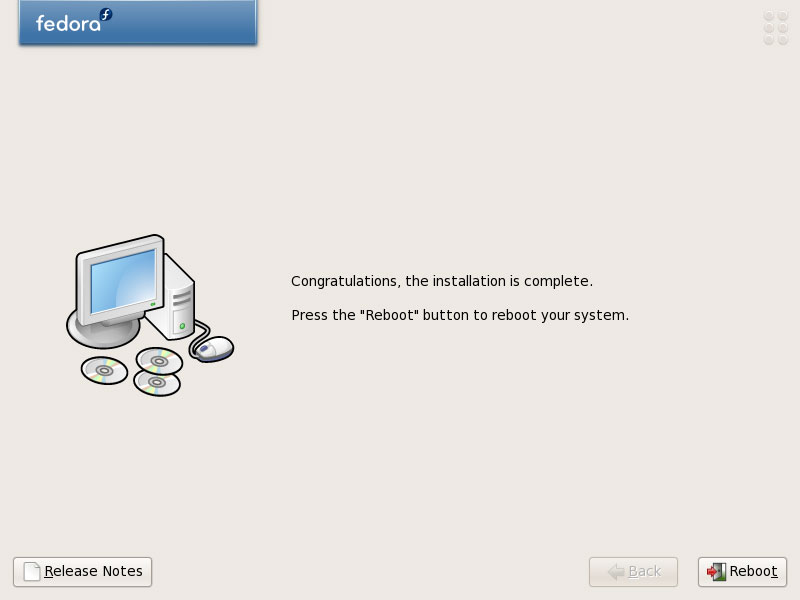
Finally, the installation is complete, and you can remove your DVD from the computer and reboot it:
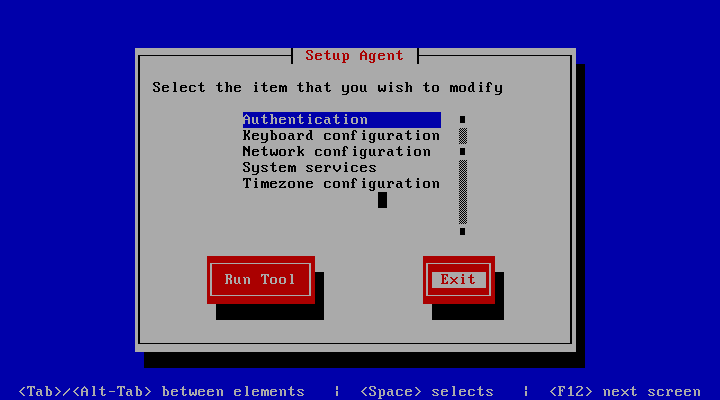
After the reboot, you will see this screen. Leave it by hitting Exit:
Now, on to the configuration...





