
Enabling Compiz Fusion On An OpenSUSE GNOME 10.3 Desktop (ATI Mobility Radeon 9200) - Page 2
4 Enable Desktop Effects
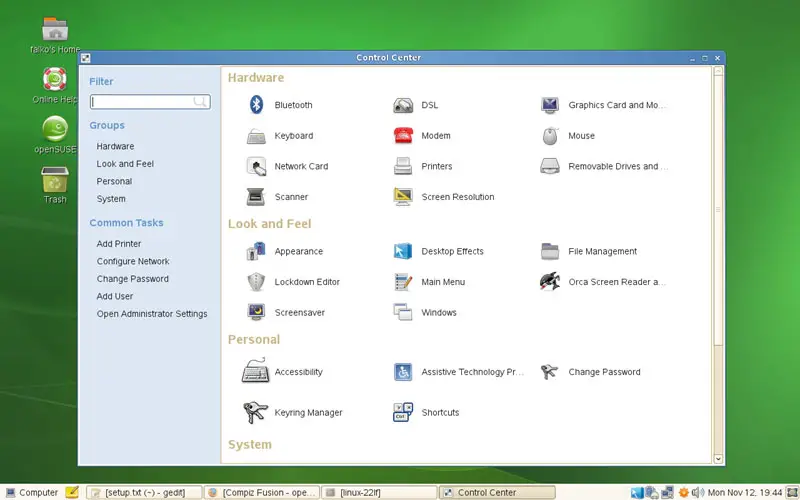
In the Control Center, under Look and Feel, you should now find a Desktop Effects icon. Click on it:
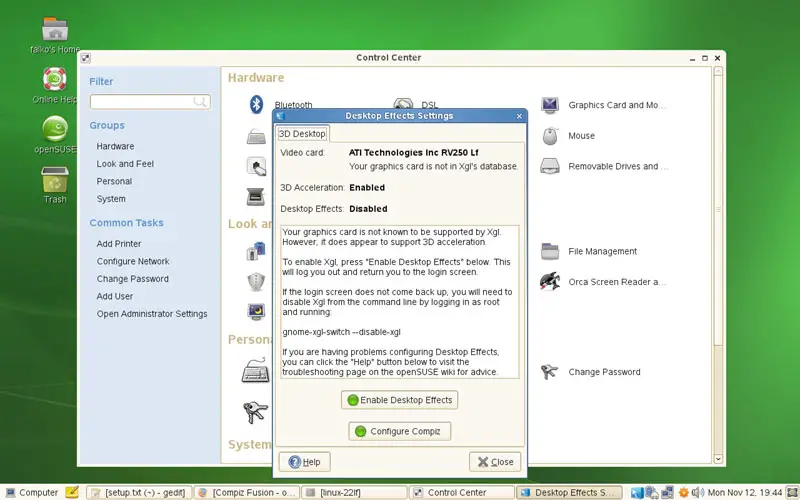
The Desktop Effects Settings window opens. Click on the Enable Desktop Effects button:
To enable the desktop effects, you must type in the root password:
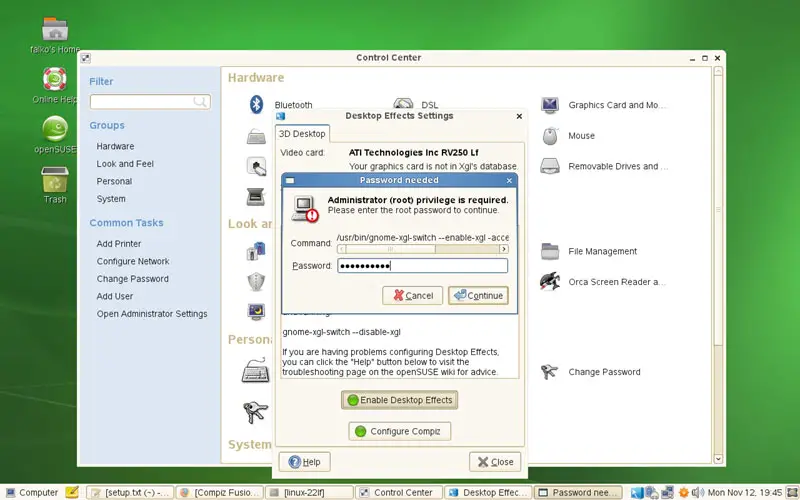
You will then automatically be logged out so that the changes can take effect. Log in again; Compiz Fusion should now be working.
5 Keyboard Shortcuts
Here's a list of the most common Compiz Fusion keyboard shortcuts:
SUPER+SHIFT+DRAG LEFT MOUSE = draw fire
SUPER+SHIFT+C = clear fire
CTRL+ALT+DRAG LEFT MOUSE = rotate cube
CTRL+ALT+LEFT ARROW = rotate cube
CTRL+ALT+DOWN ARROW = flat desktop
SHIFT+ALT+UP = initiate window picker
CTRL+ALT+DOWN = unfold cube
ALT+TAB = window switch
SUPER+TAB = flip switcher or ring switcher, depending on which is enabled.
ALT+F7 = initiate 'move windows'
SHIFT+F9 = water effect
SHIFT+F10 = slow animations
CTRL+ALT+D = show desktop
For Grouping and Tabbing:
SUPER+S = select single window
SUPER+T = tab group
SUPER+Left = change left tab
SUPER+Right = change right tab
SUPER+G = group windows
SUPER+U = ungroup windows
SUPER+R = remove group window
SUPER+C = close group
SUPER+X = ignore group
Hold the SUPER button then select the windows you want to group and then hit SUPER+G.
The SUPER key is the Windows key on most keyboards.
6 Some Screenshots
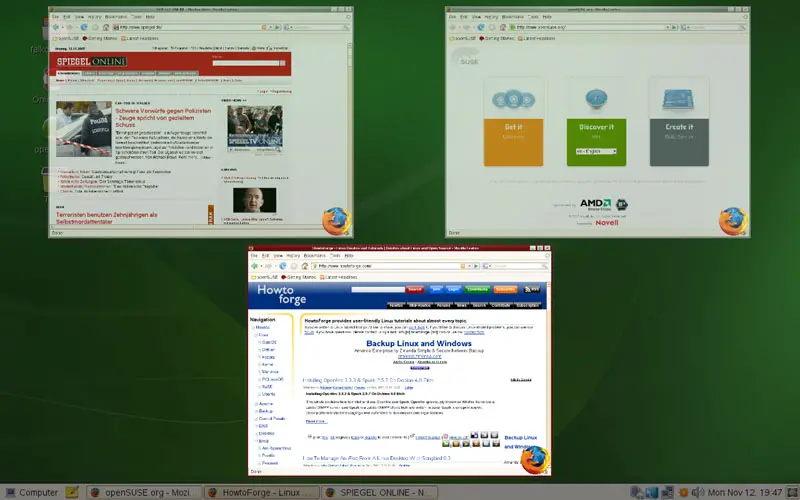
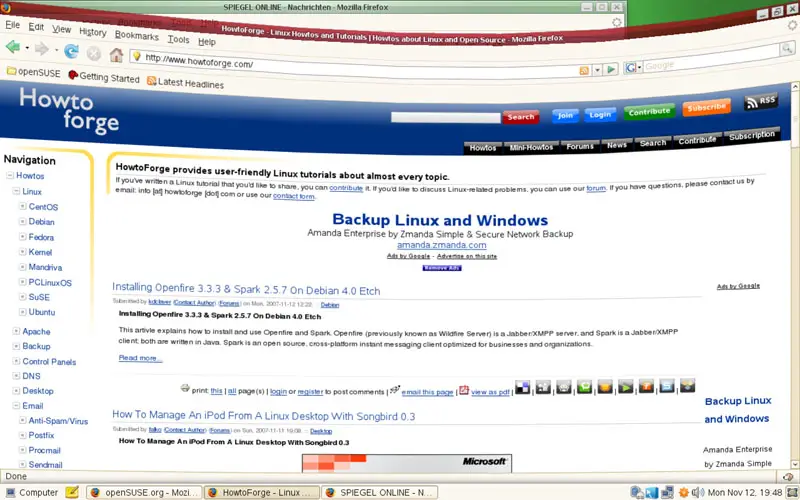
Finally, here are some Compiz Fusion screenshots:
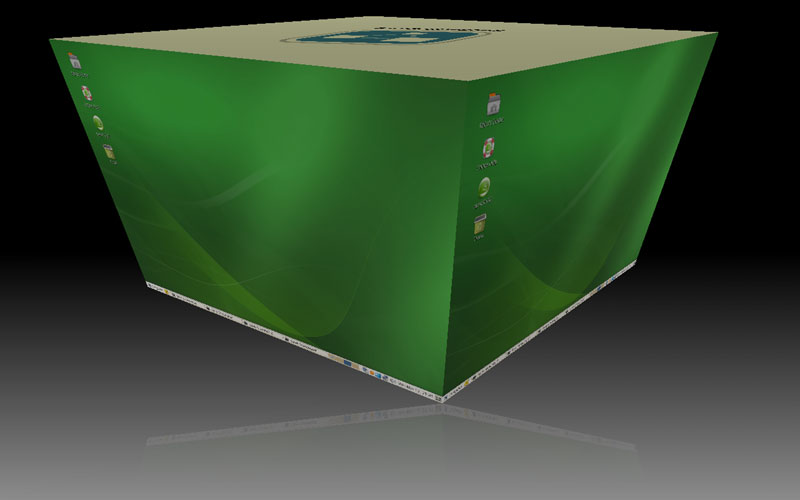
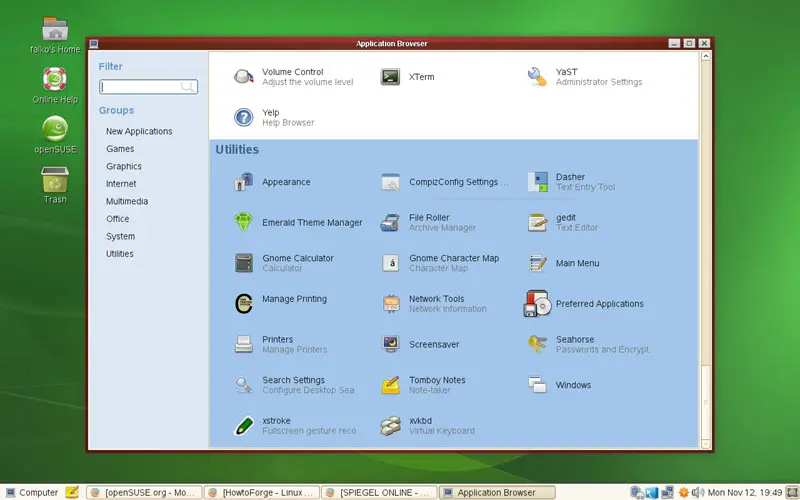
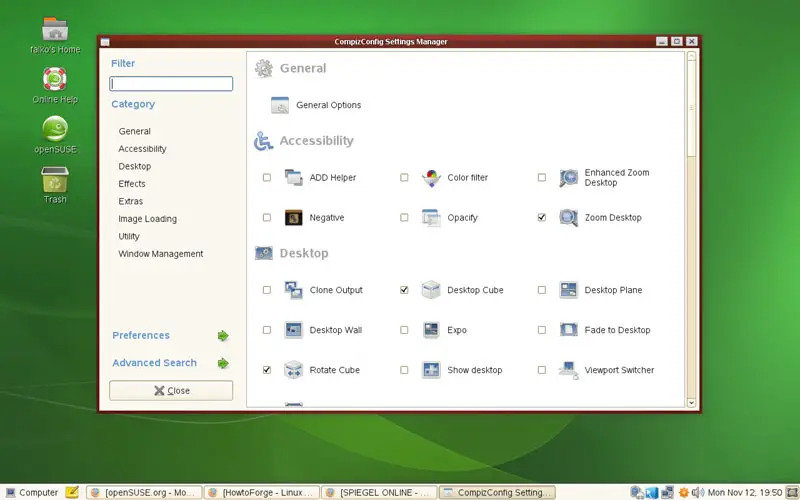
To modify the Compiz Fusion settings and to enable/disable Compiz Fusion features, click on CompizConfig Settings (in the Utilities section) in the Application Browser:
7 Links
- Compiz Fusion: http://www.compiz-fusion.org
- OpenSUSE: http://www.opensuse.org





