
Back Up Your Files With Pybackpack On Fedora 8 - Page 2
2.1.2 Edit
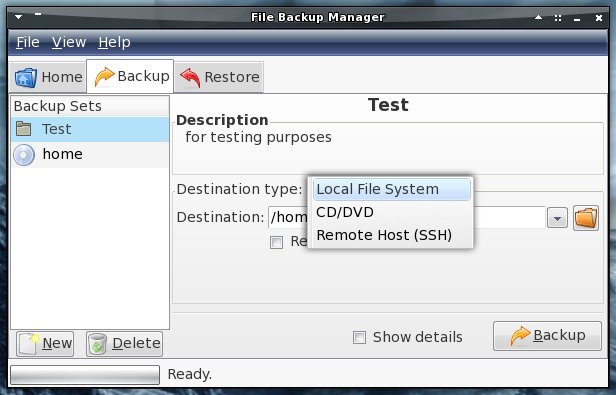
If you want to edit a backup set, simply select it on the left and edit the settings on the right.
2.1.3 Delete
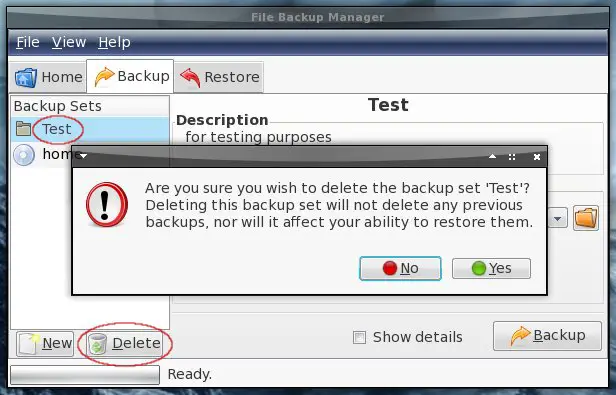
If you want to delete a backup set, select it on the left and click on "Delete". Proceed if you really want this.
Note: The deletion of a backup set doesn't affect the backups that are made with it.
2.2 Create Backups
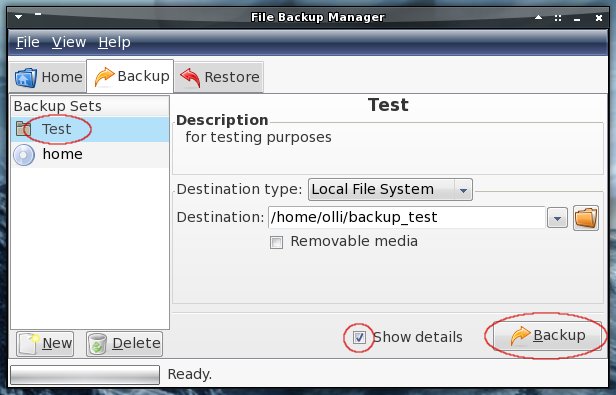
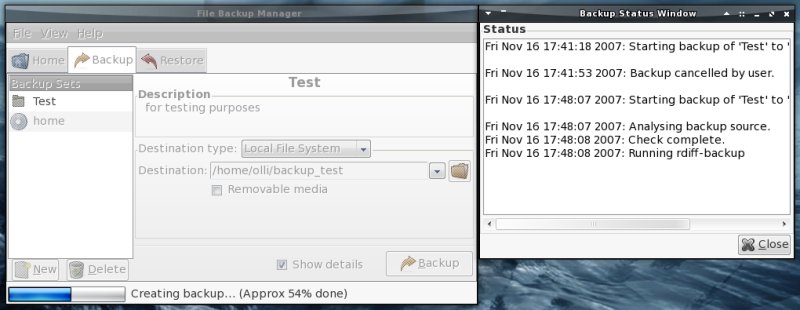
Select a backup set from the left, mark the corresponding checkbox if you want to see the details of the backup process and click on "Backup".
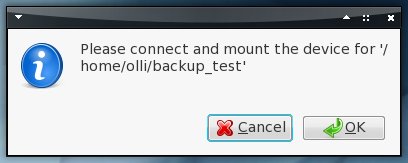
If the destination is a removable device you're asked to mount it. Be sure that the removable device is mounted and proceed.
The backup is being created.
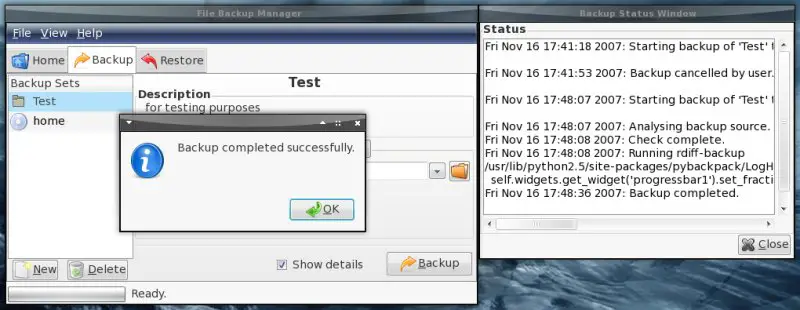
Finished.
2.3 Restore Backups
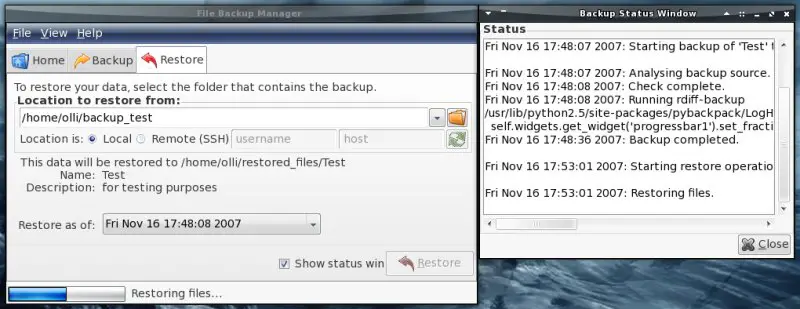
On the last tab you can restore backups. If you want to do that choose the location of the stored backup...
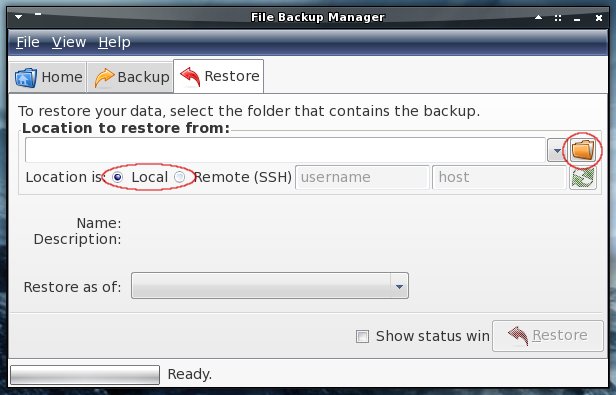
...and the point of time (if you made multiple backups). After that mark the corresponding checkbox if you want to see the details of the restore process and click on "Restore".
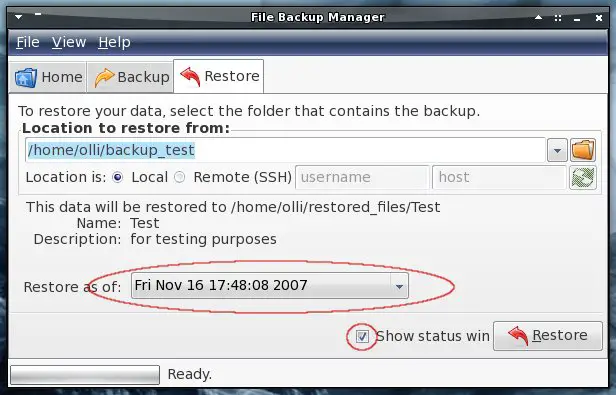
The backup is being restored.
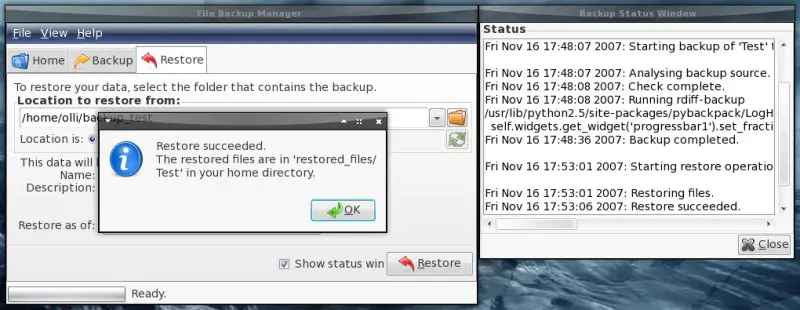
Finished. You'll find the restored files in your home directory in the folder "restored_files".
3 Links
- Pybackpack: http://andrewprice.me.uk/projects/pybackpack/





