Installing Ubuntu From A Windows System With Wubi - Page 3
Do you like HowtoForge? Please consider supporting us by becoming a subscriber.
|
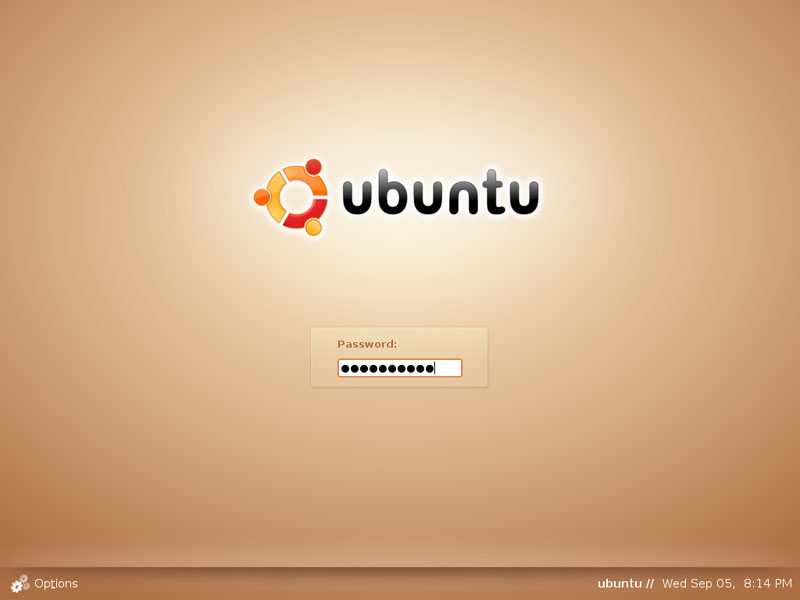
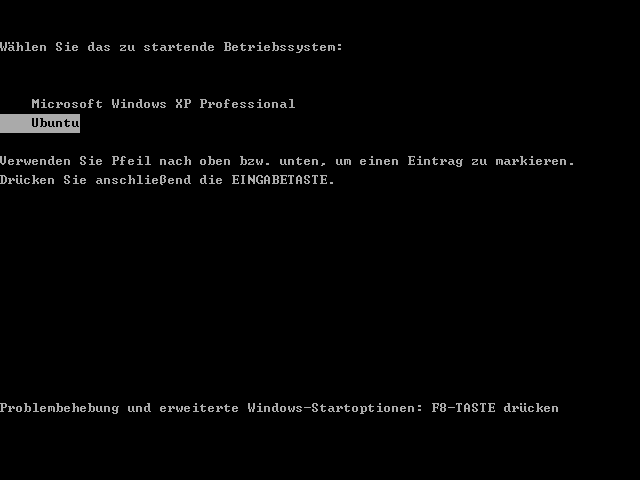
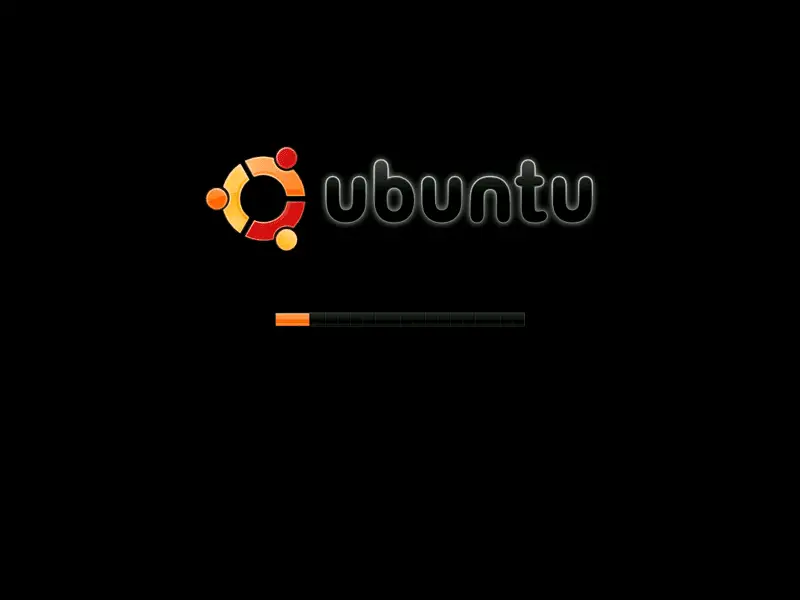
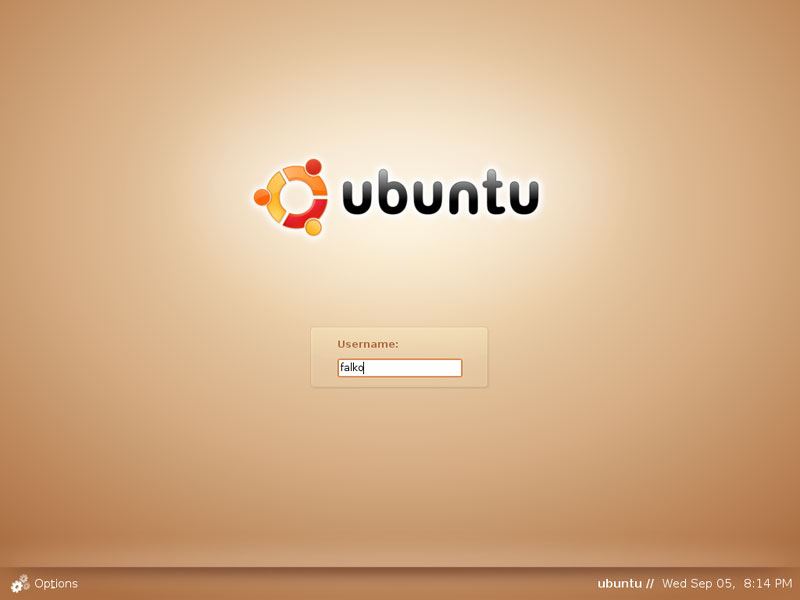
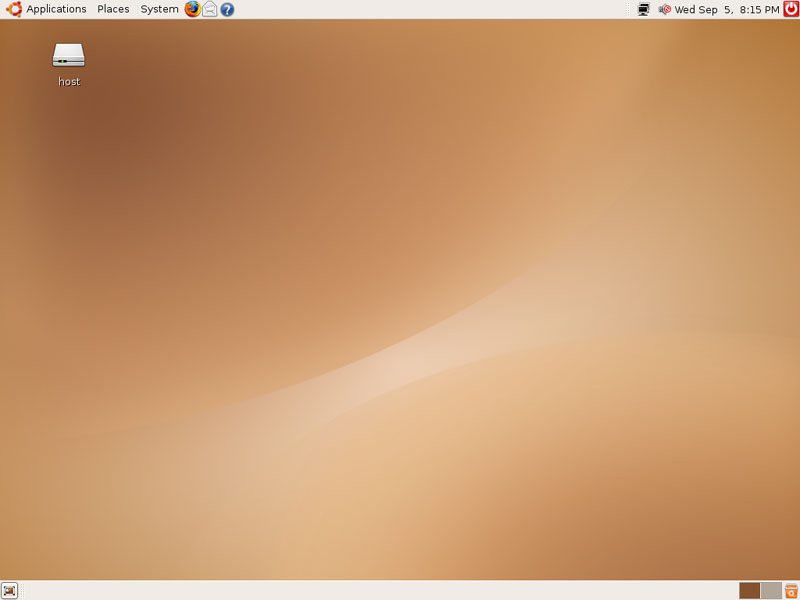
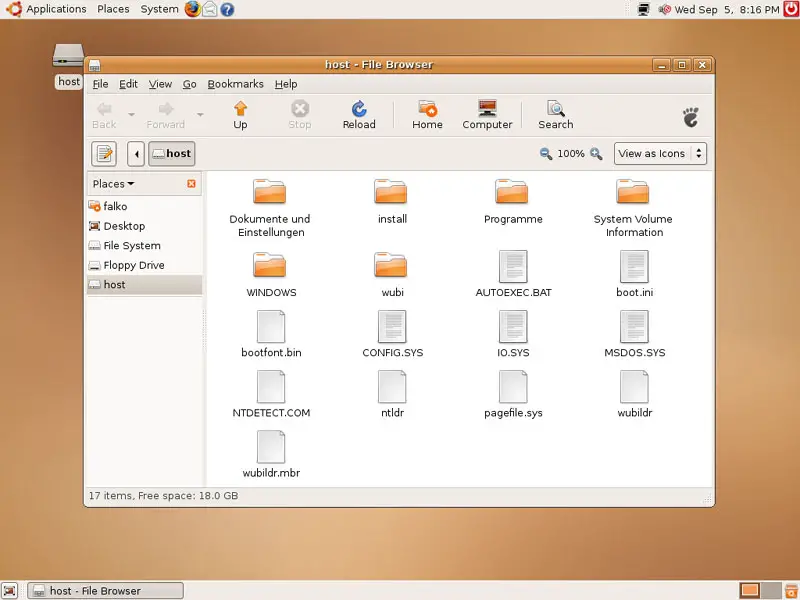
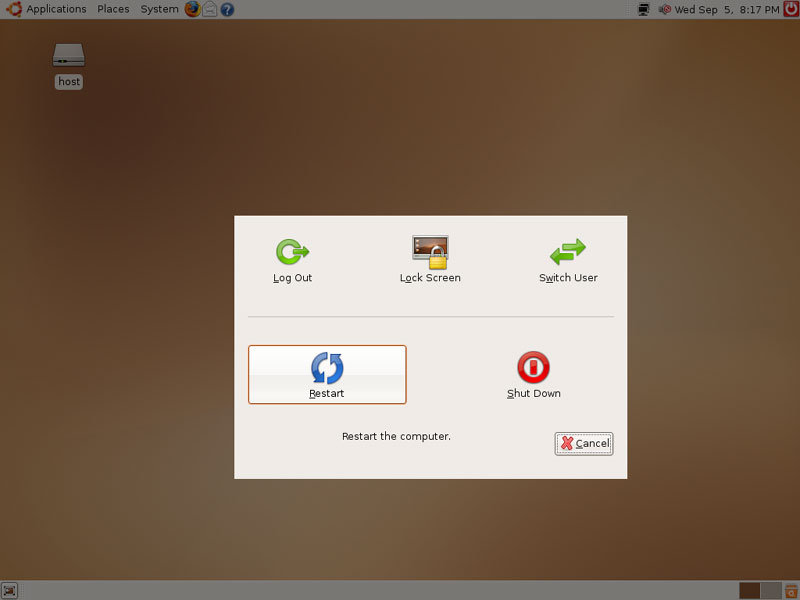
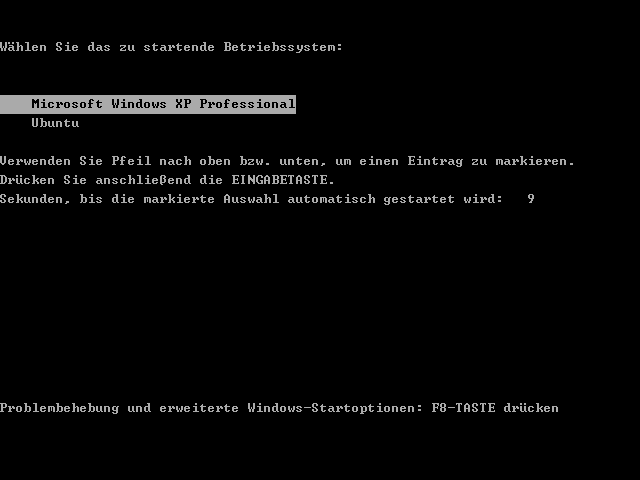
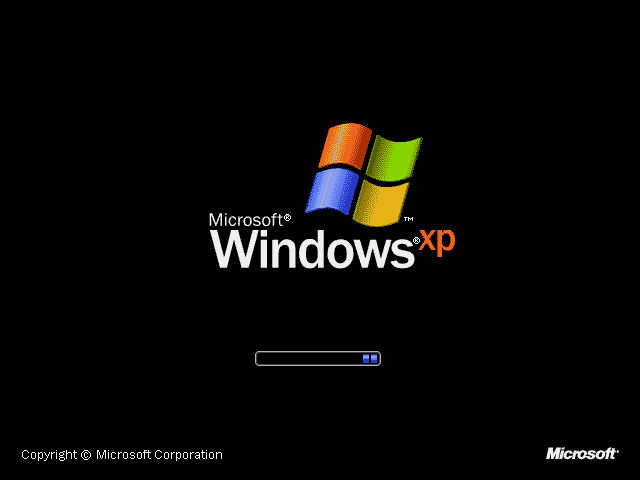
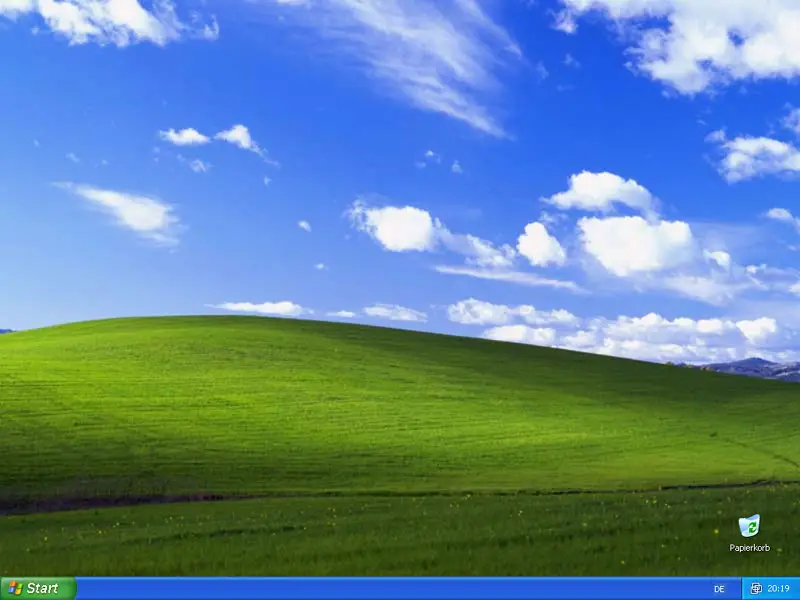
After the installation has finished, the system reboots. At the boot menu, please select Ubuntu again: Now your new Ubuntu desktop system should boot: Type in your username and password (the ones you specified in Wubi before): This is how your Ubuntu desktop looks. You can now use it like any other Linux desktop: There's even an icon for your Windows partition on the desktop. If you double-click on it, you can browse your Windows partition: Now let's see if our Windows desktop is still working. Shut down the Ubuntu system... ... and boot your Windows system: Windows is booting: As you see, your Windows desktop is still working as before:
|
Sponsored Links:
Unified Communications: Thoughts, Strategies and Predictions
Join the discussion.
www.seamlessenterprise.com
IP Convergence
Integrate your wireless and wireline networks.
Learn how from the experts at Sprint.
www.seamlessenterprise.com
Wireless & Wireline Integration
Thoughts, strategies and solutions: join the discussion
www.seamlessenterprise.com
Unified Communications 2009
Join the Discussion. Now.
www.seamlessenterprise.com
Red Hat Virtual Experience - a free virtual event. Dec. 9th
Join the discussion.
www.seamlessenterprise.com
IP Convergence
Integrate your wireless and wireline networks.
Learn how from the experts at Sprint.
www.seamlessenterprise.com
Wireless & Wireline Integration
Thoughts, strategies and solutions: join the discussion
www.seamlessenterprise.com
Unified Communications 2009
Join the Discussion. Now.
www.seamlessenterprise.com
Red Hat Virtual Experience - a free virtual event. Dec. 9th


print: 
Recent comments
3 hours 46 min ago
9 hours 34 min ago
11 hours 25 min ago
13 hours 10 min ago
17 hours 59 sec ago
22 hours 45 min ago
22 hours 56 min ago
1 day 3 hours ago
1 day 8 hours ago
1 day 14 hours ago