
VirtualBox On FC6 / CentOS 4 / OpenSuSE 10.2 - Page 2
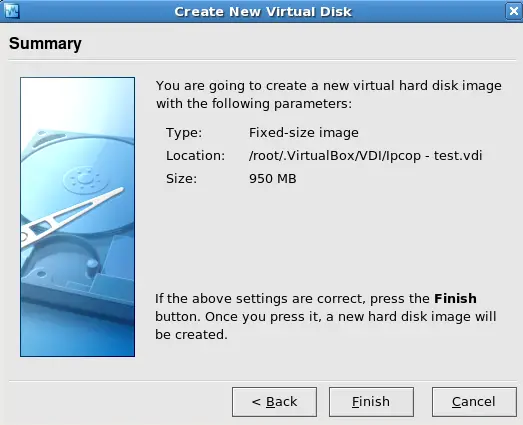
Step 12
Click on Finish if you are happy with the hard drive info there. If not click Back and change it:
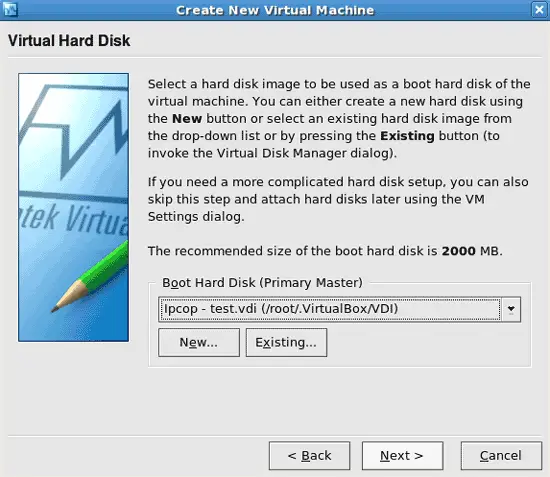
Step 13
We are back at the virtual machine settings. Click on Next:
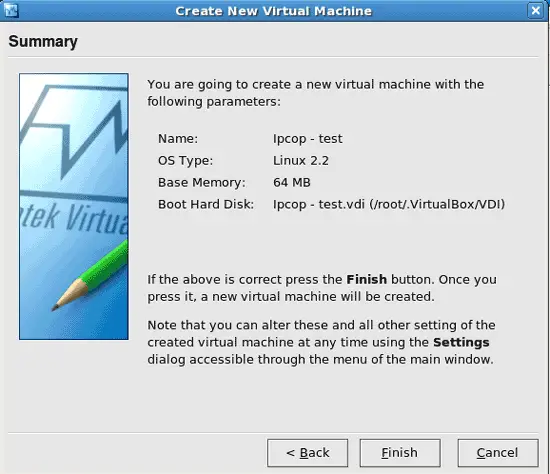
Step 14
Click on Finish .... to save the settings. :)
This is what we should get:
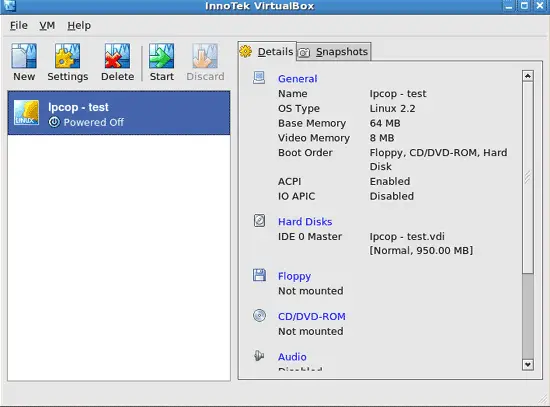
Ok, time to change some of the settings. So we click on Settings, then we change what we want to change. When you're finished click on OK.
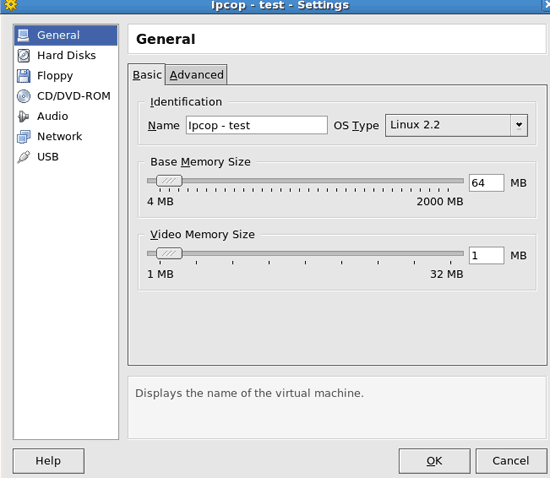
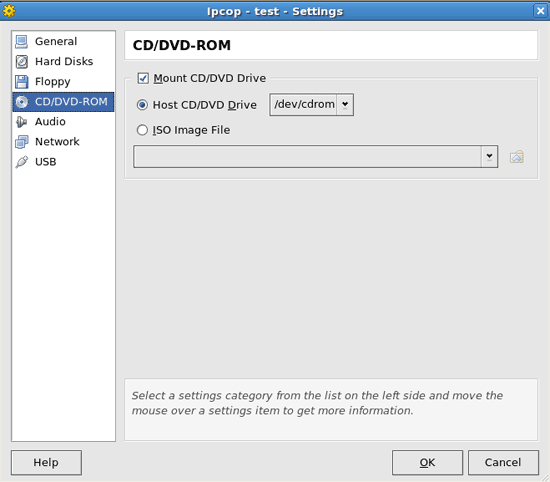
We pick here the /dev/cdrom drive to boot from OR the place where an ISO file is to loaded from. Then we click on OK
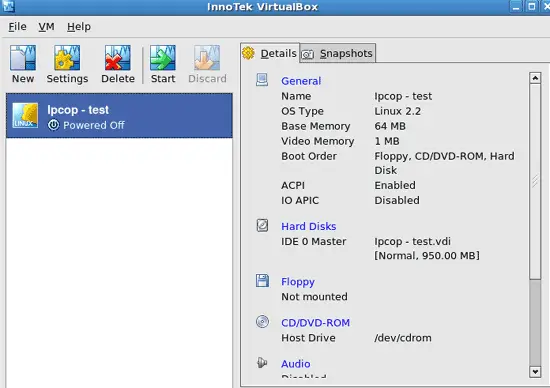
Now that you've made all wanted changes, click on Start to run the virtual machine. That's it. :)
TIP
To get out of the VirtualBox window, push the right ctrl key once and you will get your mouse pointer back. :)
If you have problems starting up the VirtualBox if you have a normal account, do this:
Make a new account and add it to the the vboxusers group. Log into that account and try again. See if that works. If not have a look at the user manual.
Links
- VirtualBox: http://www.virtualbox.org





