
The Perfect Desktop - Ubuntu 9.10 (Karmic Koala) - Page 4
This tutorial exists for these OS versions
- Ubuntu 14.10 (Utopic Unicorn)
- Ubuntu 13.10 (Saucy Salamander)
- Ubuntu 14.04 LTS (Trusty Tahr)
- Ubuntu 13.04 (Raring Ringtail)
- Ubuntu 12.10 (Quantal Quetzal)
- Ubuntu 12.04 LTS (Precise Pangolin)
On this page
10 Opera
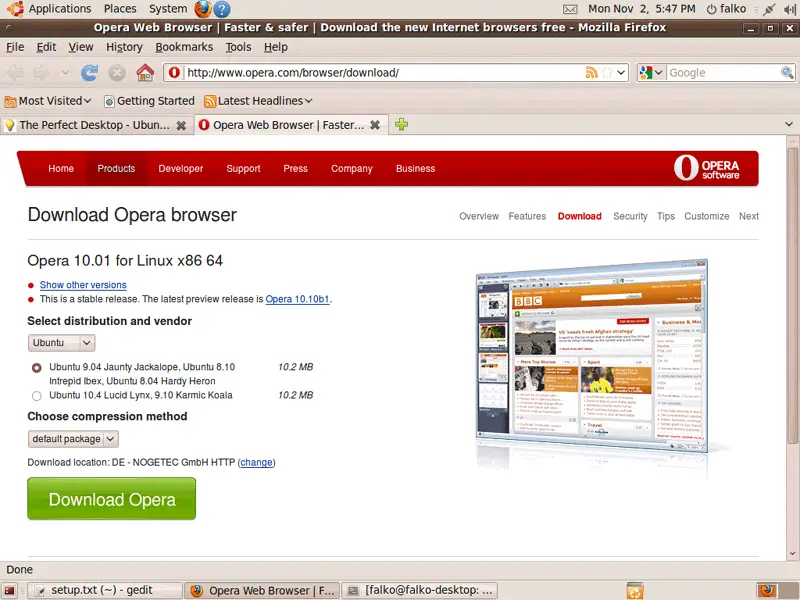
Open a browser and go to http://www.opera.com/browser/download/; select Ubuntu as the distribution and then Ubuntu 9.04 Jaunty Jackalope, Ubuntu 8.10 Intrepid Ibex, Ubuntu 8.04 Hardy Heron and click on the Download Opera button:
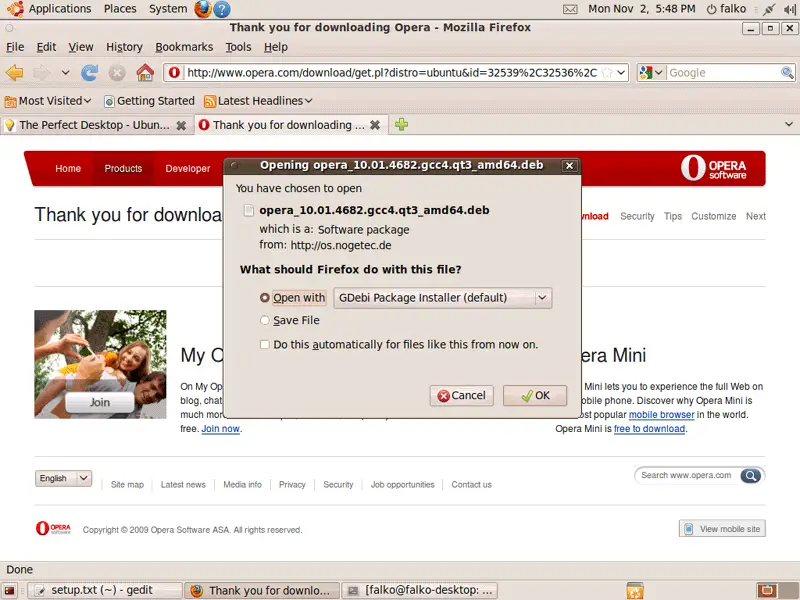
A download dialogue should come up. Select Open with GDebi Package Installer (default):
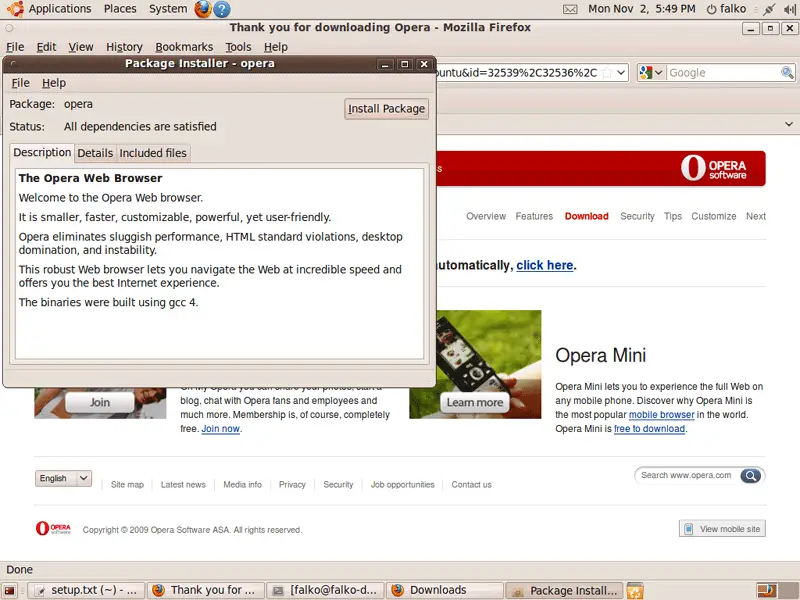
A Package Installer window comes up. Click on the Install Package button to install Opera:
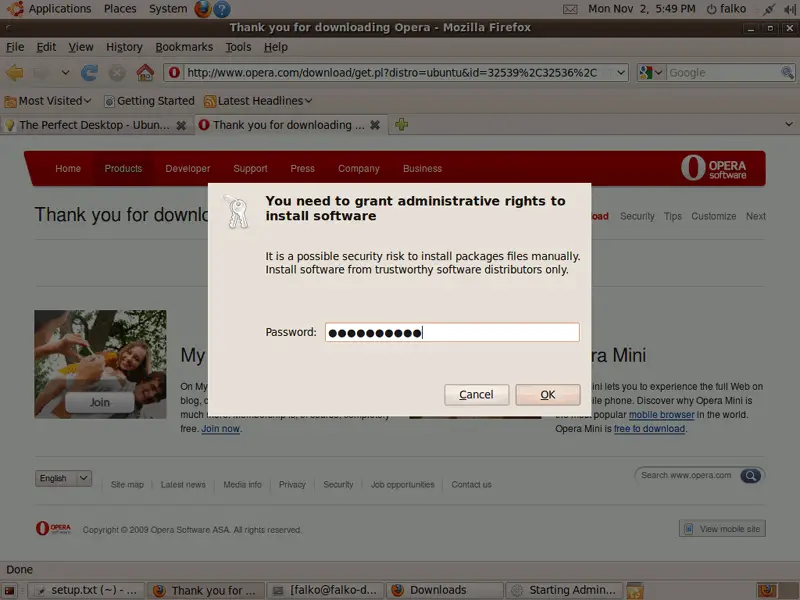
Type in your password:
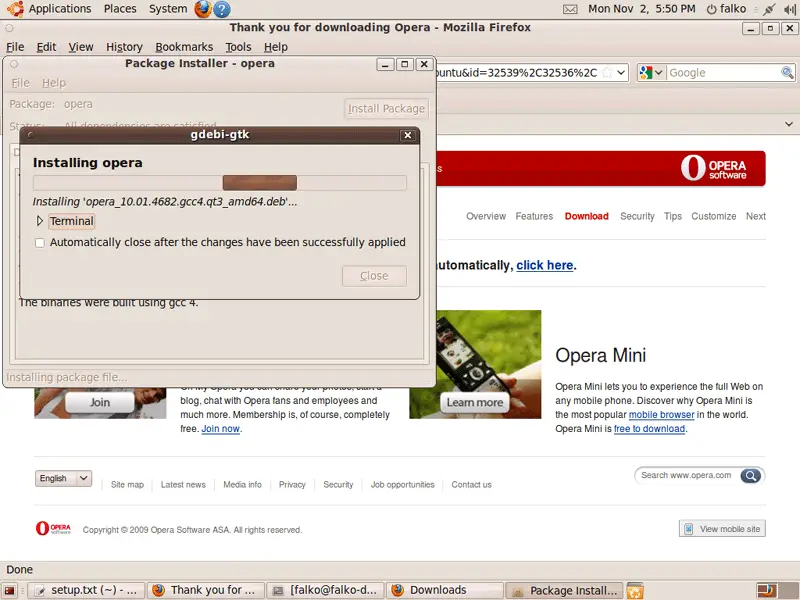
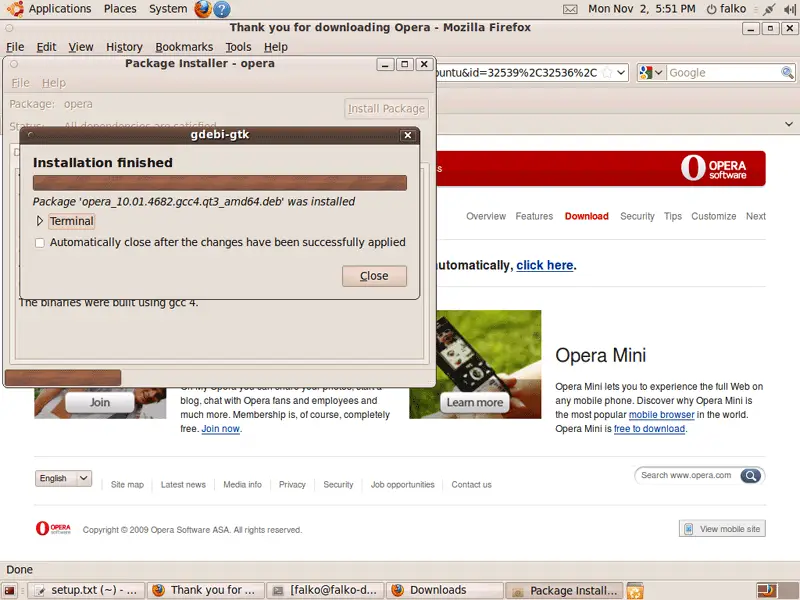
Opera is now being installed. Afterwards, you can close the Package Installer window:
11 Google Picasa
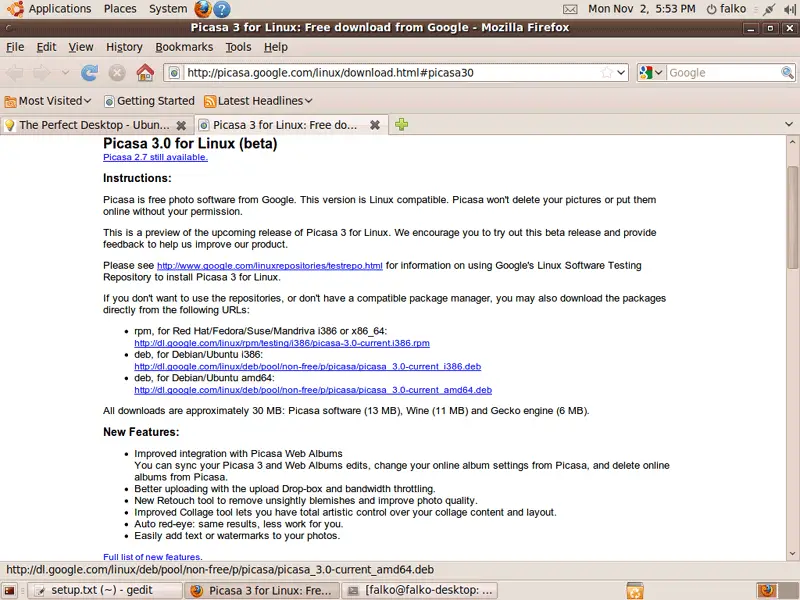
Go to http://picasa.google.com/linux/download.html#picasa30 and select the right .deb package for your architecture (i386 or amd64):
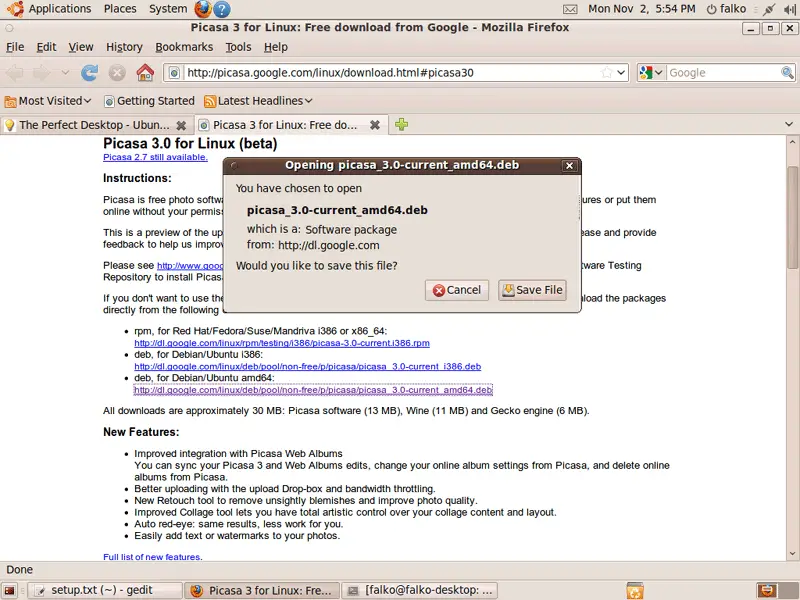
A download dialogue will come up. Click on Save File to download the package to your hard drive:
After the download has finished, open a terminal (Applications > Accessories > Terminal) and go to the directory where the package has been saved (the default location is the Downloads folder in your home directory, i.e. ~/Downloads):
cd ~/Downloads
The package can then be installed as follows:
sudo gdebi picasa_3.0-current_*
Afterwards, you can delete the .deb package:
rm -f picasa_3.0-current_*
12 Inventory (III)
We have now all wanted applications installed:
Graphics:
[x] The GIMP
[x] F-Spot
[x] Picasa
Internet:
[x] Firefox
[x] Opera
[x] Flash Player
[x] FileZilla
[x] Thunderbird
[x] Evolution
[x] aMule
[x] Transmission BitTorrent Client
[x] Azureus/Vuze
[x] Empathy IM Client
[x] Skype
[x] Google Earth
[x] Xchat IRC
Office:
[x] OpenOffice Writer
[x] OpenOffice Calc
[x] Adobe Reader
[x] GnuCash
[x] Scribus
Sound & Video:
[x] Amarok
[x] Audacity
[x] Banshee
[x] MPlayer
[x] Rhythmbox Music Player
[x] gtkPod
[x] XMMS
[x] dvd::rip
[x] Kino
[x] Sound Juicer CD Extractor
[x] VLC Media Player
[x] Helix Player
[x] Totem
[x] Xine
[x] Brasero
[x] K3B
[x] Multimedia-Codecs
Programming:
[x] KompoZer
[x] Bluefish
[x] Quanta Plus
Other:
[x] VirtualBox
[x] TrueType fonts
[x] Java
[x] Read/Write support for NTFS partitions
13 Links
- Ubuntu: http://www.ubuntu.com/





