
The Perfect Desktop - Fedora 10 (GNOME) - Page 2
This tutorial exists for these OS versions
On this page
3 Update The System
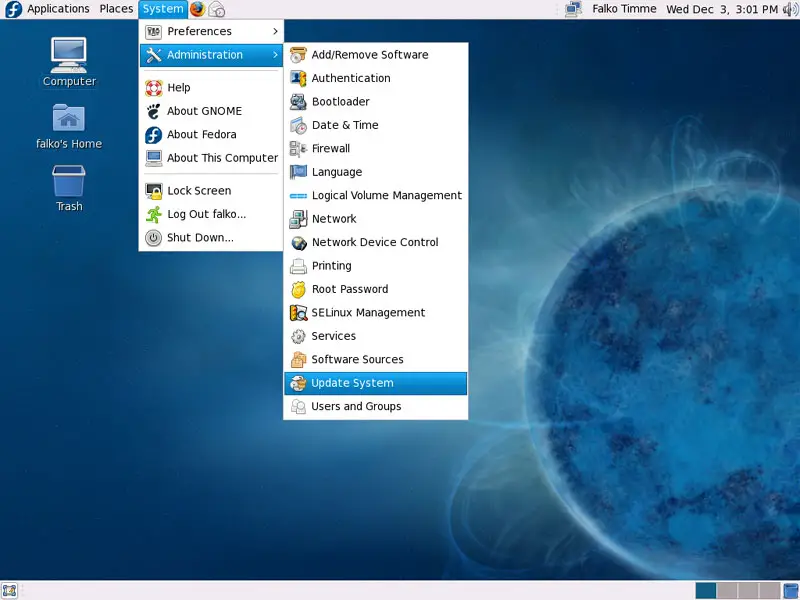
Now it's time to check for updates. Go to System > Administration > Update System:
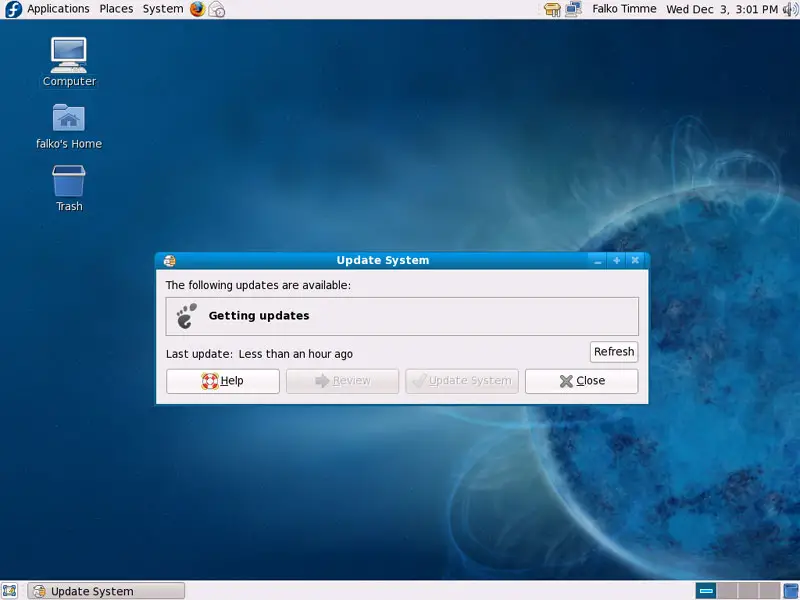
The Update System wizard comes up and checks for the latest updates:
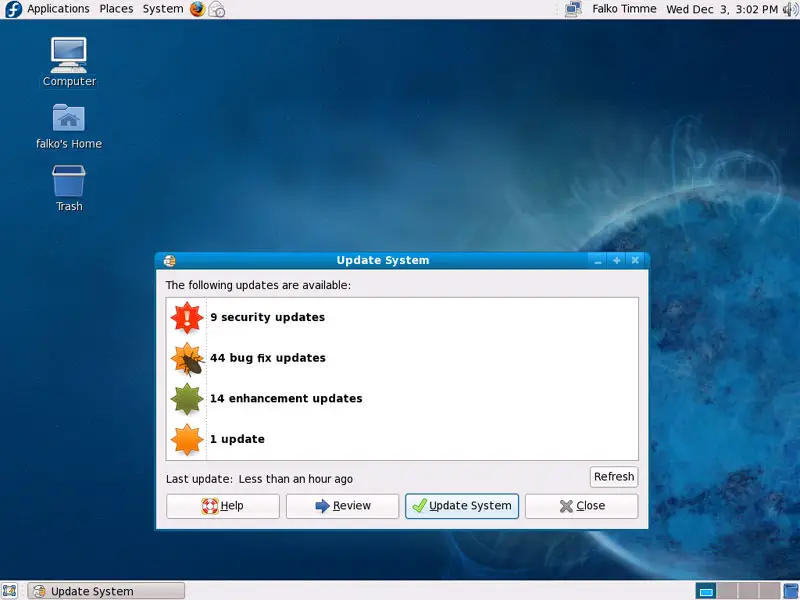
If it finds any, click on the Update System button to start the update:
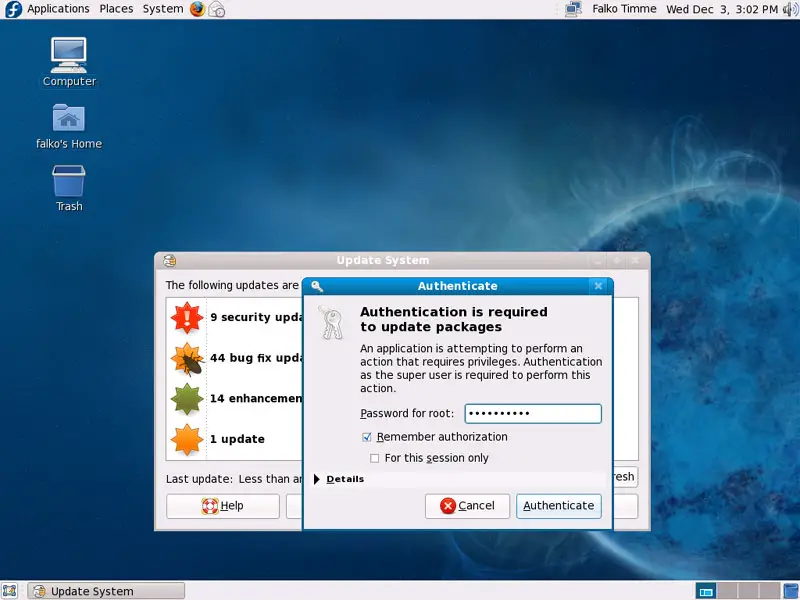
Type in the root password:
Afterwards the updates are being downloaded and installed:
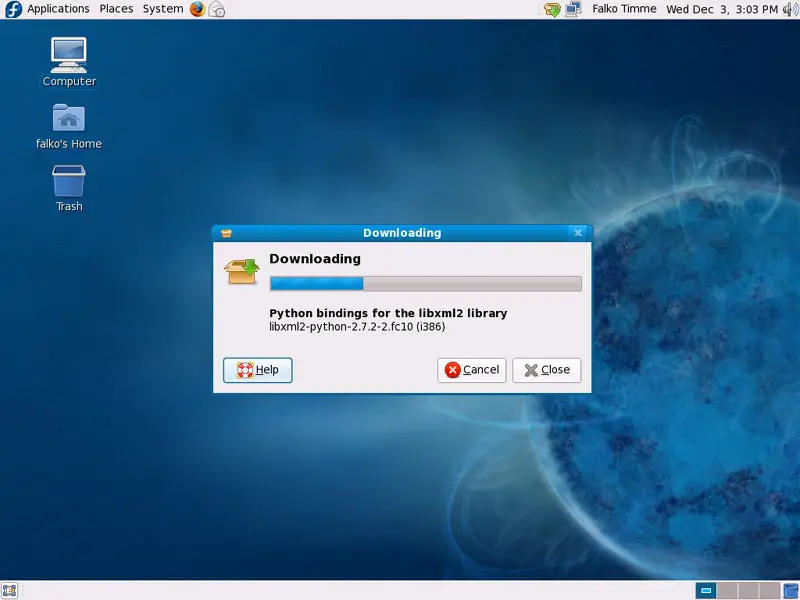
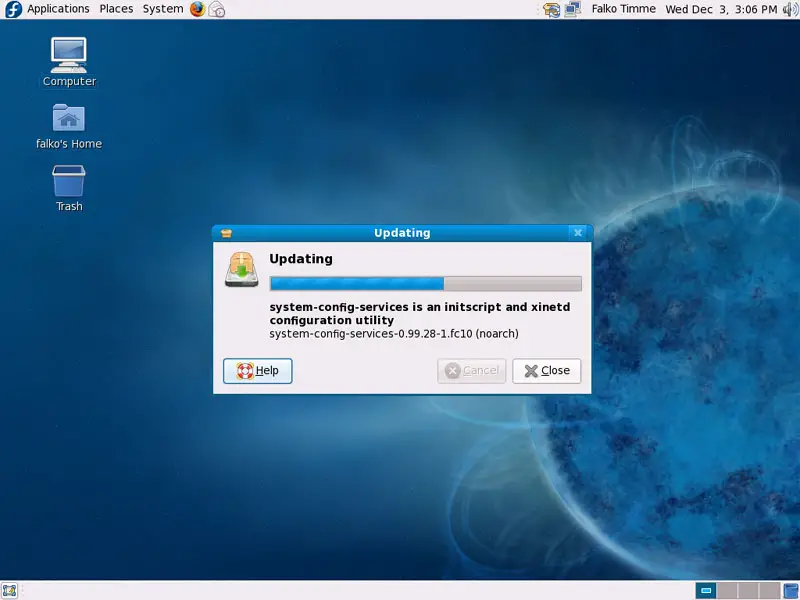
Click on Close to finish the update:
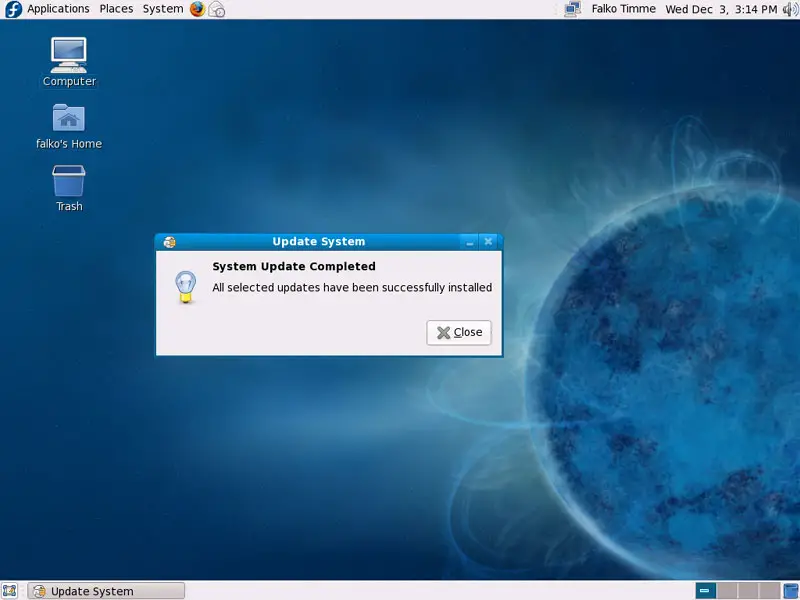
Your system is now up to date.
4 Disable SELinux
SELinux is a security extension of Fedora that should provide extended security. In my opinion you don't need it to configure a secure system, and it usually causes more problems than advantages (think of it after you have done a week of trouble-shooting because some service wasn't working as expected, and then you find out that everything was ok, only SELinux was causing the problem). Therefore I choose disable it, although you might prefer to go with it. I haven't tested this setup with SELinux enabled - it might well be that it works without problems, but if it does not, you can try to turn SELinux off and see if the problem is gone.
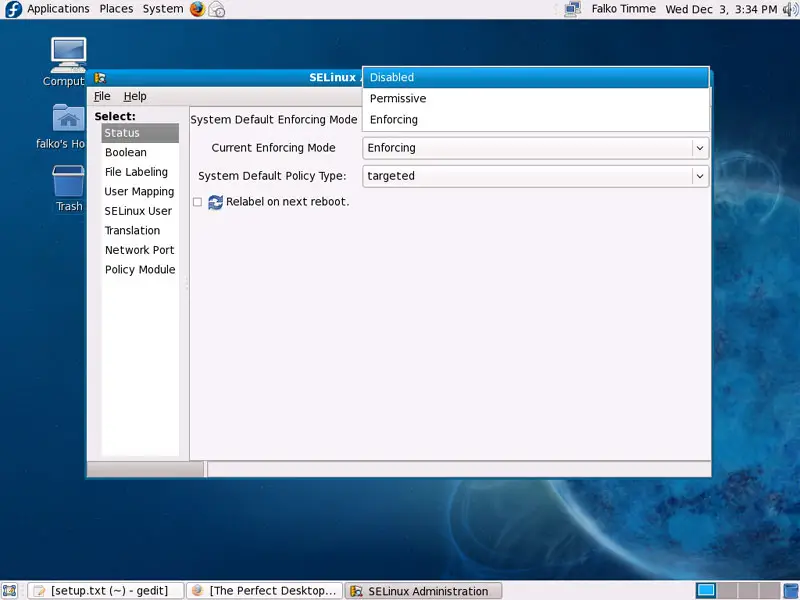
To disable SELinux, go to System > Administration > SELinux Management:
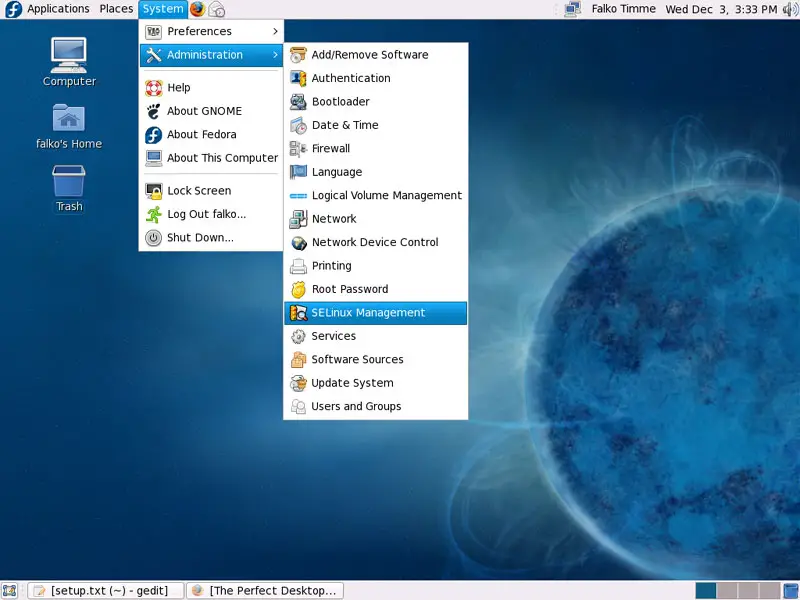
Select Disabled for System Default Enforcing Mode and close the window.
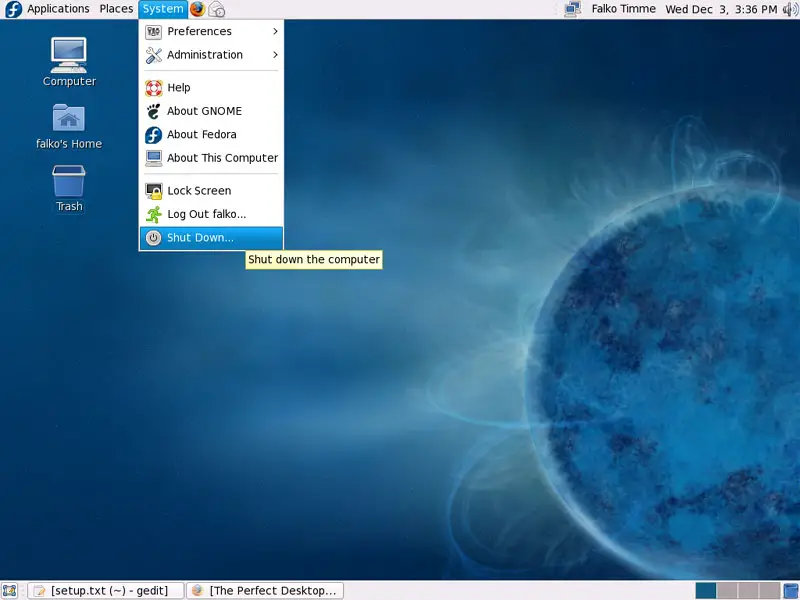
To make the change effective, we must reboot the system (System > Shut down...):
5 Inventory Of What We Have So Far
Now let's browse all menus under Applications to see which of our needed applications are already installed:
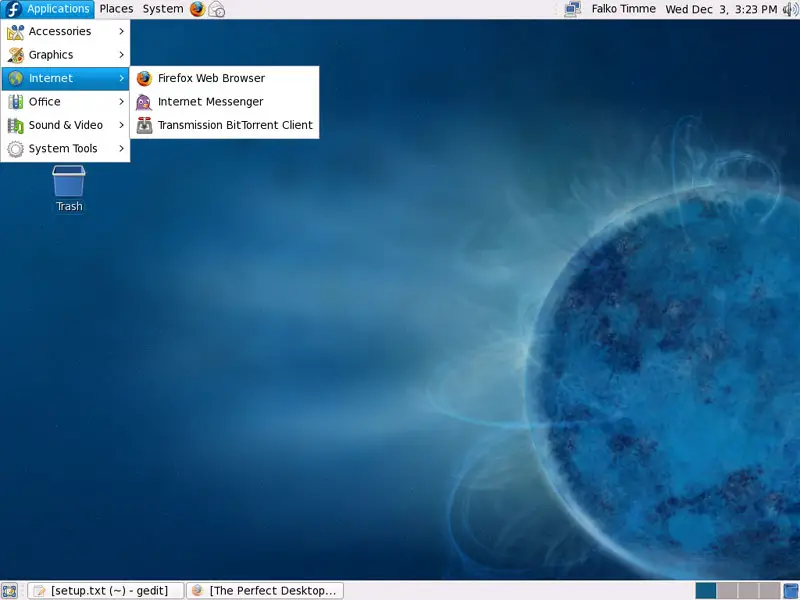
You should find the following situation ([x] marks an application that is already installed, where [ ] is an application that is missing). NTFS read/write support is enabled by default on Fedora 10.
Graphics:
[x] Gimp
[ ] F-Spot
[ ] Picasa
Internet:
[x] Firefox
[ ] Opera
[ ] Flash Player
[ ] FileZilla
[ ] Thunderbird
[x] Evolution
[ ] aMule
[ ] Azureus/Vuze
[x] Transmission BitTorrent Client
[x] Pidgin
[ ] Skype
[ ] Google Earth
[ ] Xchat IRC
Office:
[ ] OpenOffice Writer
[ ] OpenOffice Calc
[ ] Adobe Reader
[ ] GnuCash
[ ] Scribus
Sound & Video:
[ ] Amarok
[ ] Audacity
[ ] Banshee
[ ] MPlayer
[x] Rhythmbox Music Player
[ ] gtkPod
[ ] XMMS
[ ] dvd::rip
[ ] Kino
[x] Sound Juicer CD Extractor
[ ] VLC Media Player
[ ] Real Player
[x] Totem
[ ] Xine
[ ] Brasero
[ ] K3B
[ ] Multimedia-Codecs
Programming:
[ ] Kompozer
[ ] Bluefish
[ ] Quanta Plus
Other:
[ ] VMware Server
[ ] TrueType Fonts
[ ] Java
[x] Read/Write Support for NTFS Partitions
So some applications are already on the system...





