
Running Linux Live-CDs On Windows With MobaLiveCD
On this page
Version 1.0
Author: Falko Timme
This article is a short introduction to running Linux Live-CDs with MobaLiveCD. MobaLiveCD is a standalone Windows application (i.e., you do not have to install it - it runs by clicking on the executable) that uses the Qemu emulator to run Linux Live-CDs on your Windows desktop.
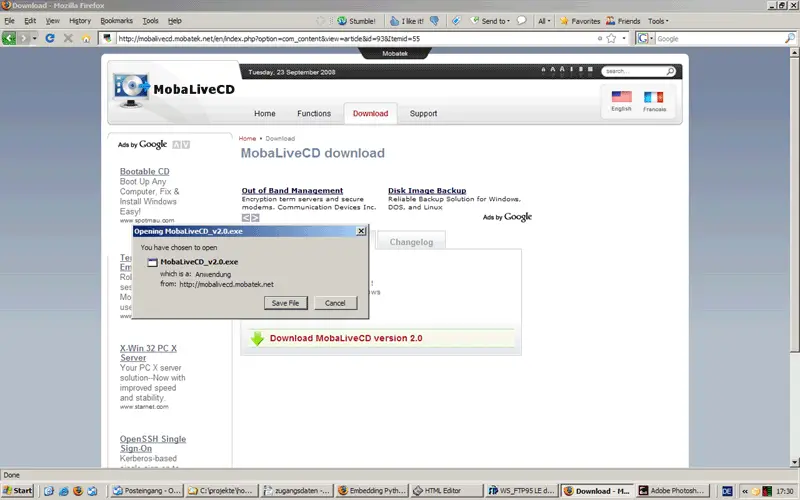
To download MobaLiveCD, go to http://mobalivecd.mobatek.net/en/ and follow the download link. Save the MobaLiveCD executable somewhere on your hard drive (e.g. on the desktop):
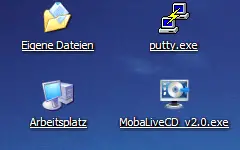
Afterwards, you can start MobaLiveCD right away by simply clicking on the executable - it's a standalone application, i.e., it doesn't need to be installed:
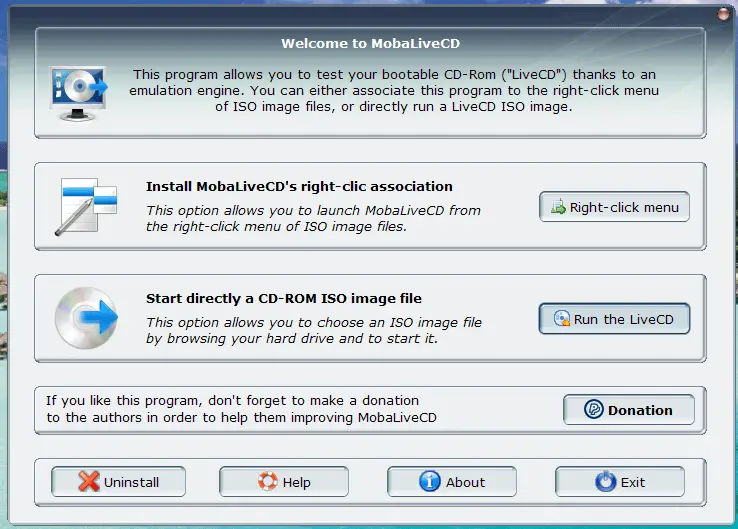
After MobaLiveCD has started, click on Run the LiveCD...
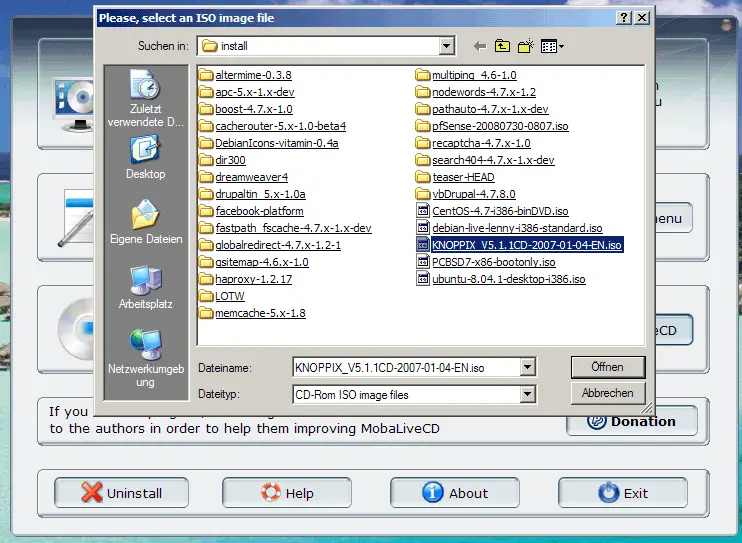
... and select the ISO image of a Linux Live-CD from your hard drive (e.g. Knoppix):
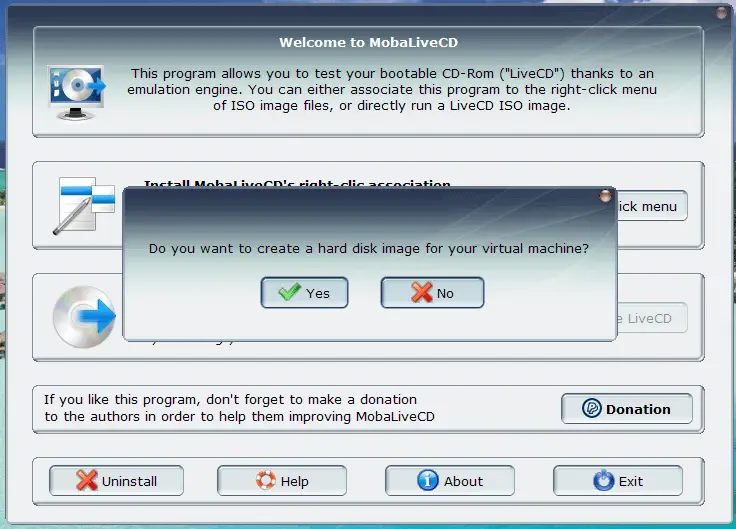
If you want to save changes that you make in the Linux live system, create a hard disk image for the virtual machine, otherwise select No:
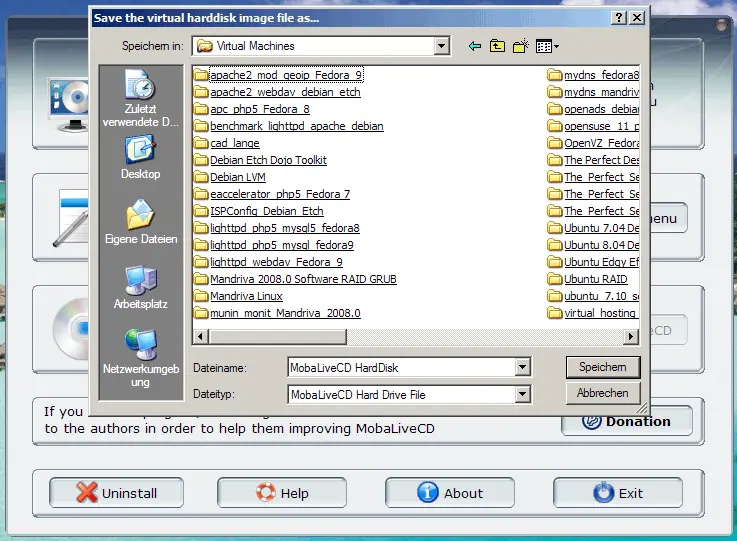
If you have chosen to create a hard disk image, specify its location:
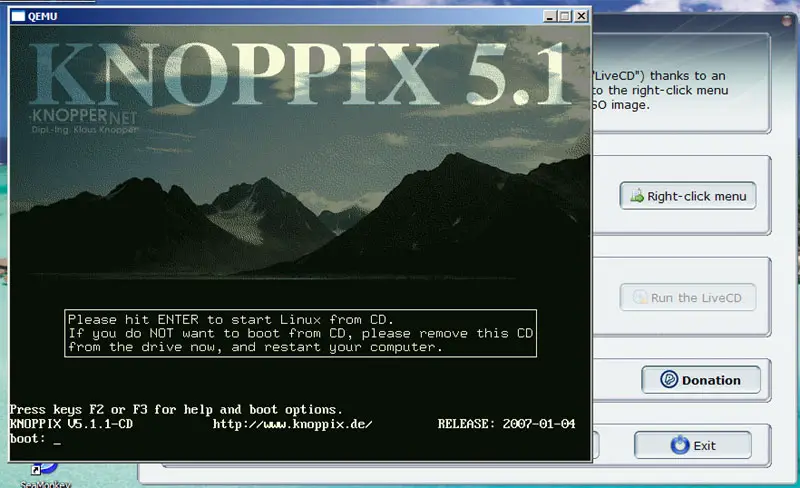
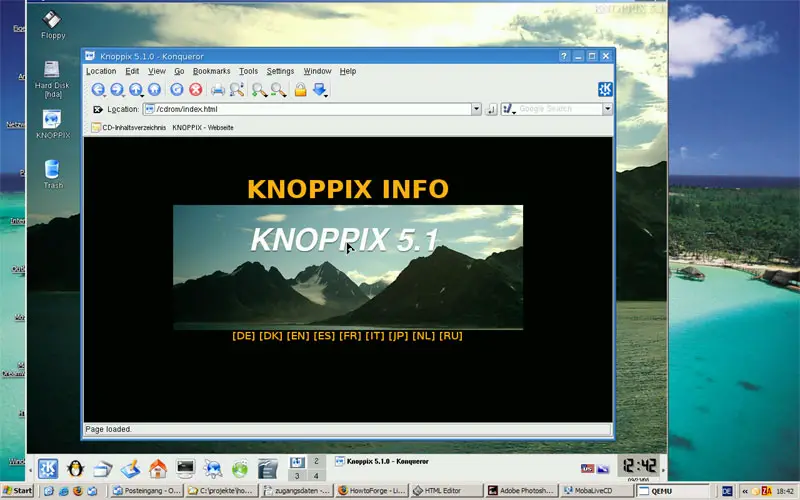
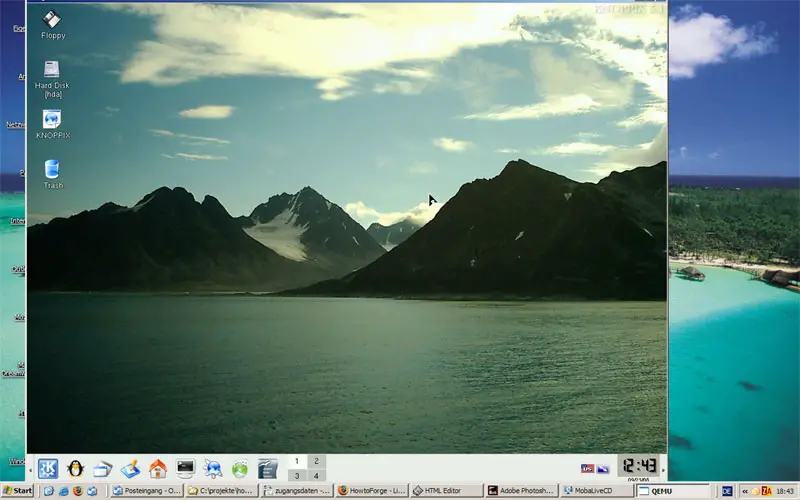
Afterwards the Live-CD starts and boot the Linux system. Click into the window to move the mouse pointer of the Linux system or to press keys inside the Linux system. To release the mouse pointer, press CTRL+ALT.
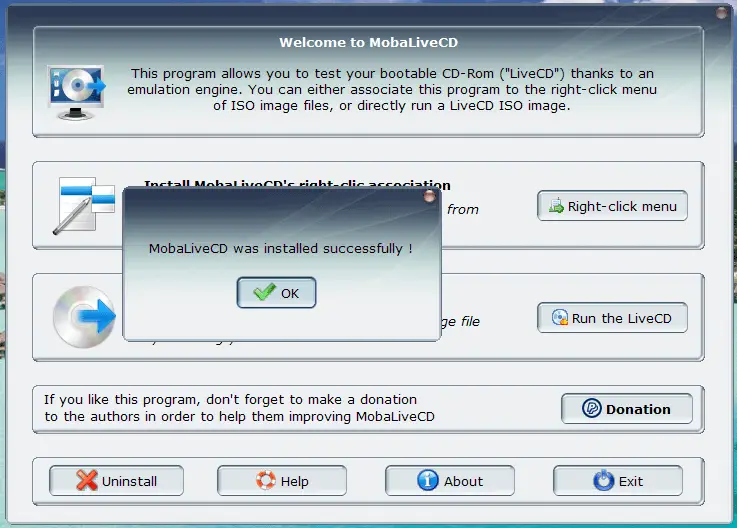
MobaLiveCD also lets you add a menu entry to the right-click menu of ISO images so that you can directly run the ISO image from the right-click menu. To set up the menu entry, click on the Right-click menu button in MobaLiveCD:
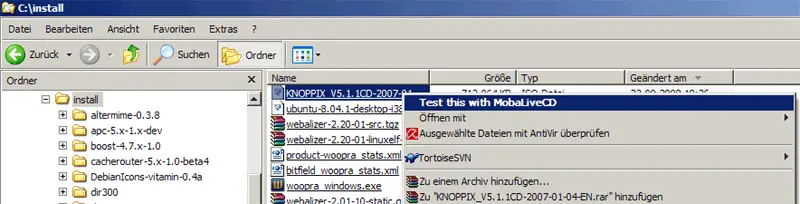
Now when you right-click on an ISO image, you see the entry Test this with MobaLiveCD in the right-click menu. Select this if you want to start the ISO image in MobaLiveCD:
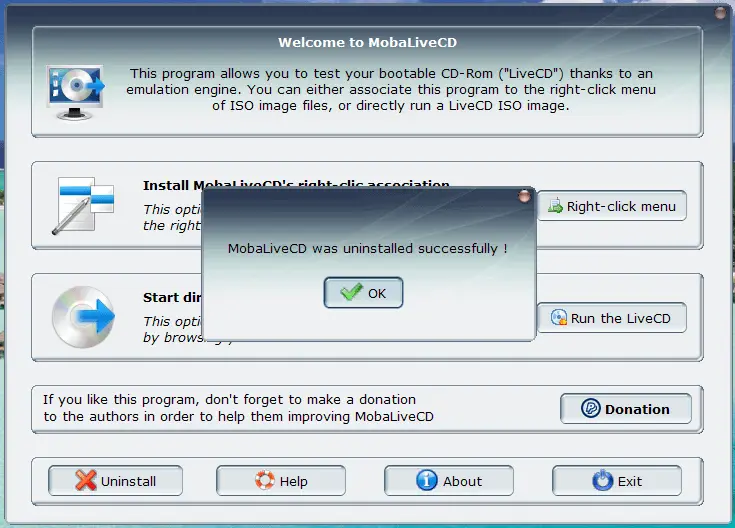
If you want to remove the entry from the right-click menu, click on the Uninstall button in MobaLiveCD:
Links
- MobaLiveCD: http://mobalivecd.mobatek.net/en/
- Linux cd command





