How To Set Up A Facebook RSS Feed Reader Application For Your Blog - Page 6
On this page
8 Provide An Icon For Your Application
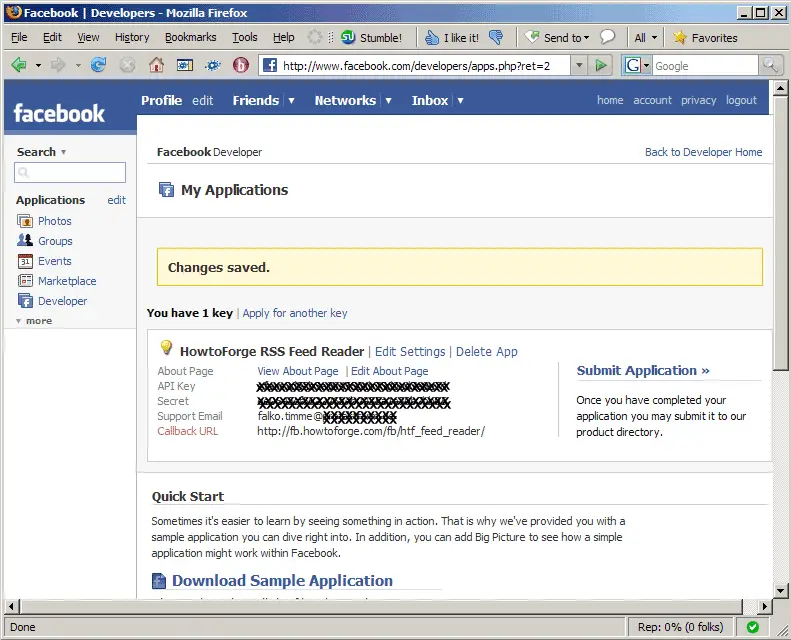
To provide an icon (16 x 16px, will be resized if larger; format: gif, png, jpg) for your application, go to the My Applications page within the Developer application and click on Edit Settings:
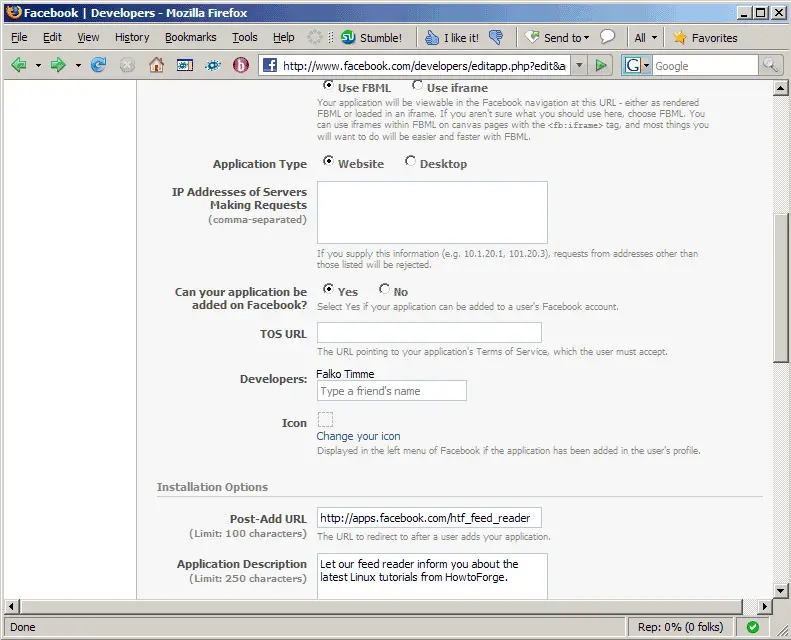
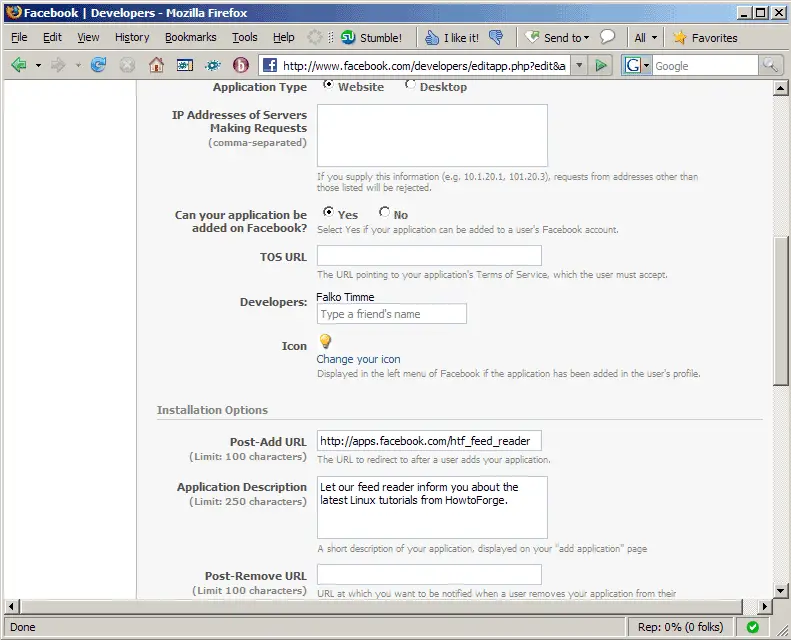
Afterwards, scroll down to where it says Icon and click on the Change your icon link:
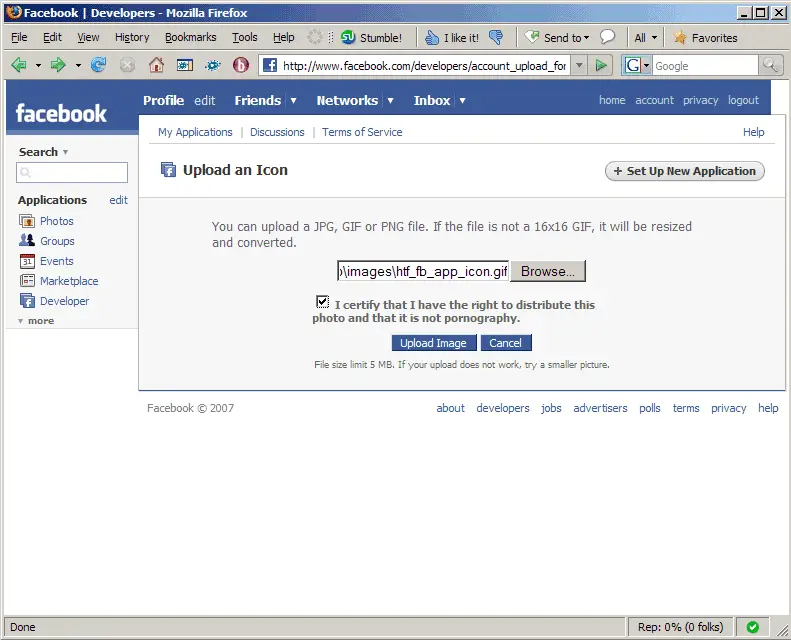
Select your icon from your hard drive, confirm that you have the right to distribute the icon and that it is not pornography, and click on Upload Image:
Afterwards, you should see your new icon on the settings page of your application. Scroll down to the bottom of the page and click on Save:
Afterwards, you will find your new icon next to anything that has to do with your app: