
The Perfect Setup - Fedora Core 5 (64-bit) - Page 2
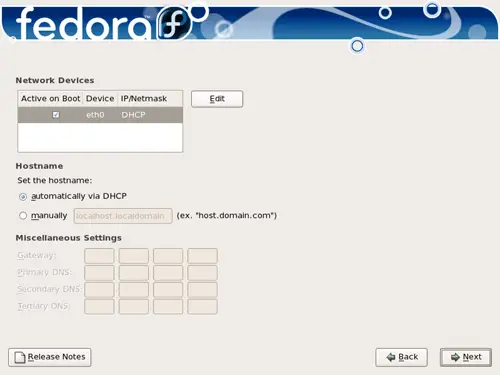
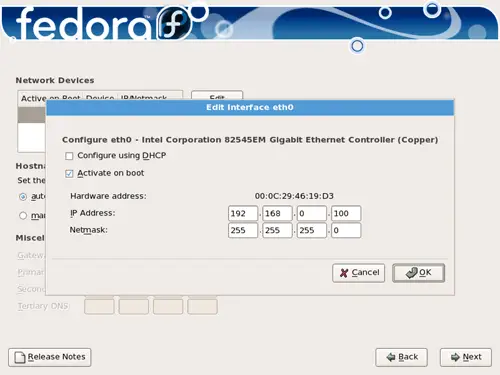
On to the network settings. The default setting here is to configure the network interfaces with DHCP, but we are installing a server, so static IP addresses are not a bad idea... Click on the Edit button at the top right. In the window that pops up uncheck Configure using DHCP and give your network card a static IP address (in this tutorial I'm using the IP address 192.168.0.100 for demonstration purposes):
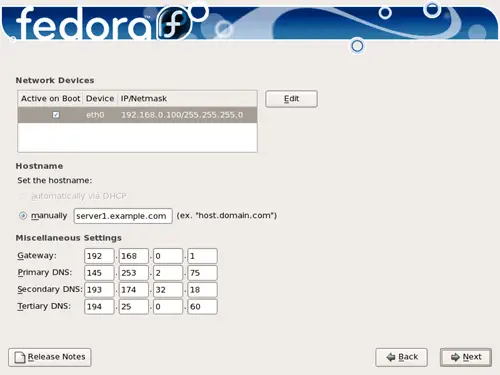
Set the hostname manually, e.g. server1.example.com, and enter a gateway (e.g. 192.168.0.1) and up to three DNS servers (e.g. 145.253.2.75, 193.174.32.18, and 194.25.0.60):
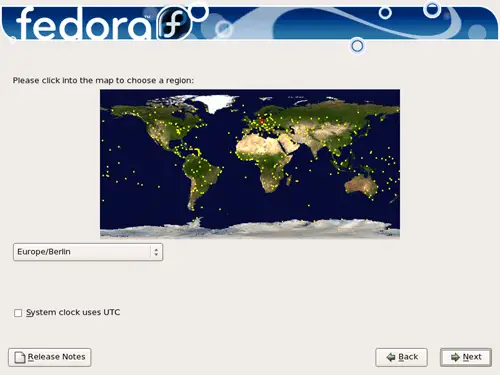
Choose your time zone:
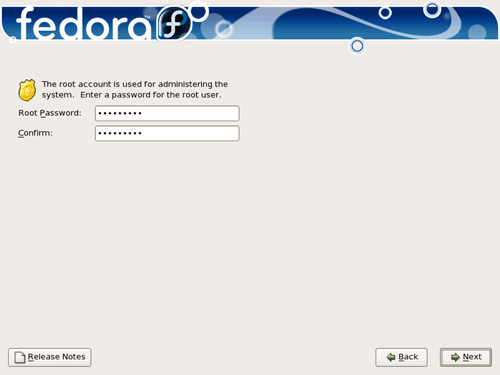
Give root a password:
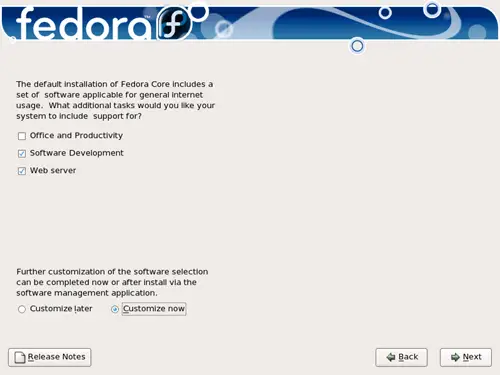
Now we select the software we want to install. Uncheck Office and Productivity and check Software Development and Web server instead. Also check Customize now, then click on Next:
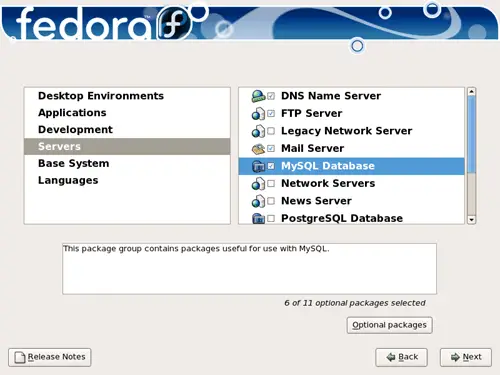
Now we must select the package groups we want to install. Select Editors, Text-based Internet, Development Libraries, Development Tools, DNS Name Server, FTP Server, Mail Server, MySQL Database, Server Configuration Tools, Web Server, Administration Tools, Base, Java, and System Tools and click on Next:
Click on Next to start the installation:
The installation begins. This will take a few minutes:
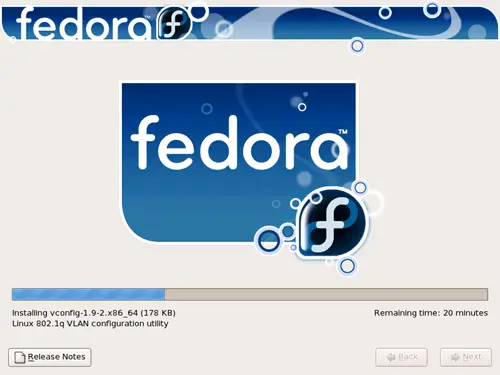
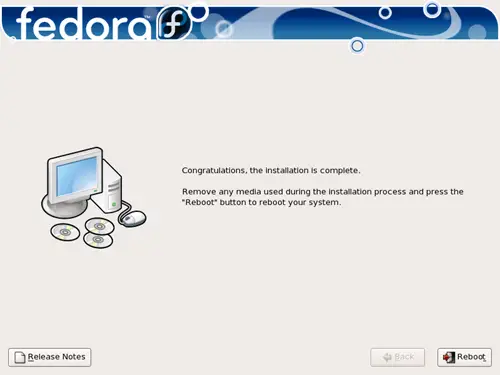
Finally, the installation is complete, and you can remove your DVD or CD from the computer and reboot it:
Now, on to the configuration...





