
The Perfect Server - OpenSUSE 11 - Page 2
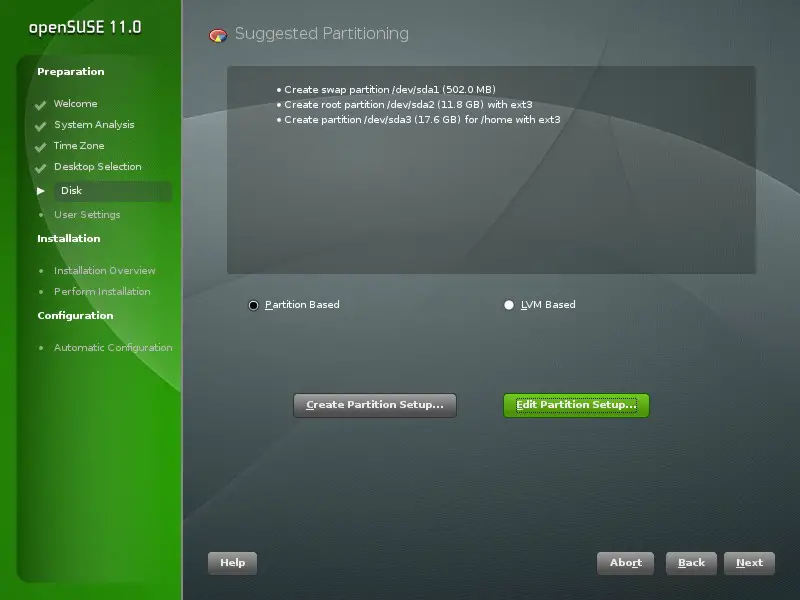
Click on "Edit partition setup" to change the proposed partitions. As this is a server setup, we need a large /srv partition instead of the /home partition:
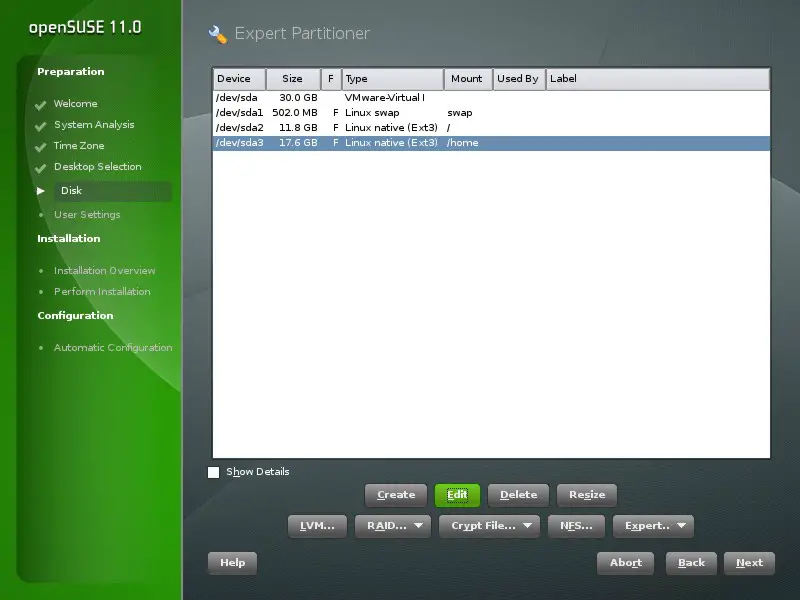
Select /dev/sda3 and click on edit:
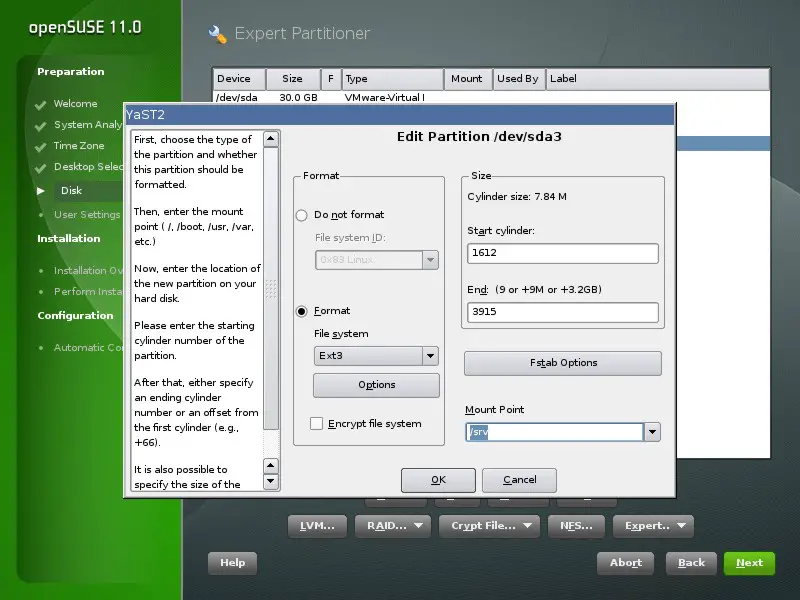
Change the "Mount Point" to /srv and click on Ok, then click on Next:
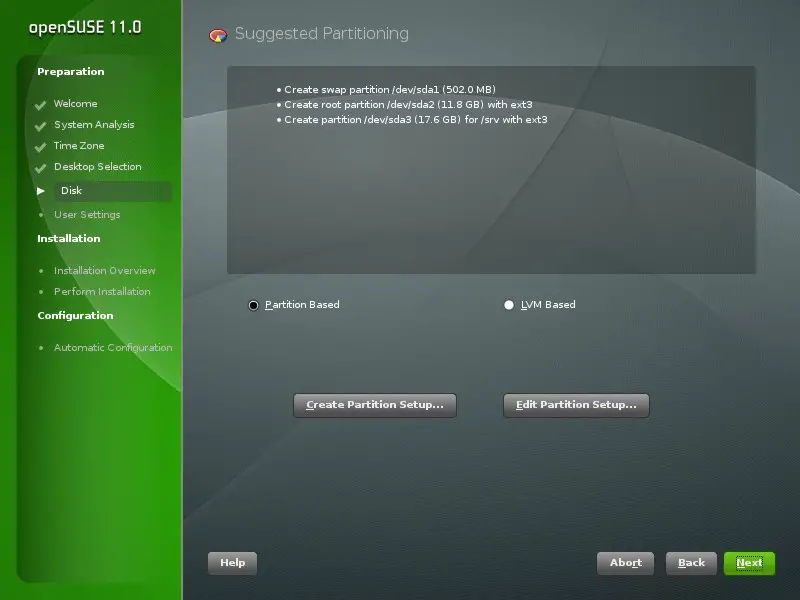
The resulting setup should look like this:
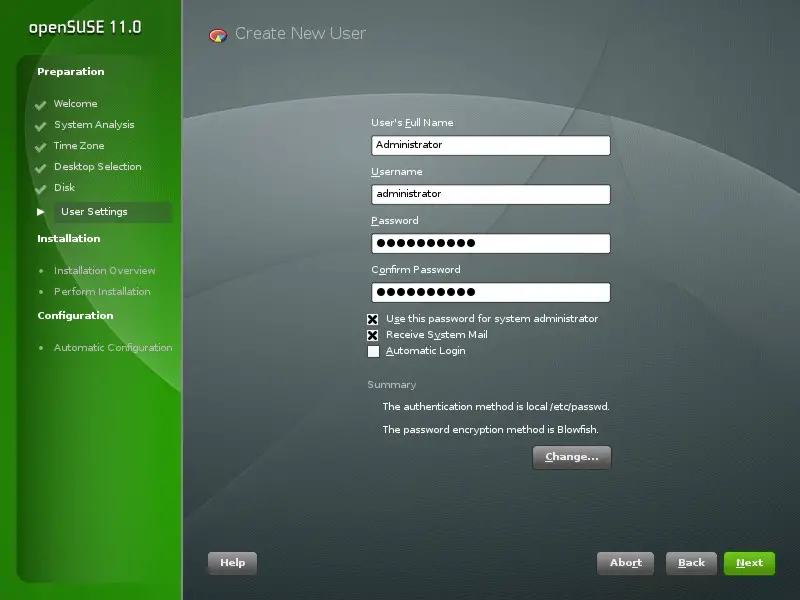
Now I create a user named "administrator". You may use any username you like. Make sure that you disable the Automatic Login checkbox for this user. The password that you enter here will be used as the root password.
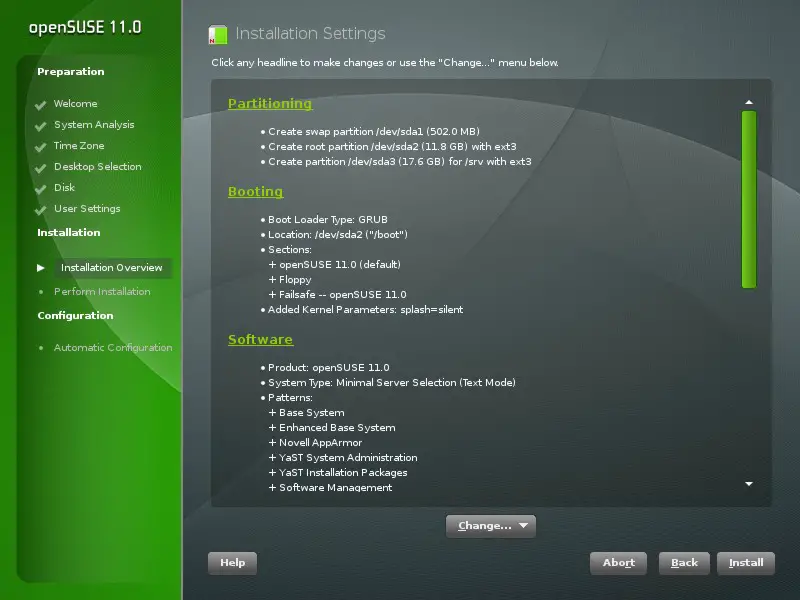
The installer shows an overview of the selected install options. Choose Install to start the installation process.
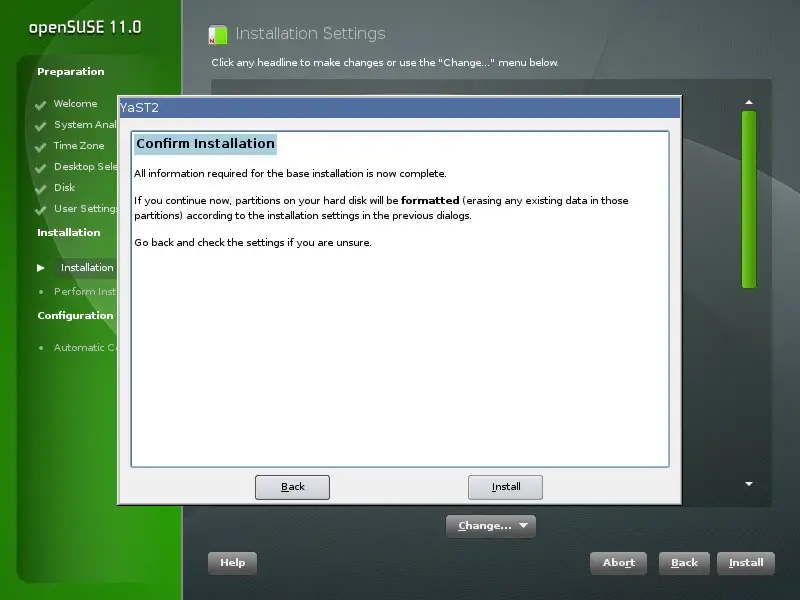
And confirm that you really want to start the installation:
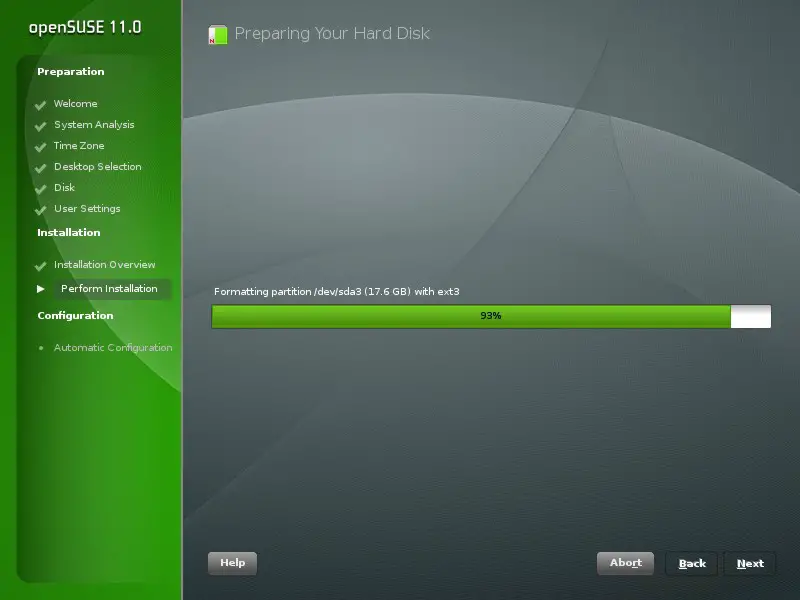
The installer formats the harddisk, installs the software packages and prepares the system configuration for the first boot:
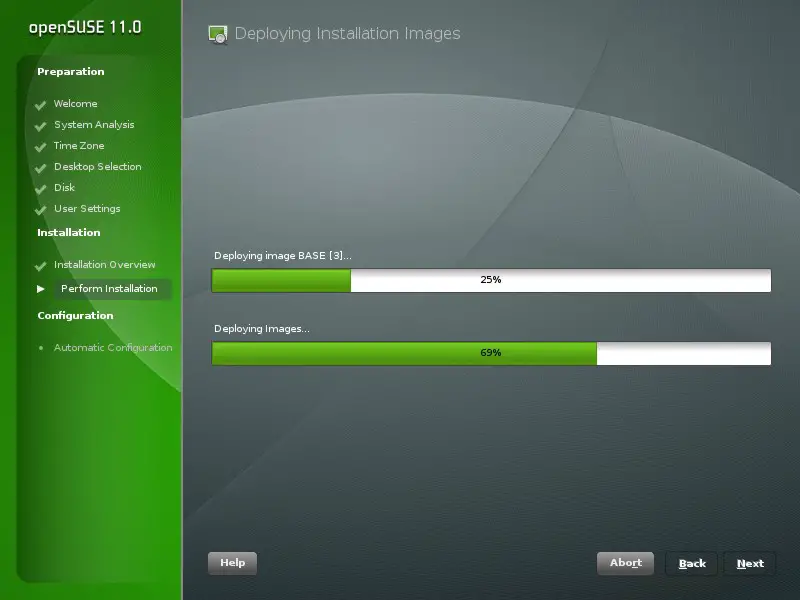
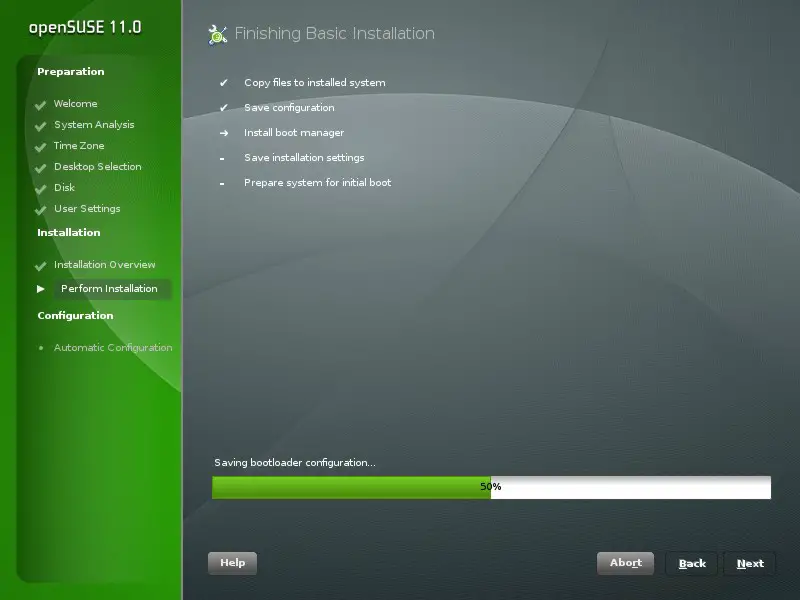
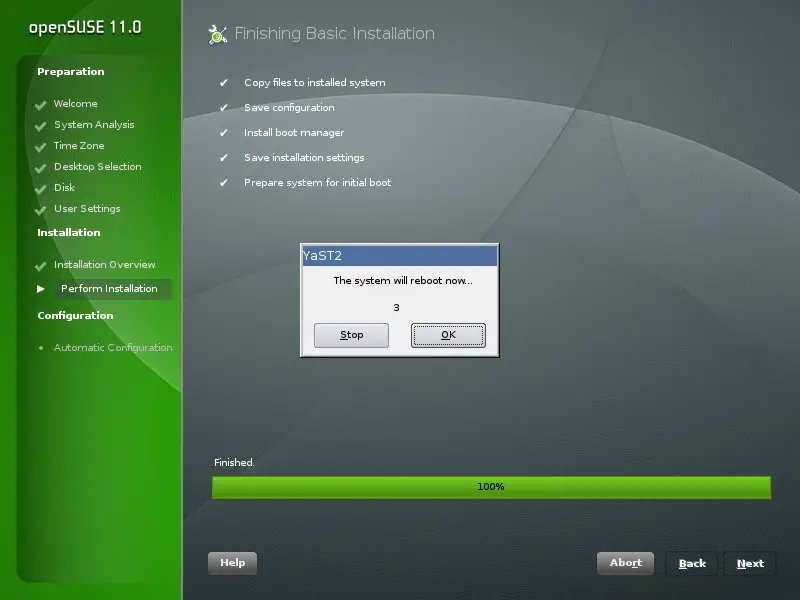
The automatic configuration starts right after the system is rebooted:
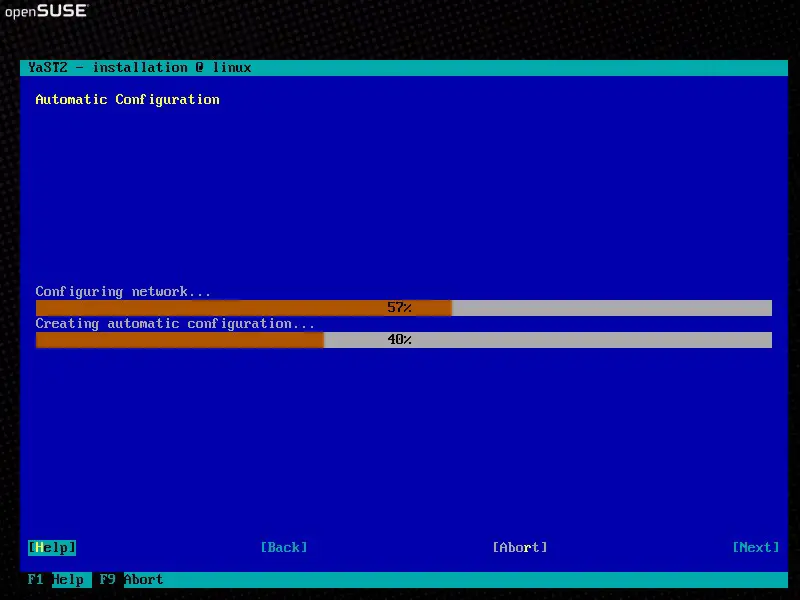
Now log in with the username "root" and the password that you selected during the installation.





