
How To Manage An iPod From A Linux Desktop With Amarok - Page 3
On this page
5 Download Music From the iPod
To download music from your iPod to your desktop, go to the Devices tab again where you should find the contents of your iPod. Select the album/file(s) that you want to download and drag & drop it/them to the right window:
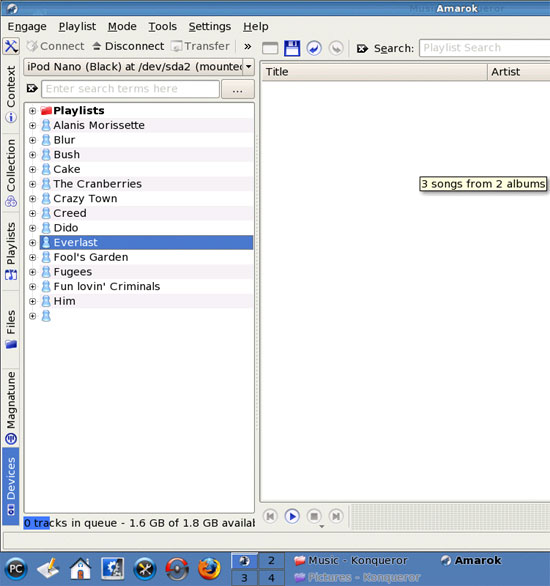
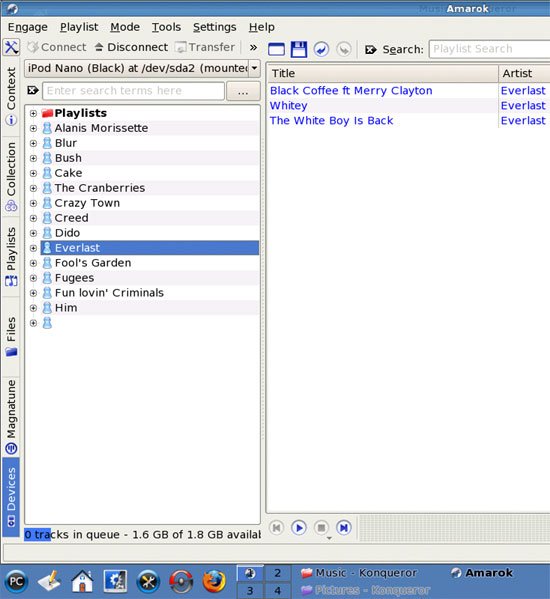
Then go to the Collection tab where you should find your local music:
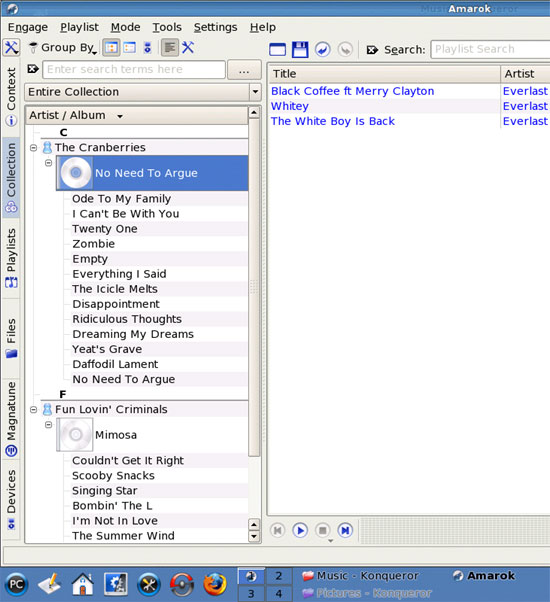
Now mark the file(s) that you want to download. To mark a single file, just click on it. To mark multiple files, hold down the CTRL key and click on the desired files. To mark all files, press CTRL-a. Then drag & drop the file(s) to the left window:

A window named Copy Files To Collection opens. You can make changes here, but normally the default settings should be ok. Click on OK:

The file(s) is/are now being downloaded. Afterwards, the file(s) should be listed in your Collection:
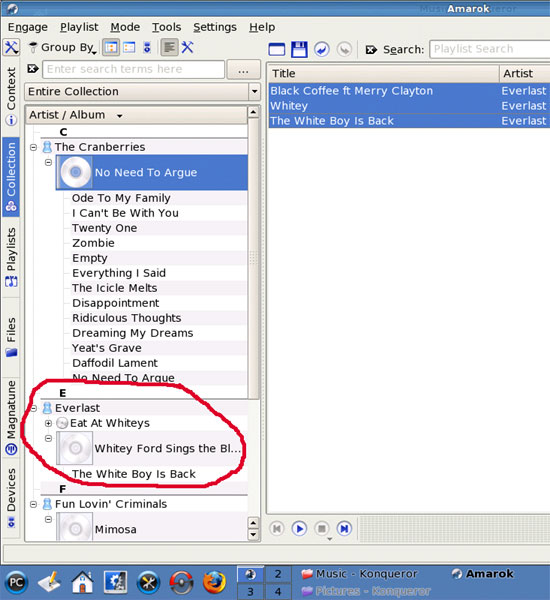
To clear the contents of the right Amarok window, just click on the Clear button above it:





