How To Manage An iPod From A Linux Desktop With Amarok - Page 2
On this page
4 Upload Music To The iPod
Go to the Collection tab. It should list your local albums/MP3 files:
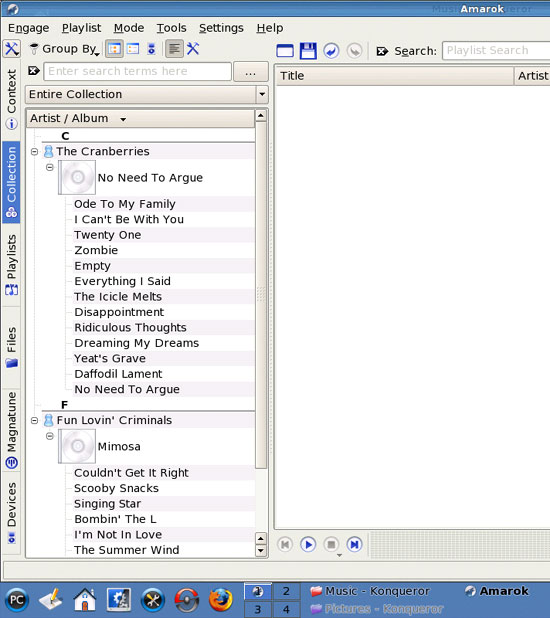
You can now select single files or whole albums and drag & drop them to the main window:
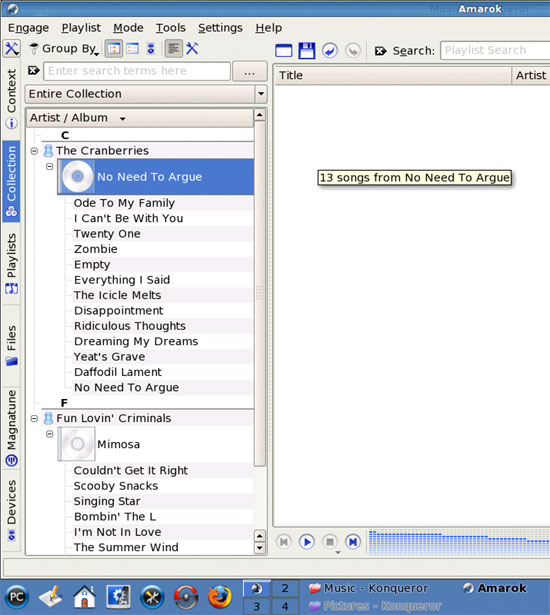
Afterwards, you should find your selected music in the main window:

Now go back to the Devices tab:
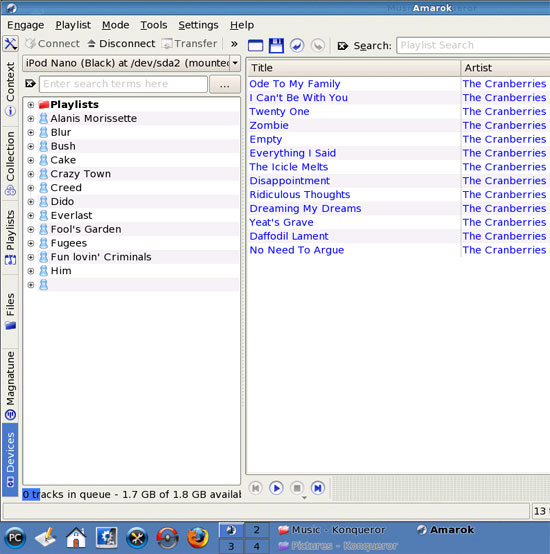
Now mark the files you want to transfer to your iPod. If you want to transfer a single file, just click on it. If you want to transfer multiple files, hold down the CTRL key and then click on your desired files to mark them. To mark all files, just press CTRL-a:

Now drag & drop your selection to the left window (where the contents of your iPod is listed). You should then see a Transfer Queue window that lists all the files that you selected for upload to the iPod:
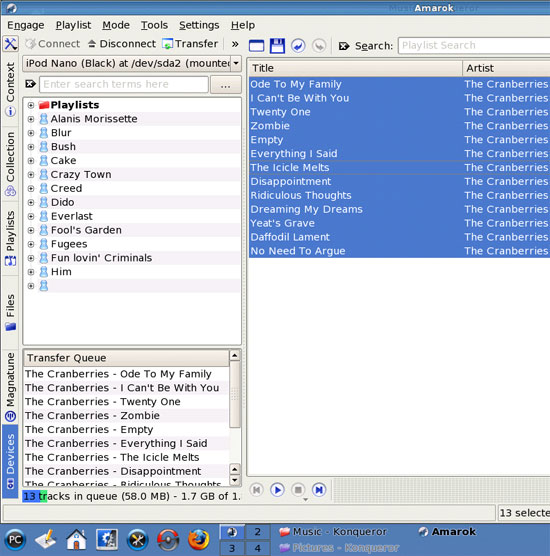
To start the upload, simply click on the Transfer button (right below Amarok's menu bar):

The files are now being transferred to the iPod (you should see a progress bar below the Transfer Queue window):

Afterwards, you should find the uploaded music on the iPod:
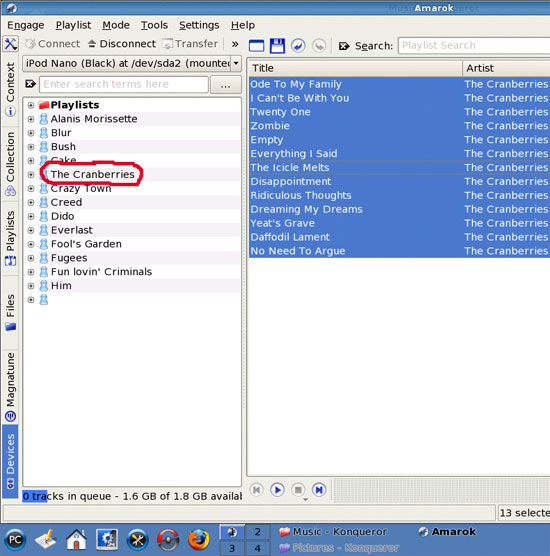
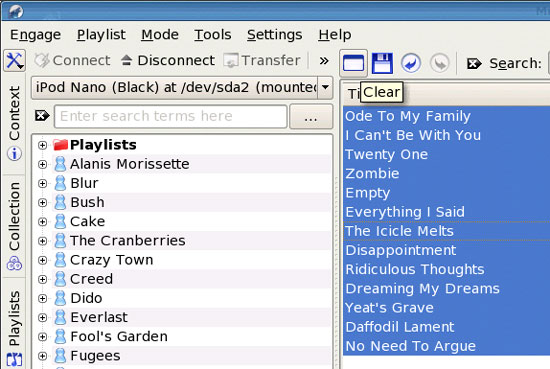
To clear the contents of the right window, click on the Clear button above it: